manuals.online logo
Brands
  1. Home
  2. •
  3. Brands
  4. •
  5. Ocean Technology Systems
  6. •
  7. Diving Instrument
  8. •
  9. Ocean Technology Systems SCU-BUD User manual

Ocean Technology Systems SCU-BUD User manual

Other Ocean Technology Systems Diving Instrument manuals

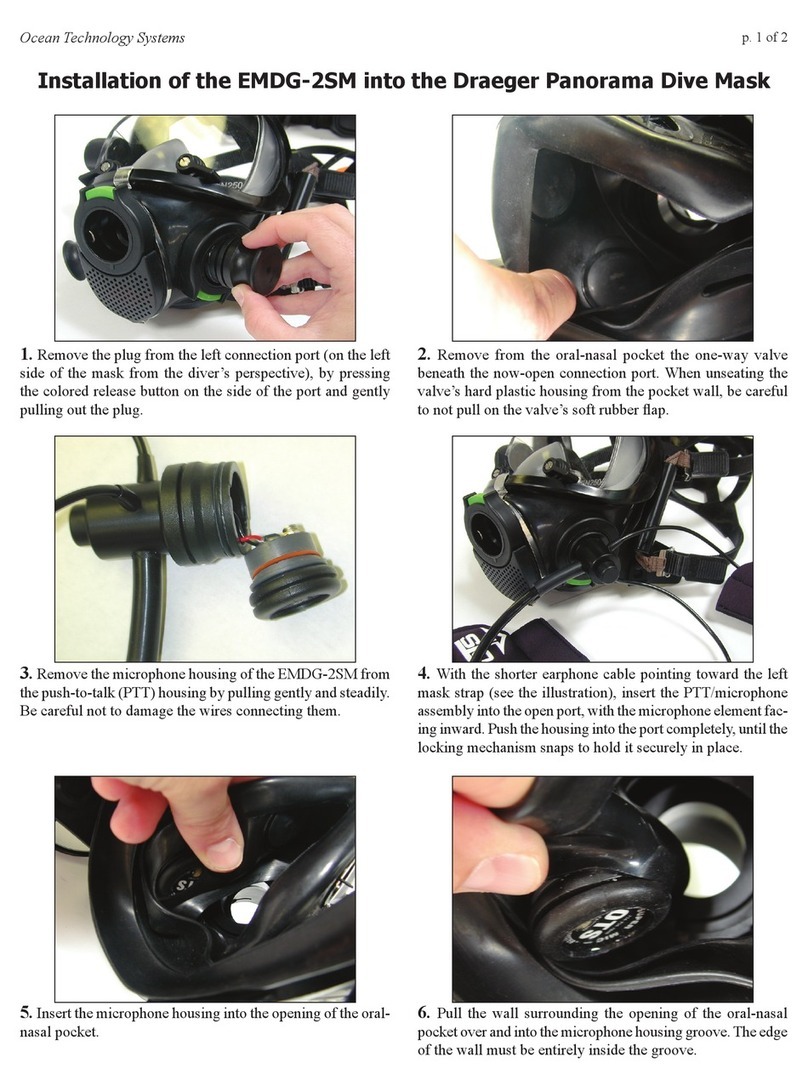
Ocean Technology Systems PDR-100 User manual
Ocean Technology Systems

Ocean Technology Systems PDR-100 User manual

Ocean Technology Systems MilCom 6000D User manual

Ocean Technology Systems

Ocean Technology Systems MilCom 6000D User manual

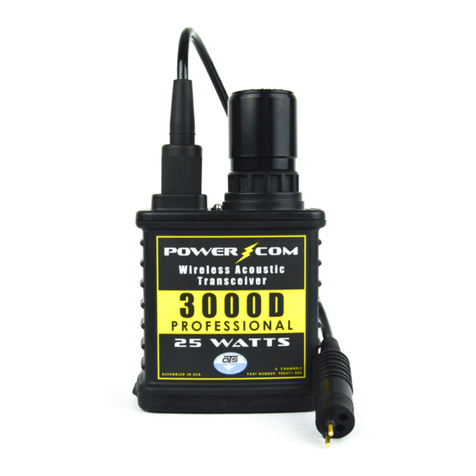
Ocean Technology Systems EMDG-2SM User manual
Ocean Technology Systems

Ocean Technology Systems EMDG-2SM User manual

Ocean Technology Systems PowerCom 3000D User manual

Ocean Technology Systems

Ocean Technology Systems PowerCom 3000D User manual

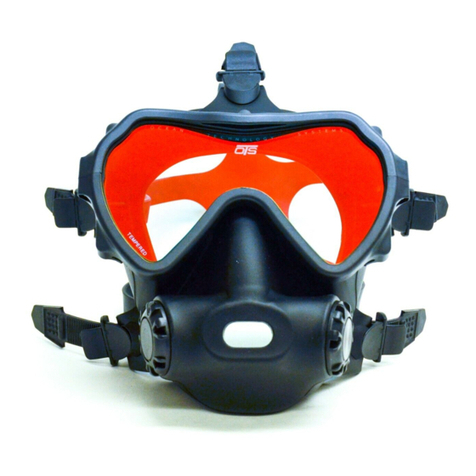
Ocean Technology Systems Guardian User manual
Ocean Technology Systems

Ocean Technology Systems Guardian User manual

Ocean Technology Systems Spectrum User manual

Ocean Technology Systems

Ocean Technology Systems Spectrum User manual
Popular Diving Instrument manuals by other brands

Aqua Lung i300C owner's manual

Aqua Lung

Aqua Lung i300C owner's manual

Sherwood Amphos manual

Sherwood

Sherwood Amphos manual

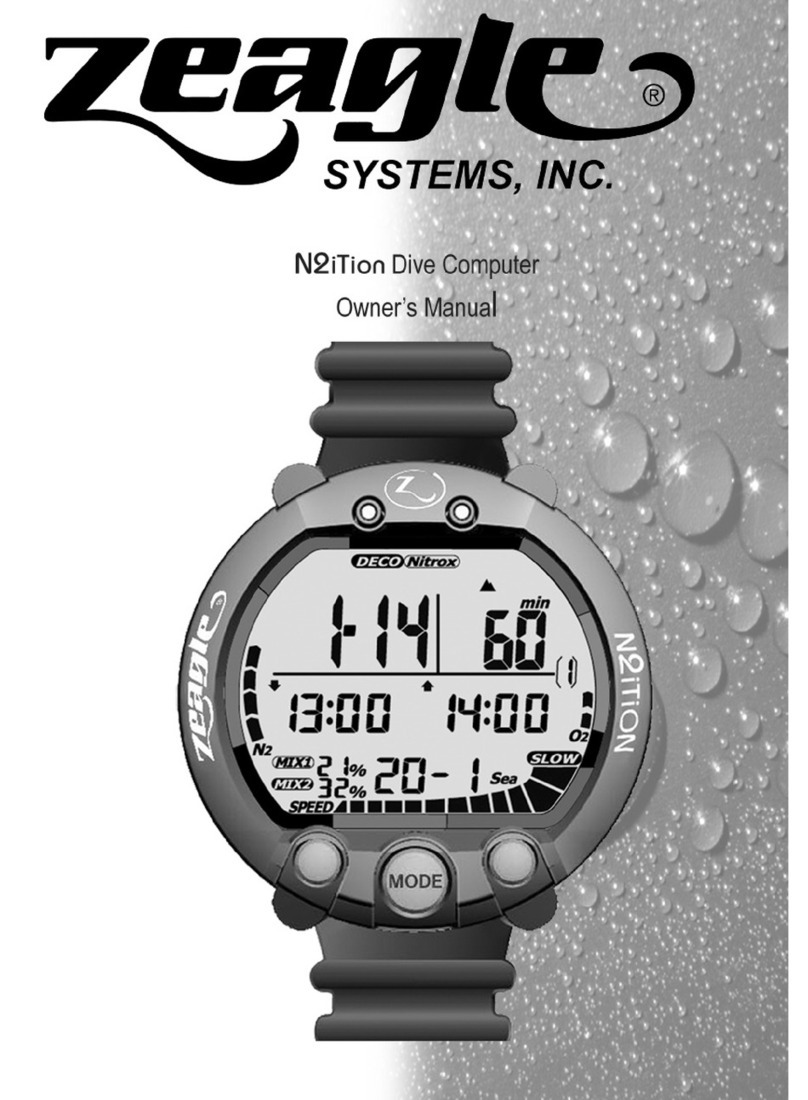
Zeagle N2ition owner's manual

Zeagle

Zeagle N2ition owner's manual

OCEANS S1 Supersonic manual

OCEANS

OCEANS S1 Supersonic manual

SUBMERSIBLE SYSTEMS Spare Air 600 owner's manual

SUBMERSIBLE SYSTEMS

SUBMERSIBLE SYSTEMS Spare Air 600 owner's manual

Apeks BLACK SAPPHIRE Maintenance manual

Apeks

Apeks BLACK SAPPHIRE Maintenance manual

Omer SP2 instructions

Omer

Omer SP2 instructions

Dräger PAS AirPack 1 Instructions for use

Dräger

Dräger PAS AirPack 1 Instructions for use

Dive Lab KIRBY MORGAN KMB 18 USER, OPERATOR COURSE

Dive Lab

Dive Lab KIRBY MORGAN KMB 18 USER, OPERATOR COURSE

Ratio Computers iDive user manual

Ratio Computers

Ratio Computers iDive user manual

Oceanic PROPLUS X operating manual

Oceanic

Oceanic PROPLUS X operating manual

CFA MSA G1 Reference manual

CFA

CFA MSA G1 Reference manual

Tusa Q 1203 CE Start guide

Tusa

Tusa Q 1203 CE Start guide

Sherwood Scuba Insight Manual guide

Sherwood Scuba

Sherwood Scuba Insight Manual guide

TREND GAUGE/60 manual

TREND

TREND GAUGE/60 manual

Tusa B.C.J. owner's manual

Tusa

Tusa B.C.J. owner's manual

Dräger Panorama Nova Dive Instructions for use

Dräger

Dräger Panorama Nova Dive Instructions for use

heinrichs weikamp OSTC 2 user manual

heinrichs weikamp

heinrichs weikamp OSTC 2 user manual

manuals.online logo
manuals.online logoBrands
  • About & Mission
  • Contact us
  • Privacy Policy
  • Terms and Conditions

Copyright 2025 Manuals.Online. All Rights Reserved.

Ocean Technology Systems
Installation of the SCU-BUD into the ScubaPro Full-Face Mask
1. Unscrew and remove the metal band that secures
the mask’s left accessory port cover, to which the
lower mask strap is attached. Remove the acces-
sory port cover.
2. Remove the mask strap from the accessory port
cover. Remove the male buckle end from the strap,
and set it aside. Install the mask strap into the buckle
of the Buddy Phone®microphone module.
3.InstalltheBuddyPhone®microphone module into
the mask’s left accessory port. 4. Close the metal band around the opening of the
accessory port and tighten the screw, so that the
microphone module is securely attached.
p. 1 of 2
Installation Instructions
506106-000 (A)
6. Don the mask and assure the microphone is posi-
tioned as close to your lips as possible (less than
1/4 inch is best). The correct microphone position
is important: If it is too far from your lips, commu-
nications will sound weak and distant.
Undersea Systems International, Inc. dba
Ocean Technology Systems
3133 W. Harvard Street • Santa Ana • California • 92704 • USA
Toll-Free (800) 550-1984 • Telephone (714) 754-7848 • Fax (714) 966-1639 • Email: [email protected]
www.oceantechnologysystems.com
5. Fully insert the upper left head strap of the mask
into the strap retainer slot on the Buddy Phone®so
that the Buddy Phone®will be positioned over the
left ear.
7. Adjust the ScubaPro Buddy Phone®so the earphone is over your ear or as close to it as possible.
A fully installed ScubaPro Buddy Phone®
p. 2 of 2
8. Secure the Buddy Phone®cable to the mask strap
buckle with a tie wrap. The tie wrap should be just
loose enough that the cable can move freely through
it. Cut off all excess length of tie wrap.