manuals.online logo
Brands
  1. Home
  2. •
  3. Brands
  4. •
  5. Oceanic
  6. •
  7. Swimming Pool Filter
  8. •
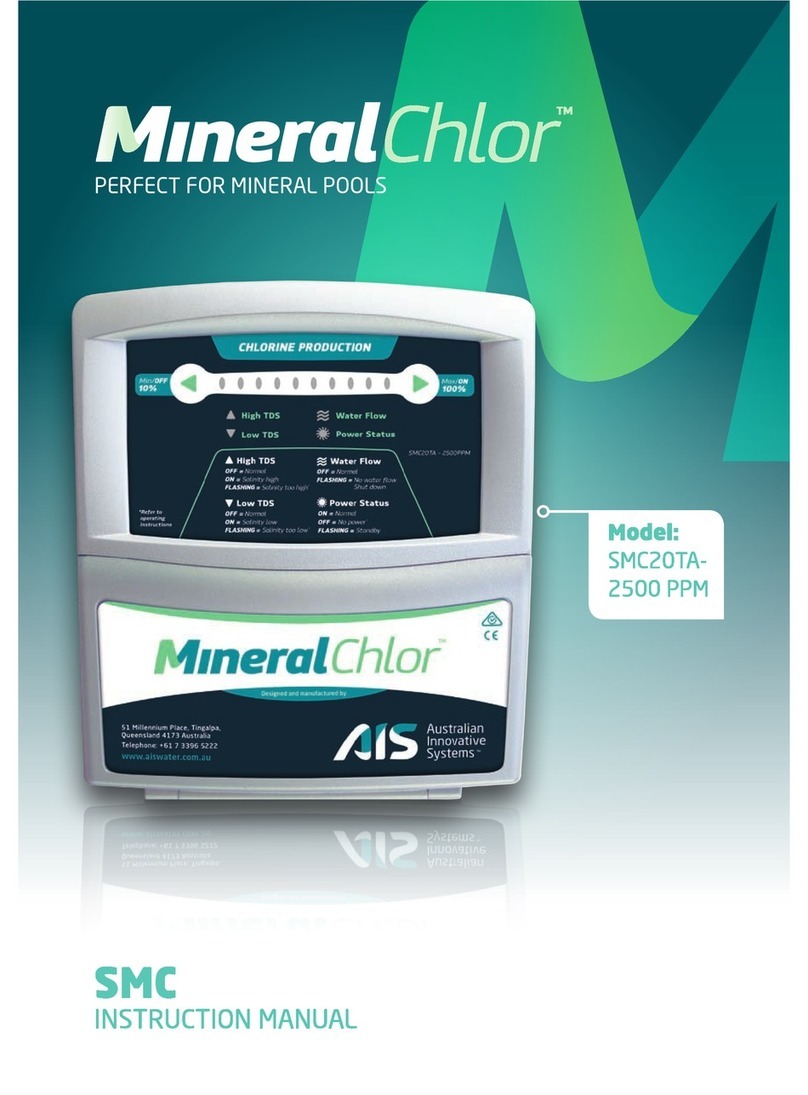
  9. Oceanic SMC 20 User manual

Oceanic SMC 20 User manual

This manual suits for next models

1

Popular Swimming Pool Filter manuals by other brands
SACOPA 30889 Installation and maintenance manual

SACOPA

SACOPA 30889 Installation and maintenance manual

Davey PoolSweepa FloorCova operating instructions
Davey

Davey PoolSweepa FloorCova operating instructions

Jandy DEL Series Installation and operation manual

Jandy

Jandy DEL Series Installation and operation manual

T.I.P. SPF 180 operating instructions

T.I.P.

T.I.P. SPF 180 operating instructions

Watermaid WM40 User handbook

Watermaid

Watermaid WM40 User handbook

Pentair PLM 100 Installation and operating instructions
Pentair

Pentair PLM 100 Installation and operating instructions

Fiap WallSkim Active manual

Fiap

Fiap WallSkim Active manual

HydroTools Pool Cover Roller instructions

HydroTools

HydroTools Pool Cover Roller instructions

Zodiac pH Perfect Owner's manual and warranty

Zodiac

Zodiac pH Perfect Owner's manual and warranty

Sterilor XP Connect Installation and user manual

Sterilor

Sterilor XP Connect Installation and user manual

CARVIN SANICLEAR40 Operation and installation manual

CARVIN

CARVIN SANICLEAR40 Operation and installation manual

Bestway InflateYourFun 58233 owner's manual

Bestway

Bestway InflateYourFun 58233 owner's manual

ProMinent DULCODOS Pool Professional Assembly and operating instructions

ProMinent

ProMinent DULCODOS Pool Professional Assembly and operating instructions

CCH Elite Operation and installation manual

CCH

CCH Elite Operation and installation manual

Steinbach S1 instruction manual

Steinbach

Steinbach S1 instruction manual

EHEIM 350 instructions

EHEIM

EHEIM 350 instructions

JBF DIP 500 Operation and maintenance manual

JBF

JBF DIP 500 Operation and maintenance manual

afm marine PSK-S3.0 quick start guide

afm marine

afm marine PSK-S3.0 quick start guide

manuals.online logo
manuals.online logoBrands
  • About & Mission
  • Contact us
  • Privacy Policy
  • Terms and Conditions

Copyright 2025 Manuals.Online. All Rights Reserved.

MICROCHIP REPLACEMENT
AND RESETING PROCEDURE
STEP 1
unscrew the 2 bolts at the bottom of control module
SALT CHLORINATOR SMC 20 / 30
STEP 2
unplug the control board connecting cable
STEP 3
STEP 4
remove the microchip and replace with new one
please observe the correct position marked on the board
STEP 5
fter assembling the control module you must conduct the RESET procedure.
1) Clean the Electrolytic Cell. (see Manual page 3 )
2) ssure a good water flow trough the cell.
3) Hold the ON / M X button and then plug the unit into the power supply.
Release the button when all green LED lights illuminates. Unit will run for a 30
second in one direction (polarity). fter that it stop for 5 second and start in reverse
polarity. The RESET Procedure is completed. The production level can be adjusted
accordingly to your needs by depressing the button MIN.