Sports modes:
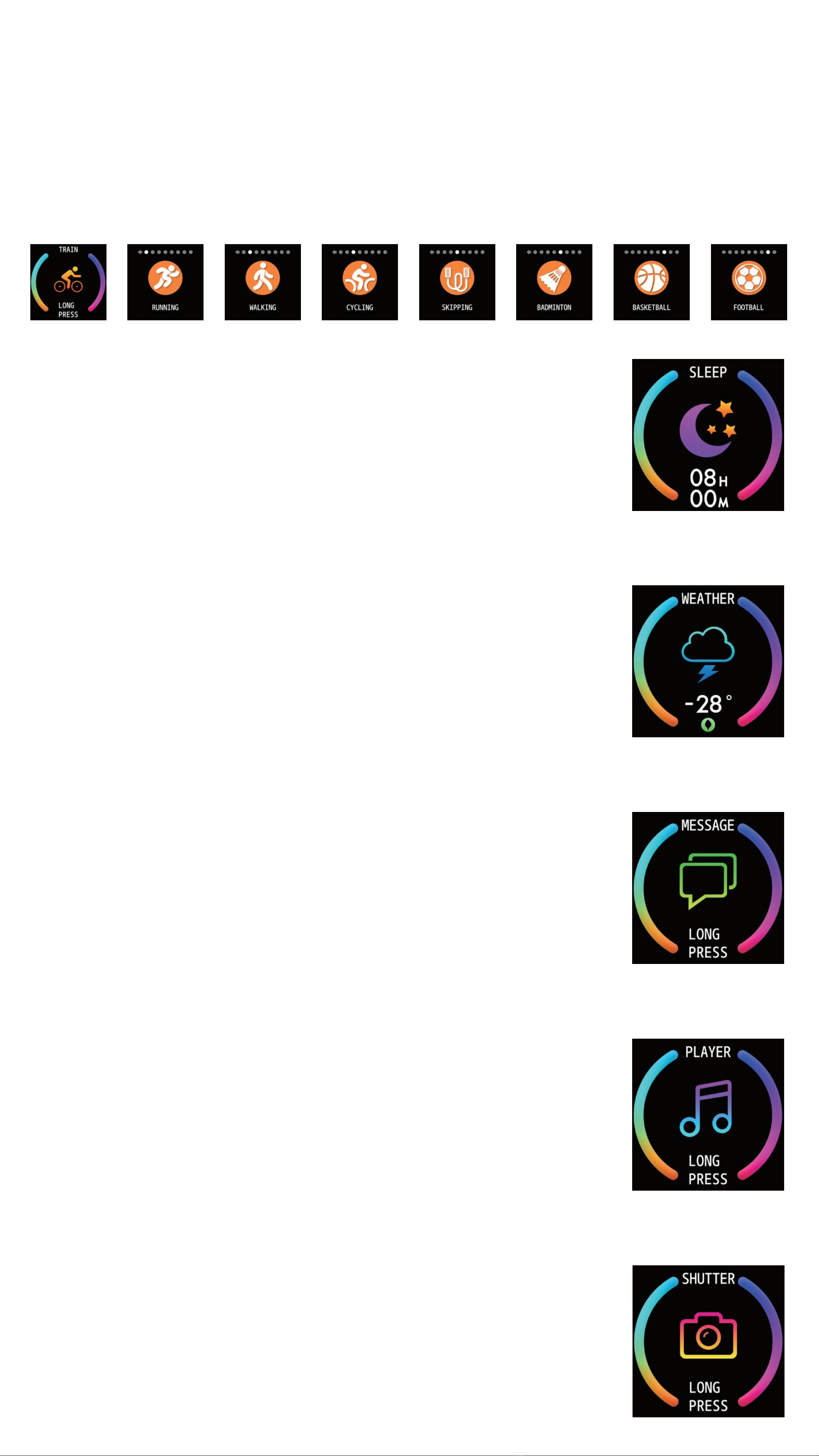
On the sports screen, you can enter the sports mode by holding the touch
button for two seconds. The sport mode includes walking, running, cycling,
rope skipping, badminton, basketball and football.
If you choose a mode, it will start recording the sport parameters after you
hold the touch button for two seconds. Also, you can hold the touch key for
two seconds to select “pause”, “exit” or “return”.
Sleep monitor:
When wearing the smart watch while you sleep, it can au-
tomatically determine whether users are asleep, record
deep sleep and shallow sleep, and summarize sleep time
to help users monitor their sleep quality.
Weather:
This will display the current weather. Long press the touch
button for two seconds to display the weather conditions
for tomorrow. Weather information is only available if the
smart watch is connected to a phone,
Message:
You can view your messages by holding the touch
button for 2 seconds. You can go to the next messag by
tapping the touch button.
You can delete the current message by holding the touch
area for 2 seconds.
Music Control:
Hold the touch button for 2 seconds to enter music con-
trol. When the mobile phone plays music, you can use the
watch to control the music, play/pause, next and previous
song.
Photo control:
By holding the button area for 2 seconds, the camera in-
terface will launch on the phone, you can then automat-
icly take a picture by shaking the watch or holding the
touch button for 2 seconds.