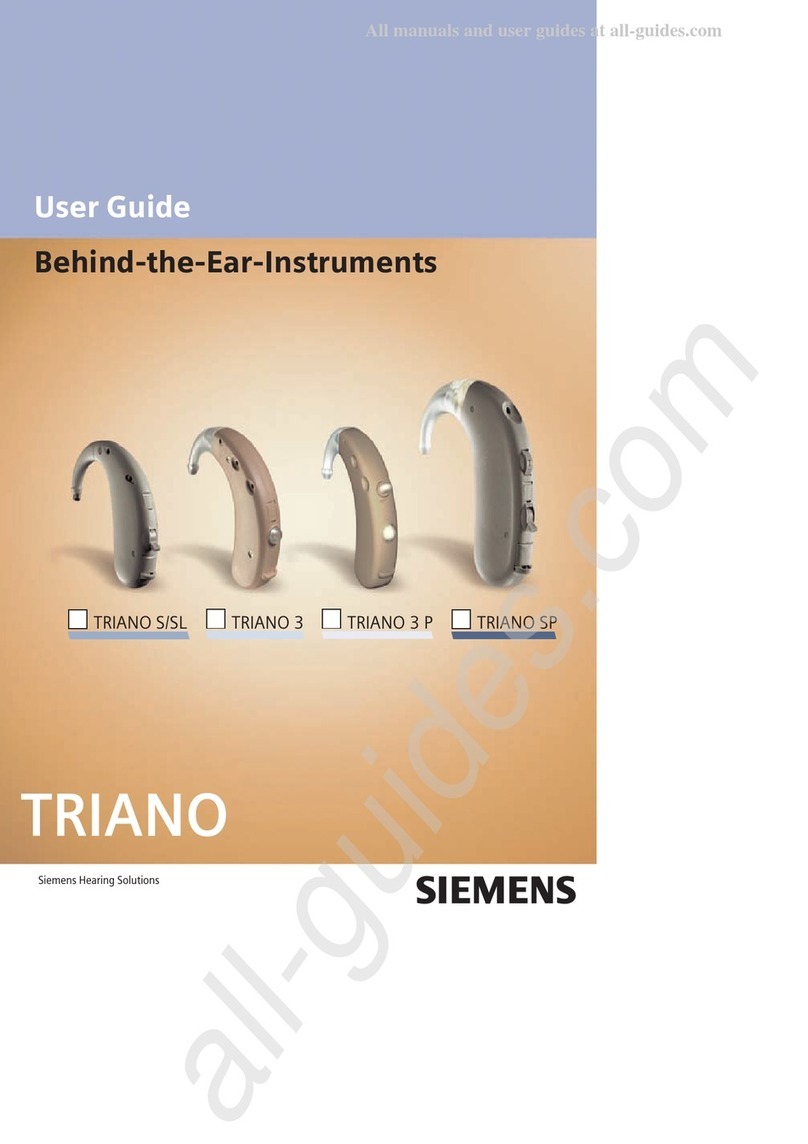
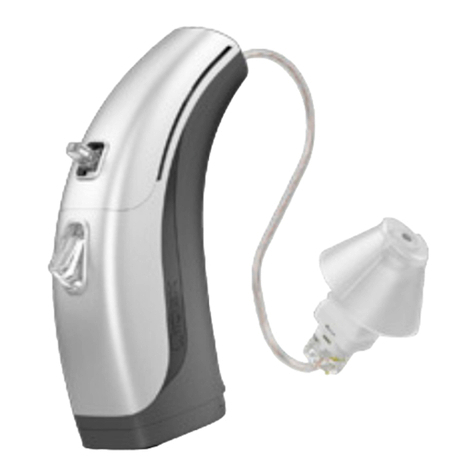
Opticon Tego Pro Installation instructions

BTE, BTE P
USER INSTRUCTIONAL BROCHURE

Important notice
Please familiarize yourself with the entire
contents of this booklet before using your hearing
instruments. It contains instructions and impor-
tant information about the use and handling of
your hearing instruments and batteries.
Congratulations on your digital hearing instruments.
They represent some of the most advanced technology
currently available in hearing care. Carefully follow
these instructions when using and maintaining them.
These instructions will help you get the most out
of the instruments and ensure their continued high
performance.
Contents
View of BTE Instrument 5
View of BTE Instrument with Corda thin sound tube 7
On/Off 9
Inserting your hearing instruments 11
Inserting hearing instruments into your
ear with a Corda thin sound tube 13
Warnings for hearing instruments with
Corda thin sound tube 15
Push-button 17
Telecoil 19
Volume Control (optional) 21
Battery Replacement 23
DAI (Direct Audio Input) 25
FM 26
Daily care of your hearing instruments 28
Using your hearing instruments 31
Common problems and their solutions 36
International Warranty 38
Service 38
Warning/caution Yellow pages

Sound hook
Plastic tube
Sound outlet
Earmold
Microphone
openings
Ventilation
opening
Battery
door
Push-button
Volume
control
(Optional)
BTE
Battery size: 13
5

7
Thin sound tube
Dome
Ear grip
Behind-the-ear instruments with
Corda thin sound tube
Microphone
openings
Battery
door
Push-button
Volume
control
(Optional)
Battery size: 13

On
Off
Turning your instruments
ON and OFF
Turn on your hearing instrument by closing the
battery door completely.
When the battery door is closed
you will hear three beeps fol-
lowed by a short series of beeps.
This indicates that the battery is
working.
Turn off your hearing instrument
by opening the battery door
slightly until a click is felt.
If you have dexterity problems
an alternative way of turning
off the hearing instrument is to
place the base of the hearing
instrument on a flat surface,
gently press and drag the
instrument as illustrated below.
The battery door will slightly
open (turning off the hearing
instrument).
To preserve the battery, make sure your hearing instru-
ment is switched off when you are not wearing it.
9

10 11
Inserting your hearing instruments
• Hold the earmold as
shown.
• Gently pull down your
earlobe and press the
earmold in the direction
of the ear canal.
• Place the tip of the earmold
in your ear canal, twisting
slightly, making sure that
the top part of the earmold
(A) is pushed behind and
under the fold (B) of your
ear.
• With the earmold
positioned correctly in
your ear, place the hearing
instrument behind your ear
by lifting its lower part and
sliding it over the top of
your ear.
BA
Standby
A long push on the button (min. 3 seconds) will set
the instrument in standby mode. To reactivate the
instrument, push the button again.
Use the standby function if you need to silence the
instrument while you have the instrument on.

13
Inserting hearing instruments
into your ear with a
Corda thin sound tube
A. Place the hearing instrument
behind your ear.
B. Hold the bend of the tube
between your thumb and index
finger. The dome should be
pointing towards the ear canal
opening. Gently push the dome
into your ear canal until the
sound tube sits close against
the side of your head.
C. Position the flexible ear grip into
the indentation above your ear
lobe using your index finger.
Look in a mirror. If the sound tube
is sticking out from your ear, the
dome has not been placed correctly
or deeply enough in the ear canal.
If the ear grip is visibly sticking
out from your ear it has not been
positioned correctly. To remove the
instrument from your ear, pull the
bend of the tube.

14 15
Cleaning the Corda thin tube
To remove ear wax or debris from the
thin tube:
• Click the tube off the instrument by
lifting the thin tube up and away at the
thicker neck of the tube, at the junction
of the hearing aid and the tube.
• Insert the cleaning tool in the tube all
the way through. It may be easier to
insert the cleaning tool starting at the
larger opening at the neck.
• Remove the cleaning tool and click on
the tube to the hearing instrument.
• Your hearing care professional can
advise you how often to clean the
tube. If the tube becomes
hardened, yellow, or cracked,
consult your hearing care
professional to obtain
replacement tubes and/or
domes.
Warnings about using hearing
instruments with Corda thin
sound tube
• Only use parts designed for Oticon hearing aids
• The cleaning tools should only be used for clean-
ing the tubing when it is detached from the hearing
instrument and not on the ear.
• The dome must be properly attached to the sound
tube before inserting it in your ear. Failure to follow
the instructions could result in injury.
• If the dome is not correctly attached and falls off in
the ear, please see your hearing care professional or
seek medical consultation.
• The tube should never be used without a dome
attached.
• Do not use hearing aids in ears with excessive
ear wax accumulation or infection.
• Proper preventive care and maintenance will go
a long way toward ensuring reliability and safe
performance. Clean your sound tube on a regular
basis.
• Do not share your hearing aids or any of the parts
with others.
• Ensure your hands are clean when handling the
hearing instrument and its parts.

17
Push-button
Your hearing instruments have a push-button for
switching between different programs.
• When you switch between different programs, your
hearing instruments will beep.
• Press the button for several seconds to activate the
program switch. When switching between pro-
grams, press and hold the button until you hear the
beeps. The number of beeps will indicate which
program you are using.
Your hearing instrument can have up to three
programs in Tego and up to four programs in Tego
Pro.
One beep, when you switch to program 1
Two beeps, when you switch to program 2
Three beeps, when you switch to program 3
Four beeps, when you switch to program 4
e
ee
eee
eeee

19
Telecoil
The telecoil is meant for telephone conversations
and for induction loop systems in e.g. theatres,
churches or lecture rooms. To use the telecoil in your
hearing aid, the telephone must be hearing aid com-
patible.
The telecoil is activated by the push-button. When
activated you will hear a certain number of beeps.
See previous page for where the telecoil program is
placed.
18
Below you can read the description of the programs
available in your hearing instrument.
Program 1
Program 2
Program 3
Program 4
This manual suits for next models
1
Table of contents
Other Opticon Hearing Aid manuals