manuals.online logo
Brands
  1. Home
  2. •
  3. Brands
  4. •
  5. Optoma
  6. •
  7. Projector
  8. •
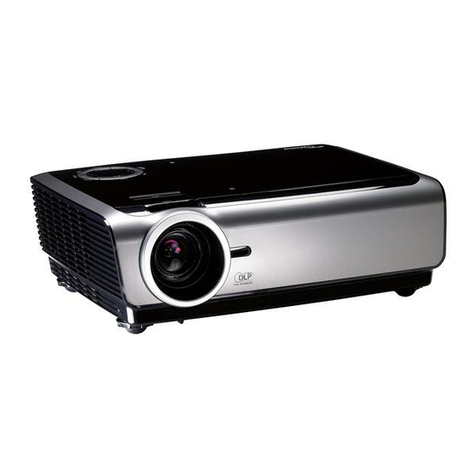
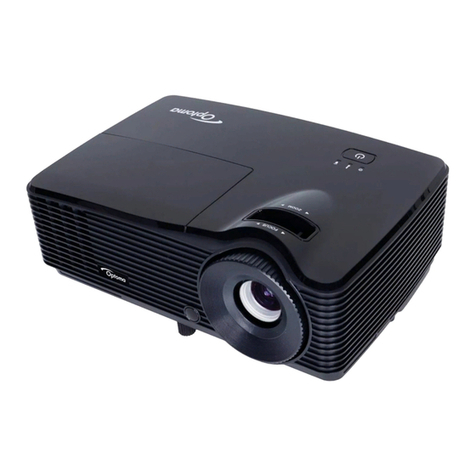
  9. Optoma EP780 Technical manual

Optoma EP780 Technical manual

Other manuals for EP780

3

Other Optoma Projector manuals

Optoma ML500 User manual

Optoma

Optoma ML500 User manual

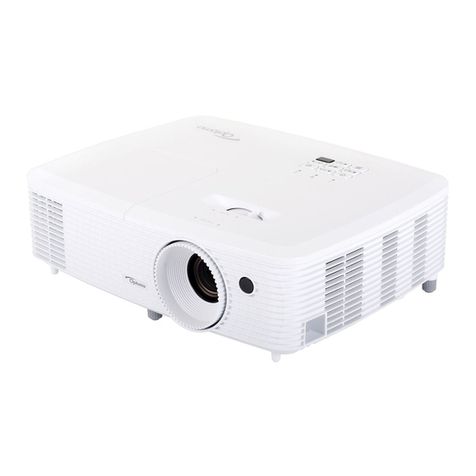
Optoma HD25 User manual

Optoma

Optoma HD25 User manual

Optoma Optoma EP721 Technical manual

Optoma

Optoma Optoma EP721 Technical manual

Optoma EW536 User manual

Optoma

Optoma EW536 User manual

Optoma HD25e User manual

Optoma

Optoma HD25e User manual

Optoma Optoma EP705H User manual

Optoma

Optoma Optoma EP705H User manual

Optoma Projector User manual

Optoma

Optoma Projector User manual

Optoma ES388 User manual

Optoma

Optoma ES388 User manual

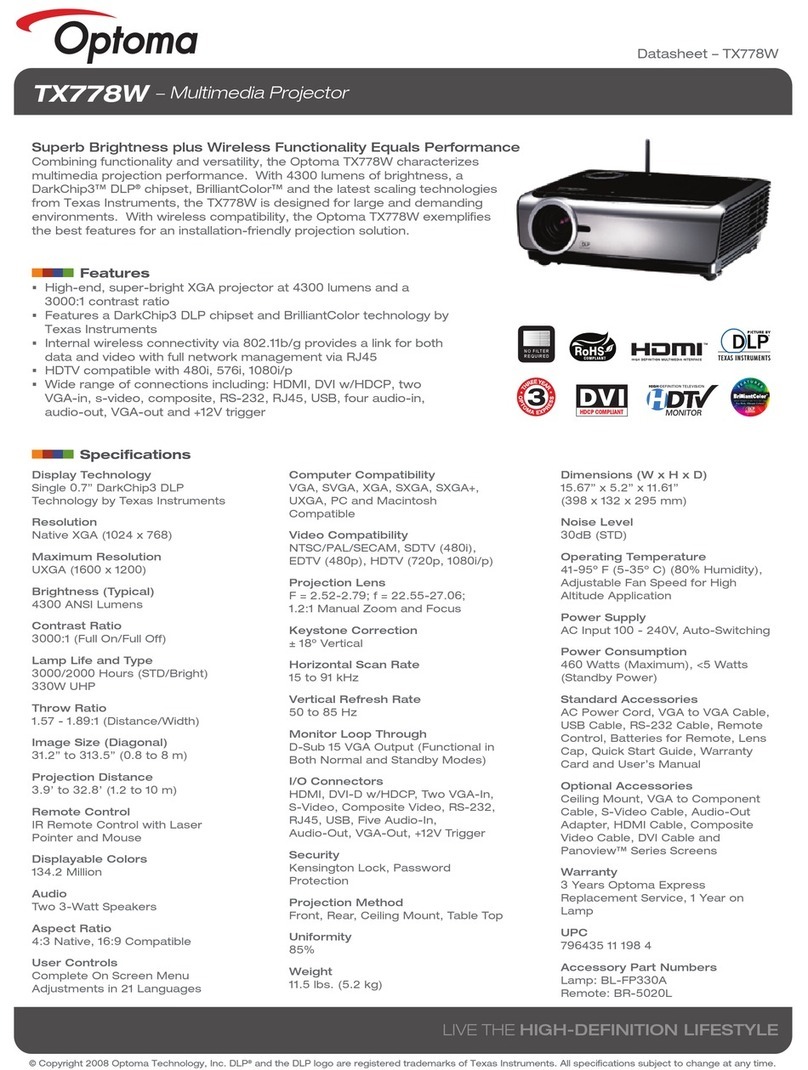
Optoma TX778W User manual

Optoma

Optoma TX778W User manual

Optoma TX778W Installation manual

Optoma

Optoma TX778W Installation manual

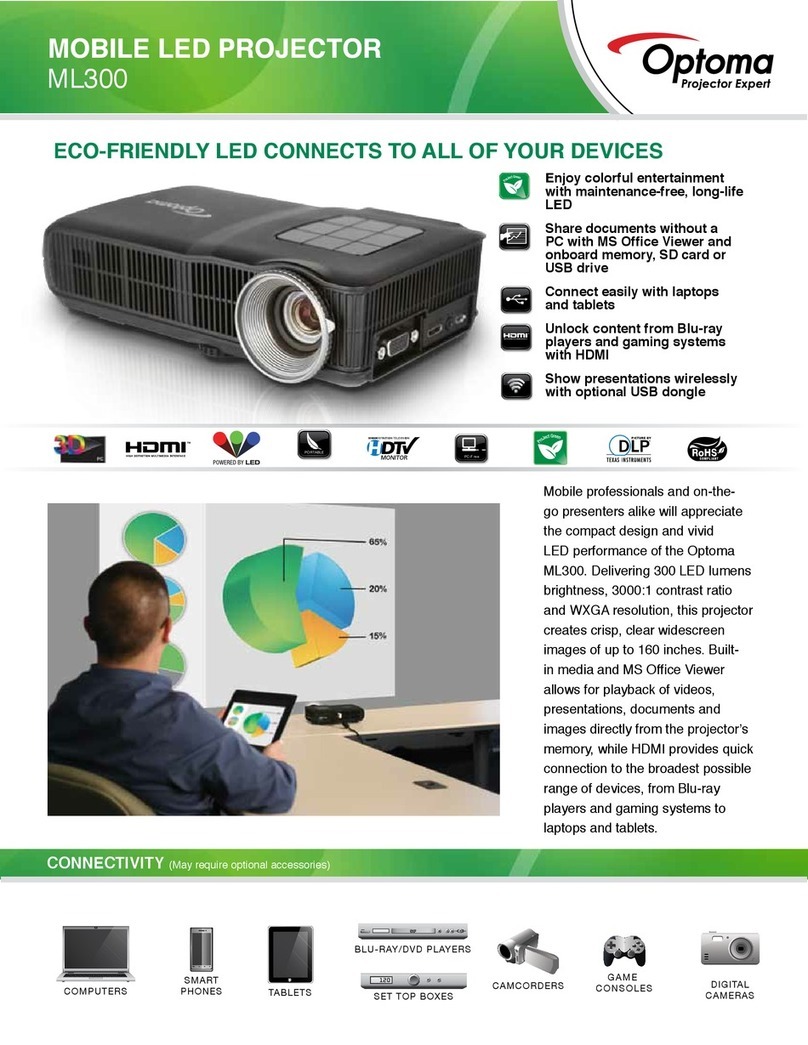
Optoma ML300 User manual

Optoma

Optoma ML300 User manual

Optoma 4K500 User manual

Optoma

Optoma 4K500 User manual

Optoma HD27 User manual

Optoma

Optoma HD27 User manual

Optoma ZH450ST User manual

Optoma

Optoma ZH450ST User manual

Optoma S310e User manual

Optoma

Optoma S310e User manual

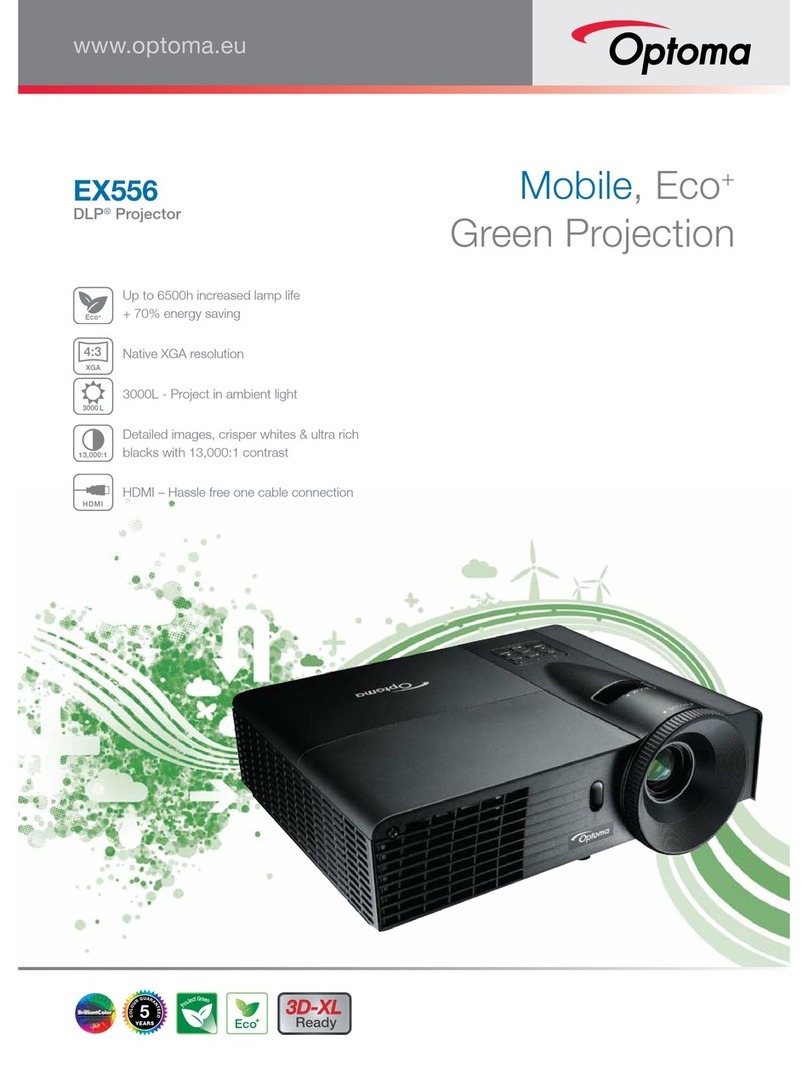
Optoma EX556 User manual

Optoma

Optoma EX556 User manual

Optoma TX542 Technical manual

Optoma

Optoma TX542 Technical manual

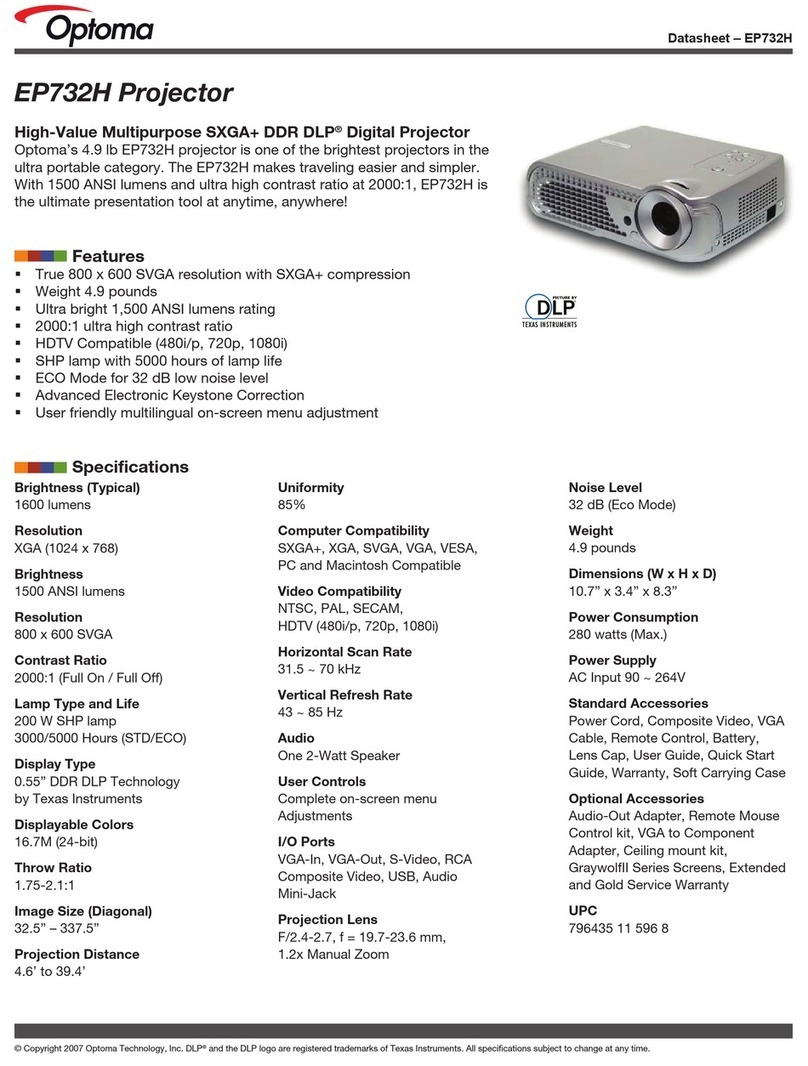
Optoma EP 732H User manual

Optoma

Optoma EP 732H User manual

Optoma Pico PK101 User manual

Optoma

Optoma Pico PK101 User manual

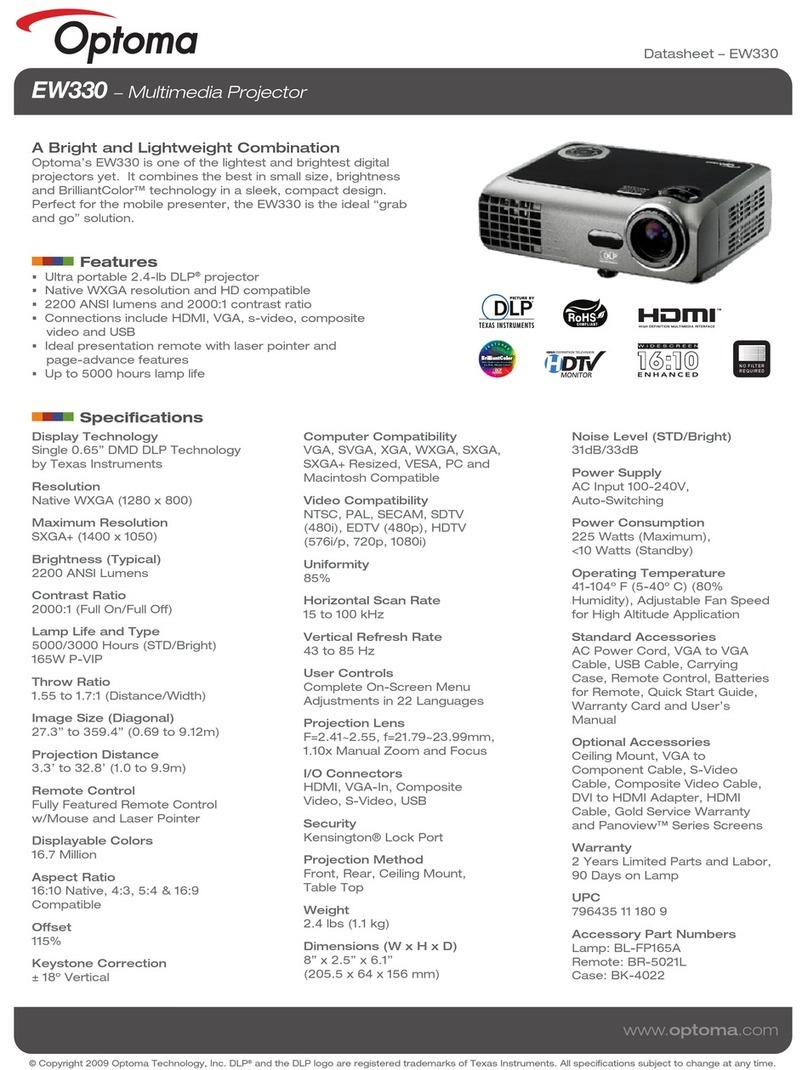
Optoma EW330 User manual

Optoma

Optoma EW330 User manual

Optoma ES522 User manual

Optoma

Optoma ES522 User manual

Optoma TX800 User manual

Optoma

Optoma TX800 User manual

Optoma EP763 User manual

Optoma

Optoma EP763 User manual

Optoma L1 User manual

Optoma

Optoma L1 User manual

Popular Projector manuals by other brands

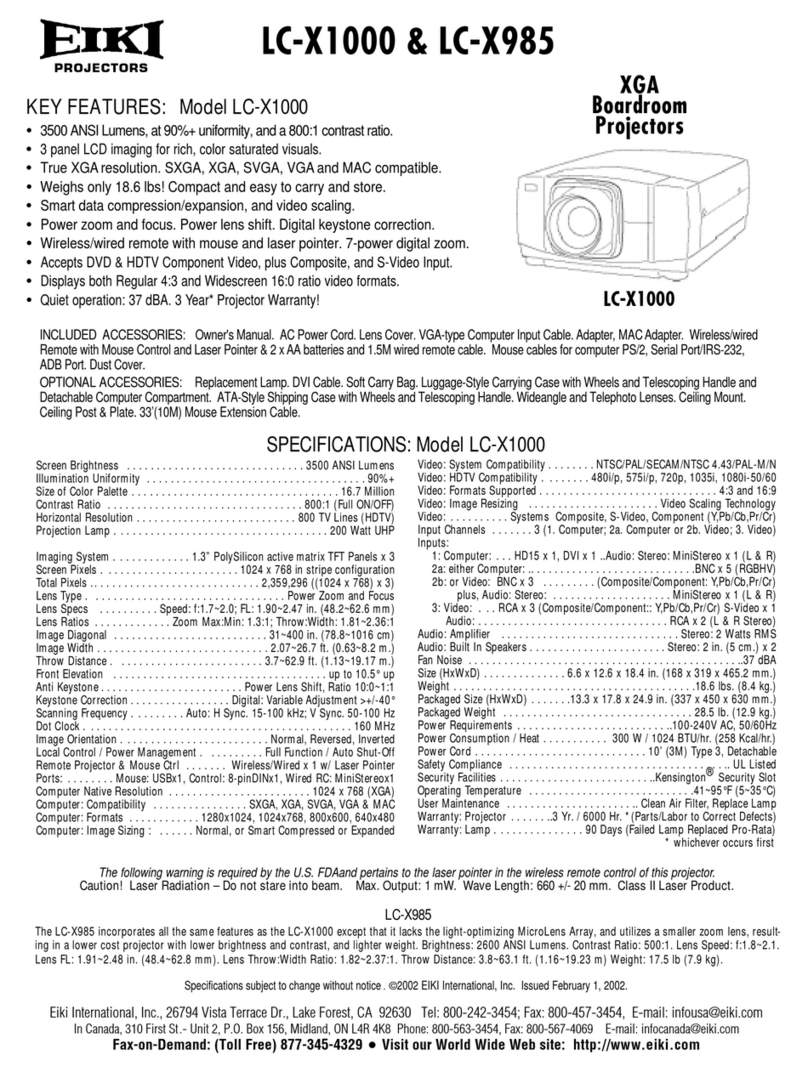
Eiki LC-X985 Specification sheet

Eiki

Eiki LC-X985 Specification sheet

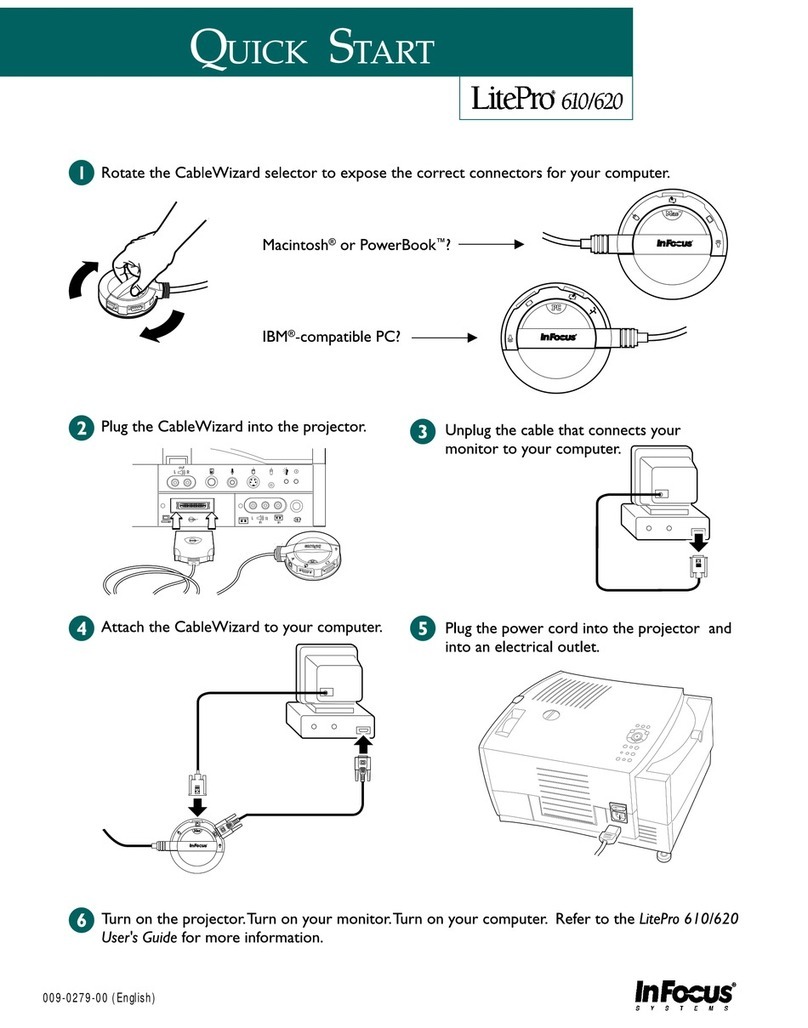
InFocus LitePro 610 quick start

InFocus

InFocus LitePro 610 quick start

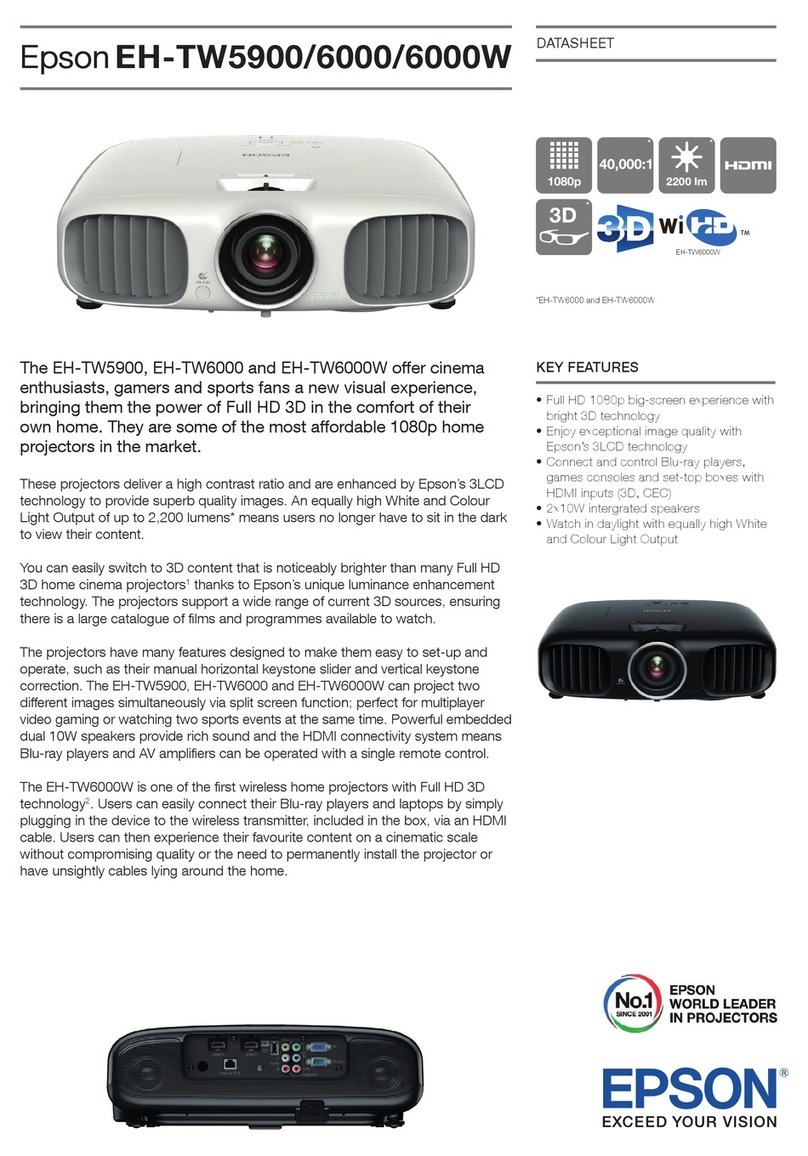
Epson EH-TW5900 datasheet

Epson

Epson EH-TW5900 datasheet

FOREVER MLP-100 manual

FOREVER

FOREVER MLP-100 manual

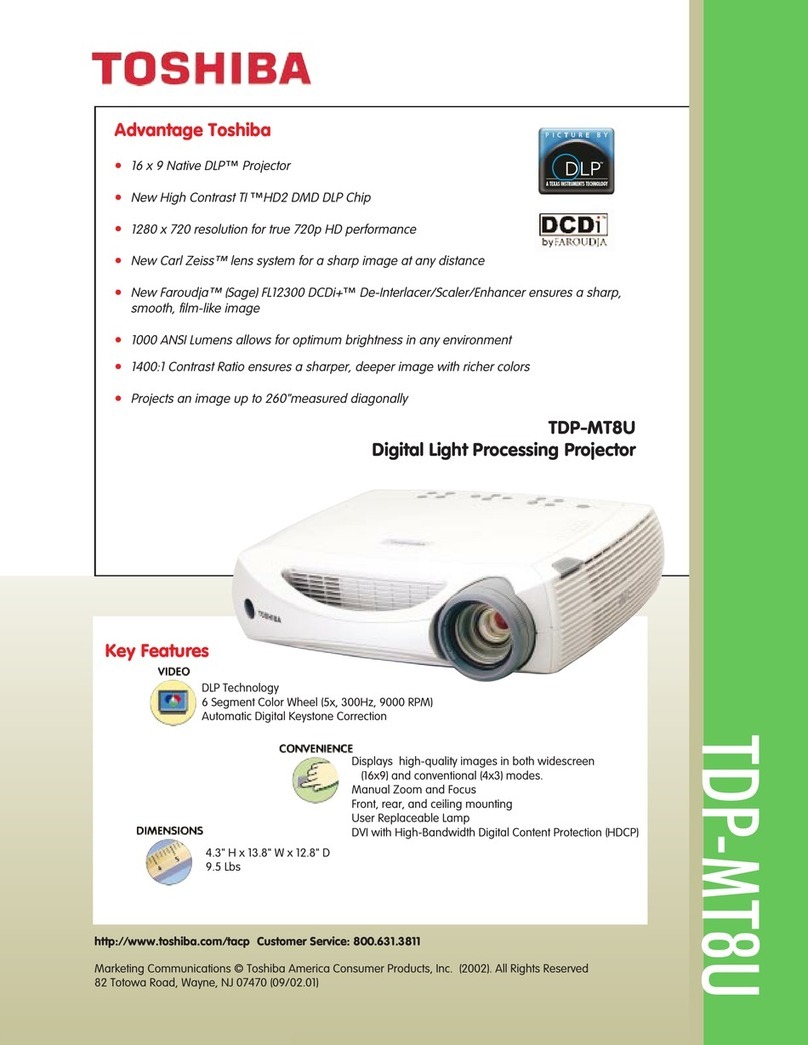
Toshiba TDP-MT8U Specifications

Toshiba

Toshiba TDP-MT8U Specifications

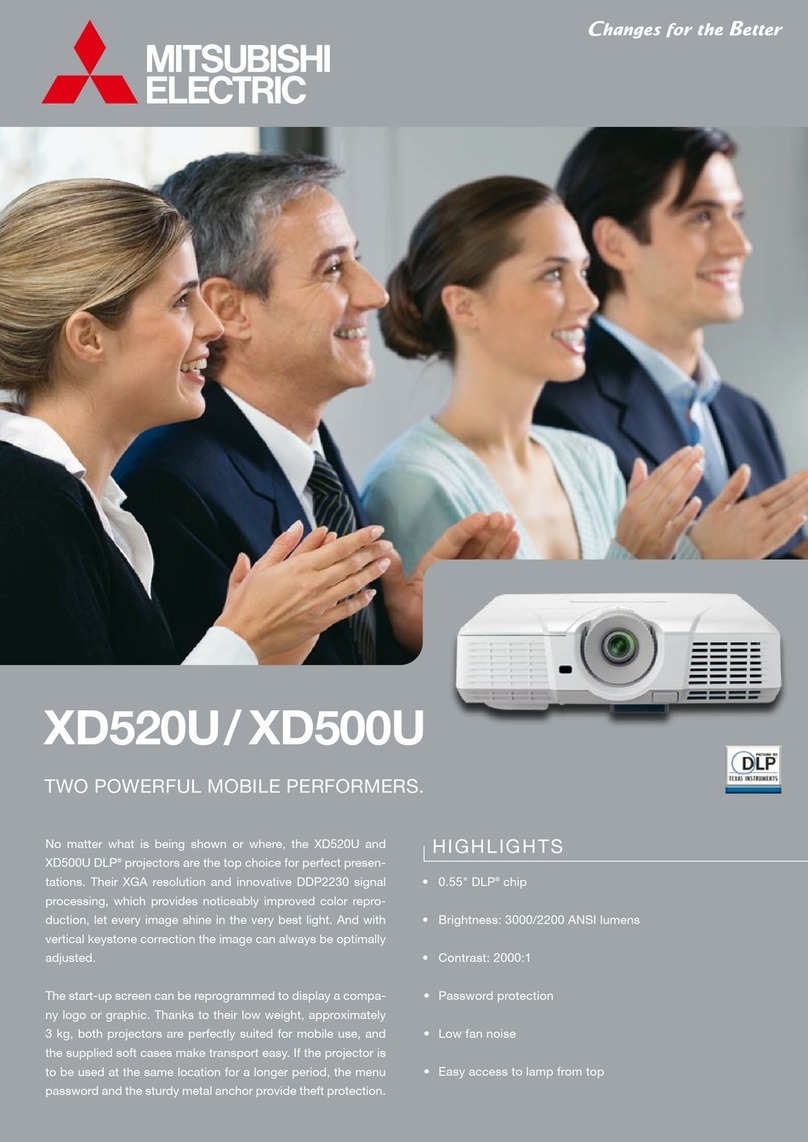
Mitsubishi XD500U specification

Mitsubishi

Mitsubishi XD500U specification

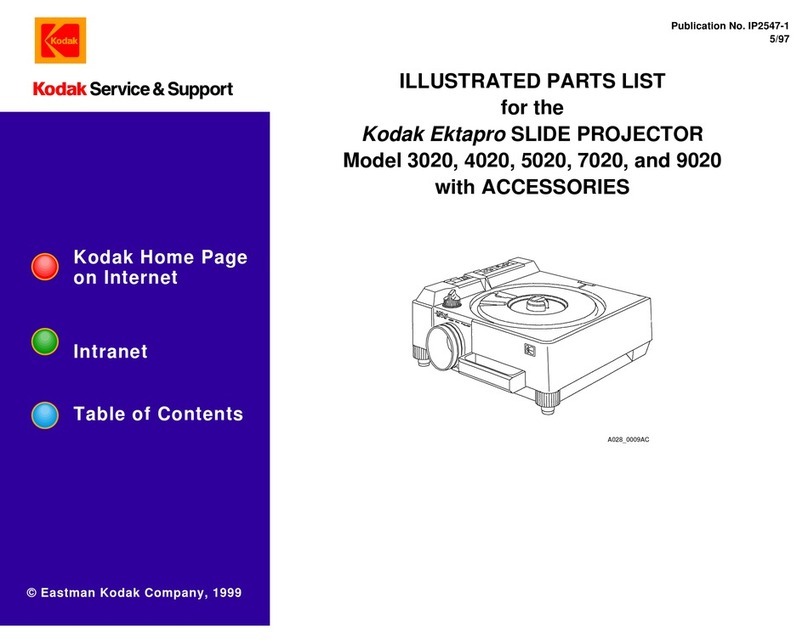
Kodak Ektapro 3020 Illustrated parts list

Kodak

Kodak Ektapro 3020 Illustrated parts list

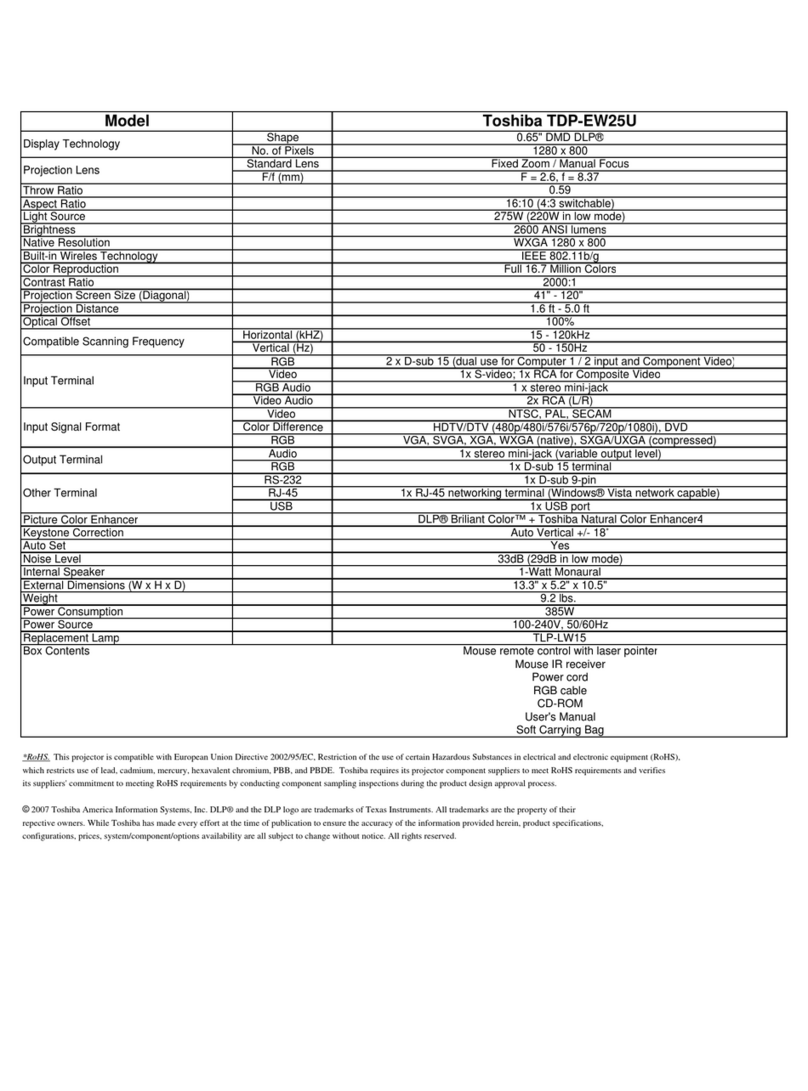
Toshiba TDP-EW25U Specifications

Toshiba

Toshiba TDP-EW25U Specifications

Barco iQ PRO G500 supplementary guide

Barco

Barco iQ PRO G500 supplementary guide

NEC Showcase Series HT1100 user manual

NEC

NEC Showcase Series HT1100 user manual

Philips LC1341 user guide

Philips

Philips LC1341 user guide

Epson PowerLite 1266 user guide

Epson

Epson PowerLite 1266 user guide

MAGINON DLP 1400S user manual

MAGINON

MAGINON DLP 1400S user manual

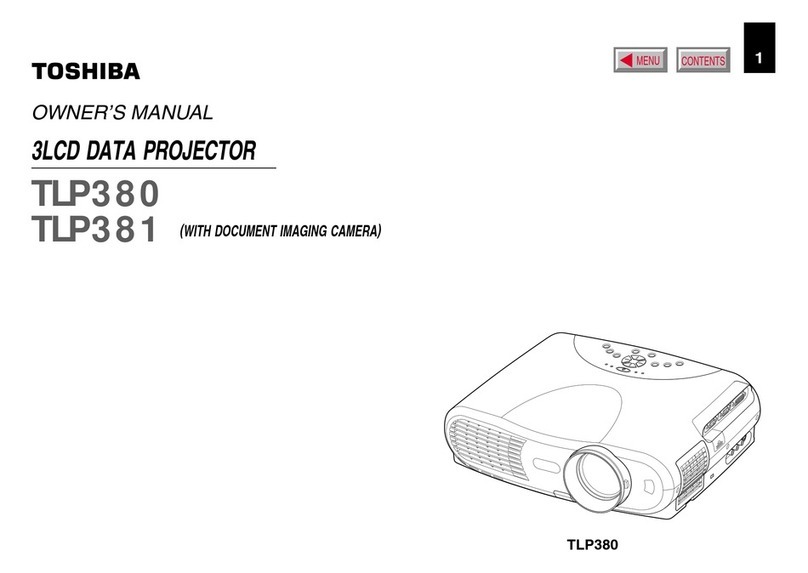
Toshiba TLP-380 owner's manual

Toshiba

Toshiba TLP-380 owner's manual

Philips PicoPix PPX2480/EU user manual

Philips

Philips PicoPix PPX2480/EU user manual

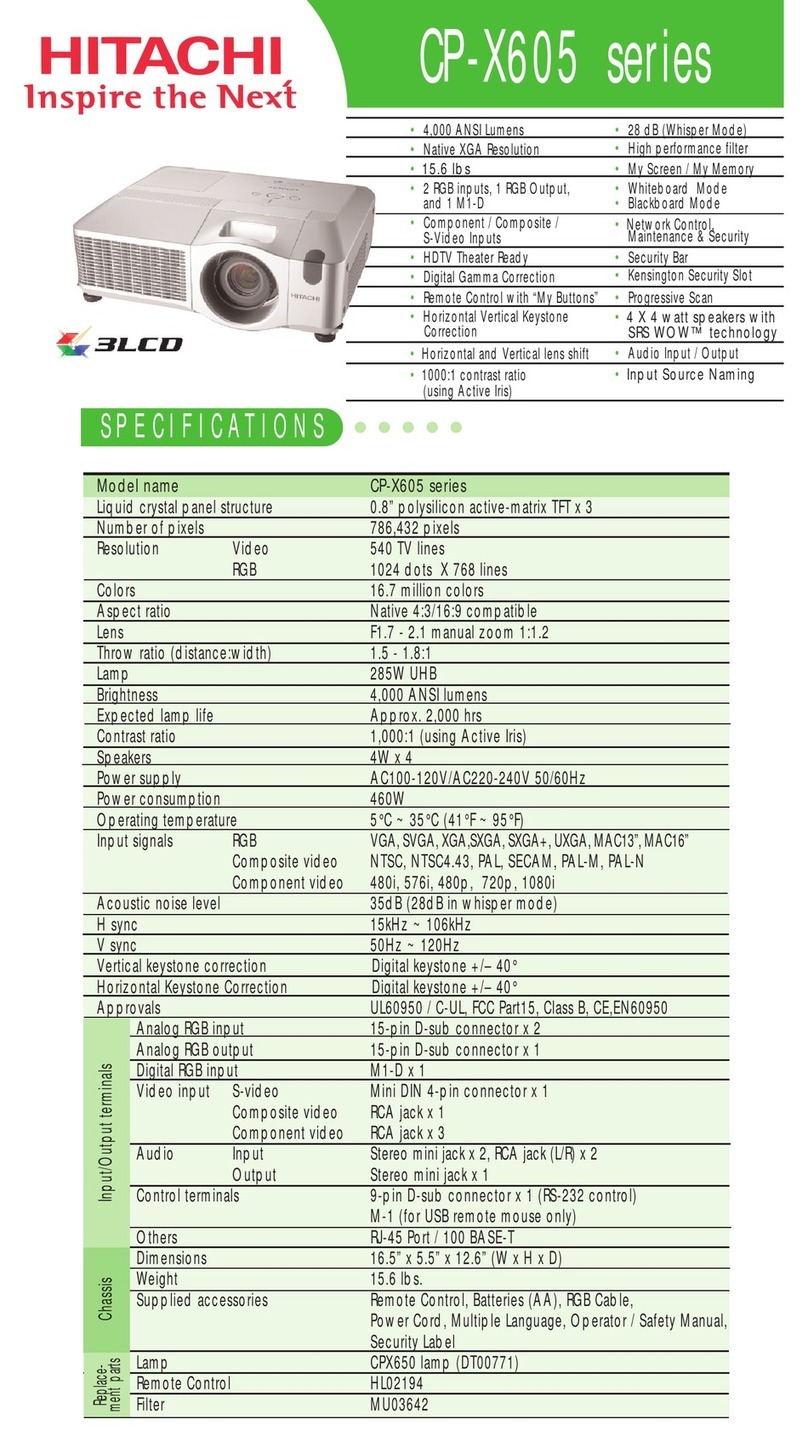
Hitachi CP-X605 Series Specifications

Hitachi

Hitachi CP-X605 Series Specifications

Kodak EKTAPRO instruction manual

Kodak

Kodak EKTAPRO instruction manual

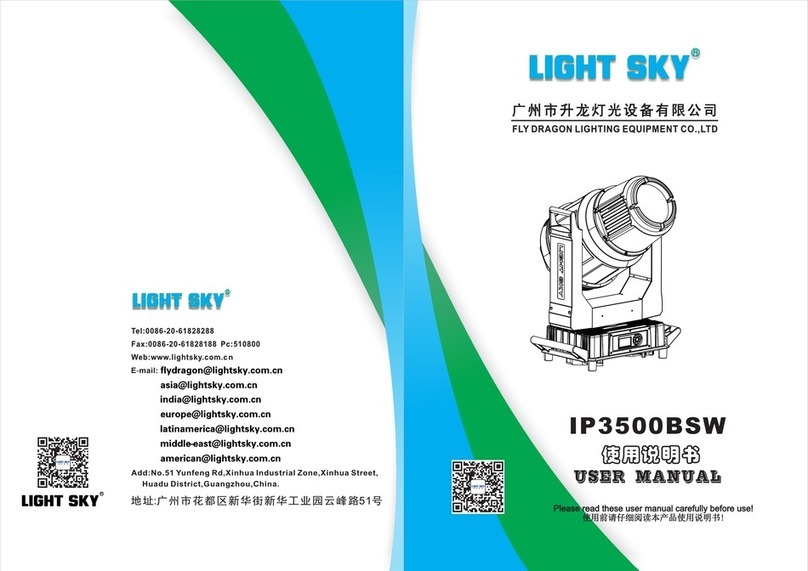
Light Sky IP3500BSW user manual

Light Sky

Light Sky IP3500BSW user manual

manuals.online logo
manuals.online logoBrands
  • About & Mission
  • Contact us
  • Privacy Policy
  • Terms and Conditions

Copyright 2025 Manuals.Online. All Rights Reserved.

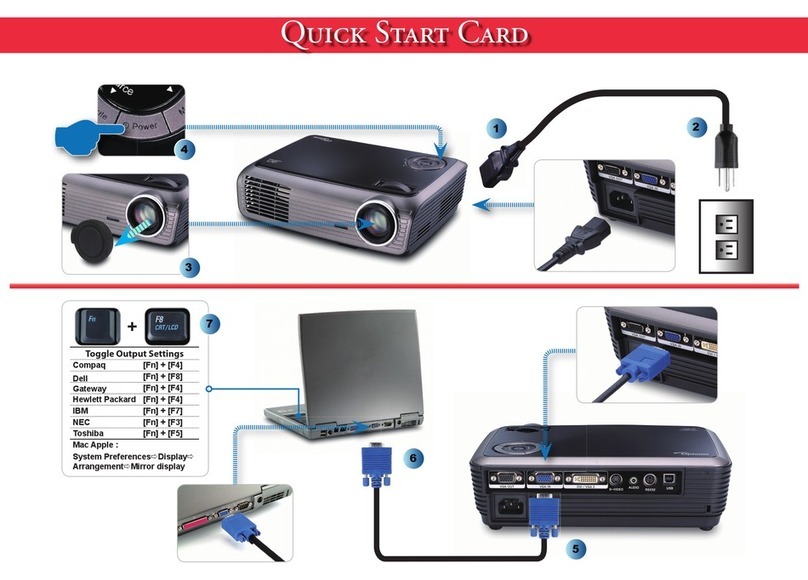
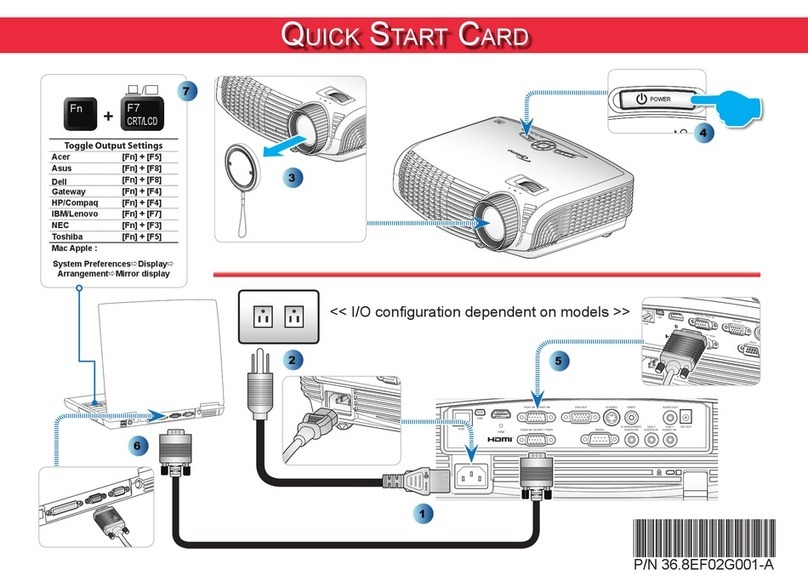
Quick Start Card
2
4
5
Toggle Output Settings
Compaq [Fn] + [F4]
Dell [Fn] + [F8]
Gateway [Fn] + [F4]
Hewlett Packard [Fn] + [F4]
IBM [Fn] + [F7]
NEC [Fn] + [F3]
Toshiba [Fn] + [F5]
Mac Apple :
System PreferencesDisplay
ArrangementMirror display
+
3
6
1
Quick Start Card
7
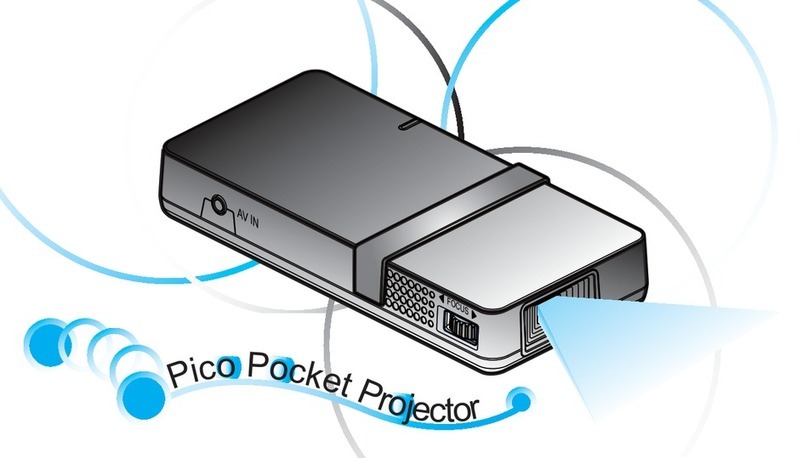
Adjust Focus
Régler la mise au point
Stellen Sie den Fokus ein
Ajuste el enfoque
Regolare la messa a fuoco
Ajuste da focagem
Pas de scherpstelling aan
Wyreguluj Powiększenie.
Настройте масштаб
Projektorin zoomin säätö
調整變焦
调整变焦
[ズーム]調整
줌 조절
Wyreguluj Ostrość
Настройте фокусировку
Projektorin tarkennuksen säätö
調整對焦
调整焦距
[フォーカス]を調整します
초점 조절
8
Adjust Zoom
Régler le zoom
Passen Sie den Zoom an
Ajuste el zoom
Regolare lo Zoom
Ajuste do zoom
Pas de zoomfactor aan
9
English
■Avoid staring directly into the projector beam at all
times.
■ Minimize standing facing into the beam. Keep your
back to the beam as much as possible.
Français
■ Evitez à tout moment de regarder directement vers
le faisceau du projecteur.
■ Minimisez le temps passé face au faisceau. Restez
dos au faisceau autant que possible.
Deutsch
■ Nicht direkt in den Projektor-Lichtstrahl schauen.
■ Vermeiden Sie, mit dem Gesicht zum Projektor-Lich-
tstrahl zu stehen. Stehen Sie mit dem Rücken zum
Projektor-Lichtstrahl.
Español
■ No mire al haz del proyector en ningún momento.
■ Permanezca el mínimo tiempo posible de cara al
haz. Dé la espalda al haz siempre que sea posible.
Italiano
■ Evitare sempre di guardare direttamente il raggio
del proiet-tore.
■ Evitare il più possibile di stare di fronte al raggio.
Tenersi dietro al raggio per quanto possibile.
Português
■ Evite olhar directamente para a luz do projector seja
em que circunstância for.
■ Evite ficar voltado de frente para a luz proveniente
do projec-tor. Mantenha-se de costas para a luz do
projector o máximo possível.
Nederlands
■ Vermijd op elk ogenblik rechtstreeks in de straal van
de pro-jector te kijken.
■ Ga zo weinig mogelijk in de straal staan. Houd zo
veel mo-gelijk uw rug naar de straal gericht.
Polski
■ Należy unikać bezpośredniego, stałego patrzenia
na wiązkę światła projektora.
■ Należy zminimalizować stawanie przodem do
światła projektora. Należy najczęściej na ile to
możliwe ustawiać się tyłem do wiązki światła
projektora.
Русский
■ Никогда не смотрите прямо на луч проектора.
■ Старайтесь не стоять лицом к лучу. Как можно
чаще поворачивайтесь спиной к лучу.
Suomi
■ Vältä katsomasta suoraan projektorin valonsätee-
seen.
■ Seiso mahdollisimman vähän kasvot kohti sädettä.
Pidä selkäsi sädettä kohti niin paljon kuin mahdol-
lista.
繁體中文
■ 請勿直視鏡頭內部。
■ 請避免直接面對投影機光束並盡可能背對直接照
射。
简體中文
■ 请勿直视镜头内部。
■ 请避免直接面对投影机光束并尽可能背对直接照
射。
日本語
■ プロジェクター点灯中はレンズをのぞかないでく
ださい。
■ プロジェクターの光源に向かって立たないで下さ
い。光源は出来るだけ後ろの位置に設置して下さ
い。
한국어
■ 프로젝터 빛을 직접 응시하지 말아 주십시오.
■ 빛쪽을 향하여 서는 행동을 자제하여 주시고 가능
하면 빛을 등지고 사용하시기 바랍니다.
www.optoma.com