EXO N
V3 0
INDEX
03. BUTTON SETTINGS
You can set any button conguration
to play once, play N times, toggle
auto-repeat or repeat while pressed.
Setting up the cycles, the duration
and the action on key are also possible.
Mouse Event: you can select a button to duplicate
its assignment in another one, having thus the same
effect in two or more buttons, avoiding miss-clicking
and being able to perform the action you want.
Shortcuts: assign shortcuts to any button.
Deactivate: deactivate any unnecessary button.
Profile Shift: shift among profiles through a button.
Media Buttons: select and apply a media function to
any button.
Macro: assign macros to any mouse button.
Application: run an application through a button.
Keyboard buttons: assign a keyboard single key or a
combination of keystrokes to a mouse button.
DPI event: assign a DPI function to control the DPI
cycle or step up and down your current DPI level.
Rate report event: assign a Report Rate function to
change the report rate value.
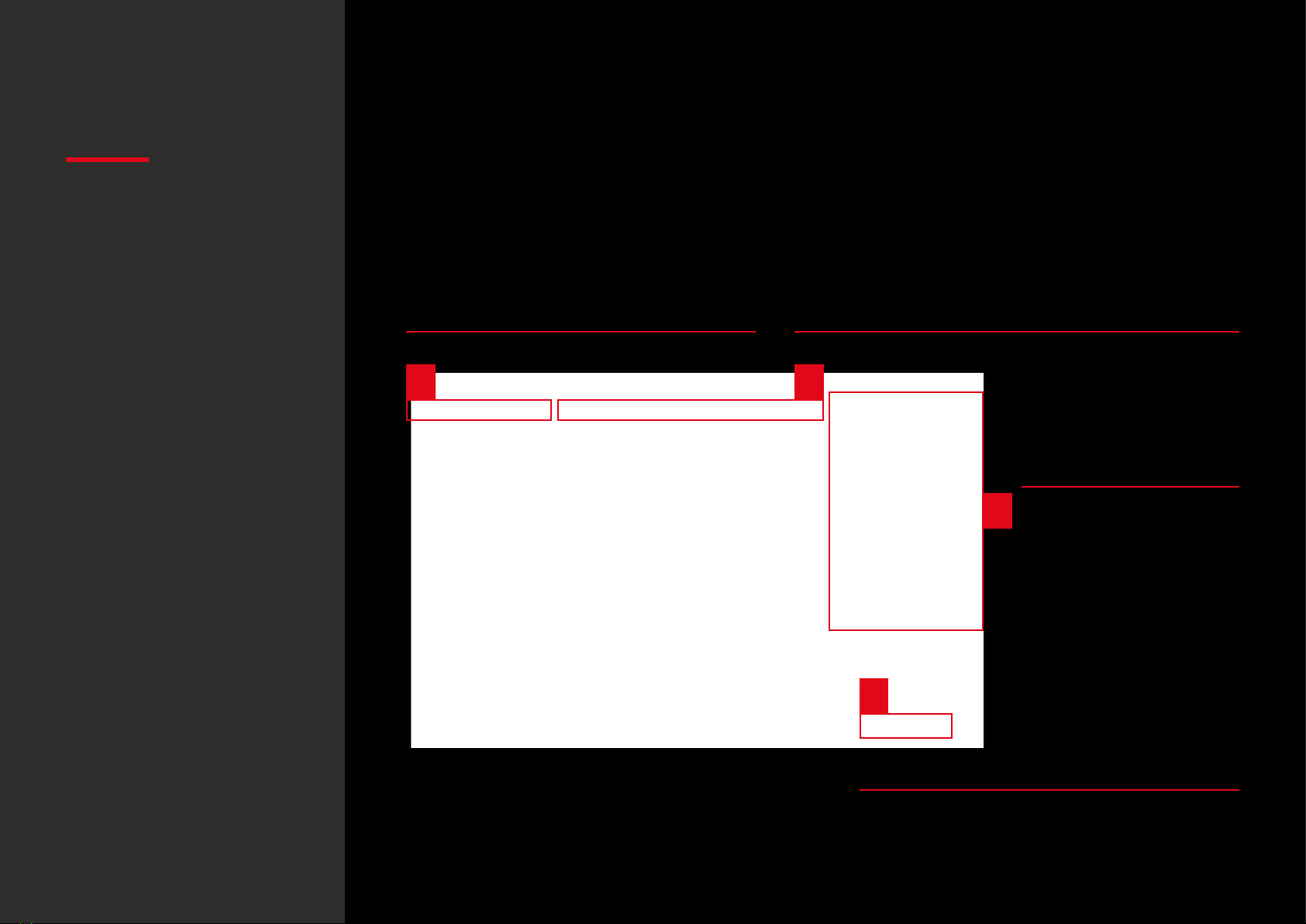
· Button configuration:
sub-menu categories
Button settings
Default button assignment
· Button configuration:
overview