manuals.online logo
Brands
  1. Home
  2. •
  3. Brands
  4. •
  5. Panasonic
  6. •
  7. DVD VCR Combo
  8. •
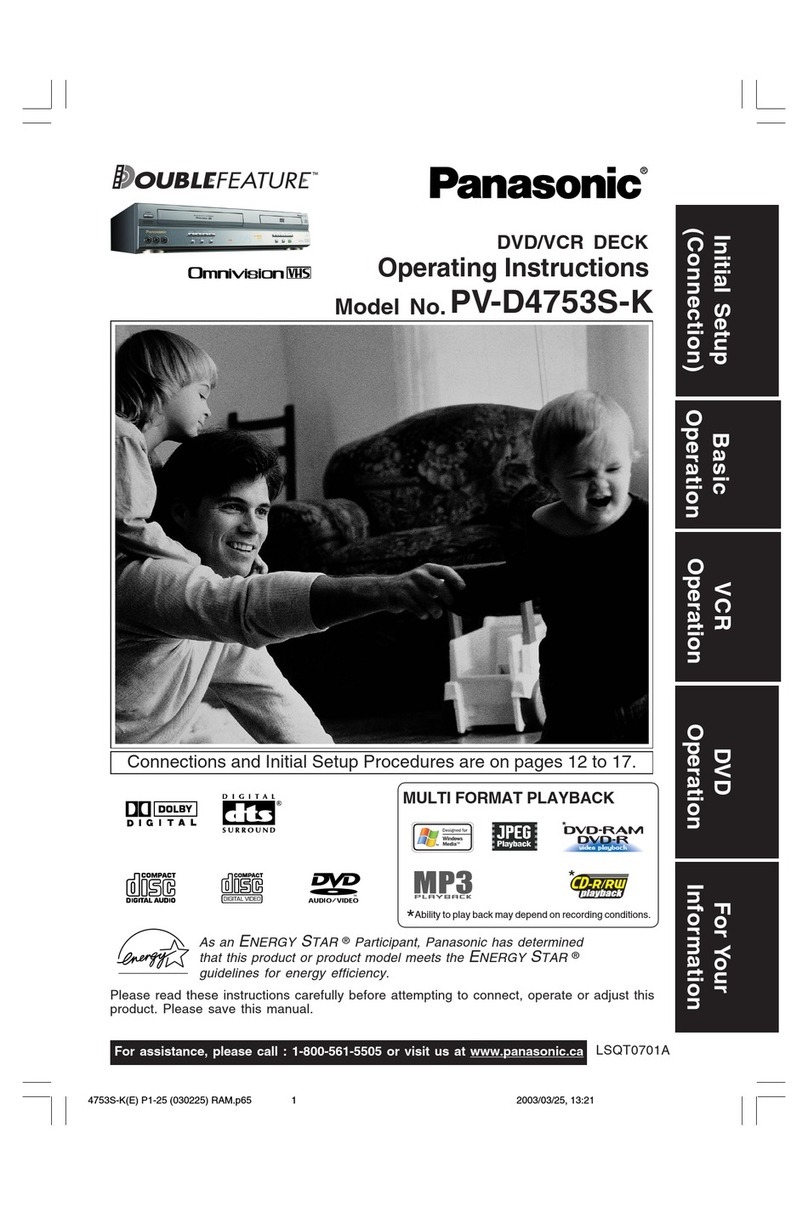
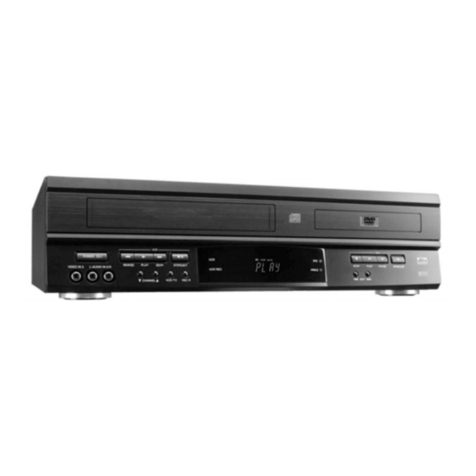
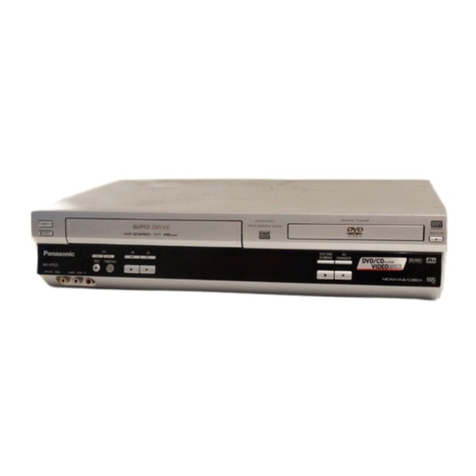
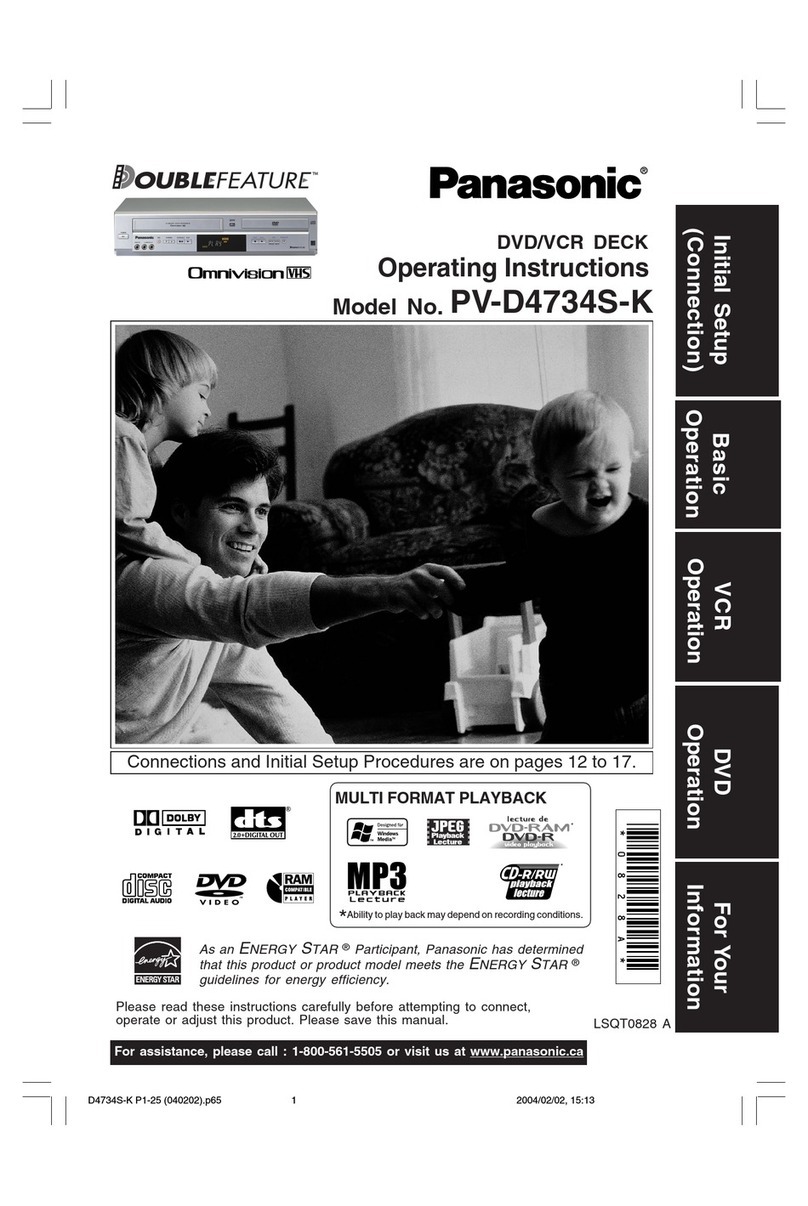
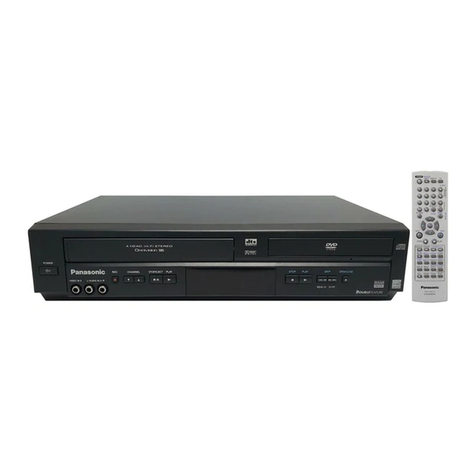
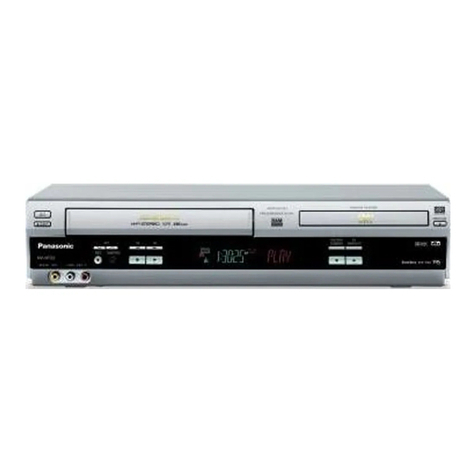
  9. Panasonic PVD4762 - DVD/VCR DECK User manual

Panasonic PVD4762 - DVD/VCR DECK User manual

Other manuals for PVD4762 - DVD/VCR DECK

1

Other Panasonic DVD VCR Combo manuals

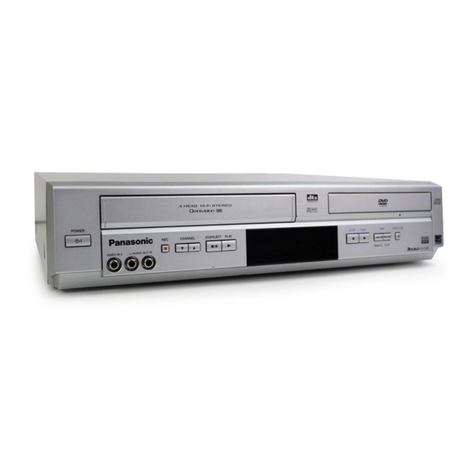
Panasonic PV-D4763SK User manual

Panasonic

Panasonic PV-D4763SK User manual

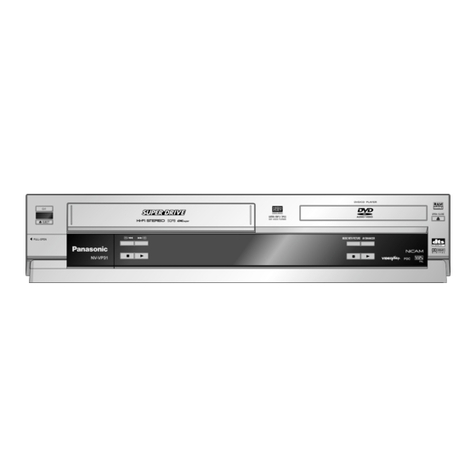
Panasonic NV-VP31EB User manual

Panasonic

Panasonic NV-VP31EB User manual

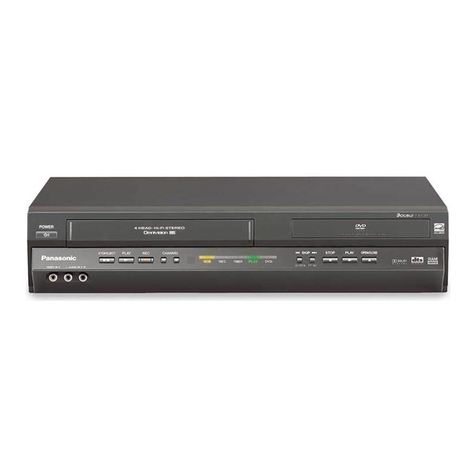
Panasonic PVD4743 - DVD/VCR DECK User manual

Panasonic

Panasonic PVD4743 - DVD/VCR DECK User manual

Panasonic NV-VP33EB User manual

Panasonic

Panasonic NV-VP33EB User manual

Panasonic AGVP320 - DVD/VCR DECK User manual

Panasonic

Panasonic AGVP320 - DVD/VCR DECK User manual

Panasonic DoubleFeature PV-D4754S User manual

Panasonic

Panasonic DoubleFeature PV-D4754S User manual

Panasonic PVD4761 - DVD/VCR DECK User manual

Panasonic

Panasonic PVD4761 - DVD/VCR DECK User manual

Panasonic PVD4742 - DVD/VCR DECK User manual

Panasonic

Panasonic PVD4742 - DVD/VCR DECK User manual

Panasonic Omnivision PV-D4733S User manual

Panasonic

Panasonic Omnivision PV-D4733S User manual

Panasonic NV-VP23EC User manual

Panasonic

Panasonic NV-VP23EC User manual

Panasonic Proline AG-VP300P User manual

Panasonic

Panasonic Proline AG-VP300P User manual

Panasonic NV-VP33 Series User manual

Panasonic

Panasonic NV-VP33 Series User manual

Panasonic PVD4753S - DVD/VCR DECK User manual

Panasonic

Panasonic PVD4753S - DVD/VCR DECK User manual

Panasonic DVD-RV20 User manual

Panasonic

Panasonic DVD-RV20 User manual

Panasonic PVD4743 - DVD/VCR DECK User manual

Panasonic

Panasonic PVD4743 - DVD/VCR DECK User manual

Panasonic NV-VP31 User manual

Panasonic

Panasonic NV-VP31 User manual

Panasonic Omnivision PV-D4733S User manual

Panasonic

Panasonic Omnivision PV-D4733S User manual

Panasonic PV-D4733S-K User manual

Panasonic

Panasonic PV-D4733S-K User manual

Panasonic Diga DMR-EH75V User manual

Panasonic

Panasonic Diga DMR-EH75V User manual

Panasonic AGVP320 - DVD/VCR DECK User manual

Panasonic

Panasonic AGVP320 - DVD/VCR DECK User manual

Panasonic PV-D4753SK User manual

Panasonic

Panasonic PV-D4753SK User manual

Panasonic PVD4753S - DVD/VCR DECK User manual

Panasonic

Panasonic PVD4753S - DVD/VCR DECK User manual

Panasonic AGVP310 - DVD/VCR DECK User manual

Panasonic

Panasonic AGVP310 - DVD/VCR DECK User manual

Panasonic NV-VP23EG User manual

Panasonic

Panasonic NV-VP23EG User manual

Popular DVD VCR Combo manuals by other brands

Philips DVP3340V/17B quick start guide

Philips

Philips DVP3340V/17B quick start guide

Philips DVD-70VR quick guide

Philips

Philips DVD-70VR quick guide

Samsung DVD-V2000 instruction manual

Samsung

Samsung DVD-V2000 instruction manual

Sharp DV-NC230SB Operation manual

Sharp

Sharp DV-NC230SB Operation manual

Samsung DVD-V5500 instruction manual

Samsung

Samsung DVD-V5500 instruction manual

Seg DVRC 600 user manual

Seg

Seg DVRC 600 user manual

JVC HR-XVC29SUM instructions

JVC

JVC HR-XVC29SUM instructions

JVC DR-MV1BEK Schematic diagrams

JVC

JVC DR-MV1BEK Schematic diagrams

Samsung DVD-V5450 Service manual

Samsung

Samsung DVD-V5450 Service manual

Samsung DVD-V55K instruction manual

Samsung

Samsung DVD-V55K instruction manual

Toshiba D-VR3SG owner's manual

Toshiba

Toshiba D-VR3SG owner's manual

Pioneer DV-PT100-S Service manual

Pioneer

Pioneer DV-PT100-S Service manual

Toshiba DVR610 - DVDr/ VCR Combo Service manual

Toshiba

Toshiba DVR610 - DVDr/ VCR Combo Service manual

Toshiba SD-K531SU owner's manual

Toshiba

Toshiba SD-K531SU owner's manual

Samsung DVD-V9090 instruction manual

Samsung

Samsung DVD-V9090 instruction manual

JVC HR-XVS20AA instructions

JVC

JVC HR-XVS20AA instructions

Toshiba RDXV60KB owner's manual

Toshiba

Toshiba RDXV60KB owner's manual

Toshiba D-VR600 - DVDr/ VCR Combo Specification sheet

Toshiba

Toshiba D-VR600 - DVDr/ VCR Combo Specification sheet

manuals.online logo
manuals.online logoBrands
  • About & Mission
  • Contact us
  • Privacy Policy
  • Terms and Conditions

Copyright 2025 Manuals.Online. All Rights Reserved.

PV-D4762
DVD/VCR DECK
Operating Instructions
Model o.
For assistance, please call : 1-800-211-PA A(7262) or send e-mail to : [email protected]
Initial Setup
(Connection) Basic
Operation VCR
Operation For Your
Information
DVD
Operation
Connections and Initial Setup Procedures are on pages 12 to 17.
Please read these instructions carefully before attempting to connect, operate or
adjust this product. Please save this manual.
Spanish uick Use Guide is included.
(Guía para rápida consulta en español está incluida.) LS T0525A
®
As an ENERGY STAR Partner, Matsushita Electric Corporation of
America has determined that this product or product model meets the
ENERGY STAR guidelines for energy efficiency.
®
I STALLATIO
1 POWER SOURCE CAUTIO
Operate only from a power source indicated on the
unit or in this manual. If necessary, have your
Electric Utility Service Company or Video Products
Dealer verify the power source in your home.
2 POLARIZED OR GROU DI G PLUG
As a safety feature, this product comes with either
a polarized power cord plug (one blade is wider
than the other), or a three-wire grounding type plug.
POLARIZED PLUG CAUTION:
This plug will only fit into an outlet one way. If you cannot
fully insert the plug, try reversing it. If it still will not fit,
have an electrician install the proper wall outlet. Do not
defeat the safety feature by tampering with the plug.
GROUNDING PLUG CAUTION:
This plug will only fit into a three-hole grounding
outlet. If necessary, have an electrician install the
proper outlet. Do not defeat the safety feature by
tampering with the plug.
3 POWER CORD
Make sure power cords are routed so that they
are not likely to have anything rest on them, roll
over them, or be in the way of walking traffic.
If an extension cord is used, make sure it also
has either a polarized or grounded plug and that
the cords can be securely connected.
Frayed cords, damaged plugs, and damaged or
cracked wire insulation are hazardous and should
be replaced by a qualified service technician.
Overloaded outlets and extension cords are fire
hazards and should be avoided.
4 DO OT BLOCK VE TILATIO HOLES
Ventilation openings in the cabinet release heat
generated during operation. If they are blocked,
heat build-up inside the unit can cause failures that
may result in a fire hazard or heat damage to
cassettes or discs.
For protection, follow these rules:
a. Never cover ventilation slots or the unit while in
use, or operate the unit when placed on a bed,
sofa, rug, or other soft surface.
b. Avoid built-in installation, such as a book case
or rack, unless proper ventilation is provided.
5 PLACEME T: AVOID EXTREMELY HOT LOCATIO S
OR SUDDE TEMPERATURE CHA GES
Do not place the unit over or near heater or
radiator, in direct sunlight, inside closed vehicles,
in high temperature [over 104°F (40°C)], or in over
75% humidity. If the unit is suddenly moved from
a cold place to a warm one, moisture may
condense in the unit and on the tape causing
damage. Never subject the unit to vibration,
impact, or place it so that the surface is titled as
internal parts may be seriously damaged.
6 TO AVOID PERSO AL I JURY
• Do not place unsecured equipment on a sloping
surface.
• Do not place this unit on any support that is not
firm, level, and adequately strong.
The unit could fall causing serious
injury to a child or adult and
damage to the unit.
• An appliance and cart
combination should be moved
with care. uick stops,
excessive force, and uneven
surfaces may cause the appliance and cart
combination to overturn.
• Carefully follow all operating instructions and
use the manufacturer's recommended
accessories when operating this unit or
connecting it to any other equipment.
FOR YOUR SAFETY, READ A D RETAI ALL SAFETY
A D OPERATI G I STRUCTIO S. HEED ALL
WAR I GS I THE MA UAL A D O THE U IT
USI G THE U IT
If the unit has been in storage or moved to a new location,
refer first to the INSTALLATION section of these safeguards.
1
KEEP THE U IT AWAY FROM WATER OR MOISTURE OF A Y KI D.
2 IF EQUIPME T IS EXPOSED TO RAI , MOISTURE, OR
STRO G IMPACT, unplug the unit and have it inspected by a
qualified service technician before use.
3 DURI G A ELECTRICAL STORM
During a lightning storm, whether indoors or outdoors, or
before leaving the unit unused for extended periods of time,
disconnect all equipment from the power source as well as
the antenna and cable system.
4 WHE THE U IT IS PLUGGED I
• Never expose the unit to rain or water. DO NOT OPERATE
if liquid has been spilled into the unit. Immediately unplug
the unit, and have it inspected by a service technician.
Fire and shock hazards can result from electrical shorts
caused by liquid contact inside.
• Never drop or push any object through openings in the unit.
Some internal parts carry hazardous voltages and contact
can cause electric shock or fire hazard.
Do not put any foreign object on the disc tray.
• Avoid placing the unit directly above or below your TV set
as this may cause electrical interference. Keep all magnets
away from electronic equipment.
5 USI G ACCESSORIES
Use only accessories recommended by the manufacturer to
avoid risk of fire, shock, or other hazards.
6 CLEA I G THE U IT
Unplug the unit. Then, use a clean, dry, chemically untreated
cloth to gently remove dust or debris. DO NOT USE cleaning
fluids, aerosols, or forced air that could over-spray, or seep
into the unit and cause electrical shock. Any substance such
as wax, adhesive tape, etc. may mar the cabinet surface.
Exposure to greasy, humid, or dusty areas may adversely
affect internal parts. SERVICE
1 DO OT SERVICE THIS PRODUCT YOURSELF
If, after carefully following the detailed operating
instructions, this product does not operate properly, do not
attempt to open or remove covers, or make any
adjustments not described in the manual. Unplug the unit
and contact a qualified service technician.
2 IF REPLACEME T PARTS ARE REQUIRED
Make sure the service technician uses only parts specified
by the manufacturer, or those having the same safety
characteristics as the original parts. The use of unauthorized
substitutes may result in fire, electric shock, or other hazards.
3HAVE THE SERVICE TECH ICIA PERFORM A SAFETY CHECK
After any service or repairs to the unit, request the service
technician to conduct a thorough safety check as
described in the manufacture’s service literature to ensure
that the unit is in safe operating condition.
Important Safeguards and Precautions
GROU D
CLAMP
ELECTRIC
SERVICE
EQUIPME T
A TE A
LEAD I
WIRE
A TE A
DISCHARGE U IT
( EC SECTIO 810-20)
GROU DI G CO DUCTORS
( EC SECTIO 810-21)
GROU D CLAMPS
POWER SERVICE GROU DI G
ELECTRODE SYSTEM
( EC ART 250, PART H)
EC
- ATIO AL
ELECTRICAL CODE
OUTDOOR A TE A I STALLATIO
1 SAFE A TE A A D CABLE CO ECTIO
If an outside antenna or cable system is connected to the
equipment, be sure the antenna or cable system is grounded
so as to provide some protection against built up static
charges and voltage surges.
Section 810 of the National Electrical
Code, ANSI/NFPA 70 (in Canada,
part 1 of the Canadian Electrical
Code) provides information
with respect to proper grounding
of the mast and supporting
structure, grounding of the lead-in wire
to an antenna discharge unit, size of grounding conductors,
location of antenna discharge unit, connection to grounding
electrodes and requirements for the grounding electrode.
2
KEEP A TE A CLEAR OF HIGH VOLTAGE POWER LI ES OR CIRCUITS
An outside antenna system should be located well away from
power lines, electric light or power circuits and where it will never
come into contact with these power sources if it should happen
to fall. When installing an outside antenna, extreme care should
be taken to avoid touching power lines, circuits or other power
sources as this could be fatal. Because of the hazards involved,
antenna installation should be left to a professional.
2

CAUTION: TO REDUCE THE RISK OF ELECTRIC SHOCK,
DO NOT REMOVE COVER (OR BACK)
RISK OF ELECTRIC SHOCK
DO NOT OPEN
CAUTION
NO USER-SERVICEABLE PARTS INSIDE
REFER SERVICING TO UALIFIED SERVICE PERSONNEL
This symbol warns the user that uninsulated voltage
within the unit may have sufficient magnitude to cause
electric shock.
Therefore, it is dangerous to make any kind of contact
with any inside part of this unit.
This symbol alerts the user that important literature
concerning the operation and maintenance of this unit
has been included. Therefore, it should be read
carefully in order to avoid any problems.
FCC Warning: Any unauthorized changes or modifications to this equipment would void the user’s
authority to operate.
Safety Precautions/Mesures de sécurité
WAR I G: To prevent fire or shock hazard, do not expose this
equipment to rain or moisture.
CAUTIO : To prevent electric shock, match wide blade of plug to
wide slot, fully insert.
Avertissement: Afin de prévenir tout risque d’incendie ou de chocs
électriques, ne pas exposer cet appareil à la pluie ou
à une humidité excessive.
Attention: Pour éviter les chocs électriques, introduire la lame la
plus large de la fiche dans la borne correspondante de la
prise et pousser jusqu’au fond.
Region Management Information:
This DECK is designed and manufactured to respond to the
Region Management Information that is recorded on a DVD
disc. If the Region number described on the DVD disc does
not correspond to the Region number of this DECK, this
DECK cannot play this disc.
The Region number
for this DECK is 1.
1
CAUTIO :
UNIT IS A CLASS I LASER PRODUCT.
HOWEVER THIS UNIT USES A VISIBLE LASER BEAM WHICH COULD
CAUSE HAZARDOUS RADIATION EXPOSURE IF DIRECTED.
BE SURE TO OPERATE THE UNIT CORRECTLY INSTRUCTED.
WHEN THIS UNIT IS PLUGGED TO THE WALL OUTLET, DO NOT PLACE
YOUR EYES CLOSE TO THE OPENING OF THE DISC TRAY AND OTHER
OPENINGS TO LOOK INTO THE INSIDE OF THIS UNIT.
USE OF CONTROLS OR ADJUSTMENTS OR PERFORMANCE OF
PROCEDURES OTHER THAN THOSE SPECIFIED HEREIN MAY RESULT
IN HAZARDOUS RADIATION EXPOSURE.
DO NOT OPEN COVERS AND DO NOT ATTEMPT TO REPAIR THE UNIT
YOURSELF. REFER SERVICING TO UALIFIED PERSONNEL.
CAUTIO :
LASER RADIATION
WHEN OPEN DO NOT
STARE INTO BEAM.
Apparatus Claims of U.S. Patent Nos. 4,631,603, 4,577,216, and 4,819,098, licensed for limited
viewing uses only.
ATTE TIO :
RAYONNEMENT
LASER EN CAS
D’OUVERTURE.
NE PAS REGARDER
DANS LE FAISCEAU.
(Inside of product)
FCC OTE:
This equipment has been tested and found to comply with part 15 of the FCC Rules. These limits are
designed to provide reasonable protection against harmful interference when operated in a residential
environment. If this equipment does cause interference to radio or television reception, which can be
determined by turning the equipment off and on, use the equipment in another location and/or utilize
an electrical outlet different from that used by the receiver.
If necessary, consult the dealer or an experienced ratio/TV technician for help. The user may find the
booklet, “Something About Interference” available from FCC local regional offices helpful.
FCC Caution:
To assure continued compliance, (example- use only shielded interface cables when connecting to
other devices.) Any changes or modifications not expressly approved by the party responsible for
compliance could void the user’s authority to operate this equipment.
3
4
For assistance, please call : 1-800-211-PA A(7262) or send e-mail to : [email protected]
Congratulations
on your purchase of one of the most
sophisticated and reliable products on the
market today. Used properly, it will bring you
years of enjoyment. Please fill in the
information below. The serial number is on the
tag located on the back of your DECK.
Before Using
Accessories
• Date of Purchase
• Dealer Purchased From
• Dealer Address
• Dealer Phone No.
• Model No. PV-D4762
• Serial No.
To order accessories, call toll free
1-800-332-5368.
If disc is brought from a cold to a warm
environment, moisture may form on the disc
Wipe away moisture with a soft, dry, lint-free cloth
before using disc. (See above.)
Improper disc storage
Discs could be damaged if stored or left in areas:
• exposed to direct sunlight.
• that are humid or dusty.
• near heat (i.e. heater, radiator, etc.).
Disc Handling
To clean disc surface
With a soft, damp (water only) cloth, gently wipe
from the center hole to the outer edge as shown
below. (Wiping in a circular pattern will scratch the
surface.)
Handling precautions
• Only hold disc by edges as shown below.
Fingerprints, dirt and scratches can cause
skipping and distortion.
• Do not write on label side of disc.
• Never use record cleaning sprays, benzine,
thinner, static electricity prevention liquids, or any
other solvent.
• Be careful not to drop or bend disc.
• Do not place more than
1 disc on disc tray.
• Do not try to close
disc tray when disc
is not properly placed.
• Always store discs in
their proper cases
when not in use.
Disc formats supported by this DECK
DECK can play back discs bearing any of the
following marks:
Discs which cannot be played
• DVD with Region No. other than “1” or “ALL”
• DVD of PAL system • DVD-R/DVD-RAM
• DVD-ROM • CD-ROM
• CDV • CD-G
DVD
3” (8 cm) disc / 5” (12 cm) disc
Video CD
3” (8 cm) disc / 5” (12 cm) disc
CD
3” (8 cm) disc / 5” (12 cm) disc
is a registered trademark.
Do not try to play Photo CD.
Disc tray
Disc
RF Coaxial Cable
VJAS0196
Batteries 2 “AA”
Remote Control
LSS 0334
1) Open cover.
3) Close cover.
Loading the Batteries
2) Insert
batteries as
marked.
Battery replacement caution
• Do not mix old and new batteries.
• Do not mix alkaline with manganese
batteries.
5
Table of Contents
Timer Recording.............................................................. 24, 25
MTS Broadcast/ VHS Hi-Fi Stereo System ....................26, 27
Multi-Brand Control Feature ...........................................28, 29
Tape Operation ( and ) ...30 ~ 36
Special VCR Features .....................................................37, 38
Copying Your Tapes (Dubbing) .........................................................39
Disc Operation ...............................................................40 ~ 44
DVD Operation using On-Screen Displays .................45 ~ 46
MP3 Playback Operation.......................................................47
DVD Lock Feature .................................................................48
Settings for DVD Operation ..........................................49 ~ 51
Language Code List..............................................................52
DVD / VCR
Warning and Instruction Displays........................................53
Before Requesting Service.............................................54, 55
Servicenter List......................................................................56
Limited Warranty ...................................................................57
Spanish (Español) Quick Use Guide.............................58 ~63
Index.......................................................................Back Cover
DVD / VCR
Important Safeguards and Precautions ............................2, 3
Before Using............................................................................4
DECK & Cassette Information........................................... 6 , 7
Location of Controls .......................................................8 ~ 10
Displays (On Screen Displays and Multi Function Display) ....................11
Connections ..................................................................12 ~ 15
Initial Setup for Basic Connections (Ready to Play) ..........16, 17
VCR
Reset Language, Channels, Clock, VCR’s Output Channel ...18, 19
Playback/ Record on a Tape...........................................20, 21
DVD
Basic DVD Operation ......................................................22, 23
Initial Setup
(Connection) Basic
Operation VCR
Operation For Your
Information
DVD
Operation
6
For assistance, please call : 1-800-211-PA A(7262) or send e-mail to : [email protected]
DECK & Cassette Information
Video Head Clog Sensor
During playback, this
screen appears if
clogging is detected.
To remove screen,
press PLAY on the
remote or DECK.
Playing older or damaged tapes may eventually
cause video heads to become clogged.
V
I
D
EO HEADS
M
AY
N
EED
CLE
A
N
I
NG
PLEASE
I
NSERT
HEAD
CLE
A
N
I
NG
CASSE
TT
E
OR
REFER
T
O
MANUAL
END
:
P
L
AY
• Use “dry” type head cleaning cassette
only. (Part No. NV-TCL30PT is recommended.)
• Follow cleaning tape instructions carefully.
Excessive use of tape can shorten head life.
• If head clog symptoms persist, contact your
nearest Factory Servicenter or authorized
Servicenter (see p. 56).
Head Cleaning
Only use tapes with the mark in this DECK.
Prevent Accidental Tape Erasure
Record/ Playback Time
Record Tab
Cover the hole
with cellophane tape.
To record again
Break off the tab to
prevent recording.
SP
(Standard Play) 2 Hours
40 Minutes
1 Hour 2 Hours
5 Hours
20 Minutes
2 Hours 4 Hours
LP
(Long Play)
3 Hours 6 Hours 8 Hours
SLP
(Super Long Play)
Type of Video Cassette
Tape Speed
Setting T160T120T60
Use a soft cloth or dusting attachment of a vacuum cleaner to remove dust from the ventilation holes
on the back sides and bottom of the cabinet. Plastic surfaces are easily scratched and can be
marred by alcohol and various solvents. Avoid excessive use of oil-based furniture polishes since
the materials used in the cabinet will accumulate more dust. We recommend using a non-abrasive,
antistatic cleaner and polisher.
Cleaning DECK
Digital Auto Picture
Automatically controls the video output signal for less noise depending on the tape condition.
Digital Auto Tracking
Continuously analyzes the signal and adjusts for optimum picture quality.
Manual Tracking Control
(to reduce picture noise)
Use during Playback and Slow Motion mode to reduce picture noise.
Press CH (TRACKING) / on the remote control or on DECK until the picture clears up.
To return to Auto Tracking, press POWER off, then on again a few seconds later.
V-Lock Control (to reduce picture jitter)
In Still mode, CH (TRACKING) / operate as a V-Lock control.
Features for a Quality Picture (VCR)
R
R
R
R
R
R
R
R
Built-in Head Cleaner
A clean video head helps produce a clear
picture.
So, we have equipped your DECK with
a built-in, non-chemical head cleaning system
that helps prevent clogging of the video
heads. Cleaning is performed each time you
load or unload a video cassette.
• This feature is preventative only, If your video
heads are seriously clogged, consider the use
of a chemical non-abrasive head cleaning kit
or take your DECK to a Servicenter.
Screw driver
7
Power Source: 120 V AC, 60 Hz
Power Consumption: Power On: Approx. 32 watts, Power Off: Approx. 4 watts
Video Signal: EIA Standard NTSC color
Video Recording System: 4 rotary heads helical scanning system
Audio Track: 1 track (Normal), 2 channel (Hi-Fi Audio Sound)
Tuner:
Broadcast Channels: VHF 2 ~ 13, UHF 14 ~ 69
CABLE Channels: Midband A through I (14 ~ 22), Superband J through W (23 ~ 36)
Hyperband AA ~ EEE (37 ~ 64), Lowband A-5 ~ A-1 (95 ~ 99)
Special CABLE channel 5A (01), Ultraband 65 ~ 94, 100 ~ 125
Input/Output Terminal: Audio/Video Line Input/Output, RF Input/Output
Input Terminal: Audio/Video Line Input (Front)
Output Terminal: S-VHS Output (DVD only), Component Video Output (DVD only)
Audio Output 2 (L), (R)
Operating Temperature: 5 °C ~ 40 °C (41 °F ~ 104 °F)
Operating Humidity: 10 % ~ 75 %
Weight: 6.9 kg (15.2 lbs).
Dimensions: 430 (W) x 118 (H) x 364 (D) mm
16-15/16” (W) x 4-5/8” (H) x 14-5/16” (D) inch
Discs Played
(1) DVD-VIDEO Disc 5” (12 cm) single-sided single-layer
5” (12 cm) single-sided double-layer
5” (12 cm) double-sided double-layer (one layer per side)
3” (8 cm) single-sided single-layer
3” (8 cm) single-sided double-layer
3” (8 cm) double-sided double-layer (one layer per side)
(2) Compact Disc 5” (12 cm) disc
(CD-DA, VIDEO CD) 3” (8 cm) disc
Digital Audio Output: Digital Optical Connector
Pickup: Wavelength: 655 nm (DVD), 790 nm (Video CD/CD)
Laser power: CLASS II
Specifications
Note: •Designs and specifications are subject to change without notice.
Definition of Terms (DVD)
Angle: Some DVD discs feature scenes simultaneously shot from different angles.
The ANGLE button can be used to view the scene from different angles.
(ANGLE Indicator lights on DECK when a scene recorded at different
angles is detected.)
Chapter umber:Titles are subdivided into numbered sections. You can quickly search for
a favorite scene using these numbers.
DVD: A high-density optical disc on which high-quality pictures and sound have
been digitally recorded. DVD incorporates new video compression
technology (MPEG II) and high-density recording technology which allow
entire movies to be recorded with incredible playback quality.
Playback Control:With Video CD (version 2.0), scenes or information may be selected for
viewing or listening from an interactive menu that appears on the TV screen.
Subtitles: Written dialogue which appears at the bottom of the screen.
Time umber: The elapsed play time from the start of a disc or title. Use to quickly find
scenes. (May not work with some discs.)
Title umber: For DVD discs with two or more titles, the title is numbered as title 1, title 2, etc.
Track umber: Numbers assigned to tracks on Video CDs and CDs to allow specific tracks
to be quickly located.
Video CD: CD containing picture and sound with same quality level as video tape.
This DECK also supports Video CDs with playback control (version 2.0).
Initial Setup
(Connection)
This product incorporates copyright protection technology that is protected by method claims of
certain U.S. Patents and other intellectual property rights owned by Macrovision Corporation and
other rights owners. Use of this copyright protection technology must be authorized by Macrovision
Corporation, and is intended for home and other limited viewing uses only unless otherwise
authorized by Macrovision Corporation. Reverse engineering or disassembly is prohibited.
8
For assistance, please call : 1-800-211-PA A(7262) or send e-mail to : [email protected]
Location of Controls
Remote Control
ZOOM
p. 41
POWER
DSS/CABLE mode
p. 28
SPEED
p. 21
UMBER keys
TV mode
p. 28
TAPE POSITIO /
AUDIO CONTROL
p. 38,
44
EJECT/
OPEN/CLOSE
pp. 20,
22
ACTIO
pp. 18
, 49
PAUSE
/STILL
pp. 20,
23
COU TER
RESET
p. 35
PROGRAM
p. 24
RECORD
p. 21
ADD/DELETE/
CLEAR
pp. 19,
43, 48
VCR mode
p. 28
VOLUME
+
/
-
p. 28
CHA EL /
TRACKI G/V-LOCK
pp. 21, 6
PLAY
pp. 20,
22
REWI D/
SEARCH
/
SLOW-
pp. 20,
23
DVD mode
p. 28
I PUT
p. 39
DISPLAY
p. 11,
45
STOP
pp. 20,
22
FAST FORWARD/
SEARCH
/
SLOW+
pp. 20,
23
ANGLE
p. 41
SUB TITLE
p. 40
SURROUND/
ENTER
pp.
23,
28
MENU
p. 42
SET
VCR/TV
p. 21
RETURN
/
MOVIE ADVA CE/
SEARCH
pp. 22,
33, 34
TITLE
p. 42
AUDIO
(SAP/ Hi-Fi)
pp. 27,
40
SELECT
SKIP
SKIP
p. 23
Bold:VCR Function
Italic
:
DVD Function
Bold Italic
:
VCR and DVD Functions
Normal: Others
Light button: When Light button is pressed, (DVD, TV, VCR, PLAY, STOP, REW, FF) buttons will light
up for 5 seconds for easy button location.
If no button is pressed in 5 seconds, the light goes out to conserve the battery.
EJECT button: When this button is pressed in VCR mode, the tape is ejected. This button is inoperative if
pressed during recording. If pressed in DVD mode, the disc tray opens or closes.
Light Tower Universal Remote Control
COMMERCIAL ADVA CE/
ZERO
pp. 30, 35
LIGHT
p. 8
9
Front View of DECK
Audio/Video
Input Connector 2
(LI E 2) p. 39
CHA EL /
TRACKI G/V-LOCK
pp. 21, 6
POWER
PAUSE
p. 23
OPEN/CLOSE
p. 22
VCR/TV
p. 21
STOP/EJECT
p. 20
Multi Function
Display
p. 11
REC
p. 21
If the disc cannot be removed...
First, unplug DECK. Then, prepare a rigid
wire (e.g. an extended paper clip) and,
applying moderate force, insert it straight
into the hole at the base of the tray.
The tray will eject a little. Now, pull the tray
all the way out and remove the disc.
Disc Tray
Over 2 inches
Cassette
Compartment
PLAY
p. 20
Remote
Sensor
FAST FORWARD/SEARCH
p. 20
REWI D/SEARCH
p. 20
Front View of DECK
Initial Setup
(Connection)
SKIP
SKIP
p. 23
PLAY
p. 22
STOP
p. 22
Bold:VCR Function
Italic
:
DVD Function
Bold Italic
:
VCR and DVD Functions
Normal: Others
PROGRESSIVE
p. 10
10
For assistance, please call : 1-800-211-PA A(7262) or send e-mail to : [email protected]
Location of Controls (continued)
Rear View of DECK
AC Power Plug
S-Video Out
Connector
(DVD Only)
pp. 10, 13
Component Video Output
Connector (Y, PB, PR) (DVD Only)
p. 13
Audio Output 2
Connector (L/R)
p. 13
Optical Digital Audio
Output Connector
(DVD Only)
p. 15
Video Input
Connector
p. 39
Video Output
Connector
p. 12
Audio Input
Connector (L/R)
p. 39
Audio Output 1
Connector (L/R)
p. 12
VHF/UHF Antenna Input Terminal
p. 12
VHF/UHF Antenna Output Terminal
p.12
DVD OUTPUT
DIGITAL
AUDIO OUT
(PCM/BITSTREAM)
OPTICAL
S-VIDEO OUT
SELECT
COMPO E T
VIDEO OUT
Y
P
B
P
R
L
R
VIDEO
AUDIO1
L
R
OUT I 1
I FROM A T.
OUT TO TV
VHF/UHF
OUT
AUDIO2
SEE MA UAL
• While plugged into an AC outlet,
this DECK consumes 4 W of
electrical power in off mode.
••
The following table shows the status of the output jacks when in VCR or DVD mode.
Bold:VCR Function
Italic
:
DVD Function
Bold Italic
:
VCR and DVD Functions
ote • PROG functions on the remote are not available when using Component Video Output
and S-VIDEO OUT. Please set TV to either RF INPUT or VIDEO INPUT, and then press
PROG.
SELECT SW (DVD Only)
p. 13
Video Output
Audio Out 1
Audio Out 2 Component
Video Output S-VIDEO OUT
VCR
DVD
YES
YES YES
SELECT SW
(Switchable)➛YES
N/A N/A
To enjoy PROGRESSIVE SCA video
➛
(1).Connect
Component Video Output
to the component video input terminals of a television.
(See p. 13.)
(2).Set the “COMPONENT VIDEO OUT”/“S-VIDEO OUT”
SELECT SWITCH
, in the back of the
DECK, to “COMPONENT VIDEO OUT.” (See above.)
(3).When the PROGRESSIVE button is pressed, the ON lamp lights up (see p. 9) and the
PROGRESSIVE SCAN signal is output from the
Component Video Output Connector
.
ote
• The PROGRESSIVE button can be operated when the DECK is in DVD function mode.
• The screen may shift off-center when using progressive output. Please adjust the screen
position if this occurs. (Refer to your TV manual.)
• The unit does not output video signals from the “VIDEO OUT” or “S-VIDEO OUT” terminals
when the ON lamp is lit.