manuals.online logo
Brands
  1. Home
  2. •
  3. Brands
  4. •
  5. Parrot Uncle
  6. •
  7. Fan
  8. •
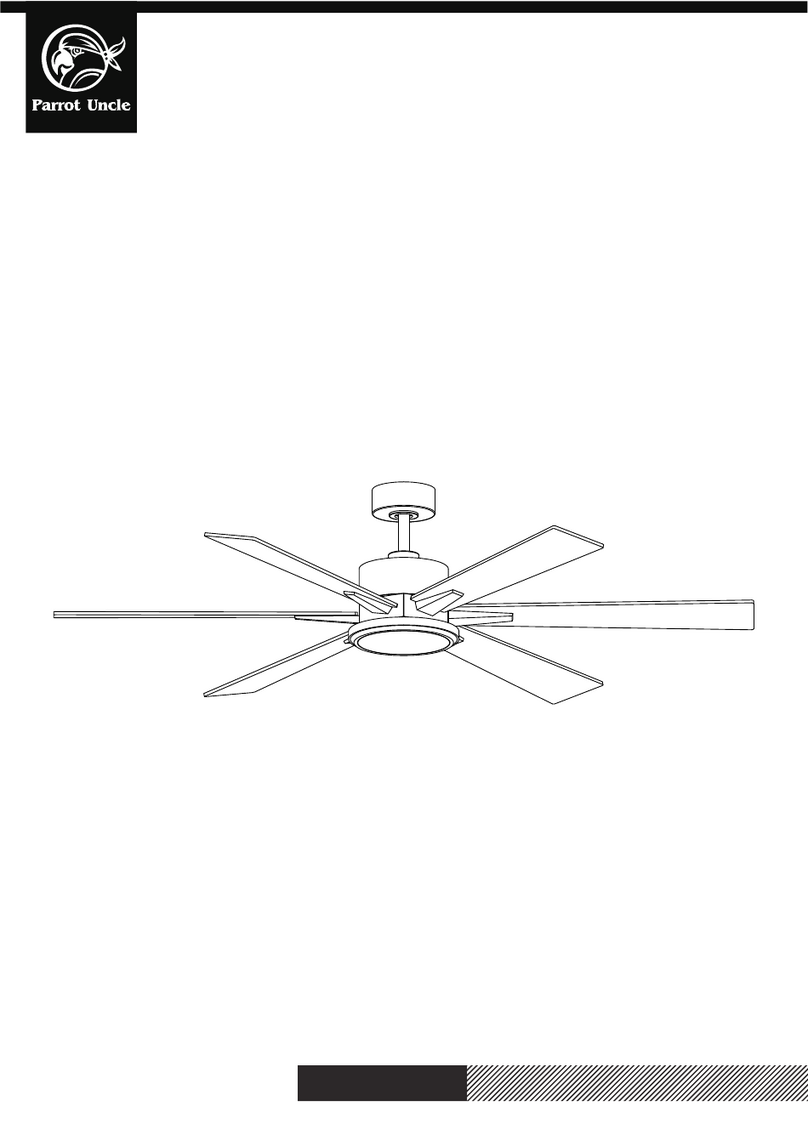
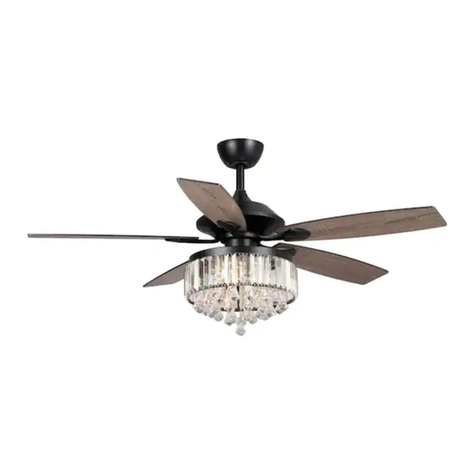
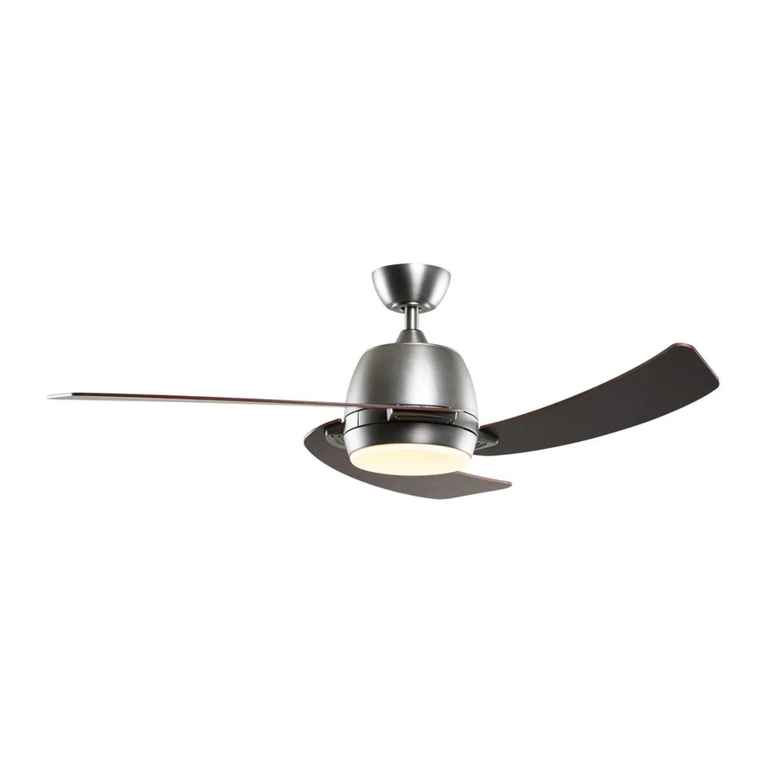
  9. Parrot Uncle 530173SQ-SMART User manual

Parrot Uncle 530173SQ-SMART User manual

Other Parrot Uncle Fan manuals

Parrot Uncle F6290 User manual

Parrot Uncle

Parrot Uncle F6290 User manual

Parrot Uncle F6267220V User manual

Parrot Uncle

Parrot Uncle F6267220V User manual

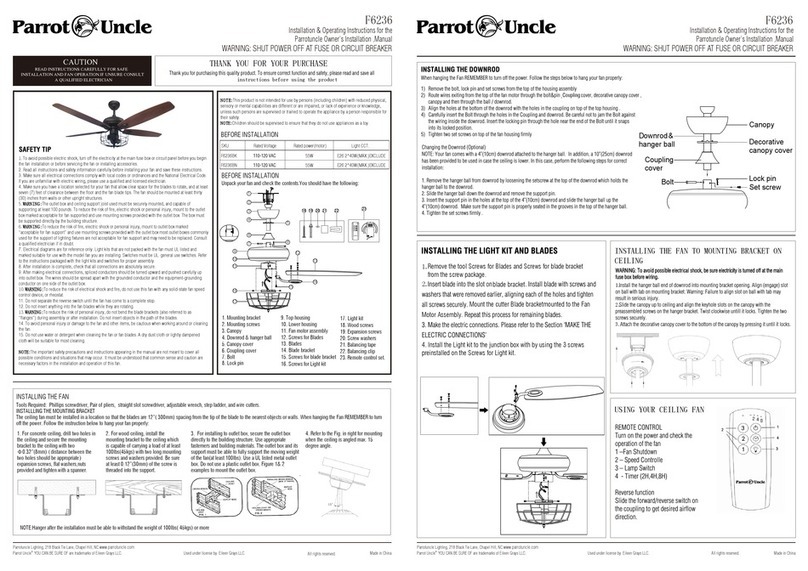
Parrot Uncle F6236 Manual

Parrot Uncle

Parrot Uncle F6236 Manual

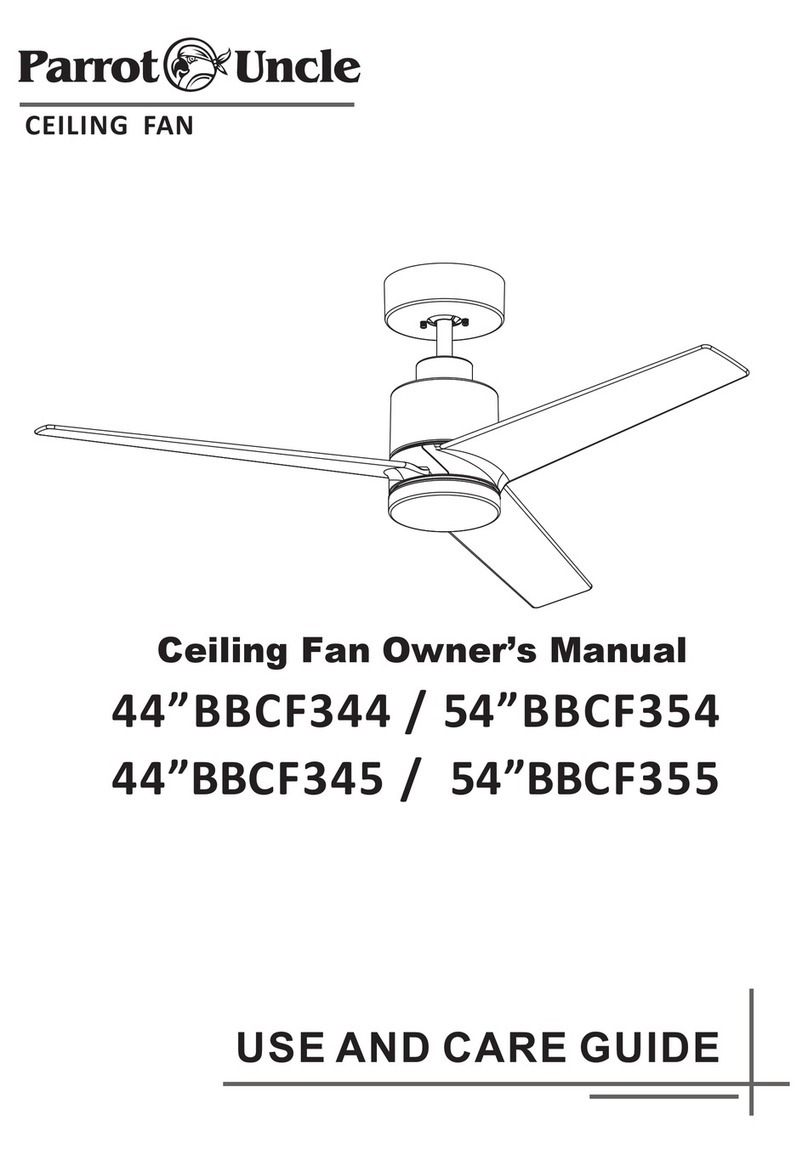
Parrot Uncle BBCF344 User manual

Parrot Uncle

Parrot Uncle BBCF344 User manual

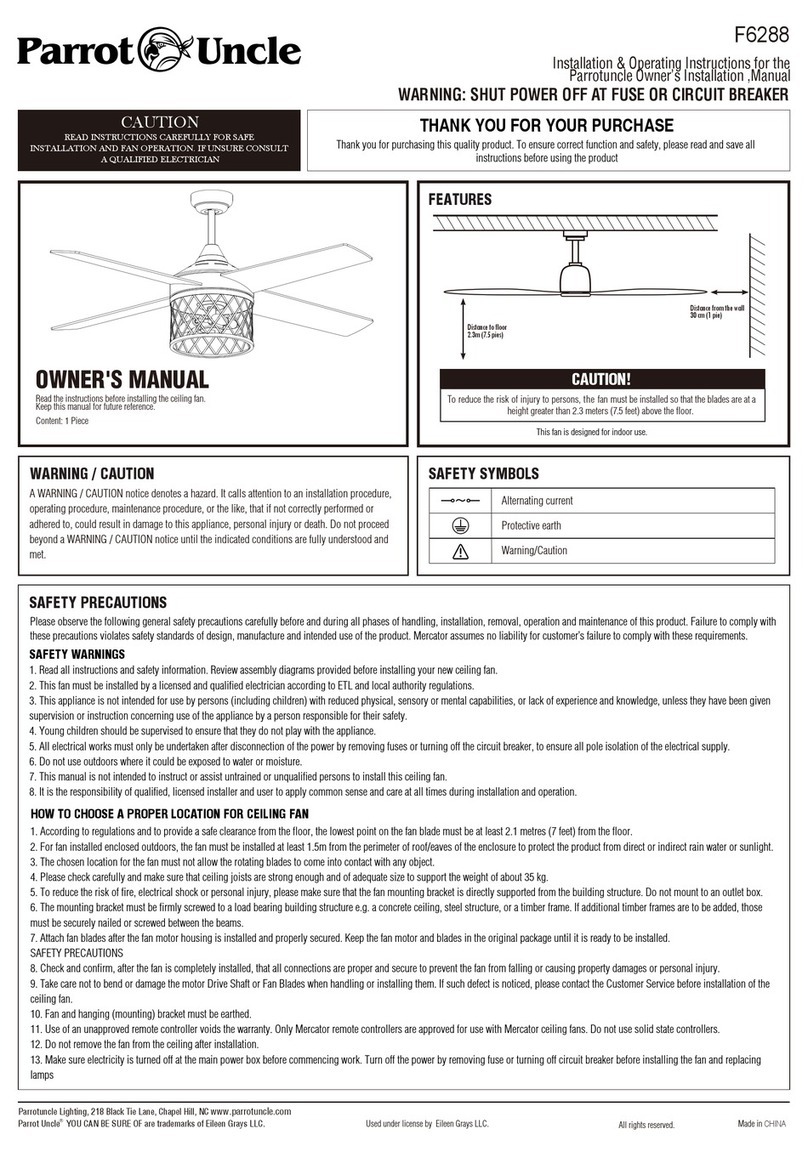
Parrot Uncle F6288 User manual

Parrot Uncle

Parrot Uncle F6288 User manual

Parrot Uncle BBA552206CA110V User manual

Parrot Uncle

Parrot Uncle BBA552206CA110V User manual

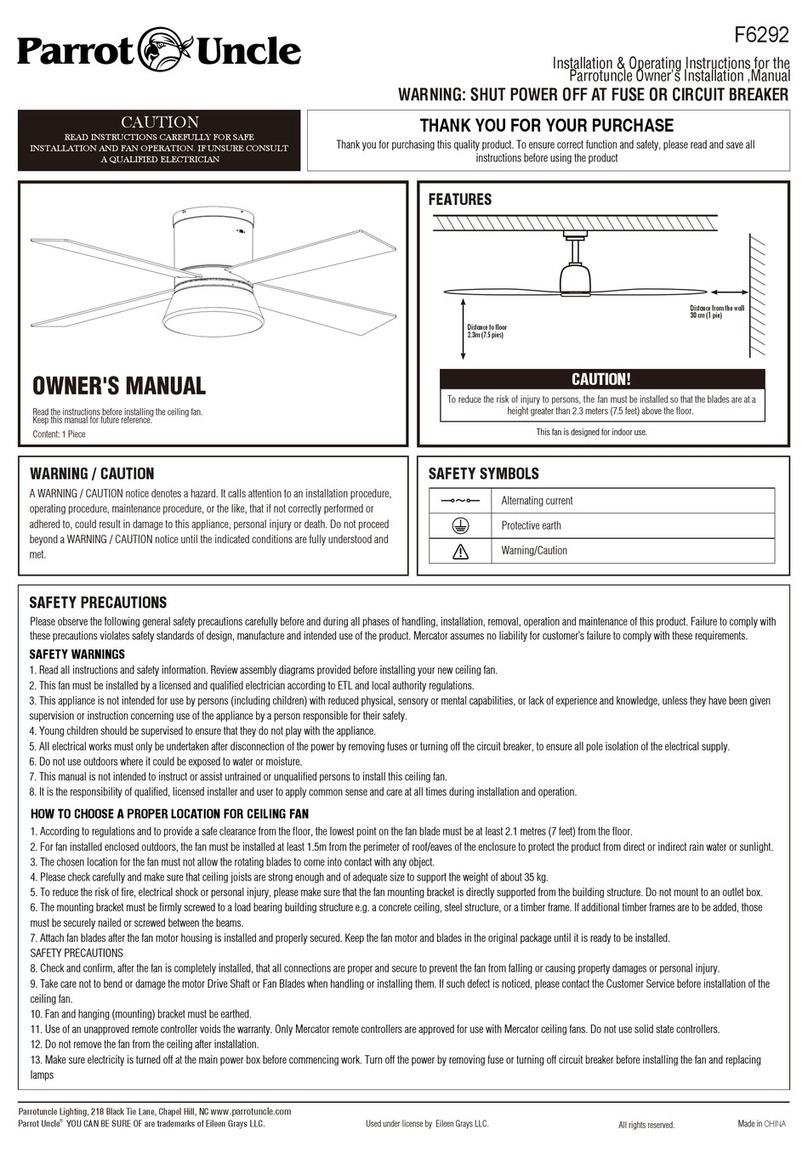
Parrot Uncle F6292 User manual

Parrot Uncle

Parrot Uncle F6292 User manual

Parrot Uncle F8306 Manual

Parrot Uncle

Parrot Uncle F8306 Manual

Parrot Uncle BB430022CR Manual

Parrot Uncle

Parrot Uncle BB430022CR Manual

Parrot Uncle F6298NW-EU User manual

Parrot Uncle

Parrot Uncle F6298NW-EU User manual

Parrot Uncle F4712110V User manual

Parrot Uncle

Parrot Uncle F4712110V User manual

Parrot Uncle F6230 Manual

Parrot Uncle

Parrot Uncle F6230 Manual

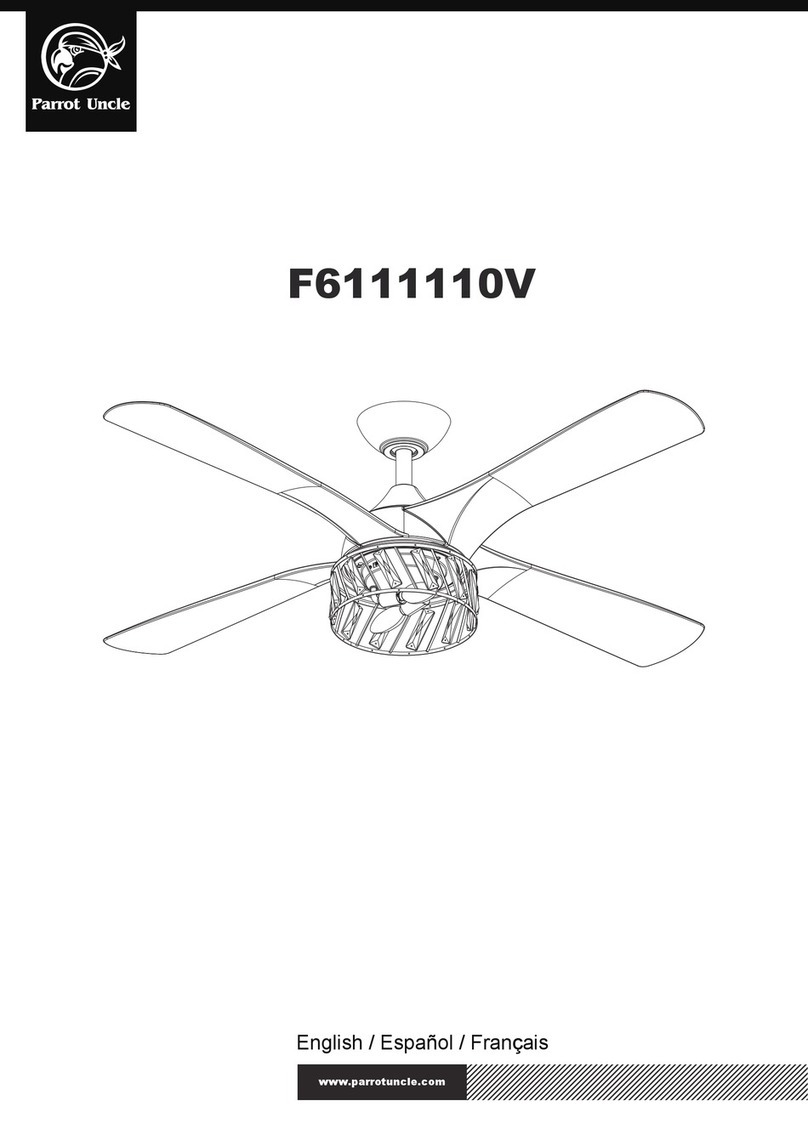
Parrot Uncle F6111110V Manual

Parrot Uncle

Parrot Uncle F6111110V Manual

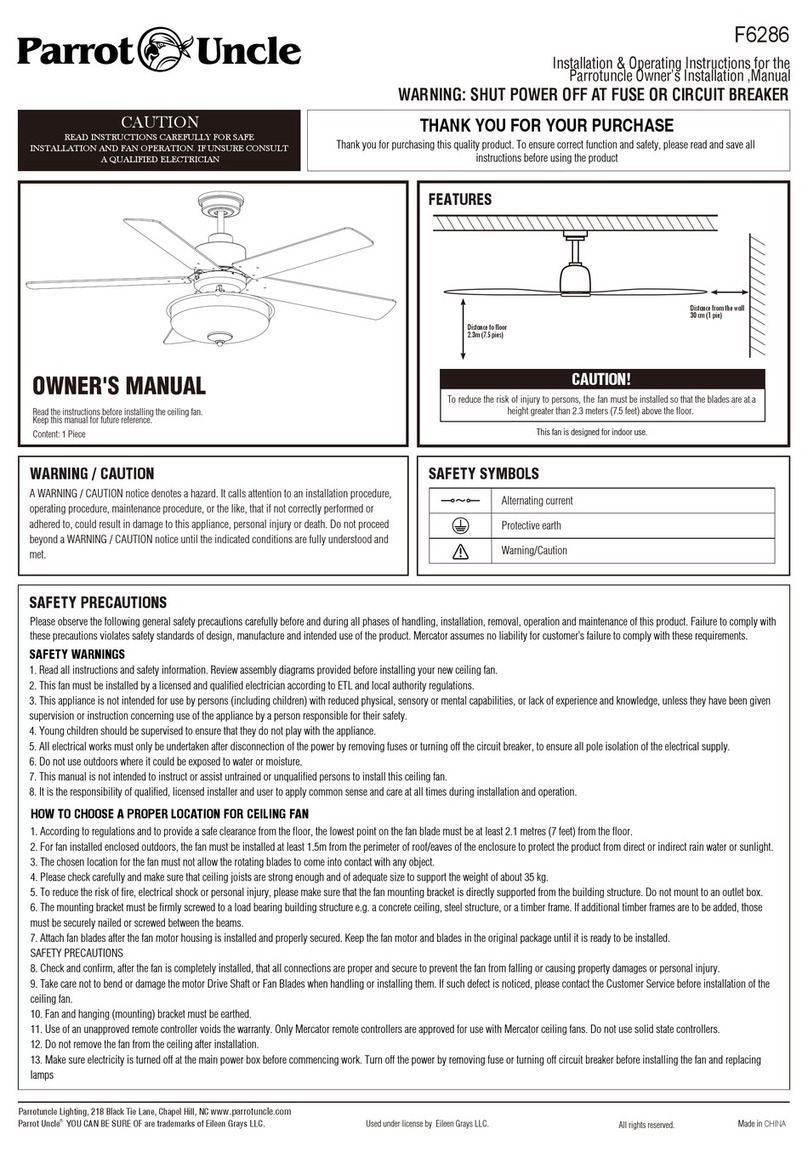
Parrot Uncle F6286 User manual

Parrot Uncle

Parrot Uncle F6286 User manual

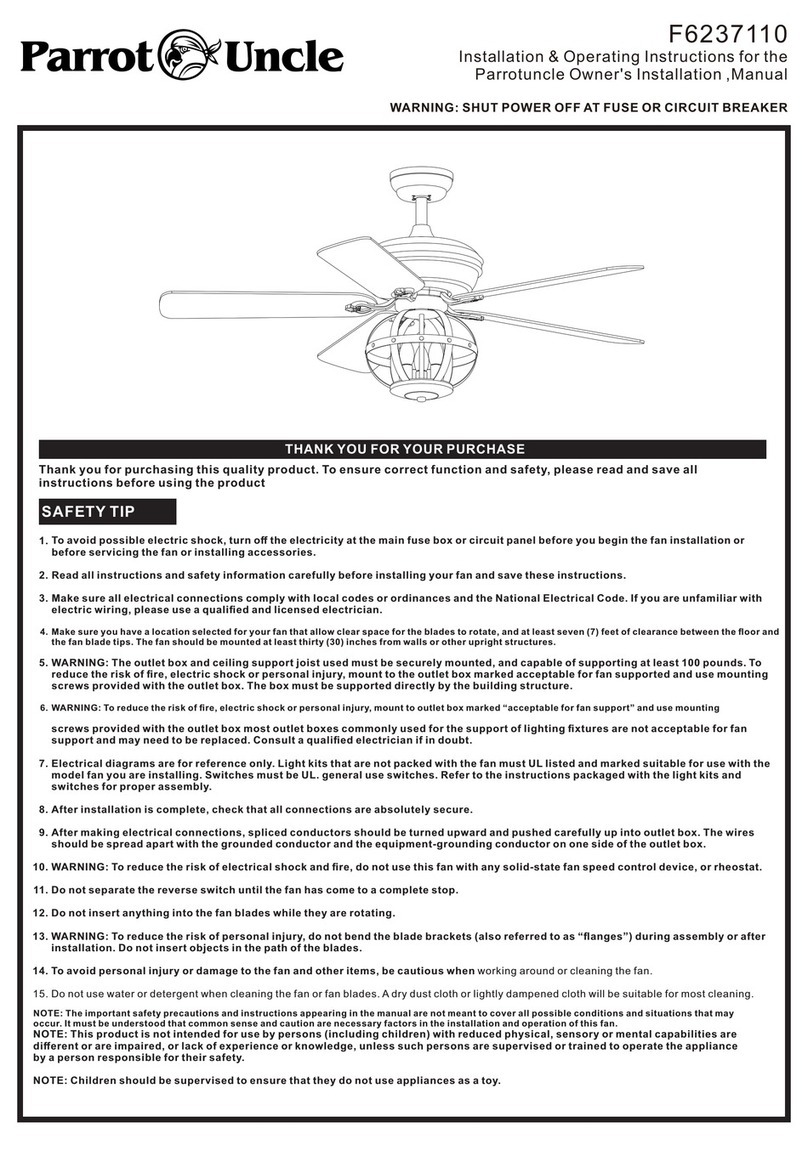
Parrot Uncle F6237110 Manual

Parrot Uncle

Parrot Uncle F6237110 Manual

Parrot Uncle F6252BK Manual

Parrot Uncle

Parrot Uncle F6252BK Manual

Parrot Uncle F6115-SMART User manual

Parrot Uncle

Parrot Uncle F6115-SMART User manual

Parrot Uncle BBLAB025A0 Manual

Parrot Uncle

Parrot Uncle BBLAB025A0 Manual

Parrot Uncle F3501 Manual

Parrot Uncle

Parrot Uncle F3501 Manual

Parrot Uncle F6168110V User manual

Parrot Uncle

Parrot Uncle F6168110V User manual

Parrot Uncle F6261110V User manual

Parrot Uncle

Parrot Uncle F6261110V User manual

Parrot Uncle BBCF235 User manual

Parrot Uncle

Parrot Uncle BBCF235 User manual

Parrot Uncle F6306 Manual

Parrot Uncle

Parrot Uncle F6306 Manual

Parrot Uncle F6293110V Manual

Parrot Uncle

Parrot Uncle F6293110V Manual

Popular Fan manuals by other brands

Minka Group minkaAire Wave F843 instruction manual

Minka Group

Minka Group minkaAire Wave F843 instruction manual

Airflow Adroit DV50 instruction manual

Airflow

Airflow Adroit DV50 instruction manual

Vornado 270 Series owner's guide

Vornado

Vornado 270 Series owner's guide

comfort air TH-10D instruction manual

comfort air

comfort air TH-10D instruction manual

Livoo DOM386 instruction manual

Livoo

Livoo DOM386 instruction manual

Holmes BLIZZARD HAOF-90 owner's guide

Holmes

Holmes BLIZZARD HAOF-90 owner's guide

Taurus GRECO 16 ELEGANCE manual

Taurus

Taurus GRECO 16 ELEGANCE manual

Quorum PINNACLE installation instructions

Quorum

Quorum PINNACLE installation instructions

Monte Carlo Fan Company 3DIR58RBD-V1 Owner's guide and installation manual

Monte Carlo Fan Company

Monte Carlo Fan Company 3DIR58RBD-V1 Owner's guide and installation manual

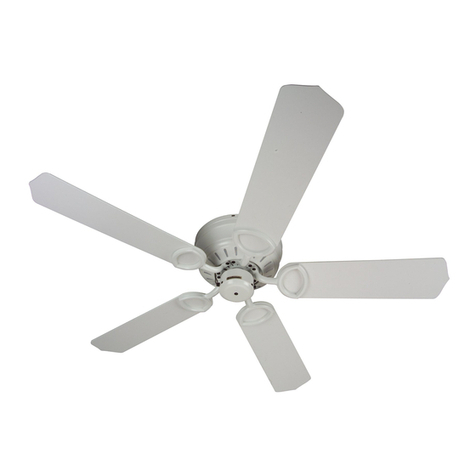
Craftmade UH52 installation guide

Craftmade

Craftmade UH52 installation guide

Jocel JVA030658 instruction manual

Jocel

Jocel JVA030658 instruction manual

MIKA MFB1211/GR user manual

MIKA

MIKA MFB1211/GR user manual

Harbor Breeze RLG52NWZ5L manual

Harbor Breeze

Harbor Breeze RLG52NWZ5L manual

Allen + Roth L1405 instruction manual

Allen + Roth

Allen + Roth L1405 instruction manual

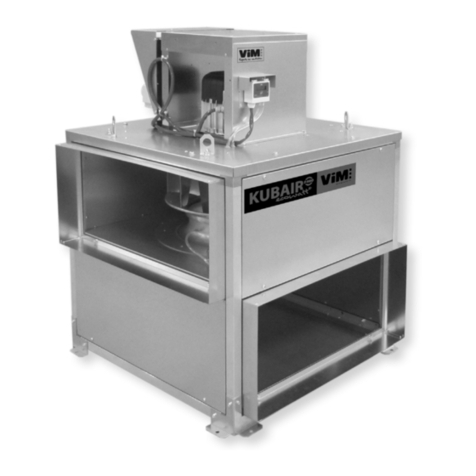
ViM KUBAIR F400 ECOWATT Technical manual

ViM

ViM KUBAIR F400 ECOWATT Technical manual

HIDRIA R10R-56LPS-ES50B-04C10 user guide

HIDRIA

HIDRIA R10R-56LPS-ES50B-04C10 user guide

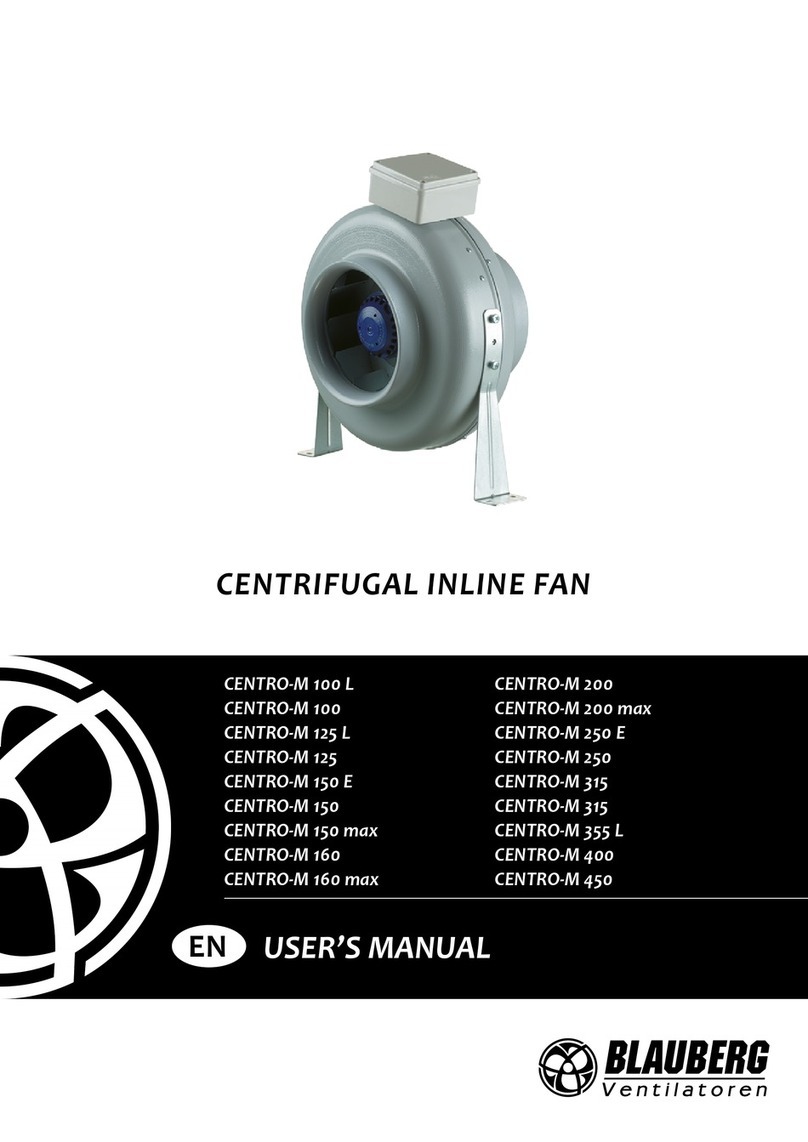
BLAUBERG Ventilatoren CENTRO-M 100 L user manual

BLAUBERG Ventilatoren

BLAUBERG Ventilatoren CENTRO-M 100 L user manual

Triangle Engineering HEAT BUSTER SPL Series owner's manual

Triangle Engineering

Triangle Engineering HEAT BUSTER SPL Series owner's manual

manuals.online logo
manuals.online logoBrands
  • About & Mission
  • Contact us
  • Privacy Policy
  • Terms and Conditions

Copyright 2025 Manuals.Online. All Rights Reserved.

CEILING FAN
Need more help, please visit https://faq.parrotuncle.com or scan this
QR code to watch the video
530173SQ-SMART
Installation & Operating Instructions for the
Parrotuncle Owner's Installation ,Manual
WARNING: SHUT POWER OFF AT FUSE OR CIRCUIT BREAKER
The fan must be installed to ensure that the blades
fan’s blades and
which they could
the distance, the more efficient the airflow would be.
30
collide. It is important to note that the greater
any wall or other obstacle with
0,3m
1
1
Installation & Operating Instructions for the
Parrotuncle Owner's Installation ,Manual
WARNING: SHUT POWER OFF AT FUSE OR CIRCUIT BREAKER
Thank you for purchasing this quality product. To ensure correct function and safety, please read and save all
instructions before using the product
To avoid possible electric shock, tur he electricity at the main fuse box or circuit panel before you begin the fan installation or
before servicing the fan o .
Read all instructions and safety information carefully before installing your fan and save these instructions.
Make sure all electrical connections comply with local codes or ordinances and the National Electrical Code. If you are unfamiliar with
electric wiring, please use a qualified and licensed electrician.
Make sure you have a location selected for your fan that allow clear space for the blades to rotate, and at least seven (7) feet of clearance between the floor and
the fan blade tips. The fan should be mounted at least thirty (30) inches from walls or other upright structures.
WARNING: The outlet box and ceiling support joist used must be securely mounted, and capable of supporting at least 100 pounds.To
reduce the risk of fire, electric shock or personal injury, mount to the outlet box marked acceptable for fan supported and use mounting
screws provided with the outlet box. The box must be supported directly by the building structure.
WARNING: To reduce the risk of fire, electric shock or personal injury, mount to outlet box marked “acceptable for fan support” and use mounting
screws provided with the outlet box most outlet boxes commonly used for the support of lighting fixtures are not acceptable for fan
support and may need to be replaced. Consult a qualified electrician if in doubt.
Electrical diagrams are for reference only. Light kits that are not packed with the fan must UL listed and marked suitable for use with the
model fan you are installing. Switches must be UL. general use switches. Refer to the instructions packaged with the light kits and
switches for proper assembly.
After installation is complete, check that all connections are absolutely secure.
After making electrical connections, spliced conductors should be turned upward and pushed carefully up into outlet box. The wires
should be spread apart with the grounded conductor and the equipment-grounding conductor on one side of the outlet box.
WARNING: To reduce the risk of electrical shock and fire, do not use this fan with any solid-state fan speed control device, or rheostat.
Do not separate the reverse switch until the fan has come to a complete stop.
Do not insert anything into the fan blades while they are rotating.
WARNING: To reduce the risk of personal injury, do not bend the blade brackets (also referred to as “flanges”) during assembly or after
installation. Do not insert objects in the path of the blades.
To avoid personal injury or damage to the fan and other items, be cautious when working around or cleaning the fan.
Do not use water or detergent when cleaning the fan or fan blades. A dry dust cloth or lightly dampened cloth will be suitable for most cleaning.
1.
2.
3.
4.
5.
6.
7.
8.
9.
10.
11.
12.
13.
14.
15.
NOTE: The important safety precautions and instructions appearing in the manual are not meant to cover all possible conditions and situations that may
occur. It must be understood that common sense and caution are necessary factors in the installation and operation of this fan.
NOTE: This product is not intended for use by persons (including children) with reduced physical, sensory or mental capabilities are
different or are impaired, or lack of experience or knowledge, unless such persons are supervised or trained to operate the appliance
by a person responsible for their safety.
NOTE: Children should be supervised to ensure that they do not use appliances as a toy.
THANK YOU FOR YOUR PURCHASE
SAFETY TIP
ON
accessoriesinstallingr
t
n
530173SQ-SMART
Pls check whether above accessories are completed or not?Yes,and install.
Installation & Operating Instructions for the
Parrotuncle Owner's Installation ,Manual
WARNING: SHUT POWER OFF AT FUSE OR CIRCUIT BREAKER
Mounting plate
Fan-motor assembly
Blade 3PCS
Blade screw(7PCS)
Mounting screw(2PCS)
Washer(2PCS)
Remote control (1 PC)
Plastic wire nut(7 PCS)
530173SQ-SMART
Installation & Operating Instructions for the
Parrotuncle Owner's Installation ,Manual
WARNING: SHUT POWER OFF AT FUSE OR CIRCUIT BREAKER
outlet
Mounting plate
Washer
Outlet box
mounting screw
X4
mounting plate
plate
.
70%
70%
100%
100%
530173SQ-SMART
Installation & Operating Instructions for the
Parrotuncle Owner's Installation ,Manual
WARNING: SHUT POWER OFF AT FUSE OR CIRCUIT BREAKER
X3
R E C E I V E R
GREEEN
FROM POWER SOURCE
AC 110- 120 VOLT 60Hz
3.5AMPS.
supplied with the
remote controller
Use plastic wire nuts
supplied with the
Use plastic wire nuts
fans
Red White
L
N
OUTPUT
White
White
Black
Black
Blue
530173SQ-SMART
Blue
Purple
Purple
X6
Installation & Operating Instructions for the
Parrotuncle Owner's Installation ,Manual
WARNING: SHUT POWER OFF AT FUSE OR CIRCUIT BREAKER
X3
X3
530173SQ-SMART
Installation & Operating Instructions for the
Parrotuncle Owner's Installation ,Manual
WARNING: SHUT POWER OFF AT FUSE OR CIRCUIT BREAKE
APP Control Connection
1. First search and download the free ParrotUncle Smart app
from the App Store or Google Play or scan the QR Code as below.
2. Open the ParrotUncle Smart app to create your account.
The account with "ParrotUncle Smart" can beregistered through
E-mail or Mobile phone.
3. Connect the device to the ParrotUncle Smart app (WIFI&Bluetooth on):
a. Press"+"button into the device list.
b. Tap“Auto Scan”on the top.
c. Wait for the device comes out and tap "Next".
d. Press“+”button to add device.
e. Connect to your home WIFI.
f. Wait for connecting.
4. Connect the device to the Alexa:
a. Make sure you have connected thedevice to the app and working normally.
b. Open Alexa app, go to the skill to search "ParrotUncle Smart" skill.
c. Link the skill, log in with your ParrotUncle Smart account and password,then authorize
and connect with ParrotUncle Smart app.
d. Then the Alexa will find out the device automatically.
5. Connect the device to the Google Home:
a. Make sure you have connected thedevice to the app and working normally.
b. Open Google Home app, Set up a device,choose "Works with Google".
c. Search "ParrotUncle Smart", log in with your ParrotUncle Smart app account and
password,then authorize and connect with ParrotUncle Smart app.
d. Then the Google Assistant will find out the device automatically.
How to reset network settings in ceiling fan:
a. Powered off the fan
b. Powered on the fan, press and hold the off button on the remote within 30 seconds
c. The flash of the light indicates that the reset network settings is successful
d. Now you can use the app to re-connect the device
Need more help, please visit https://faq.parrotuncle.com or scan this QR code
to watch the video
R
530173SQ-SMART
Installation & Operating Instructions for the
Parrotuncle Owner's Installation ,Manual
WARNING: SHUT POWER OFF AT FUSE OR CIRCUIT BREAKER
530173SQ-SMART
Remote controller
INSTRUCTION OF INSTALLATION AND OPERATION
1.INSTALLING RECEIVER IN CEILING FAN
A. Safety precautions:
WARNING: HIGH VOLTAGE! Disconnect power by
removing fuse or switching off circuit breaker.
Do not use with solid state fans.
Electrical wire must meet all local and national
electrical code requirements.
Supply for fan must be 110/120 volt, 60Hz. Maximum
fan motor amps: 1.0, Maximum light watts: 180
incandescent or ballast and LED.
Otherwise power can cause serious injury or death.
B. Installing receiver in fan:
a. Remove power from the circuit.
b. Remove ceiling fan canopy from the mounting
bracket.
c. Disconnect existing wiring between ceiling fan and
Supply in electrical junction box.
d. Make connections as follows, using the wire nuts
supplied:
CONNECT TO
Green fan wire ....Bare supply wire
Red or Black receiver wire(AC IN L) ....Red or Black supply wire
White receiver wire(AC IN N) ....White supply wire
White receiver wire(TO MOTOR N) ....White fan wire
Black receiver wire(TO MOTOR L) ....Black fan wire
Blue receiver wire(FOR LIGHT) ....Blue light wire
Purple receiver wire(FOR REV) ....Purple rev wire
CA UTION: Cei l i ng A n g l e Sh all No t E x c eed 3 0 Deg r ees ,
Fo r M o u n t ing Cont r o l l er, Mod el RE-028W
Use wire connecting nuts supplied with the fan
(FIG.3)
FROM POWER SOURCE
AC 110~120 VOLT 60Hz
3.5AMPS.
If
ot h er
fan s
or
su p p l y
wi r es
are
di f f er ent
co l o r
,
hav e
th i s
un i t
in s t al led
by
qu al if ied
li c en s ed
elect ri ci an
.
a
.Push all connected wires up into junction box.
b.Lay the brown antenna wire on top of the receiver, and put the receiver into the mounting bracket.
c. Reinstall the canopy on the mounting bracket.
d.Restore power.
e.Install 3 volt battery(not included). (To prevent damage to transmitter, remove the battery if not used for along time).
f. Store the transmitter away from excessive heat or humidity.
g.This remote control unit is equipped with roll code combinations. In order to prevent possible interference from or to
other remote units such as garage door openers, car alarm or security system. If you find that your fan and light kit go on
and off without using your remote control, simply change the code combination in your transmitter and receiver
TRANSMITTER
LEARN
CODE
COM
COD E
ACN ACL
ANT
COM
FAN
LIGHT
INPUT
OUTPUT
RECEIVER
FIG1
REV

WHITE
INPUT
OUTPUT
RED or BLACK
BLUE
ANT
CANOPY
BLACK
WHITE
Use wire connecting nuts
supplied with the remote
controller.
WIRE NUT
RECEIVER
PURPLE
REV MODULE
white
black
purple
orange
yellow
grey
white
black
purple
orange
yellow
grey
RECEIVER
CANOPY
(FIG.4)
ANTENNA PUT AT OUTSI DE
OF CANOPY BOX CAN GET
MORE OPERATION
DISTANCE
Installation & Operating Instructions for the
Parrotuncle Owner's Installation ,Manual
WARNING: SHUT POWER OFF AT FUSE OR CIRCUIT BREAKER
530173SQ-SMART
2. OPERATING TRANSMITTER:
Operating the buttons on the panel of the transmitter.
3 key -for fan high speed.
2 key-for fan medium speed.
1 key-for fan low speed.
OFF key-for fan off.
REV key-for fan rev.
LIGHT key-for light on and off.
LIGHT+ key-for light dimmer +.
LIGHT- key-for light dimmer -.
YOUR REMOTE NOW HAS FULL CONTROL OF THE FAN AND LIGHT.
3. TROUBLE SHOOTING GUIDE
a. Power to receiver ?
b. Receiver wired correctly ?
c. Fan manual speed control in highest position ?
d. Light kit switch turned on ?
e. Good battery in the transmitter ?
OPERATION DISTANCE 20 FEET
MODEL:
RE-021
If there are two or more ceiling fans installed in the same house, in order to prevent your ceiling fans from being affected
by the remote control of the adjacent ceiling fans, first turn the switch in each remote control transmitter to the CODE(locked)
position (see the schematic diagram FIG1) Remar k s : T h e s t an d ar d s t at e o f t h e t r ansmitter i s i n t he common
code COM.
(Po w er -o f f m ean s yo u need to u se aw all s wi tc h t o s h u t d o w n the p ow er of the c eil i n g f an, i f y o u d o not
h ave aw all s wi tc h, p leas e p o w er of f th e wh ol e r o om f r o m the air c i r c u i t-b r eak er f or eac h r oom)
After installing the remote control receiver on the ceiling fan
1: Turn on the power of the 1# ceiling fan receiver (the power of the 2# receiver is kept in a power-off state), within 30 seconds
after the fan power is turned on, press the LEARN button corresponding to the 1# transmitter, then The receiver will learn the
transmitter code. When the transmitter code is learned successfully, the light of the ceiling fans will flash twice, and then it can be
used normally.
2: Turn on the power of the 2# ceiling fan receiver (the power of the 1# receiver is kept in the power-off state), within 30 seconds
after the fan power is turned on, press the LEARN button corresponding to the 2# transmitter, then The receiver will learn the
transmitter code. When the transmitter code is learned successfully, the light of the ceiling fans will flash twice, and then it can be
used normally.
And so on, only one ceiling fan is powered on each time the corresponding transmitter learns.
FCC Statement:
1.This device complies with Part 15 of the FCC Rules. Operation is subject to the following two conditions:
(1) This device may not cause harmful interference.
(2) This device must accept any interference received, including interference that may cause undesired operation.
2. Changes or modifications not expressly approved by the party responsible for compliance could void the user's
authority to operate the equipment.
NOTE: This equipment has been tested and found to comply with the limits for a Class B digital, pursuant to Part 15 or the
FCC Rules. These limits are designed to provide reasonable protection against harmful interference in a residential
installation. This equipment generates, uses and can radiate radio frequency energy and, if not installed and used in
accordance with the instructions, may casue harmful interference to radio communications,
However, there is no guarantee that interference will not occur in a particular installation. If the equipment does cause
harmful interference to radio or television reception, which can be determined by turning the equipment off and on, the
user is encouraged to try to correct the interference by one or more of the following measures:
--- Reorient or relocate the receiving antenna.
--- Increase the separation between the equipment and receiver.
--- Connect the equipment into an outlet on a circuit different
from that to which the receiver is connected.
--- Consult the dealer or an experienced radio/ TV technician for help.
WARNING
TO REDUCE THE RISK OF SHOCK, THIS FAN MUST BE INSTALLED WITH A WALL CONTROL/SWITCH.
TR ANSMITTER
LEARN
CODE
COM
COD E
ACN ACL
ANT
COM
FAN
LIGHT
INPUT
OUTPUT
RECEIVER
FIG1
REV