Revision 7 of DOCU292, © Copyright
Table of Contents
1G2 SatAimer Overview ...................................................................... 5
1.1 G2 SatAimer Features ................................................................................... 6
1.2 Target Satellite............................................................................................... 7
2Setting Up the G2 SatAimer..............................................................8
2.1 Position the Dish Skid .................................................................................... 8
Using an Internet tool to find skid direction .............................................................. 8
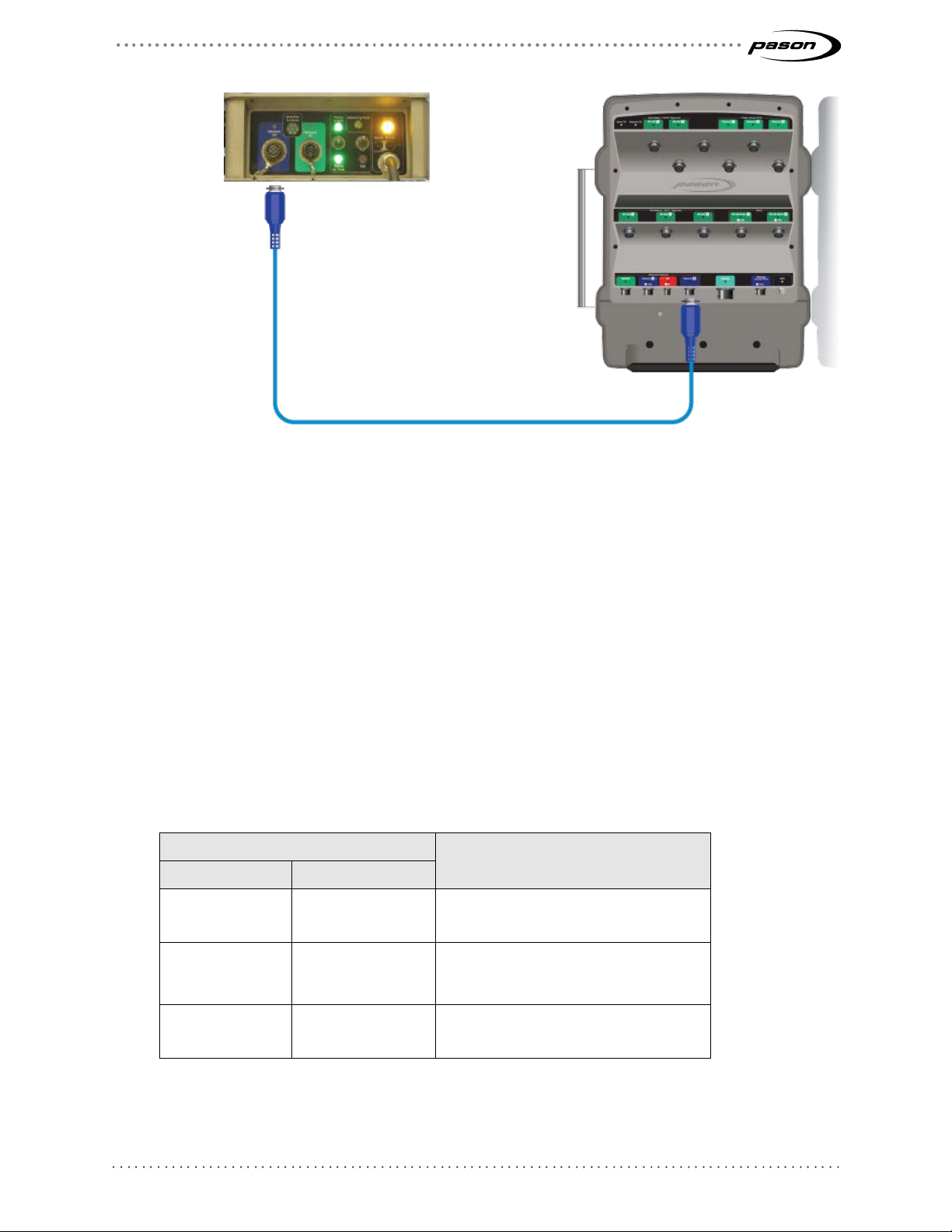
2.2 Connect the G2 SatAimer to the Pason System ............................................ 9
2.3 System Warm-Up......................................................................................... 10
2.4 Electronics Box LEDs................................................................................... 11
3Using G2 SatAimer Software .......................................................... 12
3.1 Open the SatAimer User Interface ............................................................... 12
3.2 Aim the Dish................................................................................................. 13
Aiming from the SatAimer interface ........................................................................13
Aiming from the dish skid........................................................................................13
The aiming process ................................................................................................14
What to do if aiming fails.........................................................................................14
Re-peaking the dish................................................................................................15
3.3 Parking the Dish........................................................................................... 16
Parking from the SatAimer interface .......................................................................16
Parking from the dish skid ......................................................................................16
3.4 Cancelling an Aim or Park Command .......................................................... 16
4Rig Moves ........................................................................................ 17
5SatAimer Information Displays....................................................... 18
5.1 SatAimer and Modem Status Displays......................................................... 18
SatAimer Status......................................................................................................19
Front Panel Display ................................................................................................20
If you have problems opening the SatAimer home page.........................................20
Simple system checks ............................................................................................21
System Messages ..................................................................................................22
5.2 SatAimer Diagnostics Page ......................................................................... 25