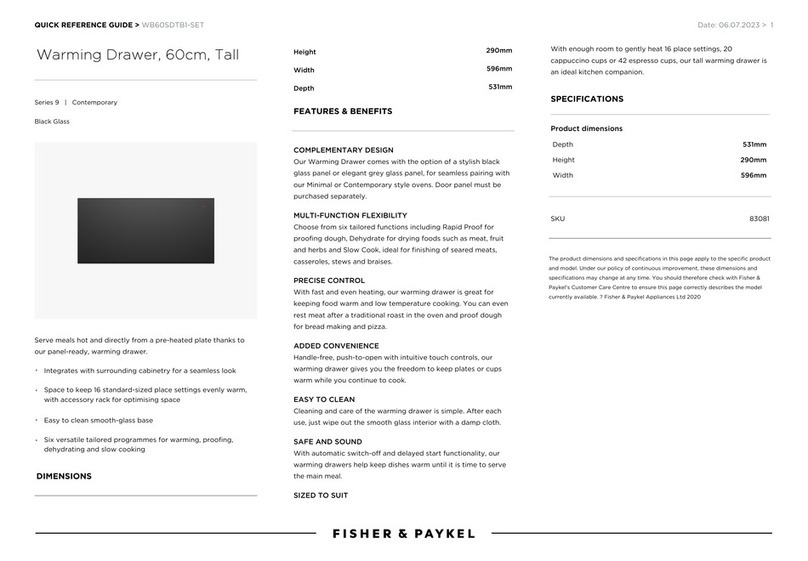
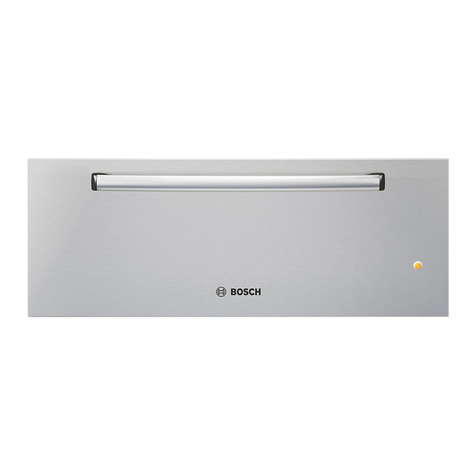
Pedigo P-2010, P-2020, P-2030, P-2040, P-2050, P-2055 Blanket Warming Cabinets Operation and Care Manual
9
BLANKET CONTROL FEATURES
The following refers to features that are available when the
control is powered on. When an audible alarm is
referenced, the unit will only beep if the audible alarm
feature is selected.
CONTROL PANEL KEYS
ON/OFF KEY
Press the ON/OFF key to power on the control. Press and
hold the ON/OFF key for 2 seconds to power the control
off. The control will beep for one second when turned on
or off, and the status indicator light will illuminate
according to the power state.
UP ARROW / DOWN ARROW KEYS
Used to increase or decrease the temperature set-point.
Additionally used to set the current time, auto-start, and
auto-stop times.
TIMER KEY
Blanket warmers have a timer key which is used to
program the time of day, as well as the automated start
and stop times. To set the start and stop times, press and
hold the timer key for 2 seconds. See “Setting the Time”
instructions on this page.
L.E.D. DIGITAL DISPLAY
The control has a four-digit L.E.D. display. When the
control is activated, the display will show current
temperature set-point. When programming the timer, the
display will show hour and minutes.
L.E.D. DISPLAY STATUS INDICATORS
TIME
Illuminates while current time of day is displayed when
programming the TIMER mode.
START
Illuminates while the start time is displayed when
programming the TIMER mode.
STOP
Illuminates while the stop time is displayed when
programming the TIMER mode.
LOCK
Illuminates when the lock feature is engaged.
POWER FAIL DETECTION
If the power were to fail for any reason while heating, the
warmer will retain its current operating state in memory.
When the power is restored, the control will resume
operating, but several indicators will alert the operator
that such an event has occurred:
A. The ON/OFF status indicator will flash.
B. Display will indicate ‘128’ (or another number)
alternating with the setting. Please see important note
below if a number other than ‘128’ is displayed.
C. Control will beep until the power failure is
acknowledged.
Press the ON/OFF key once to acknowledge that the
power has been restored. The ON/OFF status indicator
will stop flashing and the “beep” will be silenced. The
display will indicate the approximate time period of the
outage, then return to the normal display and
previously set mode.
NOTE: The display of ‘128’ is a normal Power-On Reset
for the control. Any other number displayed may
indicate a problem. Make note of the number,
and if the unit fails to operate properly, provide
that number to service to assist them in
troubleshooting the problem.
TEMPERATURE FORMAT SELECTION
While the controller is in the off mode, press and hold the
UP ARROW key for 4 seconds to switch between
Fahrenheit or Celsius.
AUDIBLE ALARM SELECTION
While the controller is in the off mode, press and hold the
DOWN ARROW key for five seconds to switch between
audible alarm “ON” and “OFF” modes. When the audible
alarm is in the “OFF” mode, an audible alarm will still
sound if there is an OVERTEMP error, the door is left open
for more than 2 minutes, or in the event of power loss.
SETTING THE DATE AND TIME
NOTES: If you do not wish to use the automated timer feature,
then you do not need to set the date and time and this
section can be skipped. All times will be displayed in
hours and minutes (HH:MM) in a 24-hour format.
1:00pm will display as 13:00. The clock will need to
be manually reset for Daylight Saving Time.
While the unit is off, hold the TIMER button for 2 seconds
to display the year (2000-2099). Adjust the year up or
down using the arrow buttons. Press the TIMER button
again to transition to the month and day (MM.DD).
Adjust the month and day up or down. Press the TIMER
button again to enter the time set mode. The current time
of day will show on the display in 24-hour format
(HH:MM). Adjust the time up or down. Press the TIMER
button again to transition to the Auto-On Time. The
ON
OFF
LOCK
TIME START STOP
L.E.D.
DISPLAY
STATUS INDICATOR L.E.D. UP ARROW
DOWN ARROW AUTOTIMER
KEY
ON / OFF
KEY
L.E.D. = LIGHT EMITTING DIODE
TIMER
THERMOSTAT CONTROL AND L.E.D. DISPLAY