manuals.online logo
Brands
  1. Home
  2. •
  3. Brands
  4. •
  5. Philips
  6. •
  7. Cordless Telephone
  8. •
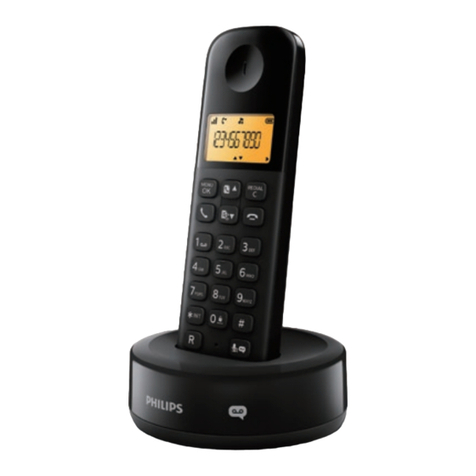
  9. Philips Xalio 200 User manual

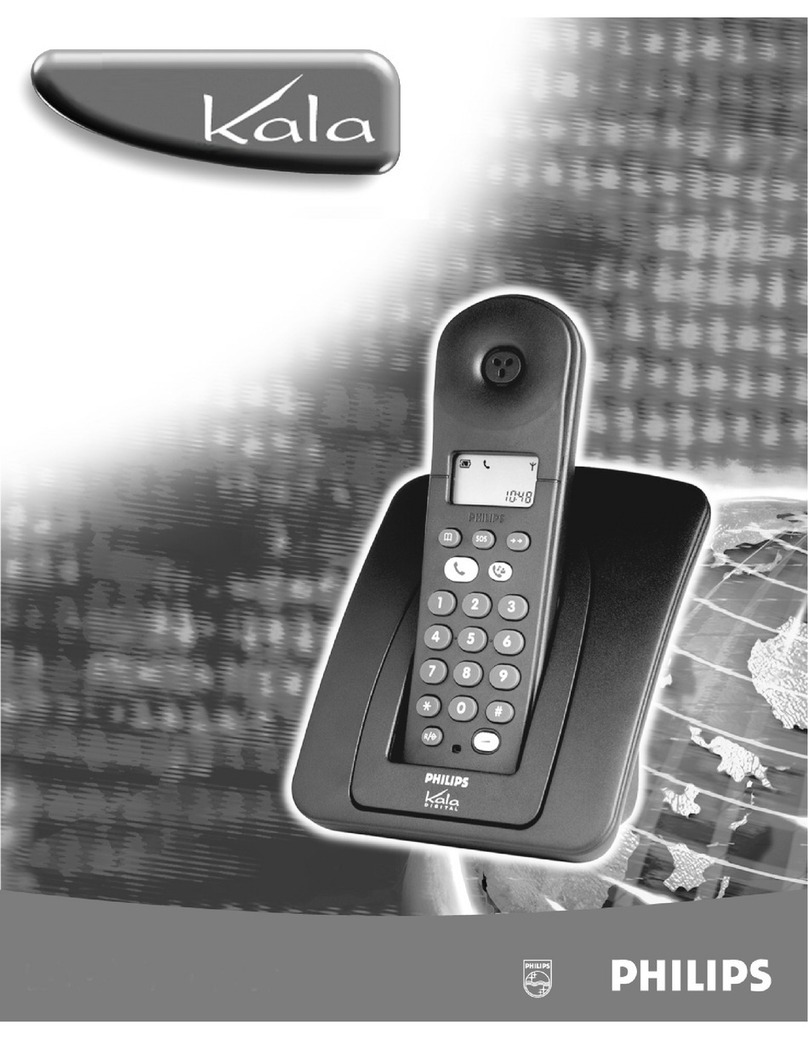
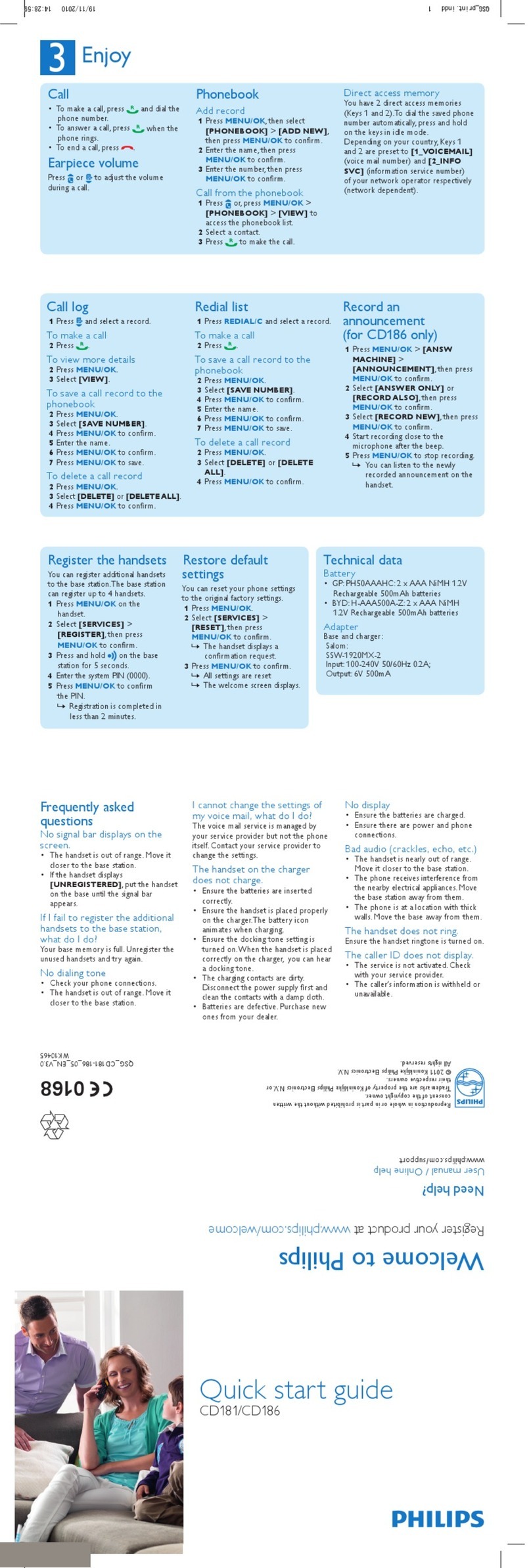
Philips Xalio 200 User manual

Other manuals for Xalio 200

4

This manual suits for next models

7

Other Philips Cordless Telephone manuals

Philips CD6451B/51 User manual

Philips

Philips CD6451B/51 User manual

Philips SE171 User manual

Philips

Philips SE171 User manual

Philips B150 Product information sheet

Philips

Philips B150 Product information sheet

Philips CD3653Q User manual

Philips

Philips CD3653Q User manual

Philips D150 User manual

Philips

Philips D150 User manual

Philips CD1551B/37 User guide

Philips

Philips CD1551B/37 User guide

Philips VOIP 080 User manual

Philips

Philips VOIP 080 User manual

Philips SE5761B/FR User manual

Philips

Philips SE5761B/FR User manual

Philips M660 Operator's manual

Philips

Philips M660 Operator's manual

Philips DECT5113L User manual

Philips

Philips DECT5113L User manual
Philips B380 Operator's manual

Philips

Philips B380 Operator's manual

Philips D1502B/63 Operator's manual

Philips

Philips D1502B/63 Operator's manual

Philips S10 User manual

Philips

Philips S10 User manual

Philips ID9650B/12 User manual

Philips

Philips ID9650B/12 User manual

Philips CD4401B User manual

Philips

Philips CD4401B User manual

Philips SE6580 User manual

Philips

Philips SE6580 User manual

Philips D150 Product information sheet

Philips

Philips D150 Product information sheet

Philips XL6601C/38 User manual

Philips

Philips XL6601C/38 User manual

Philips XL3751B/23 User manual

Philips

Philips XL3751B/23 User manual
Philips CD4953B User manual

Philips

Philips CD4953B User manual

Philips ErgoLine D310 Operator's manual

Philips

Philips ErgoLine D310 Operator's manual

Philips SE3602B/78 User manual

Philips

Philips SE3602B/78 User manual

Philips D2702B/90 User manual

Philips

Philips D2702B/90 User manual

Philips DECT2211G User manual

Philips

Philips DECT2211G User manual

Popular Cordless Telephone manuals by other brands

Sony SPP-SS965 - Cordless Telephone operating instructions

Sony

Sony SPP-SS965 - Cordless Telephone operating instructions

Telstra Orb user guide

Telstra

Telstra Orb user guide

Mitel DT390 Quick reference guide

Mitel

Mitel DT390 Quick reference guide

GE 25830 user guide

GE

GE 25830 user guide

Uniden EXR2460 owner's manual

Uniden

Uniden EXR2460 owner's manual

BT DIVERSE 1010 user guide

BT

BT DIVERSE 1010 user guide

BT Graphite 1500 quick start guide

BT

BT Graphite 1500 quick start guide

3Com NBX Guide

3Com

3Com NBX Guide

Panasonic KX-TGK210HK operating instructions

Panasonic

Panasonic KX-TGK210HK operating instructions

Panasonic KX-TCA181EX installation manual

Panasonic

Panasonic KX-TCA181EX installation manual

BT FREESTYLE 3200 user guide

BT

BT FREESTYLE 3200 user guide

Panasonic KX-TG7301E operating instructions

Panasonic

Panasonic KX-TG7301E operating instructions

AUDIOLINE Splash 10x operating instructions

AUDIOLINE

AUDIOLINE Splash 10x operating instructions

Sanyo CLT-J70 instruction manual

Sanyo

Sanyo CLT-J70 instruction manual

Amplicomms BigTel 201 user manual

Amplicomms

Amplicomms BigTel 201 user manual

GE 26992 user guide

GE

GE 26992 user guide

AT&T E1812B user manual

AT&T

AT&T E1812B user manual

Sanyo CLT-670 instruction manual

Sanyo

Sanyo CLT-670 instruction manual

manuals.online logo
manuals.online logoBrands
  • About & Mission
  • Contact us
  • Privacy Policy
  • Terms and Conditions

Copyright 2025 Manuals.Online. All Rights Reserved.

1
Handset display
The display gives information about the operation of your telephone.
The meaning of the icons is the following :
The battery is currently charging.
The battery is full.
The battery is low. Please charge.
The handset has no battery power left. Please charge for
24 hours.
The handset receives an incoming call.
There is a call in progress.
The handset is within range of the base station.
The handset is out of range. Move closer to the base station.
The handset has no battery power left. Please charge for
24 hours.
The Xalio 200 is in programming mode. programming
operation is in progress.
The network has sent a message notification.
call transfer is in progress.
ccess to the phonebook function is in progress.
Xalio 200 UK refonte.qxd 25/02/03 13:18 Page 1
2
Contents
Xalio 200 handset
Handset display 1
Installing the Xalio 200 3
Using the Xalio 200 5
To answer a call 5
To end a call 5
To make an external call 5
Preparatory dialling 5
To store an entry in the
phonebook 6
To make a call from the
phonebook 6
To view the phonebook entries 6
To delete an entry 7
To call the last number
called (Redial 7
To call back last caller 7
To transfer a call between two
handsets (Xalio 200 Duo only 7
Programming the Xalio 200 8
To set the ringer melody 8
To set the ringer volume 8
To change the earpiece volume 9
To select Caller Display type 9
To select tone dialling 9
To select pulse dialling 10
To select the pulse duration of
the R key 10
To clear the message network
indication 10
Notes 10
International guarantee 11
Environment Safety 12
Troubleshooting
Xalio 200 UK refonte.qxd 25/02/03 13:18 Page 2
3
Installing the Xalio 200
If anything is missing, please contact your place of purchase
immediately.
One Xalio 200 base station
One Xalio 200 handset
One power supply for the base station
One telephone line cord
One 2/3 X2 Ni-Cd battery pack
One user guide
ABC DEF
MNO
GHI
PQRS
TUV
JKL
PHILIPS
2,4 V
#
R
ABC DEF
MNO
GHI
PQRS
TUV
WXYZ
JKL
PLEASE CHARGE THE XALIO 200 FOR
24 HOURS BEFORE USE.
Unp cking your X lio 200
Xalio 200 UK refonte.qxd 25/02/03 13:18 Page 3
4
Setting up your X lio 200
Plug the power
supply c ble into the
power socket on the
underside of your b se.
1
1
2
Plug the power supply
unit into the w ll socket
3
3
Plug the telephone line
cord into the w ll socket
4
Open the b ttery door
on the h ndset
5
Plug the telephone
line cord into the
line socket on the
underside of your b se.
2
4
5
Connect the b ttery
p ck to the connector
inside the h ndset
6
6
PHILIPS
2,4 V
PHILIPS
2,4 V
Put the h ndset on
the b se nd ch rge for
24 hours before use.
8
Close the b ttery door
7
7
PHILIPS
2,4 V
8
24
Xalio 200 UK refonte.qxd 25/02/03 13:18 Page 4
5
Using the Xalio 200
To nswer c ll
Press the Line key to answer the call.
To end c ll
Press the Line key.
Or
Replace the handset on the base
To m ke n extern l c ll
Press the Line key.
Dial the number
BC DEF
MNO
GHI
PQRS
TUV
WXYZ
JKL
Prep r tory di lling
First enter the phone number.
If you make a mistake press the Correction key to
remove any incorrect digits.
Press the Line key.
BC DEF
MNO
GHI
PQRS
TUV
WXYZ
JKL
Xalio 200 UK refonte.qxd 25/02/03 13:18 Page 5
6
To store n entry in the
phonebook
Press the Phonebook key.
Enter the phonebook number (0 to 9) you want to give
to this entry.
If you make a mistake press the Correction key to
remove any incorrect digits.
Press the Progr mming key.
Enter the telephone number you want to store (up to
23 digits, including a pause by pressing the Tr nsfer key).
Press the Progr mming key.
BC DEF
MNO
GHI
PQRS
TUV
WXYZ
JKL
R
BC DEF
MNO
GHI
PQRS
TUV
WXYZ
JKL
R
To view the phonebook
entries
To m ke c ll from the
phonebook
Press the Phonebook key.
Enter the phonebook entry number.
Display shows the number.
Press the Line key to call.
BC DEF
MNO
GHI
PQRS
TUV
WXYZ
JKL
Press the Phonebook key.
Enter the phonebook entry number.
Display shows the number.
Press the Phonebook key to exit.
BC DEF
MNO
GHI
PQRS
TUV
WXYZ
JKL
Xalio 200 UK refonte.qxd 25/02/03 13:18 Page 6
7
To delete n entry
Press the Phonebook key.
Enter the phonebook entry number you want to delete.
Press the Progr mming key twice.
BC DEF
MNO
GHI
PQRS
TUV
WXYZ
JKL
R
To c ll the l st number
c lled (Redi l)
Press the Redi l key.
Display shows the number.
Press the Line key.
To use this function you must first subscribe to the Caller
Display Service. (See note 1 page 11 .
Press the Redi l key twice.
Press the Line key.
To c ll b ck l st c ller
To tr nsfer c ll
to the other h ndset
(X lio 200 Duo only)
You can forward a call to the other handset.
During a call :
Press the Intercom key.
Both handsets will ring.
Press the Line key on the selected handset.
Xalio 200 UK refonte.qxd 25/02/03 13:18 Page 7
8
Programming the Xalio 200
To set the ringer melody
You can choose from 3 ringer melodies (default setting = 2 .
Press the Progr mming key.
Press the 1key.
Enter your choice of melody 1, 2 or 3.
The selected melody is played.
Press the Progr mming key.
R
R
BC DEF
MNO
GHI
PQRS
TUV
WXYZ
JKL
To set the ringer volume
You can choose from 3 ringer volumes (default setting = 2 .
Press the Progr mming key.
Press the 2key.
Enter your choice of volume 1(low), 2(medium) or 3 (high).
The melody is played at the selected volume.
Press the Progr mming key.
R
ABC
BC DEF
MNO
GHI
PQRS
TUV
WXYZ
JKL
R
Xalio 200 UK refonte.qxd 25/02/03 13:18 Page 8