manuals.online logo
Brands
  1. Home
  2. •
  3. Brands
  4. •
  5. Philips
  6. •
  7. Speakers
  8. •
  9. Philips AW5000 User manual

Philips AW5000 User manual

Other manuals for AW5000

3

This manual suits for next models

1

Other Philips Speakers manuals

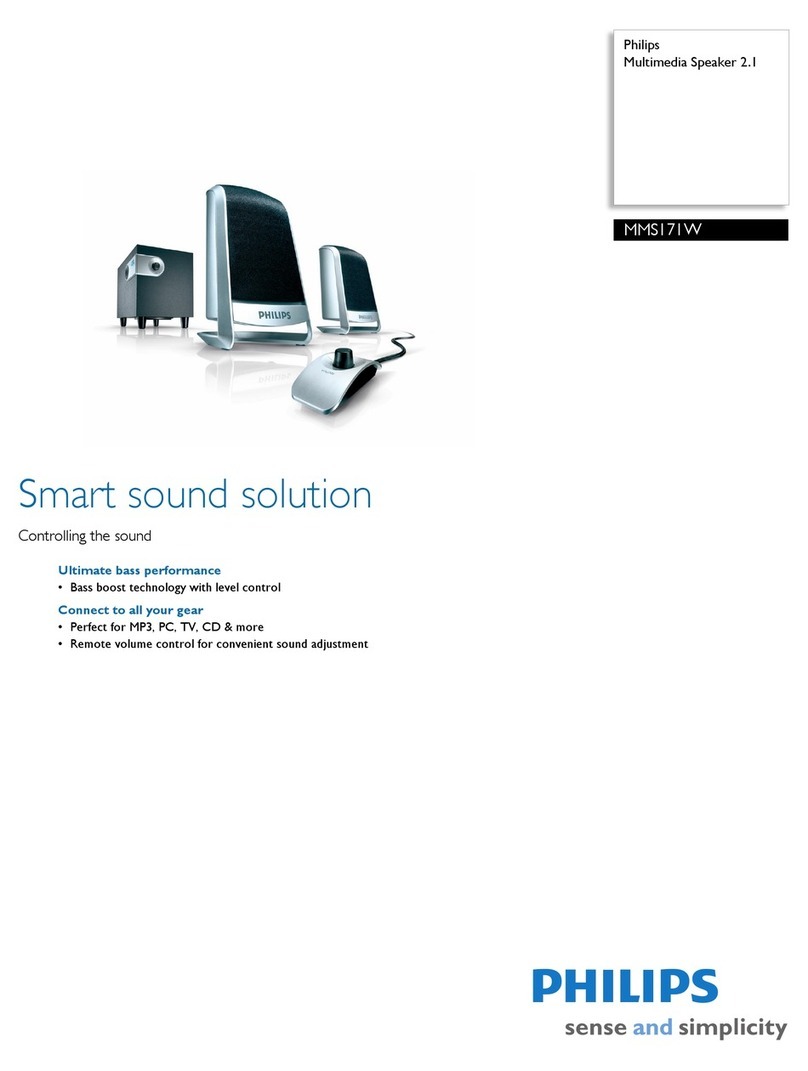
Philips 4000 series User manual

Philips

Philips 4000 series User manual

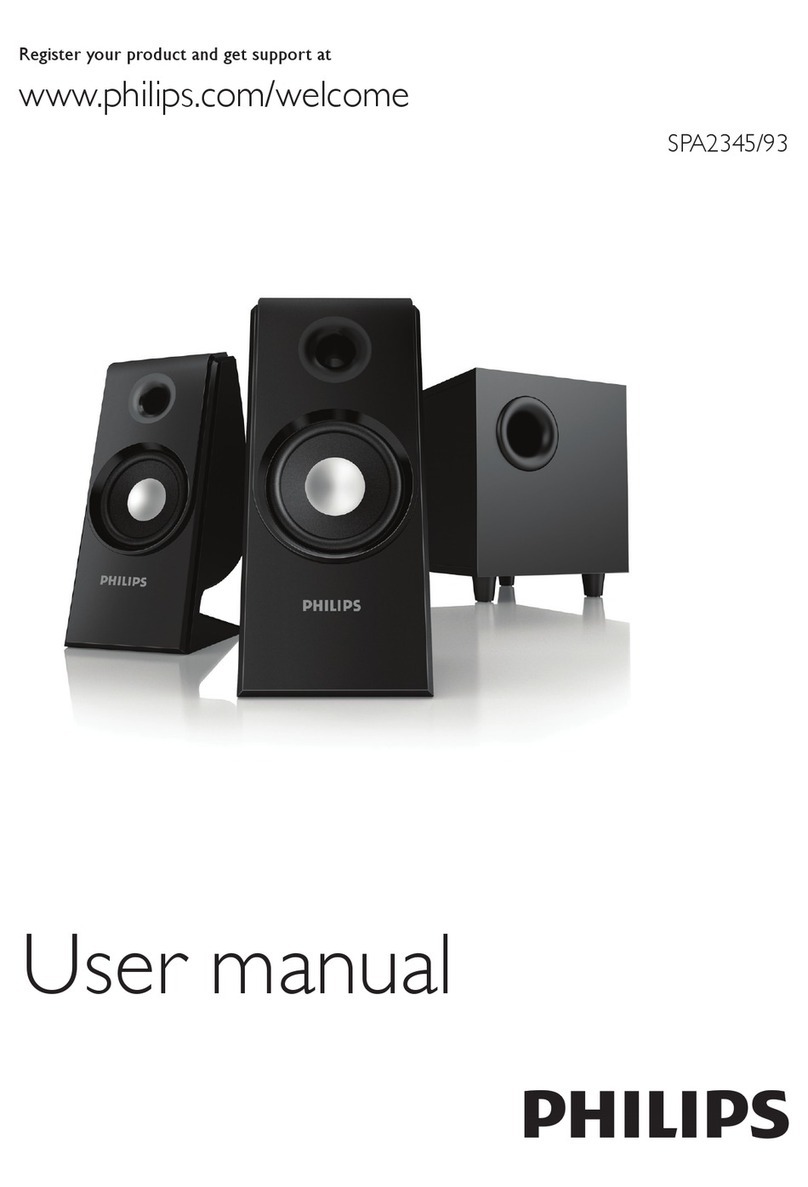
Philips SPA3200 User manual

Philips

Philips SPA3200 User manual

Philips Essence 5000 Series User manual

Philips

Philips Essence 5000 Series User manual

Philips SBT30 User manual

Philips

Philips SBT30 User manual

Philips 3000 series User manual

Philips

Philips 3000 series User manual

Philips CSP652/51 User manual

Philips

Philips CSP652/51 User manual

Philips SB365 Product information sheet

Philips

Philips SB365 Product information sheet

Philips BT3500 Product information sheet

Philips

Philips BT3500 Product information sheet

Philips EverPlay BT3900 User manual

Philips

Philips EverPlay BT3900 User manual

Philips BT2500 Product information sheet

Philips

Philips BT2500 Product information sheet

Philips FB 860 User manual

Philips

Philips FB 860 User manual

Philips SPA6200/10 User manual

Philips

Philips SPA6200/10 User manual

Philips P9SLV/37 User manual

Philips

Philips P9SLV/37 User manual

Philips FWM185 User manual

Philips

Philips FWM185 User manual

Philips Fidelio SoundRing DS3801W/37 User manual

Philips

Philips Fidelio SoundRing DS3801W/37 User manual

Philips SPA1300/05 User manual

Philips

Philips SPA1300/05 User manual

Philips HTL2160 User manual

Philips

Philips HTL2160 User manual

Philips DGX320 - PC Multimedia Speakers User manual

Philips

Philips DGX320 - PC Multimedia Speakers User manual

Philips SPA3350/93 User manual

Philips

Philips SPA3350/93 User manual

Philips HTL4110B User manual

Philips

Philips HTL4110B User manual

Philips SBT75/12 User manual

Philips

Philips SBT75/12 User manual

Philips HTL2163B User manual

Philips

Philips HTL2163B User manual

Philips HTL2193B User manual

Philips

Philips HTL2193B User manual

Philips HTL2163B User manual

Philips

Philips HTL2163B User manual

Popular Speakers manuals by other brands

Electro-Voice LR4S engineering data

Electro-Voice

Electro-Voice LR4S engineering data

Definitive Technology Sound Cylinder user guide

Definitive Technology

Definitive Technology Sound Cylinder user guide

AudioSource LS545 user manual

AudioSource

AudioSource LS545 user manual

Paso C402-T Instructions for use

Paso

Paso C402-T Instructions for use

Altec Lansing 416-8C LF SPEAKER manual

Altec Lansing

Altec Lansing 416-8C LF SPEAKER manual

Kenwood KFC-1072 Servise manual

Kenwood

Kenwood KFC-1072 Servise manual

Peavey ProSys 112 user guide

Peavey

Peavey ProSys 112 user guide

JBL Control Contractor 60 Series installation instructions

JBL

JBL Control Contractor 60 Series installation instructions

Aura STORM-8 owner's manual

Aura

Aura STORM-8 owner's manual

Oontz ANGLE 3 PLUS quick start guide

Oontz

Oontz ANGLE 3 PLUS quick start guide

Electro-Voice LR4A engineering data

Electro-Voice

Electro-Voice LR4A engineering data

Rave RK-650-ICA-B owner's manual

Rave

Rave RK-650-ICA-B owner's manual

Flux Reference Series installation manual

Flux

Flux Reference Series installation manual

Lanzar AQAWBS64BK installation manual

Lanzar

Lanzar AQAWBS64BK installation manual

DAPAudio DCS-6230 manual

DAPAudio

DAPAudio DCS-6230 manual

Aluratek ABS03F quick start guide

Aluratek

Aluratek ABS03F quick start guide

Kenwood KES-5A instruction manual

Kenwood

Kenwood KES-5A instruction manual

Sonance ORIGINAL SERIES instruction manual

Sonance

Sonance ORIGINAL SERIES instruction manual

manuals.online logo
manuals.online logoBrands
  • About & Mission
  • Contact us
  • Privacy Policy
  • Terms and Conditions

Copyright 2025 Manuals.Online. All Rights Reserved.

iOS
Android
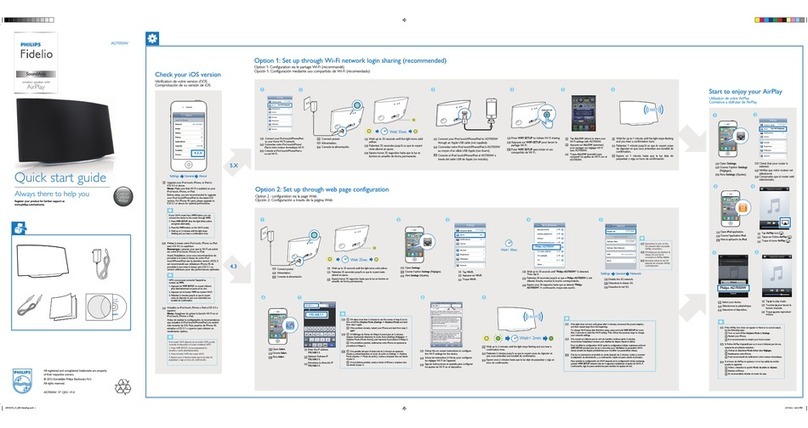
AW5000
Always there to help you
Register your product for further support at
www.philips.com/welcome
Question?
Contact
Philips
Question?
Contact
Philips
wireless Hi-Fi speaker
A5
Quick start guide
Guide de démarrage rapide
Guía de configuración rápida
EN
ES
FR
Install Philips AirStudio from Apple App
Store and run the app.
Installez Philips AirStudio à partir de l'App
Store d'Apple et exécutez l'application.
Instale Philips AirStudio desde Apple App
Store y ejecute la aplicación.
Find the activation code on the bottom of the
speaker, type in the box, and then tap Next.
Recherchez le code d'activation en bas du
haut-parleur, saisissez-le dans la zone
correspondante, puis appuyez sur Suivant.
Busque el código de activación en la parte
inferior del altavoz, escríbalo en el cuadro y, a
continuación, toque Siguiente.
Tap Setup a new speaker, then follow the
on-screen instructions to set up Wi-Fi
connection of your speaker.
Appuyez sur Configurer une nouvelle enceinte,
puis suivez les instructions à l'écran pour
configurer la connexion Wi-Fi de votre enceinte.
Toque Configurar un nuevo altavoz y, a
continuación, siga las instrucciones en pantalla
para configurar la conexión Wi-Fi del altavoz.
Install Philips AirStudio from Google Play
Store and run the app.
Installez Philips AirStudio à partir du Play
Store de Google et exécutez l'application.
Instale Philips AirStudio desde Google Play
Store y ejecute la aplicación.
Connect power to
the speaker.
Branchez l'enceinte
sur le secteur.
Conecte el altavoz a la
alimentación.
Check the OS of
your smartphone
or tablet.
Vérifiez le système
d'exploitation de votre
smartphone ou tablette.
Compruebe el sistema
operativo del smartphone
o la tableta.
Before using your product, read all accompanying
safety information
Avant d'utiliser votre produit, lisez toutes les
informations sur la sécurité fournies.
Antes de utilizar el producto, lea toda la información de
seguridad que se adjunta.
www.philips.com/support
AC IN ~
AC N ~
C
M
Y
CM
MY
CY
AW5000-QSG-130mm X 130mm_WITHOUT CD_EN-ES-FR.pdf 1 4/27/2012 11:13:30 AM
Run Philips AirStudio, then hold
and drag the smartphone icon
towards the speaker icon.
Exécutez Philips AirStudio, puis maintenez
enfoncée et faites glisser l'icône du
smartphone vers l'icône de l'enceinte.
Ejecute Philips AirStudio y, a continuación,
arrastre el icono del smartphone hacia el
icono del altavoz.
Select and play your favorite
music.
Sélectionnez et lancez la lecture
de votre musique préférée.
Seleccione y reproduzca su
música favorita.
Download Media Manager from
www.philips.com/mediamanager.
Téléchargez Media Manager sur
www.philips.com/mediamanager.
Descargue Media Manager desde
www.philips.com/mediamanager.
Install it onto your PC/Mac with the
following license key.
Installez-le sur votre PC/MAC avec la
clé de licence suivante.
Instálelo en su PC/Mac con la
siguiente clave de licencia.
Run Philips AirStudio, tap Services
->Philips AW5000 ->Internet Radio,
and then select the radio stations you
prefer.
Exécutez Philips AirStudio, appuyez sur
Services ->Philips AW5000 ->Internet
Radio, puis sélectionnez vos stations de
radio préférées.
Ejecute Philips AirStudio, toque Services
(Servicios) ->Philips AW5000 ->Internet
Radio (Radio por Internet) y, a
continuación, seleccione las emisoras de
radio que prefiera.
Run Philips AirStudio on your smartphone/tablet, then
tap Services ->Philips AW5000 ->MP3 Link to select
the MP3 link source.
Start music play on the auxiliary device.
Exécutez Philips AirStudio sur votre smartphone/tablette,
puis appuyez sur Services ->Philips AW5000 ->MP3 Link
pour sélectionner la source MP3 Link.
Lancez la lecture de musique sur le périphérique auxiliaire.
Ejecute Philips AirStudio en el smartphone o la tableta y,
a continuación, toque Services (Servicios) ->Philips
AW5000 -> MP3 Link para seleccionar la fuente de
conexión MP3.
Inicie la reproducción de música en el dispositivo auxiliar.
MP3L NK
Stream music from your smartphone/tablet
Diffusion de la musique de votre smartphone/tablette
Transferencia de música desde el smartphone o la tableta
Stream music from your PC/Mac
Diffusion de la musique de votre PC/Mac
Transferencia de música desde el PC o Mac
Connect an MP3 player to the
MP3 LINK socket.
Connect an MP3 player to the
MP3 LINK socket.
Connectez un lecteur MP3 à
la prise MP3 L NK.
Connectez un lecteur MP3 à
la prise MP3 L NK.
Conecte un reproductor de MP3
a la toma MP3 L NK.
Conecte un reproductor de MP3
a la toma MP3 L NK.
www.philips.com/mediamanager
Make sure that your PC/Mac is connected
to the same Wi-Fi network as the
wireless Hi-Fi speaker.
Run Philips AirStudio on your
smartphone/tablet, then hold and drag
the laptop icon towards the speaker icon.
Select and play your favorite music.
Assurez-vous que votre PC/MAC est
connecté au même réseau Wi-Fi que
l'enceinte hi-fi sans fil.
Exécutez Philips AirStudio sur votre
smartphone/tablette, puis maintenez
enfoncée et faites glisser l'icône de
l'ordinateur portable vers l'icône de
l'enceinte.
Sélectionnez et lancez la lecture de votre
musique préférée.
Asegúrese de que el PC o Mac está
conectado a la misma red Wi-Fi que el
altavoz Hi-Fi inalámbrico.
Ejecute Philips AirStudio en el smartphone
o la tableta y, a continuación, arrastre el
icono del portátil hacia el icono del altavoz.
Seleccione y reproduzca su música favorita.

All registered and unregistered trademarks are
property of their respective owners.
© 2012 Koninklijke Philips Electronics N.V.
All rights reserved.
AW5000_10_QSG_V1.1
Not supplied
Non fourni
No incluido
C
M
Y
CM
MY
CY
AW5000-QSG-130mm X 130mm_WITHOUT CD_EN-ES-FR.pdf 2 4/27/2012 11:13:30 AM