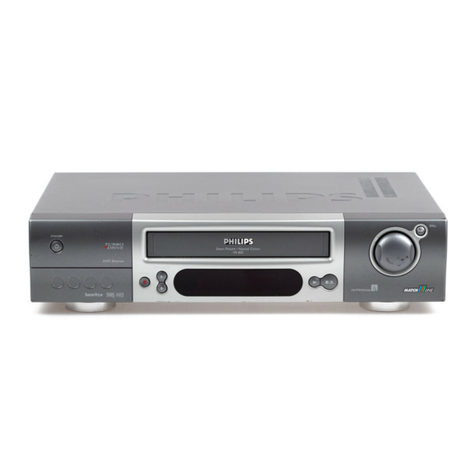
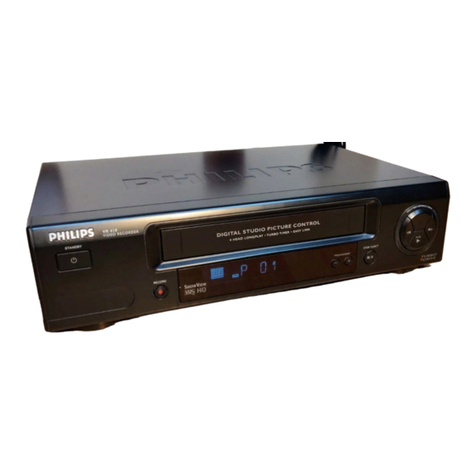
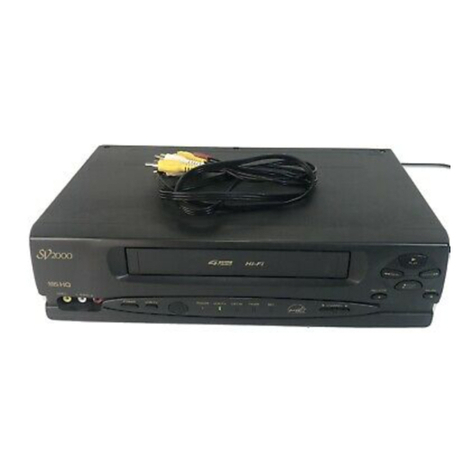
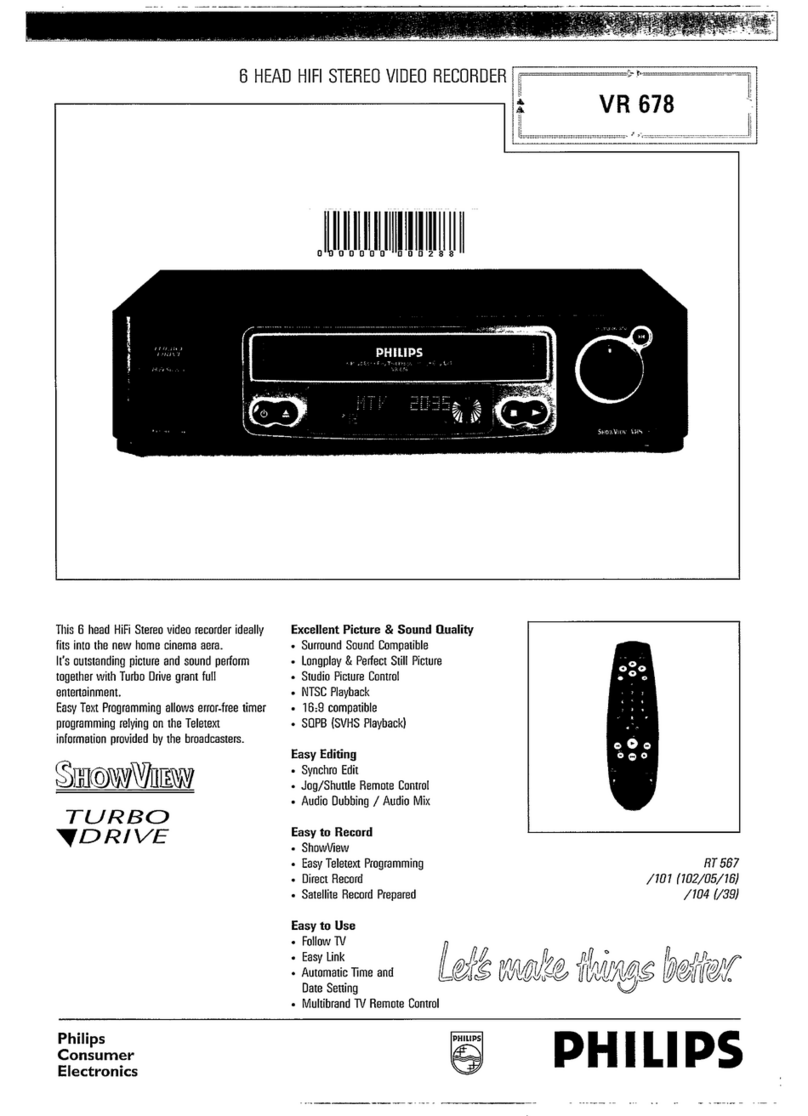
2 head MonoVCR
VR210
Subject to modification without notice
ShowView andVideoPlus areTrademarks of Gemstar Development Group
Product Highlights
• Digital Studio Picture Control
Digital Studio Picture Control keeps checking the quality of your
videotapes and reproduces the best possible picture performance.
Philips’Digital Studio Picture Control optimises the playback quality.
It measures the characteristics of the tape,adapts the resolution and
reduces the picture noise.
• TurboTimer
IsTimer Programming complicated? No!
IsTimer Programming time consuming? No!
Just push theTurboTimer button on the remote control.The display
of yourVCR asks you then for the start and end time as well as the
programme’s number.That´s it.Just a number of seconds.
• Easy Link
Easy Link offers maximum convenience when it comes to installing a
VCR.There’s no need to wait endlessly for the tuning of all channels
or to spend time re-sorting the presets in the right order.You just
connect bothVCR andTV with a Scart cable and plug the mains.
That’s all! On top of that features likeAutomatic On/Off switching of
theTV when theVCR is used,Direct Record and automatic 16x9
switching make the daily life of theVCR user much easier.
• Plug & Play
With Plug & Play,theVCR welcomes you and leads you through the
installation steps.You just have to set your language and the country
you live in.TheVCR does the rest.
• Turbo Drive
Enjoy the ease of use and the comfort of one of the fastestVCR
decks in the world.
• AutomaticTime download
TheTeletext contains an extremely precise time information.Your
videorecorder knows that and during the installation,it automatically
reads out this precious information. You can then use your VCR as
the clock reference in your home,as the time is readjusted every
day.You even don't have to worry about changing from summer to
winter time!
• Automatic Satellite Recording
Your satellite receiver is equipped with aTimer function?
Connect both yourVCR and the satellite receiver with a SCART cable
and make use of the „Automatic Satellite Recording“ function.You
just have to activate it and switch yourVCR to std-by.As soon as the
satellite receiver gest active,theVCR switches on and is set in the
record mode.At the end of the recording it returns automatically to
Stand-by.
Product Information
Reception - Installation
• Tuner:FullTuner (UHF +VHF + Hyperband)
• Tuning: PLL,CH entry,99 presets
• Time/Date Download: PDC (Time/Date), Text (Time)
User Interface
• Special Features: Auto Standby On / Off,Child Lock,Display On / Off
• Picture Improvement System: Digital Studio Picture Control
• TV Related Functions: 16:9 (pin 8),NexTView Link (Rel 1.3)
Remote Control Unit
• Remote Control - code:TV-RC5, VCR1-RC5
Connectors Rear
• EXT1: Black,Euro CVBS in / out
• EXT2: Black,Euro Decoder,RGB loop through
• TerrestrialAntenna In / Out: 75 Ohms (IECtype)
• Mains Connector: Standard (IECtype)
Tape Deck
• Number ofVideo / FMAudio / Flying Erase Heads: 2 / 0 / 0
• Play: +1,-1,Repeat
• Playback Features: Standard Still,Multiple Search Speed
• Index Search Related Functions:BlankTape Search,Next/Prev.index
search
• Head Cleaning Mode: Automatic
• Tape Length Recognition: Automatic
• Tape Counter: Linear Relative (h.m.s), Time Left (h.m)
• Wind / RewindTime (E180): 100 sec./ 100 sec.
• Automatic Functions atTape End:Rewind after Play - Eject after
Record
Programming
• Number of Events:6 / month
• Programming Mode: OTR,Remote
• Record Control &Transmitter Identification: PDC,VPS
• SpecialTimer Programming: TurboTimer
• Automatic Satellite Recording:SCART 2
OnTape Standard
• Additional Playback Standard:BLACK &WHITE
General
• Voltage / Frequency:198-264V / 50Hz
• Backup Presets: 1yr
• Backup Clock,Calendar,Timer: 3 hrs
• Power Cons.in Play / Std-By /
Low Power Std By:12.5 / 4.4 / < 4W
• Weight incl./ excl.package in kg: 5.5 / 3.6
• Set Size -W x D x H (mm): 380 x 260 x 93
• Packaging -W x D x H (mm): 450 x 382 x 180
• Equipment Supplied: Aerial Cable,Mains cord,Batteries
/02 /07 /39 /58 /60
Tuning/Install Features Auto Tuning,Manual Store, Auto Install, Manual Store, Auto Tuning,Manual Store, Auto Tuning,Manual Store, Auto Tuning, Manual Store,
Plug & Play,Welcome Screen Plug & Play,Welcome Screen Plug & Play,Welcome Screen Plug & Play,Welcome Screen Plug & Play,Welcome Screen
TV Systems Off Air PAL B/G PAL I PAL B/G, PAL I, PAL B/G, PALD/K, SECAM K1
SECAM B/G, SECAM L/L1 SECAM B/G, SECAM D/K
Modulator Pal G Pal I Splitter Pal GK (switchable) Splitter
Modulator Features Electr. On/Off switch, Auto Seek, – Electr. On/Off switch, –
Manual Frequency Adjustment Electr. On/Off switch, Manual Frequency Adjustment
Manual Frequency Adjustment
Frequency Adj. Range Ch 21 - Ch 55 Ch 21 - Ch 55 – Ch 21 - Ch 55 –
Preadj. modulation frequency 591.25 MHz (Ch 36) 583.25 MHz (Ch 35) – 591.25 MHz (Ch 36) –
OSD Menu Languages Danish, Dutch, English, English Danish, Dutch, English, Czech, English, Hungarian, Danish, Dutch, English,
Finnish, French, German, Finnish, French, German, Polish, Russian Cyrillic, Finnish, French, German,
Italian, Norwegian, Portuguese, Italian, Norwegian, Portuguese, Slovak Italian, Norwegian, Portuguese,
Spanish, Swedish Spanish, Swedish Spanish, Swedish
Remote Control - type RT112/101 RT112/101 RT112/104 RT112/101 RT112/104
Programming System Daily/Weekly, Showview Daily/Weekly,VideoPlus+ Daily/Weekly, Showview Daily/Weekly, Showview Daily/Weekly, Showview
Record Speed Standard Play Long Play,Standard Play Standard Play Standard Play Standard Play
Record Speed Selection – per Set – – –
Record / Playback Standard PAL PAL MESECAM, PAL,SECAM MESECAM, PAL MESECAM,PAL,SECAM