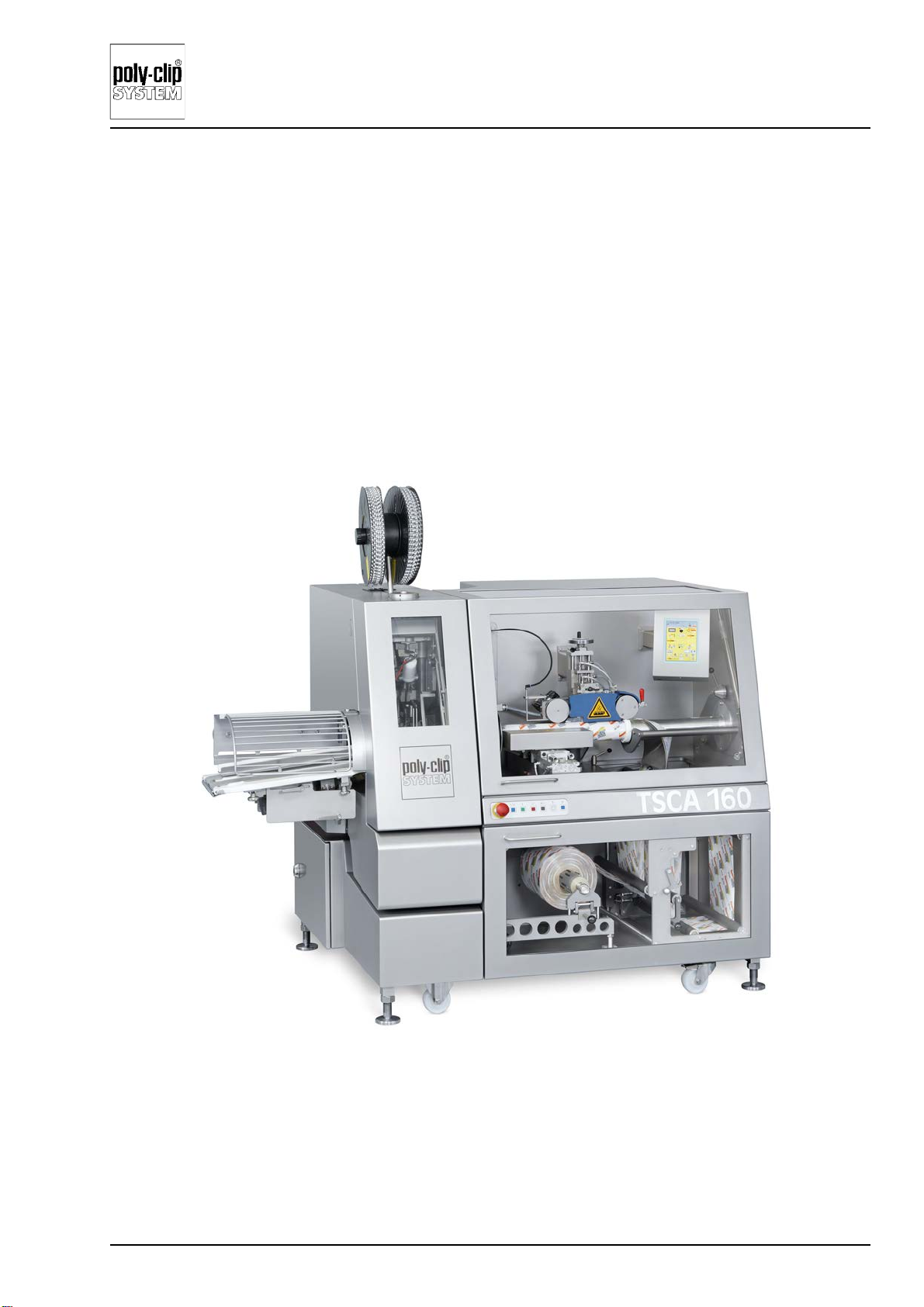
TSCA 120-M/160-L
Poly-clip System GmbH & Co. KG
4EN/07-2017
4.5.12.2 Sealing settings, electronic jam switch, part 1 ....................................................................4-22
4.5.12.3 Sealing settings, electronic jam switch, part 2 ....................................................................4-23
4.5.12.4 Sealing settings, film counter, part 1 ...................................................................................4-24
4.5.12.5 Sealing settings, film counter, part 2 ...................................................................................4-25
4.5.12.6 Sealing settings, mechanical jam switch, part 1 .................................................................4-26
4.5.12.7 Sealing settings, mechanical jam switch, part 2 .................................................................4-27
4.5.12.8 Filling system .......................................................................................................................4-28
4.5.12.9 Clipping machine controls stuffer and clipping process mode is start-stop .......................4-29
4.5.12.10Clipping machine controls stuffer and clipping process mode is continuous ....................4-30
4.5.12.11Clipping machine controls stuffer and clipping process mode is overspreading ...............4-31
4.5.12.12Portion length controls clipping machine/stuffer and
clipping process mode is start-stop ....................................................................................4-32
4.5.12.13Portion length controls clipping machine/stuffer
and clipping process mode is overspreading .....................................................................4-33
4.5.12.14Clip mark controls stuffer and clipping process mode is start-stop ...................................4-34
4.5.12.15Clip mark controls stuffer and clipping process mode is overspreading ............................4-35
4.5.12.16Dosing pump controls clipping process and clipping process mode is start-stop .............4-36
4.5.12.17Navigation using the quick selection buttons ......................................................................4-37
4.5.13 Start-stop velocity profile ....................................................................................................4-38
4.5.14 Velocity profile for continuous mode ...................................................................................4-39
4.5.15 Velocity profile for overspreading ........................................................................................4-40
4.5.16 Film break ............................................................................................................................4-41
4.5.16.1 Setting film break control ....................................................................................................4-41
4.5.17 Printer ..................................................................................................................................4-42
4.5.17.1 Possible printer operating modes .......................................................................................4-42
4.5.18 Simulator .............................................................................................................................4-43
4.5.19 Loading a product program .................................................................................................4-43
4.5.20 Date/Time ............................................................................................................................4-44
4.6 Service level ................................................................................................4-44
4.6.1 Adjusting the rotation angle for machine functions and additional equipment ...................4-45
4.6.2 Example: Compiling and saving a product program ...........................................................4-45
4.6.3 USB connection for back-up and retrieval of product programs ........................................4-47
4.6.4 Screen configuration level 1 or 2 .........................................................................................4-48
4.6.5 Reading and saving product programs through the USB connection ................................4-48
4.7 List of possible error messages ..................................................................4-49
5 Start-up .................................................................................................5-1
5.1 Note ..............................................................................................................5-1
5.2 Start-up check list ........................................................................................5-1
5.3 Shutting the machine down ..........................................................................5-1
5.4 Filling the clip magazine ...............................................................................5-2
5.4.1 Setting the braking force on the clip magazine .....................................................................5-2
5.4.2 Inserting the clip stick ............................................................................................................5-2
5.4.3 Converting the clip transport .................................................................................................5-3