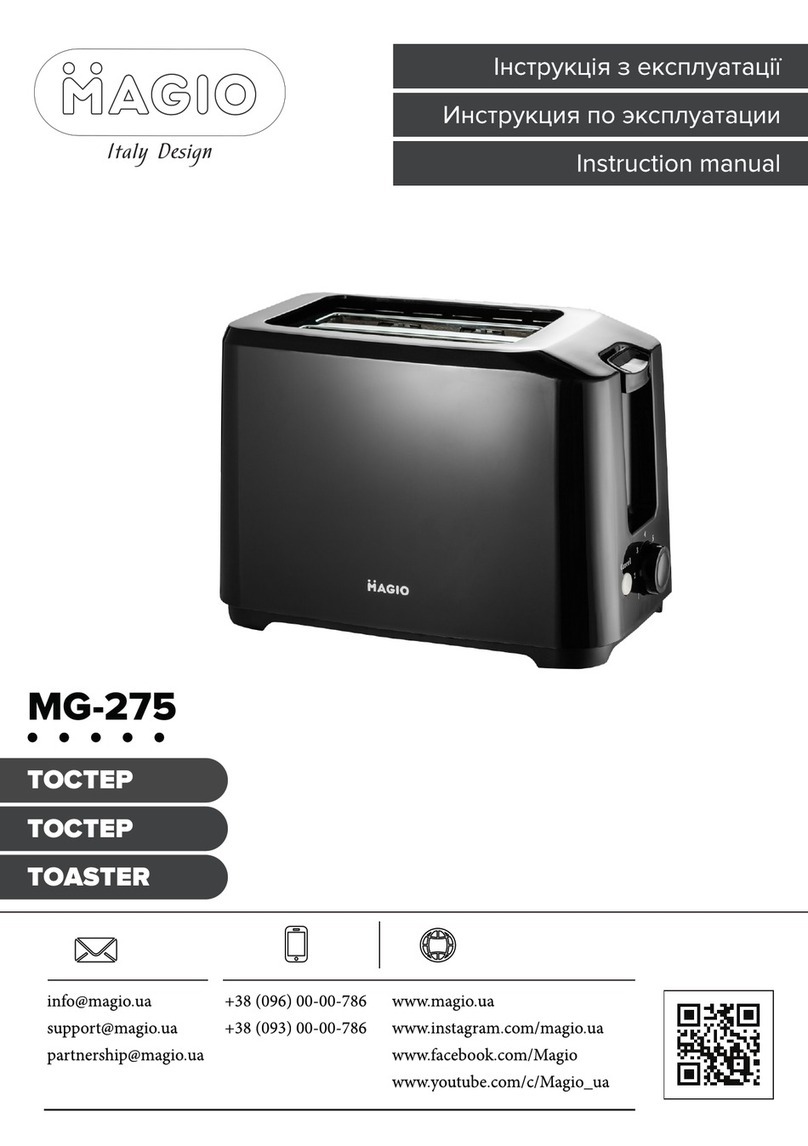
Only regular slices can be placed into the bread slot.
Note: Make sure the crumb tray is completely positioned in place before using.
2. Plug the power cord into the power supply outlet.
3. Set the colour control knob to your desired colour. There is a 6-position level, the
lowest is white and the highest is purple. The bread slice can be toasted to golden colour
at the level 3
Note: 1) during toasting,you can check the colour of the bread.If it is satisfactory,you can
press the cancel button to stop the toaster.
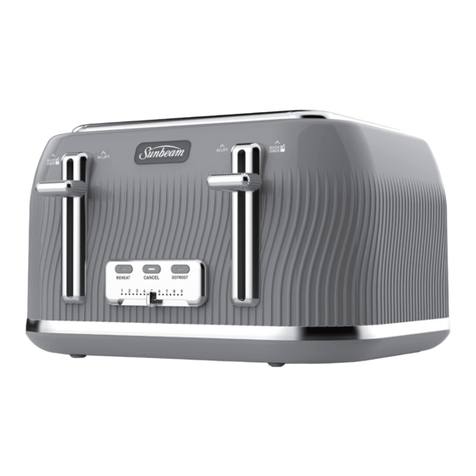
4. Press carriage handle down vertically until it locks in position, the indicator of Cancel
button turns on , and toasting begins. Once the bread is toasted, to the desired selected
colour, the carriage handle will automatically jump up, and you can remove the bread
easily.
Note: The carriage handle can be pressed down only when the appliance is connected to
the power supply.
5.During the toasting process, you can check the toasting colour. If you are satisfied with
the colour, you can interrupt the toasting process by pressing the Cancel button at any
time. However, do not lift the carriage handle to stop the device.
6. If the bread has been taken out from the refrigerator. Set the colour control knob to your
preferred colour. Press the carriage handle down vertically until it is positioned in place,
then press the DEFROST button and the indicator of DEFROST will turn on. In this mode it
will be toasted to your desired colour by considering defrosting time as well.
7. If you want to REHEAT the cold toasted bread. Turn the knob to the heating position,
Press the carriage handle down vertically until it is positioned in place, in this mode toast-
ing time is fixed, so long as time is running over, the carriage handle will automatically
spring up and end the reheating process.
Only regular slices can be placed into the bread slot.
Note: Make sure the crumb tray is completely positioned in place before using.
2. Plug the power cord into the power supply outlet.
3. Set the colour control knob to your desired colour. There is a 6-position level, the
lowest is white and the highest is purple. The bread slice can be toasted to golden colour
at the level 3
Note: 1) during toasting,you can check the colour of the bread.If it is satisfactory,you can
press the cancel button to stop the toaster.
4. Press carriage handle down vertically until it locks in position, the indicator of Cancel
button turns on , and toasting begins. Once the bread is toasted, to the desired selected
colour, the carriage handle will automatically jump up, and you can remove the bread
easily.
Note: The carriage handle can be pressed down only when the appliance is connected to
the power supply.
5.During the toasting process, you can check the toasting colour. If you are satisfied with
the colour, you can interrupt the toasting process by pressing the Cancel button at any
time. However, do not lift the carriage handle to stop the device.
6. If the bread has been taken out from the refrigerator. Set the colour control knob to your
preferred colour. Press the carriage handle down vertically until it is positioned in place,
then press the DEFROST button and the indicator of DEFROST will turn on. In this mode it
will be toasted to your desired colour by considering defrosting time as well.
7. If you want to REHEAT the cold toasted bread. Turn the knob to the heating position,
Press the carriage handle down vertically until it is positioned in place, in this mode toast-
ing time is fixed, so long as time is running over, the carriage handle will automatically
spring up and end the reheating process.
CAUTION:
1. Remove all protective wrappings before using.
2. If the toaster starts to smoke, Press Cancel to stop toasting immediately.
3. Avoid toasting the food with extremely runny ingredients such as butter.
4. Never try to remove bread that is stuck in the slots before unplugging the toaster from
the electrical outlet first. Make sure you do not damage the internal mechanism or heat-
ing elements when removing the stuck bread.