RADIO OPERATION (FM/AM/WB)
BAND SELECTION
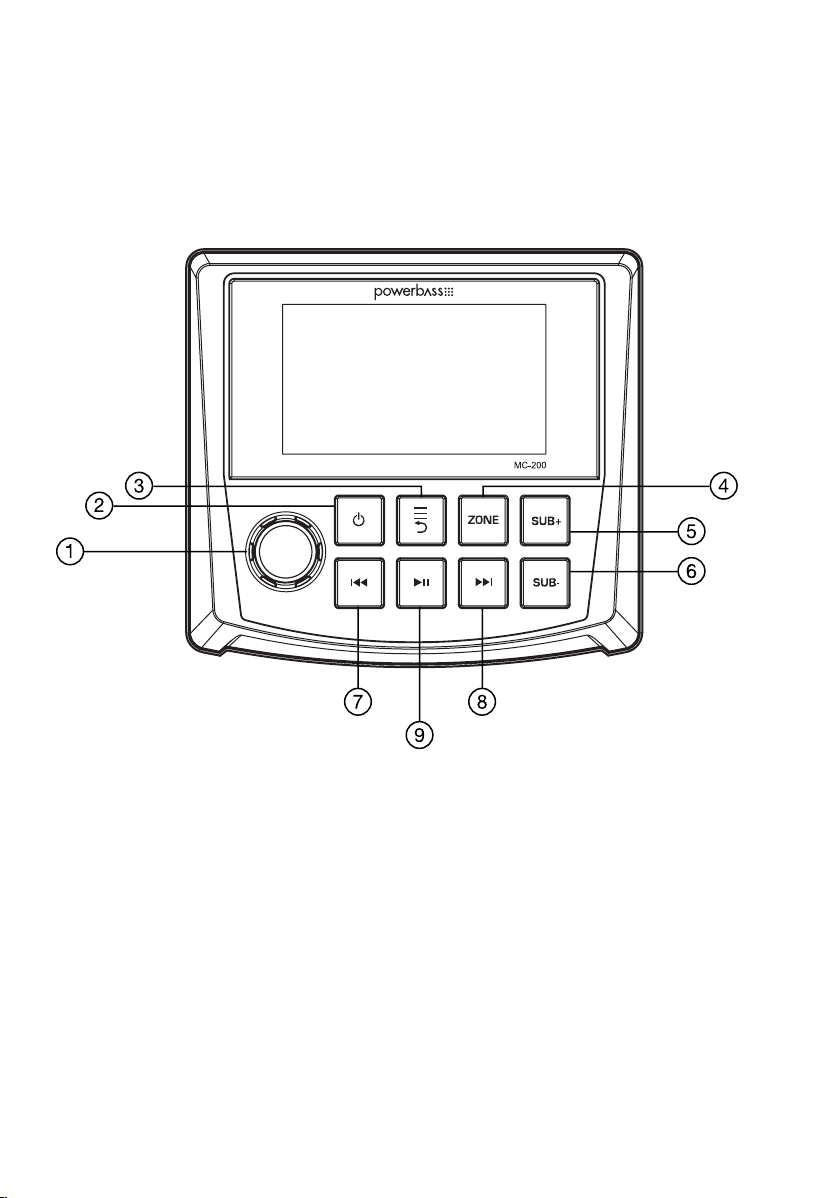
Press the knob to select your band of choice in the following sequence:
FM1 > FM2 > FM3 > AM1 > AM2 > WB
FM SETTINGS
To access the FM SETTINGS, press the MENU when using the FM radio. This will give you access to the settings
specific to the FM radio (PRESETS>SAVE PRESETS>RADIO REGION>LOCAL>FM BAND>AUTO STORE>STEREO).
PRESETS
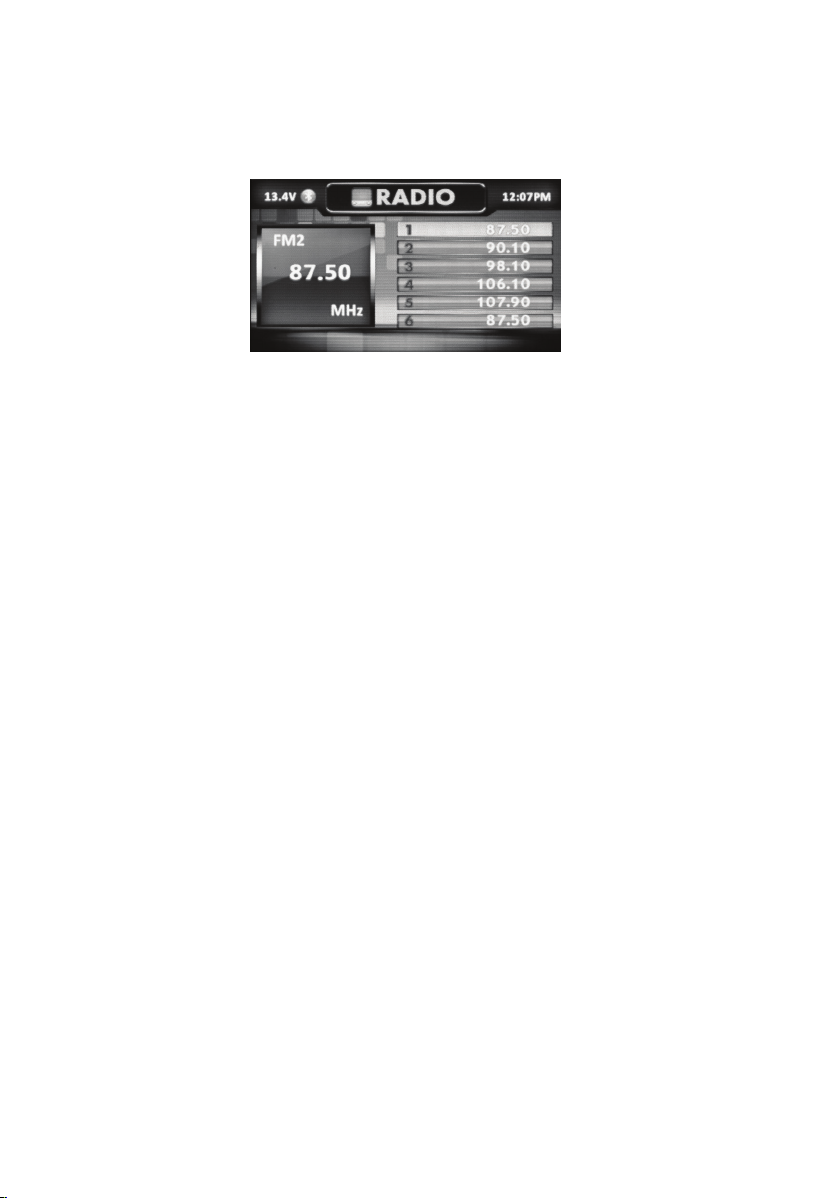
Press the knob to access the PRESETS list. Using this feature allows you to see all PRESETS saved to the MC-200.
SAVE PRESETS
Press the knob to select the SAVE PRESETS option. You will need to be set to both the station and PRESET group
you want to save first (FM1>FM2>FM3). Using this feature allows you to save stations to the MC-200. Once
selected, rotate the knob to select the PRESET number (1-6) you want the station saved to.
RADIO REGION
To adjust, press the knob to select REGION , then rotate to select the TUNER REGION of your preference. (EUROPE
> USA )
LOCAL
Press the knob to select the LOCAL option. Once selected, rotate the knob to select ON or OFF. The local option
tunes to nearby radio stations with sufficiently strong signals for good reception. In areas where reception is poor,
switching to distance tuning enables the unit to tune in to more distant stations. Distance tuning is the default.
FM BAND
Press the knob to access the FM PRESET options (FM1>FM2>FM3). Using this feature allows you to have
separate tuner preset groups to choose from. Rotate the knob to scroll through the TUNER groups and press the
knob to select the group.
AUTO STORE
Press the knob to access the AUTO STORE function. You will need to be within the PRESET group you want to
adjust first (FM1>FM2>FM3). This feature automatically stores presets on the MC200. It will stop when presets
1-6 are set. Select the next PRESET group and repeat to fill next set, and finally to scan the preset memorized
station, each preset scan for 5 seconds.
STEREO
Press the knob to access the STEREO options. Once selected, rotate the knob to select ON or OFF. Select ON
(stereo reception mode) or OFF (mono reception).
9