Section Three
The
Amiga
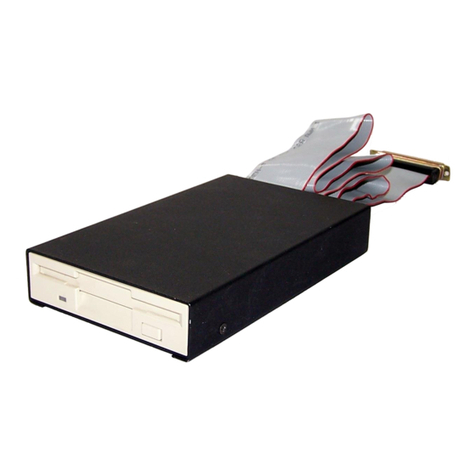
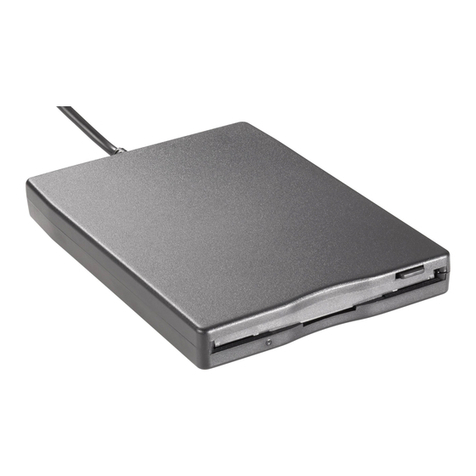
PC880
Drive
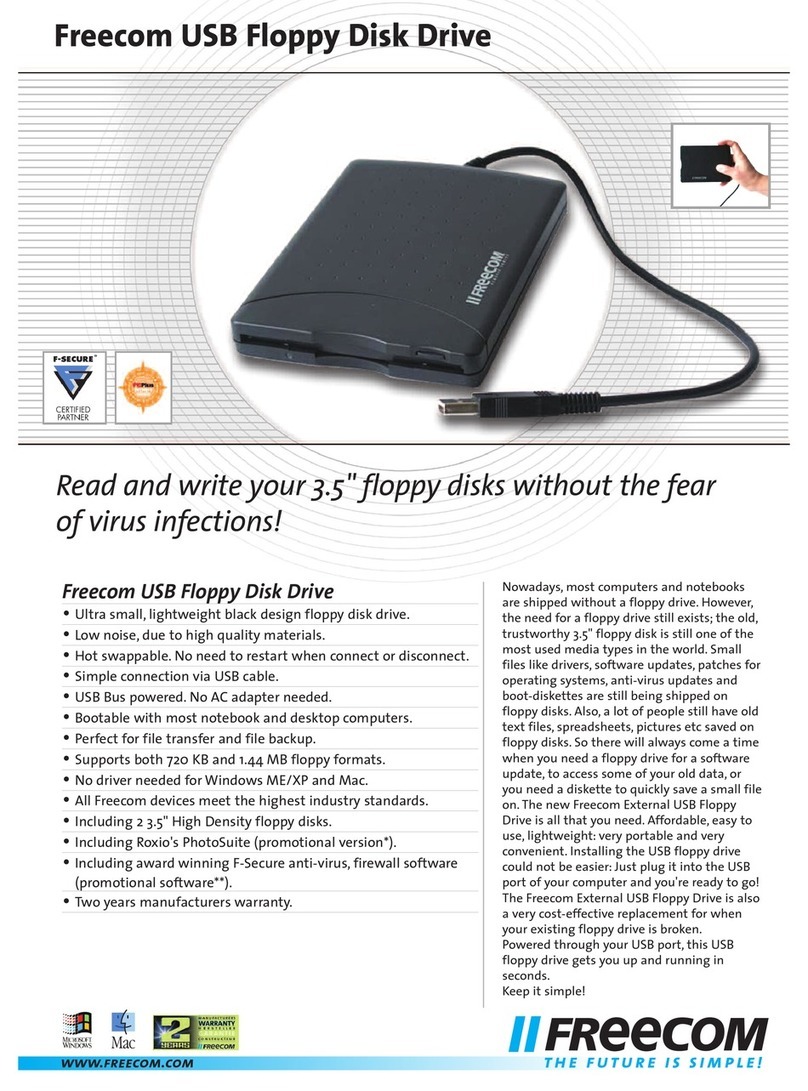
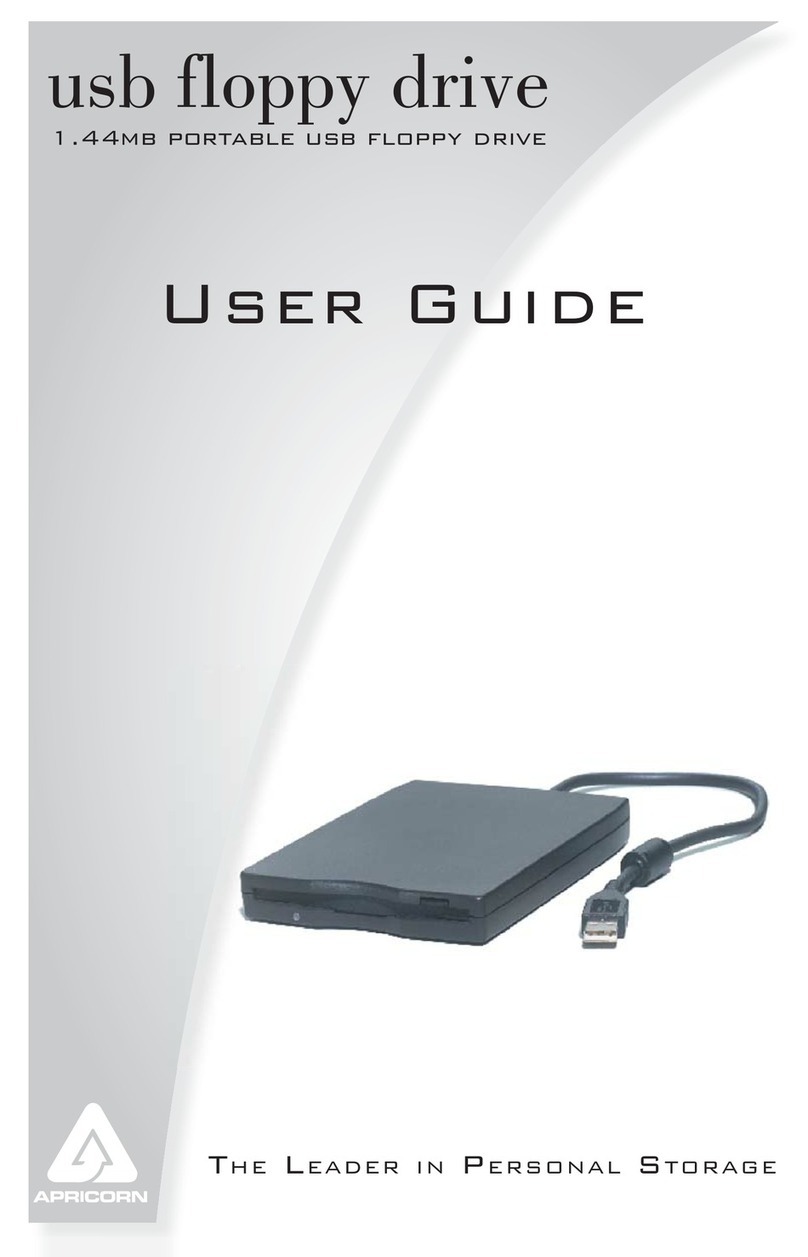
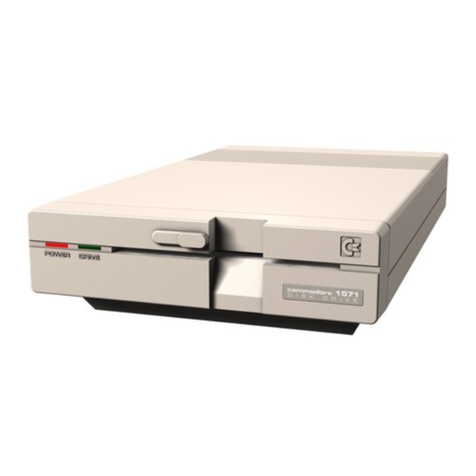
The PC880 leads the field of Amiga Drives, including in its design an
isolating switch to enable or disable the drive. a thru port for daisy
chaining. and the Power Computing anti-click board to take away that
annoying 'empty drive' click. It is compatible with the Amiga
500,
1000,
and 2000 machines.
Installation Instructions
1.
Switch off your Amiga and all its peripherals.
2. Switch the PC880's isolating switch (located on the rear of the
drive to position 1.
3.
Connect the disk drive's connector to the drive socket on the
back panel ofyourAmiga. Theplug will only fit oneway into the socket.
Tighten the screws on the connector to the computer back panel.
4.
Turn on the computer and peripherals. The drive will draw its
power from yourAmiga, and there is noneed for anexternal power sup-
ply for the PC880.
5.
Once the Workbench screen has booted from your internal drive,
place a disk in your PC880, and a drive icon will appear on the
Workbench. If no icon appears. and the drive LED fails to light,
SWITCH OFFyour Amiga and peripherals, reverse the position of the
PC88O's isolating switch (located on the rear of the drive). and repeat
steps
3-5.
Note:
a) NEVER remove a floppy disk from the drive while the drive light
is on
-
you may damage the disk or lose information on it.
b)
As
the drives are designed for very low power consumption, two
PC880s may be daisy chained from your Amiga. However. more than
two is not recommended.