Rackmount RP-717 User manual

User Manual
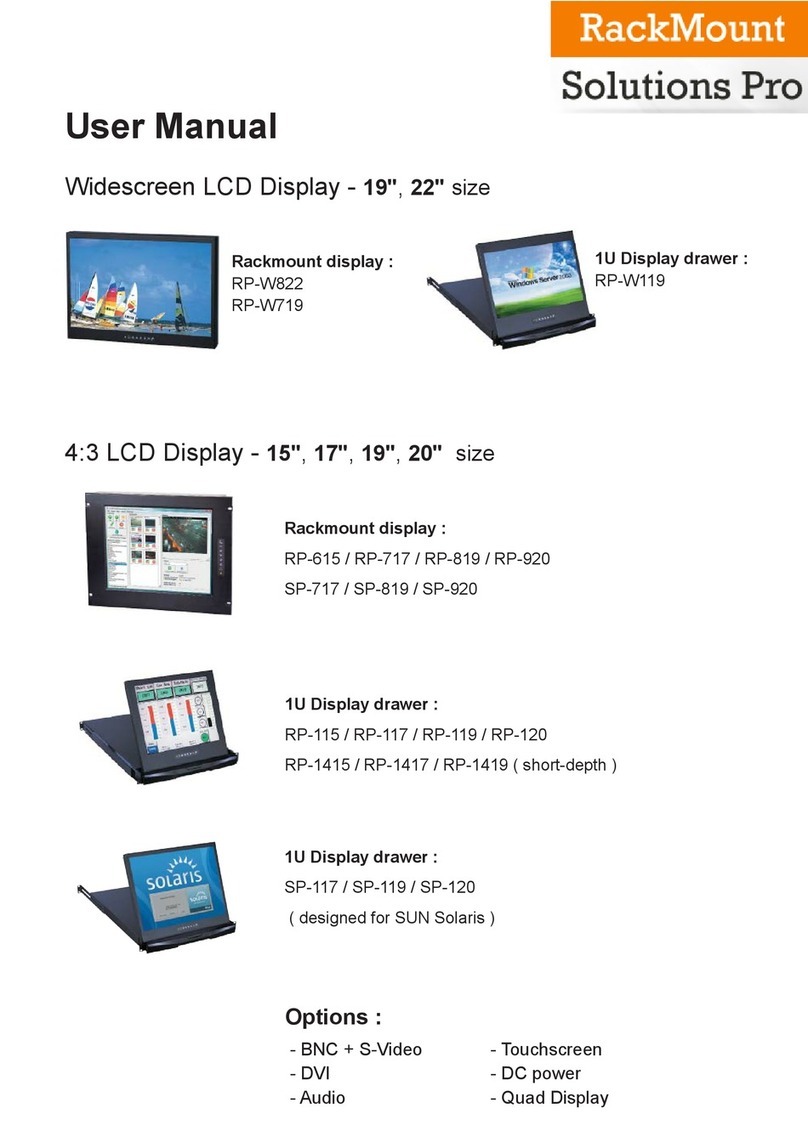
Rackmount Display Panel
RP-717 / RP-819 / RP-920
17” / 19” / 20” LCD
Options :
- SDI / MCS
- AV / HDMI / Audio
- Touchscreen / DC power
- MIL-type or lockable connector

Legal Information
First English printing, October 2002
Information in this document has been carefully checked for accuracy; however, no guarantee is given to the correctness
of the contents. The information in this document is subject to change without notice. We are not liable for any injury or
loss that results from the use of this equipment.
Safety Instructions
Please read all of these instructions carefully before you use the device. Save this manual for
future reference.
■Unplug equipment before cleaning. Don’t use liquid or spray detergent; use a moist cloth.
■Keep equipment away from excessive humidity and heat. Preferably, keep it in an air-conditioned environment with
temperatures not exceeding 40º Celsius (104º Fahrenheit).
■When installing, place the equipment on a sturdy, level surface to prevent it from accidentally falling and causing
damage to other equipment or injury to persons nearby.
■When the equipment is in an open position, do not cover, block or in any way obstruct the gap between it and the
power supply. Proper air convection is necessary to keep it from overheating.
■Arrange the equipment’s power cord in such a way that others won’t trip or fall over it.
■If you are using a power cord that didn’t ship with the equipment, ensure that it is rated for the voltage and current
labeled on the equipment’s electrical ratings label. The voltage rating on the cord should be higher than the one listed
on the equipment’s ratings label.
■Observe all precautions and warnings attached to the equipment.
■If you don’t intend on using the equipment for a long time, disconnect it from the power outlet to prevent being
damaged by transient over-voltage.
■Keep all liquids away from the equipment to minimize the risk of accidental spillage. Liquid spilled on to the power
supply or on other hardware may cause damage, fire or electrical shock.
■Only qualified service personnel should open the chassis. Opening it yourself could damage the equipment and
invalidate its warranty.
■If any part of the equipment becomes damaged or stops functioning, have it checked by qualified service personnel.
What the warranty does not cover
■Any product, on which the serial number has been defaced, modified or removed.
■Damage, deterioration or malfunction resulting from:
□Accident, misuse, neglect, fire, water, lightning, or other acts of nature, unauthorized product modification, or
failure to follow instructions supplied with the product.
□Repair or attempted repair by anyone not authorized by us.
□Any damage of the product due to shipment.
□Removal or installation of the product.
□Causes external to the product, such as electric power fluctuation or failure.
□Use of supplies or parts not meeting our specifications.
□Normal wear and tear.
□Any other causes which does not relate to a product defect.
■Removal, installation, and set-up service charges.
Regulatory Notices Federal Communications Commission (FCC)
This equipment has been tested and found to comply with the limits for a Class B digital device, pursuant to Part 15 of
the FCC rules. These limits are designed to provide reasonable protection against harmful interference in a residential
installation.
Any changes or modifications made to this equipment may void the user’s authority to operate this equipment. This
equipment generates, uses, and can radiate radio frequency energy and, if not installed and used in accordance with the
instructions, may cause harmful interference to radio communications.
However, there is no guarantee that interference will not occur in a particular installation. If this equipment does cause
harmful interference to radio or television reception, which can be determined by turning the equipment off and on, the
user is encouraged to try to correct the interference by one or more of the following measures:
■Re-position or relocate the receiving antenna.
■Increase the separation between the equipment and receiver.
■Connect the equipment into an outlet on a circuit different from that to which the receiver is connected.

< Part. 3 > Options
3.1 3G / HD / SD-SDI Broadcast-grade input ( except RP-717 )
3.2 MCS Multi-display control solution
3.3 AV2.2D Upgrade : DVI-D + VGA + BNC + S-Video + Audio
3.4 AV2.2H Upgrade : HDMI + VGA + BNC + S-Video + Audio
3.5 AV3.0 Upgrade :
DVI-D + VGA + HDMI + BNC + S-Video + Audio
3.6 17” / 19” Touchscreen : Resistive, Capacitive
3.7 20” Touchscreen : Resistive
3.8 48V, 24V or 12VDC power
P.12
P.13
P.14
P.14
P.15
P.16
P.17
P.18
P.19
< Part. 2 > Specifications / OSD / Remote Controller
2.1 Product Specifications
2.2 On-screen Display Operation ( OSD )
P.6 - 9
P.10 - 11
< Part. 1 > RP-717 / RP-819 / RP-920
1.1 Package Content
1.2 Structure Diagram & Dimension
1.3 Installation
Contents
P. 1
P.1 - 4
P. 5

■It is very important to mount the equipment in a suitable cabinet or on a stable surface.
■Make sure the place has a good ventilation, is out of direct sunlight, away from sources of excessive
dust, dirt, heat, water, moisture and vibration.
The equipment comes with the standard parts shown in package content. Check and make sure they are
included and in good condition. If anything is missing, or damaged, contact the supplier immediately.
Unpacking
Before Installation
How To Clean Your LCD Monitor
Caution :
■To avoid the risk of electric shock, make sure your hands are dry before unplugging your monitor from or
plugging your monitor into an electrical outlet.
■When you clean your monitor, do not press down on the LCD screen. Pressing down on the screen can
scratch or damage your display. Pressure damage is not covered under warranty.
■Use only cleansers made specifically for cleaning monitors and monitor screens. Cleansers not made to
clean monitors and monitor screens can scratch the LCD display or strip off the finish.
■Do not spray any kind of liquid directly onto the screen or case of your monitor. Spraying liquids directly
onto the screen or case can cause damage which is not covered under warranty.
■Do not use paper towels or abrasive pads to clean your monitor. Using an abrasive pad or any wood based
paper product such as paper towels can scratch your LCD screen.
Cleaning Your Monitor
To clean your LCD safely, please follow these steps :
Disconnect the power cord.
Gently wipe the surface using a clean, dry microfiber cloth. Use as little pressure as possible.
1
2
Cleaning Tough Marks and Smudges
To remove tough marks and smudges, please follow these steps :
Disconnect the power cord.
Spray a small amount of non-abrasive cleanser on a microfiber cloth.
Gently wipe the surface. Use as little pressure as possible.
Wait until your monitor is completely dry before plugging it in and powering it up.
1
2
Caution : Do not spray or apply any liquids directly onto the monitor. Always apply the solution to your
microfiber cloth first, not directly on the parts you are cleaning.
3
4

Basic I/O
AV2.2D upgrade
AV2.2H upgrade
AV3.0 upgrade
Options
Power VGADVI-D HDMI
Audio
out - in - in
Video PC
S-VideoBNC
: DVI-D + VGA
: DVI-D + VGA + BNC + S-Video + audio
: HDMI + VGA + BNC + S-Video + audio
: HDMI + DVI-D + VGA + BNC + S-Video + audio
: USB for touchscreen & DC power
SDI ( AV3.0 upgrade required )
3
4
< 1.1 > Package Content
P. 1
< Part 1 >
RP-717 or RP-819 or RP-920 X 1
6ft VGA cable X 1
Power adapter X 1
Power cord X 1
< 1.2 > Structure Diagram
1
2
Front view
Rear view
4
Power adapter
Power cord
LCD panel
LCD membrane
Audio speaker
Power adapter basket
1
2
3
RP-717
RP-819 RP-920
RP-717 / 819 / 920

< 1.2 > Dimension - RP-717
P. 2
Front View Side View
UNIT : mm
1mm = 0.03937 inch
Bottom View
Model Product Dimension
(W x D x H) Packing Dimension
(W x D x H) Net
Weight
RP-717 480 x 54.2 x 310 mm
18.9 x 2.1 x 12.2 inch
529 x 124 x 495 mm
20.8 x 4.9 x 19.5 inch
6 kg
13 lbs
RP-717

RP-717 / 819 / 920
< 1.2 > Dimension - RP-819
P. 3
Front View Side View
UNIT : mm
1mm = 0.03937 inch
Bottom View
Model Product Dimension
(W x D x H) Packing Dimension
(W x D x H) Net
Weight
RP-819 480 x 53.3 x 354.8 mm
18.9 x 2.1 x 14 inch
539 x 129 x 529 mm
21.2 x 5.1 x 20.8 inch
6.5 kg
14 lbs
RP-819

< 1.2 > Dimension - RP-920
P. 4
Front View Side View
UNIT : mm
1mm = 0.03937 inch
Bottom View
Model Product Dimension
(W x D x H) Packing Dimension
(W x D x H) Net
Weight
RP-920 480 x 63.5 x 399 mm
18.9 x 2.5 x 15.7 inch
583 x 124 x 529 mm
23 x 4.9 x 20.8 inch
8.4 kg
18.5 lbs
RP-920

RP-717 / 819 / 920
P. 5
< 1.3 > Installation
RP-920
Step
■Mount the display panel with M6 screw set.
■M6 screw x 8 pcs required ( Left & right side ).
M6 screw sets are not provided.
1
Step
■Fix the LCD into the rack.
2
■Mount the display panel with M6 screw set.
■M6 screw x 4 pcs required ( Left & right side ).
M6 screw sets are not provided.
Step 1
Step 2
■Fix the LCD into the rack.
RP-717 / RP-819

< 2.1 > Product Specifications - RP-717 / RP-819
LCD
Panel RP-717 RP-819
Manufacturer
Panel Size ( diagonal ) 17-inch TFT color LCD 19-inch TFT color LCD
Display pixel ( dots x lines ) 1280 x 1024 1280 x 1024
Brightness ( typ. ) 250 250
Contrast Ratio ( typ. ) 1000:1 1000:1
Color 16.7 M 16.7 M
Viewing Angle ( L/R/U/D ) 80/80/80/80 85/85/80/80
Response Time ( ms ) 5 5
Dot pitch ( mm ) 0.264 0.294
Display Area ( mm ) 337.92H x 270.33V 376.32H x 301.06V
Surface treatment Haze 25%, Hard-coating
Surface hardness 3H 3H
Backlight Type CCFL LED
MTBF ( hrs ) 50,000 30,000
P. 6
< Part 2 >
Video
Connectivity Digital HDMI HDMI 1.1, CEA-861-D
DVI DVI-D, TMDS single link
Analog VGA Analog 0.7Vp-p
Composite ( BNC ) NTSC & PAL
S-Video ( 4-pin ) NTSC & PAL
Plug & Play DVI / VGA VESA EDID structure 1.3
Synchronization VGA Separate, Composite & SOG
Audio
Connectivity Audio Input Connector 3.5mm stereo jack
Impedance / Power level 30kΩ/ 750mV
Audio Output Connector 3.5mm stereo jack
Resistance / Power level 30kΩ/ 2.8V
Speaker Output Power 2 x 2W
*When the audio output is connected, speaker output is OFF
Power Power Supply Range Auto-sensing 100 to 240VAC,
50 / 60Hz
Power Consumption Screen display ON 25W or less
Power saving mode 4W or less
Power button OFF 1W or less
Regulatory Safety FCC & CE certified
Environmental RoHS2 & REACH compliant
This manual suits for next models
2
Table of contents
Other Rackmount Monitor manuals