10
A
U
T
O
A
U
T
O
AUTOMATIC OVEN COOKING
To cook food automatically in the oven,
it is necessary to:
1.Set the length of the cooking time
2.Set the end of the cooking time
3.Set the temperature and the oven
cooking programme.
These operations are done in the follow-
ing way:
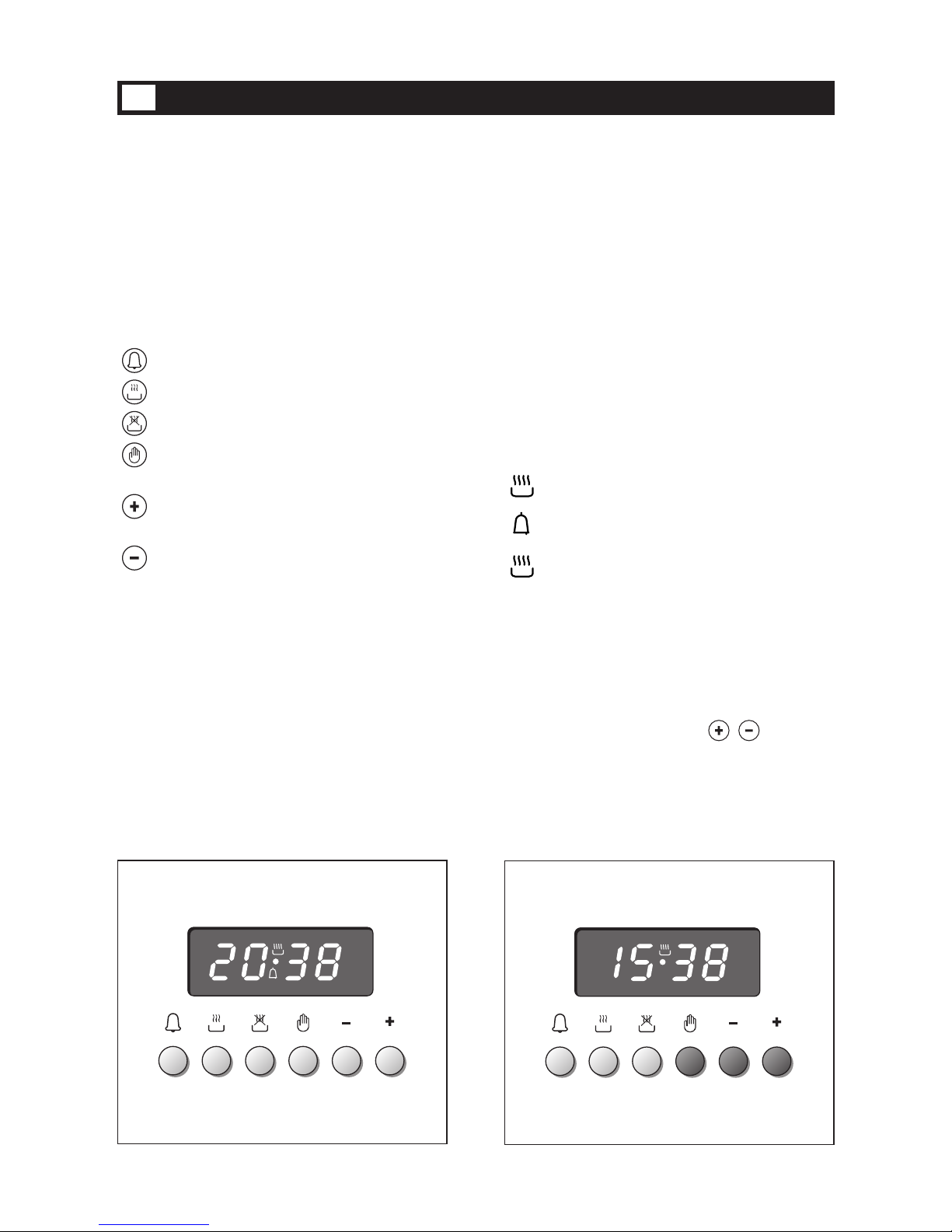
1. Set the length of the cooking time by
pushing the button and the but-
ton to
advance, or to go back if
you have passed the desired time (fig.
3.5). The AUTO and the symbol
will be on.
2.Set the end of the cooking time by
pressing the button (the cooking
time already added to the clock time
will appear), and the button (fig.
3.6); if you pass the desired time you
may get back by pushing the but-
ton.
After this setting, the symbol will
go off. If after this setting, the AUTO
flashes on the panel and a buzzer
goes off, it means there was an error
in the programming.
In this case, modify the end of cook-
ing time or the cooking time itself by
following the above instructions
again.
3.Set the temperature and the cooking
programme by using the switch and
thermostat knobs of the oven (see
specific chapters).
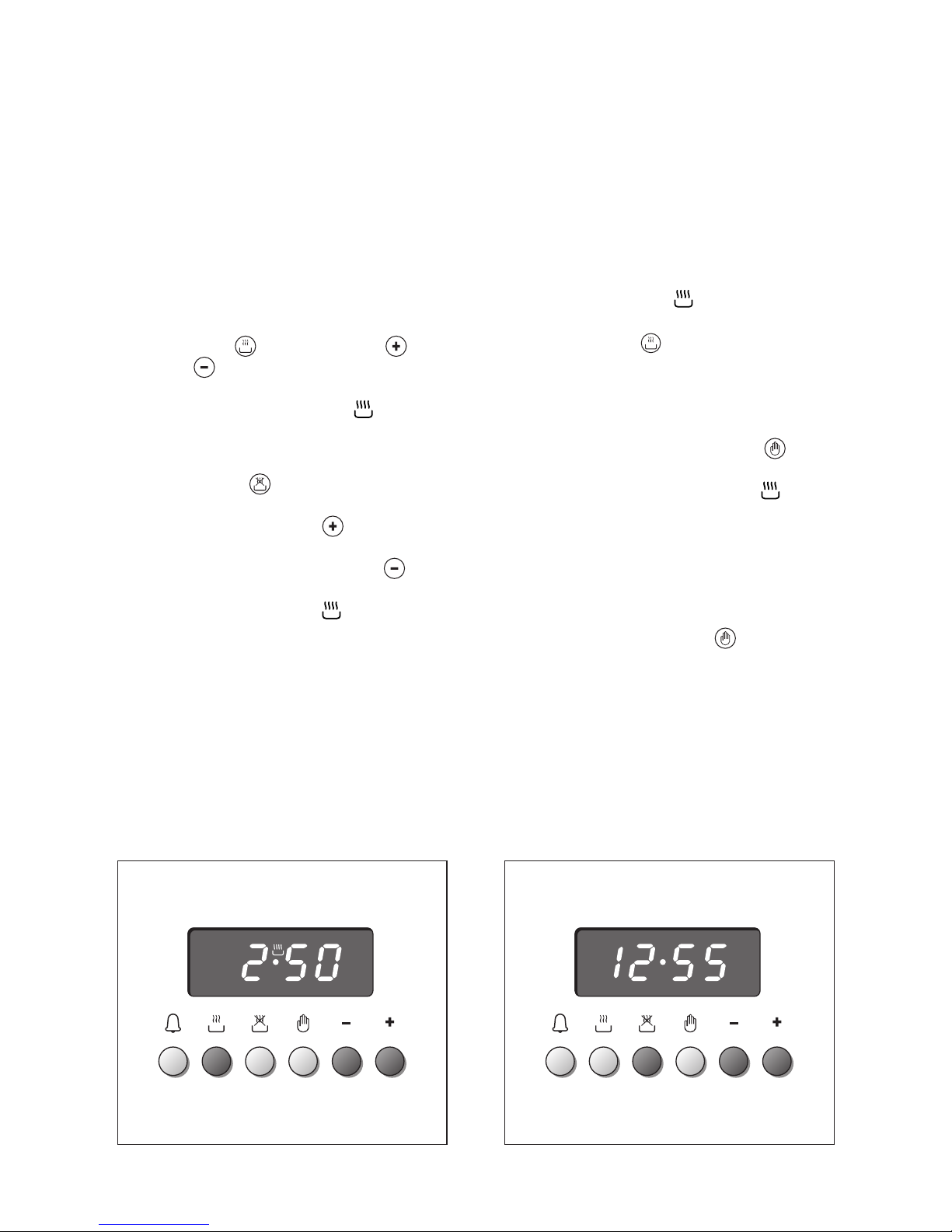
Now the oven is programmed and
everything will work automatically, that
is the oven will turn on at the right
moment to end the cooking at the
established time.
During cooking, the symbol remains
on.
By pushing the button you can see
the time that remains until the end of
cooking.
The cooking programme may be can-
celled in any moment by pushing .
At the end of the cooking time the oven
will turn off automatically, the sym-
bol will turn off, AUTO will flash and a
buzzer will sound, which can be turned
off by pushing any of the buttons.
Turn the switch and thermostat knobs to
zero and put the programmer onto
“manual” by pressing the button.
Attention: A power cut makes the clock
go to zero and cancels the set pro-
grammes.
After a power cut three zeroes will flash
on the panel.
Fig. 3.6
Fig. 3.5