manuals.online logo
Brands
  1. Home
  2. •
  3. Brands
  4. •
  5. Ready2Talk
  6. •
  7. Amplifier
  8. •
  9. Ready2Talk PA 64 User manual

Ready2Talk PA 64 User manual

Other manuals for PA 64

6

Other Ready2Talk Amplifier manuals

Ready2Talk PA 64 User manual

Ready2Talk

Ready2Talk PA 64 User manual

Ready2Talk PA 64 User manual

Ready2Talk

Ready2Talk PA 64 User manual

Ready2Talk PA 5AV Manual

Ready2Talk

Ready2Talk PA 5AV Manual

Ready2Talk PA 64 User manual

Ready2Talk

Ready2Talk PA 64 User manual

Ready2Talk PA 64 User manual

Ready2Talk

Ready2Talk PA 64 User manual

Popular Amplifier manuals by other brands

Magnat Audio EDITION FOUR Owner's manual/warranty document

Magnat Audio

Magnat Audio EDITION FOUR Owner's manual/warranty document

Inter-m PA-2000A Operation manual

Inter-m

Inter-m PA-2000A Operation manual

Yamaha TX6n owner's manual

Yamaha

Yamaha TX6n owner's manual

Peavey TNT 150 user guide

Peavey

Peavey TNT 150 user guide

Bosch LBB 1903/10 Installation and user instructions

Bosch

Bosch LBB 1903/10 Installation and user instructions

Avocent Emerge DA1200D Installer/user guide

Avocent

Avocent Emerge DA1200D Installer/user guide

Redgum RGi35 operating instructions

Redgum

Redgum RGi35 operating instructions

Cambridge Audio AXA25 user manual

Cambridge Audio

Cambridge Audio AXA25 user manual

Alpine MRP-M200 owner's manual

Alpine

Alpine MRP-M200 owner's manual

Technical Pro H1502UrBT user manual

Technical Pro

Technical Pro H1502UrBT user manual

FMS EMGZ307 operating manual

FMS

FMS EMGZ307 operating manual

Racal Instruments 5601 user manual

Racal Instruments

Racal Instruments 5601 user manual

Valcom V-1094A Technical specifications

Valcom

Valcom V-1094A Technical specifications

Cambridge Audio 851D user manual

Cambridge Audio

Cambridge Audio 851D user manual

QSC 3800 Specifications

QSC

QSC 3800 Specifications

NAD C300 owner's manual

NAD

NAD C300 owner's manual

Rotel RMB-1077 owner's manual

Rotel

Rotel RMB-1077 owner's manual

Peavey Monitor 300 Series operating guide

Peavey

Peavey Monitor 300 Series operating guide

manuals.online logo
manuals.online logoBrands
  • About & Mission
  • Contact us
  • Privacy Policy
  • Terms and Conditions

Copyright 2025 Manuals.Online. All Rights Reserved.

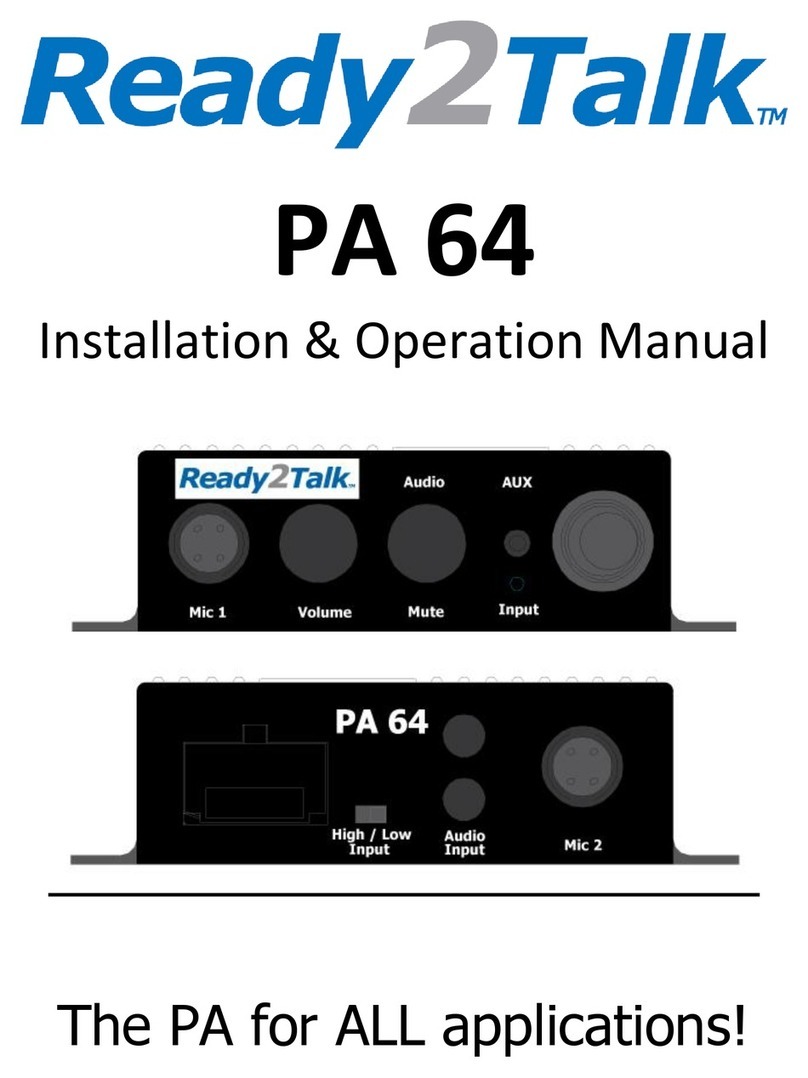
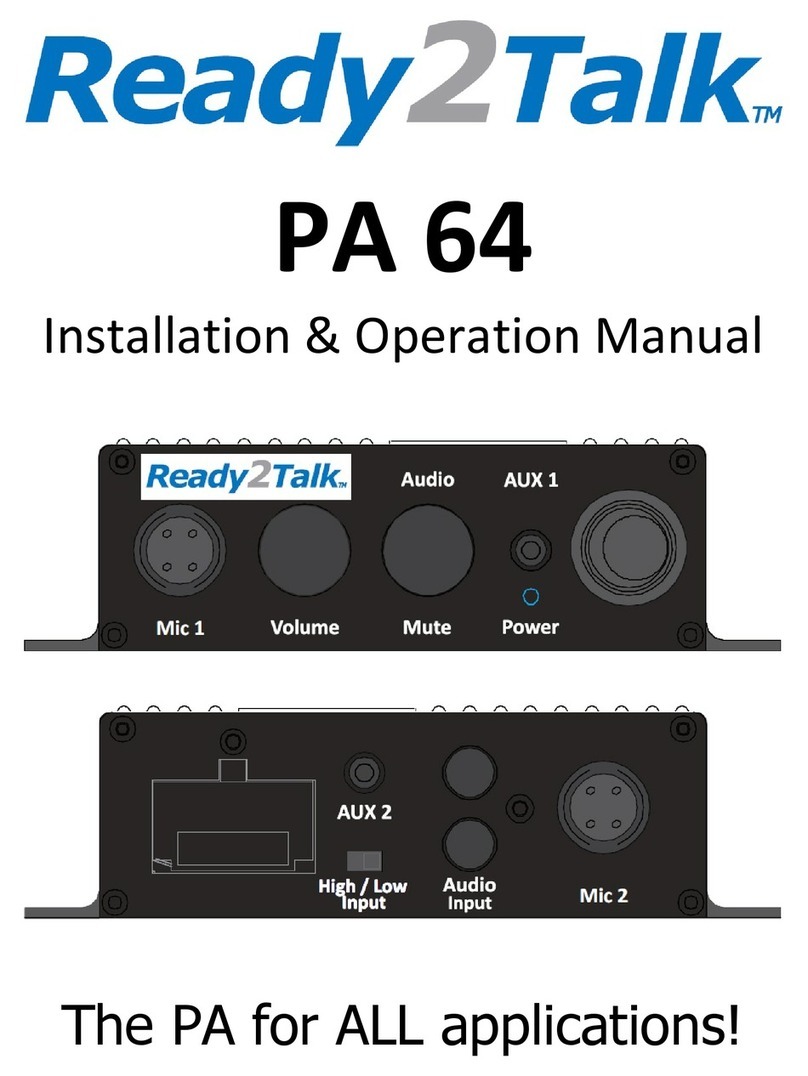
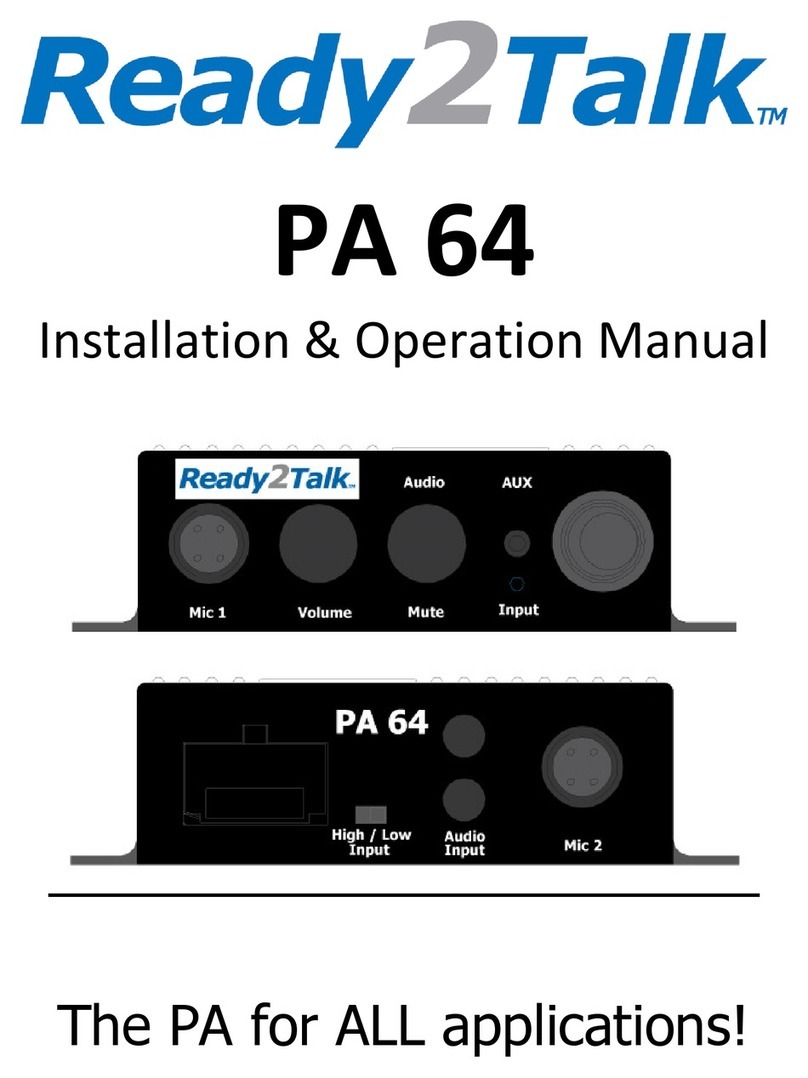
PA 64
Installation & Operation Manual
The PA for ALL applications!
IMPORTANT!
Only use with Ready2Talk microphones…
Use of any others may cause damage
Warning
The PA 64 is intended to be installed by a professional
installer, service mechanic, vehicle dealer or manufacturer
Do not attempt to install this unit without confirming
compatibility to your vehicle with the manufacturer or dealer
Failure to do so may cause damage to the PA 64, your
vehicles electrical system or void your vehicle warranty
Now with the warnings out of the way…
The PA 64 is designed to be the best unit for all applications, offering a real
amplifier with 4x50Watts (peak), solid state mic / stereo switching and variable
muting for both the rear RCA input and the front 3 5mm AUX input
It also allows the use of two microphones, hand or headset, wired or wireless;
and is the perfect PA system for Sightseeing, Shuttle, Transit, School Bus,
Church Busses, Retirement Homes, People Movers, Boats, Trolleys, Snow Cats
and Horse Carriages Did we forget anything? Oh yes… also an easy
replacement for older PA systems in Highway Coaches
Use the PA 64 as a standalone PA system or in conjunction with your factory
(OEM) stereo or any aftermarket stereo / DVD player or automated tour system
by using the internal High / Low impedance selector Don’t forget you can
connect your MP3 player though the front AUX input
It can be mounted on any flat surface vertical or horizontal and includes an
optional front decal so the printing will always be the right way around
Want to hide it away? There is an optional RMK (Remote Mounting Kit) and a
RME (Rear Mic Extension) for a second mic when using a step on guide
Easy to connect, easy to use and is better sounding than any other PA you’ve
heard before Finally, you too can sound like a radio DJ
*sound effects not included

PA 64 Wiring Code
Additional Wiring Info
Yellow 12V + Constant power - 10 Amp fuse in the plug base
Red 12V + Accessory power – Internal automatic re-settable fuse
Note Never increase the value of the fuses as damage may occur
RCA “Audio Input” sockets on the rear of the PA 64 are designed for dual level
input Put the switch in “High” position when connecting to a factory (OEM)
stereo speaker output and “Low” position for a RCA source
The 4 x 50 Watt amplifier inside the PA 64 is designed to accommodate a 4 – 8
Ohm floating speaker load and offers four separate audio outputs
Generally, you would use the speaker code above (also listed on the bottom of
the PA 64) However, you can connect more speakers using a combination of
series / parallel speaker wiring Please see the next pages for different wiring
options
Stereo Connection Options
Speaker Connection Options
Note The PA 64 amplifier uses a floating output Please ensure your
speakers are not common grounded or connected to the vehicle
ground as damage will occur to the PA 64 and will not be covered by
warranty!
Note The PA 64 is designed for speaker loads between 4 – 8 Ohms
Note All “Speaker Connection Options” are based on the use of 4 Ohm
speakers and will range from 4 – 8 Ohm load to the PA 64 amplifier
Normal 4 Speaker Option
Cutaway Bus 6 Speaker Option Using Drivers Speakers
Cutaway Bus 8 Speaker Option with Door Speakers
Cutaway Bus 8 Speaker Option without Door Speakers
Bus 10 Speaker Option without Door Speakers
Bus 12 Speaker Option without Door Speakers
Connection to an Aftermarket Stereo and Testing
1 After connecting your PA 64 to power and speakers, plug in a microphone,
turn ON the mic switch, talk normally and set your mic volume using the
front mounted “Volume” knob on the PA 64 Now you have confirmed the
PA 64 is functioning
2 Set the “High /Low Input” switch on the back of the PA 64 to Low and
then connect the “Audio Output” RCA from your stereo to the “Audio
Input” RCA on the PA 64
3 Turn OFF the mic switch then adjust the volume on your stereo to the
desired level
4 Set the “Audio Mute” knob on the front of the PA 64 half way (line pointed
up) and then turn ON the microphone switch, your stereo volume will
automatically reduce by half Adjust by turning the “Audio Mute” knob
fully counter clockwise = no muting and / or fully clockwise = full stereo
muting
5 When playing music from your MP3 player through the front “AUX input”,
the muting will function the same as listed above in #4
Note With the mic switch in the OFF position the front controls on the PA 64
will not function This is normal
Connection to a Factory (OEM) Stereo and Testing
1 After connecting your PA 64 to power and speakers, plug in a microphone,
turn ON the mic switch, talk normally and set your mic volume using the
front mounted “Volume” knob on the PA 64 Now you have confirmed the
PA 64 is functioning
2 Set the “High /Low Input” switch on the back of the PA 64 to High, then
connect your right and left speaker wires from your OEM stereo to the
RCA / Speaker Wire adaptor plugs (included in the box), then connect the

adaptor plugs to the RCA “Audio Input” on the PA 64
3 Turn OFF the mic switch then adjust the volume on your stereo to the
desired level
4 Set the “Audio Mute” knob on the front of the PA 64 half way (line pointed
up) and then turn ON the microphone switch, your stereo volume will
automatically reduce by half Adjust by turning the “Audio Mute” knob
fully counter clockwise = no muting and / or fully clockwise = full stereo
muting
5 When playing music from your MP3 player through the front “AUX input”,
the muting will function the same as listed above in #4
Note With the mic switch in the OFF position the front controls on the PA 64
will not function This is normal
Basic Operation
Once your PA 64 is properly installed, the operation is quite simple!
Start your vehicle, ensure the power switch on the PA 64 is turned on (the blue
power LED will light), connect a microphone, turn ON the mic and start talking
You can adjust the volume of you voice by adjusting the “Volume” knob on the
front of the PA 64
If you want to play music from your stereo, just turn on the stereo and set your
volume to suit When the microphone is turned on, the stereo volume will
automatically mute You may adjust the amount of stereo muting by turning
the “Audio Mute” knob on the front of the PA 64 from 0% (counter clockwise) -
no muting to 100% (clockwise) - full muting Turn the microphone OFF and the
stereo volume will come back up to the level you originally set
If you wish to play music from your MP3 player, just plug your MP3 player into
the 3 5mm “AUX Input” socket on the front of the PA 64 and set your desired
volume
Note It is recommended to start with your MP3 player at ½ volume to start
and adjust your volume on the device from there
If you have the stereo on AND your MP3 player connected at the same time,
the PA 64 will blend the two audio sources