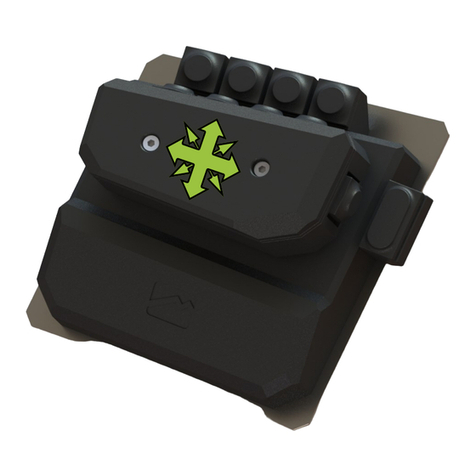
User Manual of Cross Hair
http//www.reasnow.com PAGE 4 / 28
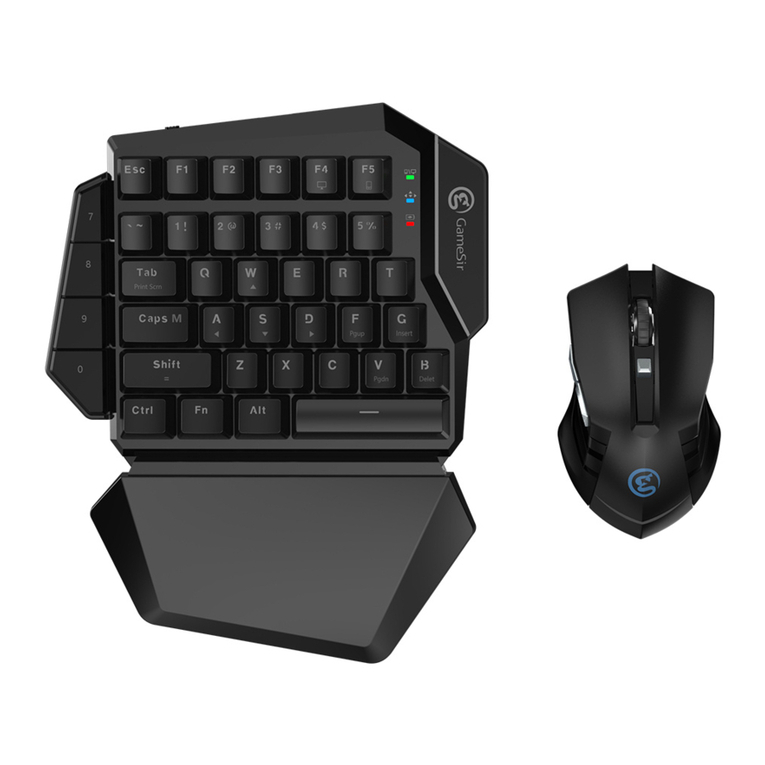
like: the gaming-grade keyboard and mouse or joystick or preferred controller.
Cross Hair has 4 working modes, which you should know.
●PLAY MODE: When connecting to game console, controller, keyboard and mouse are
ready, its LOGO will be a breathing color, and then you can play your game.
●PC MODE: When connecting to PC and no USB device plugged into it, its LOGO will be
white, then it can be configured on PC by using Cross Hair Manager. Meanwhile you can
upgrade firmware and restore factory configuration in this mode.
●CONFIG MODE: Any time while playing a game (in PLAY MODE), just press
SHARE+OPTIONS (PS4 platform) keys on your controller to enter this mode and the
LOGO’s light will be turned off in this mode. Then you can change settings and get instant
feed back.
●REPAIR MODE: Hold down the button, then plugging Cross Hair into your PC, when the
LOGO is green, you can then release the button, and a stable green light means REPAIR
MODE. In this mode, Cross Hair’s firmware and configurations can be repaired.
MODE Sound on start Color Function Attached Device
PLAY MODE 1 beep Breathing color Play games Controller, KB, MS
PC MODE 2 beeps White Configure and upgrade NO
CONFIG MODE 3 beeps Black Configure in game Controller, KB, MS
REPAIR MODE 4 beeps Green Repair firmware NO
Please refer to chapter 2.4 for CONFIG MODE details and chapter 4 for REPAIR MODE
details.
Color and Sound:
COLOR BEEP Function
PLAY MODE Breathing color As configured
CONFIG MODE
Black
flash red Higher pitch beep HIP ADD
flash red Lower pitch beep HIP SUB
flash green Higher pitch beep ADS ADD
flash green Lower pitch beep ADS SUB
flash yellow Higher pitch beep Vibration ADD
flash yellow Lower pitch beep Vibration SUB
flash blue Higher pitch beep FFB ADD
flash blue Lower pitch beep FFB SUB
flash blue Normal beep Key mapping
1.1 Advantages
● Support all platforms: PS4/PS3/ XBOX ONE/XBOX 360
● Mice, Keyboards, Joysticks compatibility
● Cross platform controller usage (All controllers on any console)
● Intelligent Engine (best mouse precision, 1:1 movement in game)
● Most of the settings can be adjusted on the fly