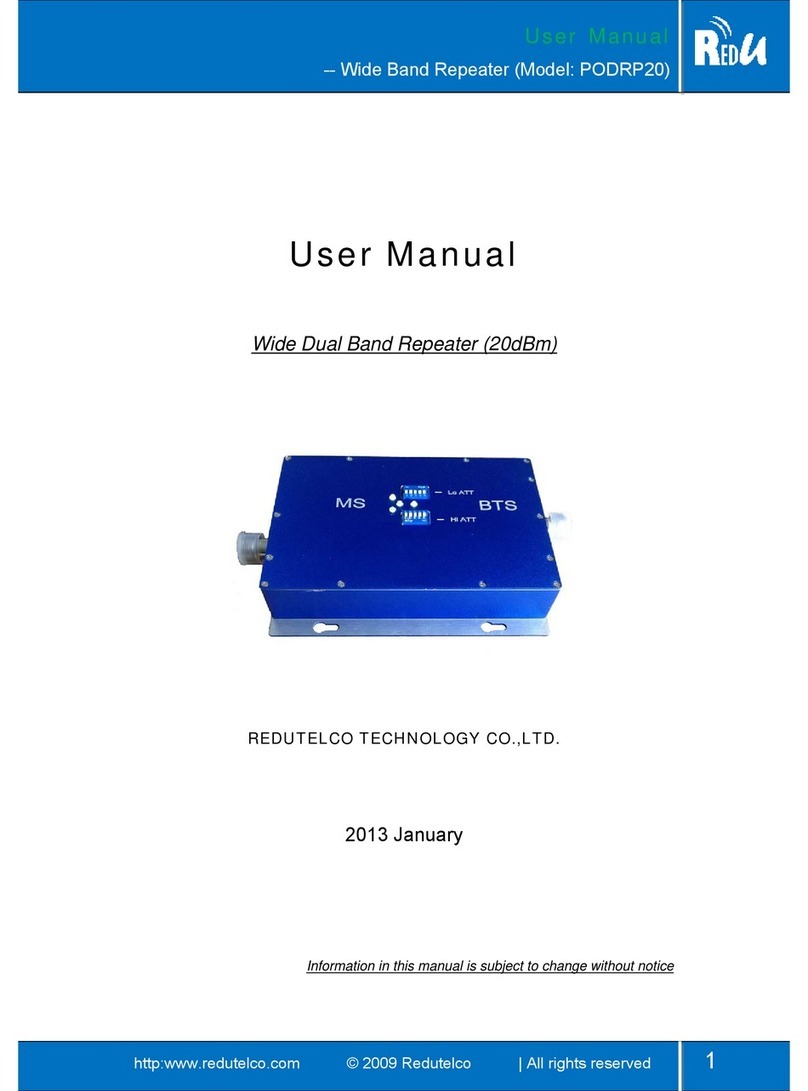
Band A Left of BTS Side : 850M Set repeater Uplink attenuation(Low Band)
BAND B Right of BTS Side: 2600M Set repeater Uplink attenuation(High Band)
DC Power Supply indicator LEN ON when DC on(9V~12V)
DL ATT Band A/B downlink attenuation Set Downlink attenuation when DL LED @RED light for
each band
UL ATT Band A/B uplink attenuation Set Uplink attenuation when UL LED @RED light for each
band
DL LED Downlink output indicator Gray output<20dBm ( lower input signal)
Green output >20dBm and output <23Bm
RED output >20dBm (in this case , must set
attenuation )
UL LED Uplink output indicator Gray output<15dBm ( lower input signal)
Green output >15dBm and output <23dBm
RED output >17dBm (in this case , must set
attenuation )
After switch on power supply, please check indication LED as following items.
- You can switch attenuation value by using repeater side switch, If you want
to set attenuation 18, you push switch16 and switch 2 on.
- Make sure the repeater full output power LED (Downlink output power) is
on when finishes commissioning. (For each band : Set DL PIN switches ON until No
RED light (only GREEN) )
- And set UL ATT> DL ATT+5dB to balance the downlink and uplink and
limited the interference to BTS in uplink direction.
- You can change donor antenna direction or installation position to get
bigger signal;
- You can set attenuation to add or reduce repeater gain; or you can check
cable and connector link status to reduce cable loss and insert loss
between repeater and antenna.
- For 850/1900 dual band repeater, the donor antenna direction must be
adjustment angle by angle, so the dual band input power require good
signal at the same time , then 850 and 1900 can work with maximum
coverage area and distance.