manuals.online logo
Brands
  1. Home
  2. •
  3. Brands
  4. •
  5. Resolution Products
  6. •
  7. Repeater
  8. •
  9. Resolution Products RE220 User manual

Resolution Products RE220 User manual

Other Resolution Products Repeater manuals

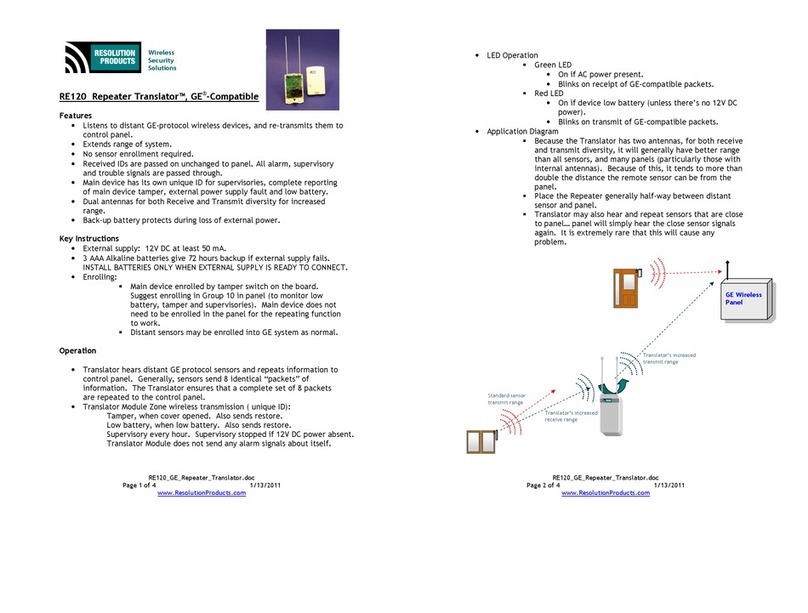
Resolution Products RE120 User manual

Resolution Products

Resolution Products RE120 User manual

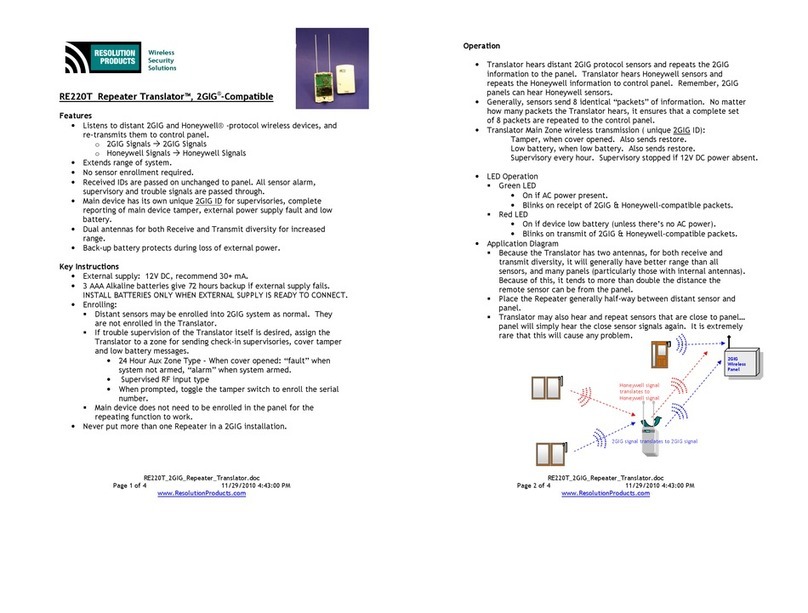
Resolution Products Repeater Translator RE220T User manual

Resolution Products

Resolution Products Repeater Translator RE220T User manual

Popular Repeater manuals by other brands

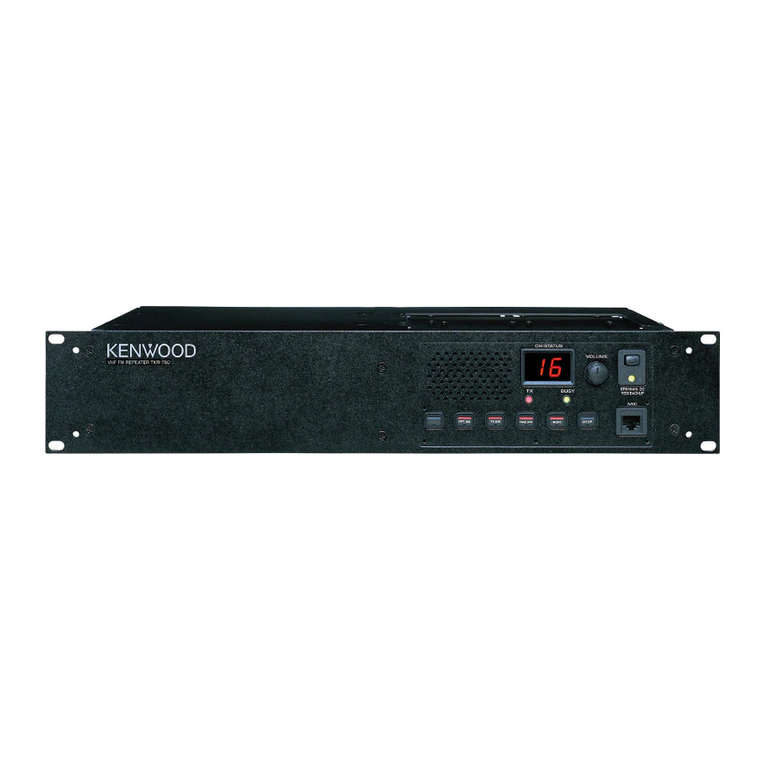
Kenwood TKR-750-850 Function reference

Kenwood

Kenwood TKR-750-850 Function reference

Asus RP-AC51 quick start guide

Asus

Asus RP-AC51 quick start guide

Exibel HRP0101 instruction manual

Exibel

Exibel HRP0101 instruction manual

Kenwood TKR-750 Service manual

Kenwood

Kenwood TKR-750 Service manual

York Universal LINC485 installation manual

York

York Universal LINC485 installation manual

MIKOM MRx01B Power Series user manual

MIKOM

MIKOM MRx01B Power Series user manual

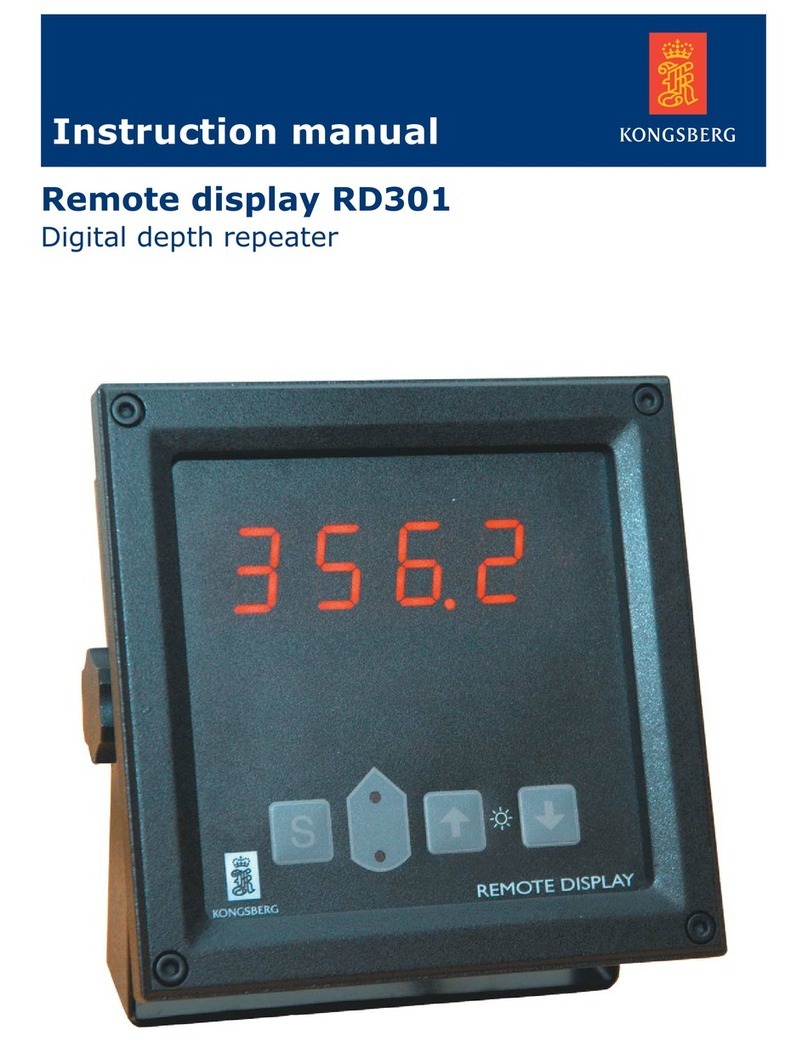
Simrad RD 301 instruction manual

Simrad

Simrad RD 301 instruction manual

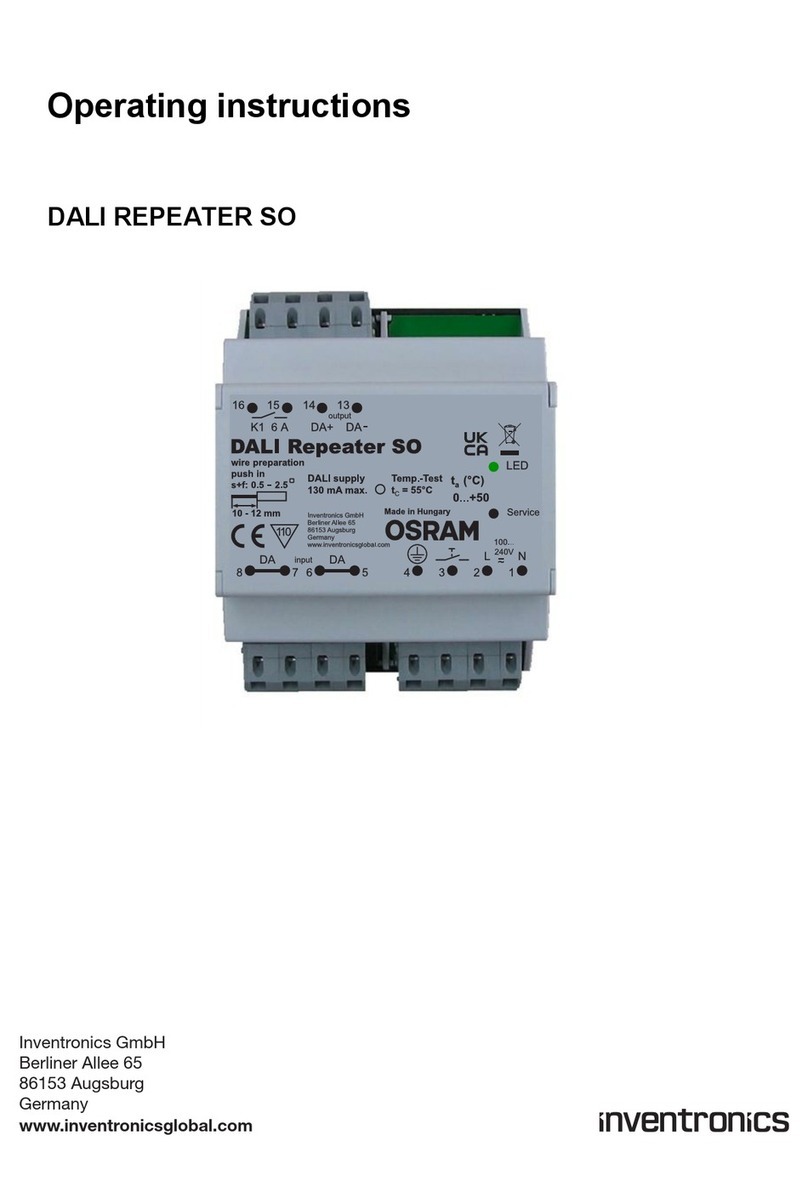
Inventronics DALI REPEATER SO operating instructions

Inventronics

Inventronics DALI REPEATER SO operating instructions

XFP 16 installation manual

XFP

XFP 16 installation manual

Andrew MRx18 user manual

Andrew

Andrew MRx18 user manual

COMBA RXA3748 user manual

COMBA

COMBA RXA3748 user manual

ADRF SDR-ICS-43 user manual

ADRF

ADRF SDR-ICS-43 user manual

Teltonika WRP100 user manual

Teltonika

Teltonika WRP100 user manual

U-Prox HW installation manual

U-Prox

U-Prox HW installation manual

Motorola VRS750 Service manual

Motorola

Motorola VRS750 Service manual

KanexPro SDI-HDRPTPRO user manual

KanexPro

KanexPro SDI-HDRPTPRO user manual

Ltech LT-3030-CС quick start guide

Ltech

Ltech LT-3030-CС quick start guide

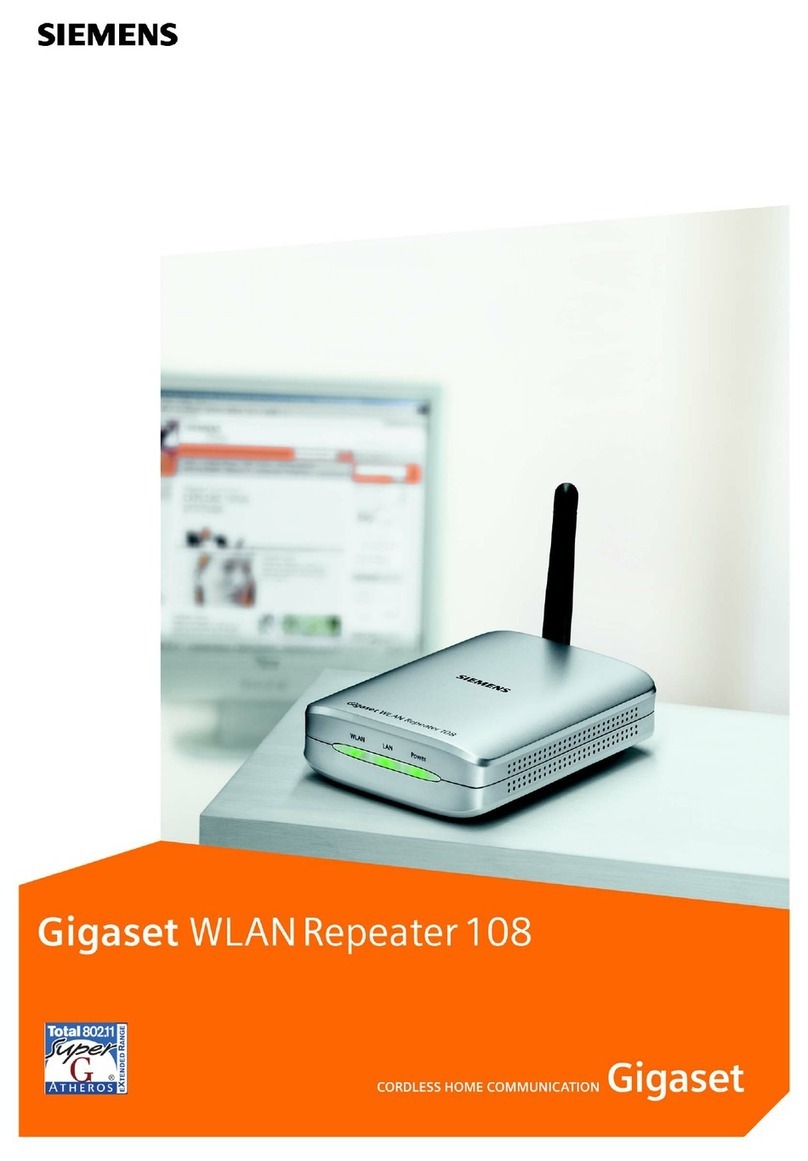
Gigaset 108 owner's manual

Gigaset

Gigaset 108 owner's manual

manuals.online logo
manuals.online logoBrands
  • About & Mission
  • Contact us
  • Privacy Policy
  • Terms and Conditions

Copyright 2025 Manuals.Online. All Rights Reserved.

RE220_Honeywell_Repeater_Translator.doc
Page 1 of 4 11/29/2010 4:24:00 PM
www.Resol tionProd cts.com
Wireless
Security
Solutions
RE220 Repeater Translator™, Honeywell
®
-Compatible
Features
•Listens to distant Honeywell-protocol wireless devices, and re-transmits
them to control panel.
•Extends range of system.
•No sensor enrollment req ired.
•Received IDs are passed on nchanged to panel. All sensor alarm,
s pervisory and tro ble signals are passed thro gh.
•Main device has its own niq e ID for s pervisories, complete reporting
of main device tamper, external power s pply fa lt and low battery.
•D al antennas for both Receive and Transmit diversity for increased
range.
•Back- p battery protects d ring loss of external power.
ey Instructions
•External s pply: 12V DC, recommend 30+ mA.
•3 AAA Alkaline batteries give 72 ho rs back p if external s pply fails.
INSTALL BATTERIES ONLY WHEN EXTERNAL SUPPLY IS READY TO CONNECT.
•Enrolling:
Distant sensors may be enrolled into Honeywell system as
normal.
If tro ble s pervision of the Translator itself is desired,
assign the Translator to a zone for sending check-in
s pervisories, cover tamper and low battery messages.
•Zone Type: 8 (24 ho r A x) – When cover opened:
“fa lt” when system not armed, “alarm” when
system armed.
• Inp t Type: 3 (S pervised RF), Loop: 1
•When prompted, toggle the tamper switch to enroll
the serial n mber.
Main device does not need to be enrolled in the panel for
the repeating f nction to work.
•Never p t more than one Repeater in a Honeywell installation.
Operation
•Translator hears distant Honeywell protocol sensors and repeats
information to control panel. Generally, sensors send 8 identical
RE220_Honeywell_Repeater_Translator.doc
Page 2 of 4 11/29/2010 4:24:00 PM
www.Resol tionProd cts.com
“packets” of information. The Translator ens res that a complete set of
8 packets are repeated to the control panel.
•Translator Main Zone wireless transmission ( niq e ID):
Tamper, when cover opened. Also sends restore.
Low battery, when low battery. Also sends restore.
S pervisory every ho r. S pervisory stopped if 12V DC power absent.
•LED Operation
Green LED
•On if AC power present.
•Blinks on receipt of Honeywell-compatible packets.
Red LED
•On if device low battery ( nless there’s no AC
power).
•Blinks on transmit of Honeywell-compatible packets.
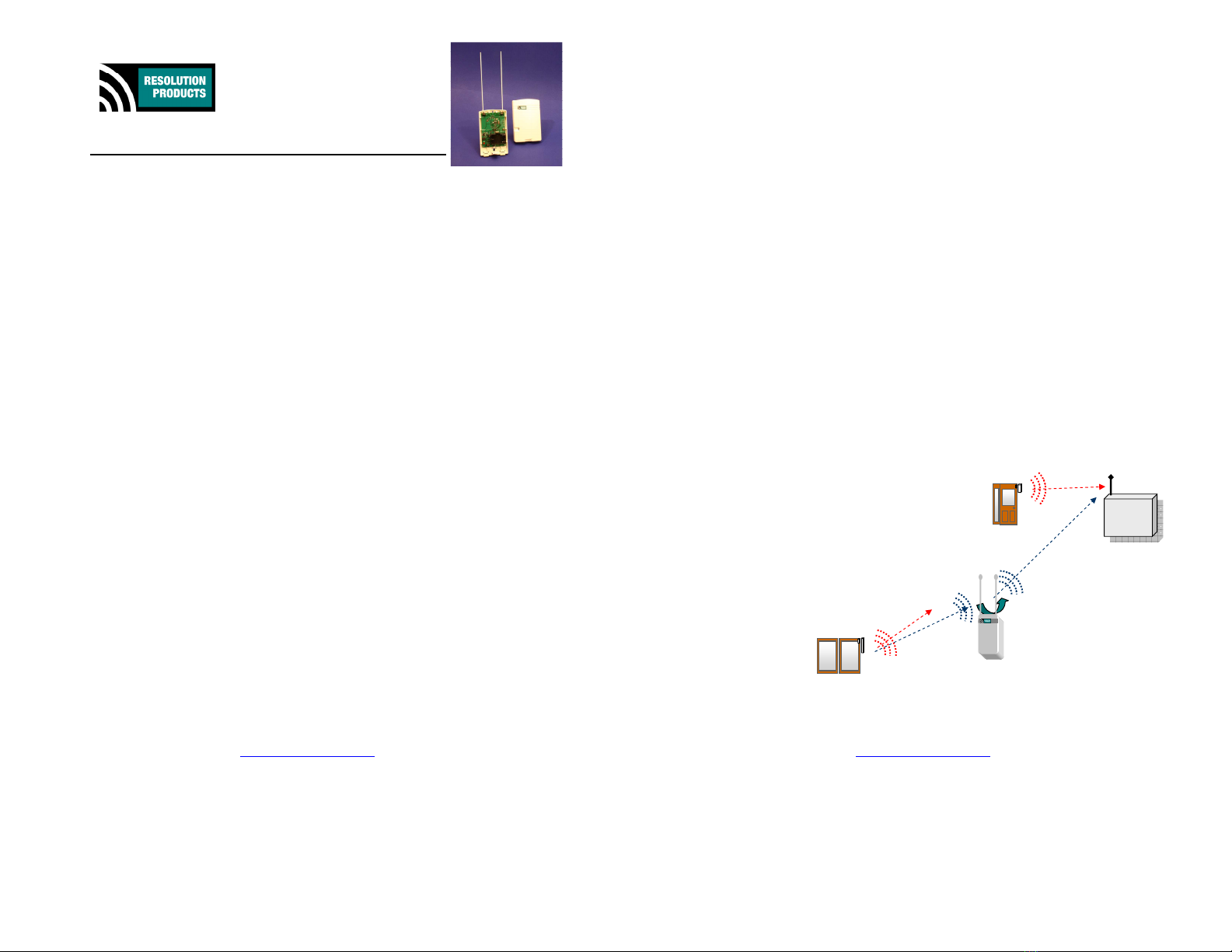
•Application Diagram
Beca se the Translator has two antennas, for both receive
and transmit diversity, it will generally have better range
than all sensors, and many panels (partic larly those with
internal antennas). Beca se of this, it tends to more than
do ble the distance the remote sensor can be from the
panel.
Place the Repeater generally half-way between distant
sensor and panel.
Translator may also hear and repeat sensors that are close
to panel… panel will simply hear the close sensor signals
again. It is extremely rare that this will ca se any
problem.
Standard sensor
transmit range
Honeywell
Wireless
Panel
Translator’s increased
transmit range
Translator’
s increased
receive range
RE220_Honeywell_Repeater_Translator.doc
Page 3 of 4 11/29/2010 4:24:00 PM
www.Resol tionProd cts.com
Specifications
Back p batteries: Three AAA Alkaline.
External s pply: 12V DC, at least 50mA.
C rrent draw with s pply: 4mA, normal operation.
Power Fail Conditions: 12V DC gone. Translator device ID
s pervisories (incl ding low battery reports)
are stopped d ring 12V DC loss.
Back- p Battery Life on 12V DC Fail: 72 ho rs (c m lative).
Device Low Battery: When approximately 48 ho rs remain in back- p.
Ho sing dimensions: 4x6x1 inches
Specifications s bject to change witho t notice.
Internal Picture
Power Terminals
Tamper
Switch
& sp
ring
Un sed:
Device Type Indicator LEDs
and Enrollment b tton
Battery b cket for 3 AAA alkalines
Indicator LEDs & b zzer
2 Antennas for:
D al Diversity Receive and
D al Diversity Transmit
Note: Antennas mo nted
on o ter terminals
RE220_Honeywell_Repeater_Translator.doc
Page 4 of 4 11/29/2010 4:24:00 PM
www.Resol tionProd cts.com
Notices
“GE”, “Honeywell”, and “DSC” are trademarks owned by General Electric Company,
Honeywell International Inc., and Tyco Safety Prod cts Canada LTD, respectively.
Resol tion Prod cts, Inc. prod cts will f nction with one of either GE, DSC or Honeywell
systems. However, no Resol tion prod ct is prod ced by, endorsed by, nor is officially
associated with GE, Honeywell or DSC. Resol tion recommends verifying operation at
installation.
Do not se Translator for life safety devices, s ch as smoke or CO sensors.
Warranty
Resol tion Prod cts, Inc. will replace prod cts that are defective in their first year.
FCC Notice
This device complies with Part 15 of the FCC r les. Operation is s bject to the
following two conditions:
This device may not ca se harmf l interference.
This device m st accept any interference that may be received, incl ding
interference that may ca se ndesired operation.
Changes or modifications not expressly approved by the Resol tion Prod cts, Inc. co ld
void the ser's a thority to operate this eq ipment.
FCC ID: U5X-RE224
IC Notice
This prod ct meets the applicable Ind stry Canada technical specifications/Le présent
materiel est conforme a x specifications techniq es applicables d’Ind strie Canada.
Operation is s bject to the following two conditions:
1. This device may not ca se interference, and
2. This device m st accept any interference, incl ding interference that may
ca se ndesired operation of the device.
To red ce potential radio interference to other sers, the antenna type and its gain
sho ld be so chosen that the eq ivalent isotropically radiated power (e.i.r.p.) is not
more than that permitted for s ccessf l comm nication.
This device has been designed to operate with the antennas listed below, and having a
maxim m gain of 2 dBi. Antennas not incl ded in this list or having a gain greater than
2 dBi are strictly prohibited for se with this device. The req ired antenna impedance
is 50 ohms.
- Resol tion-s pplied 8.5" monopole antenna
IC: 8310A-RE224