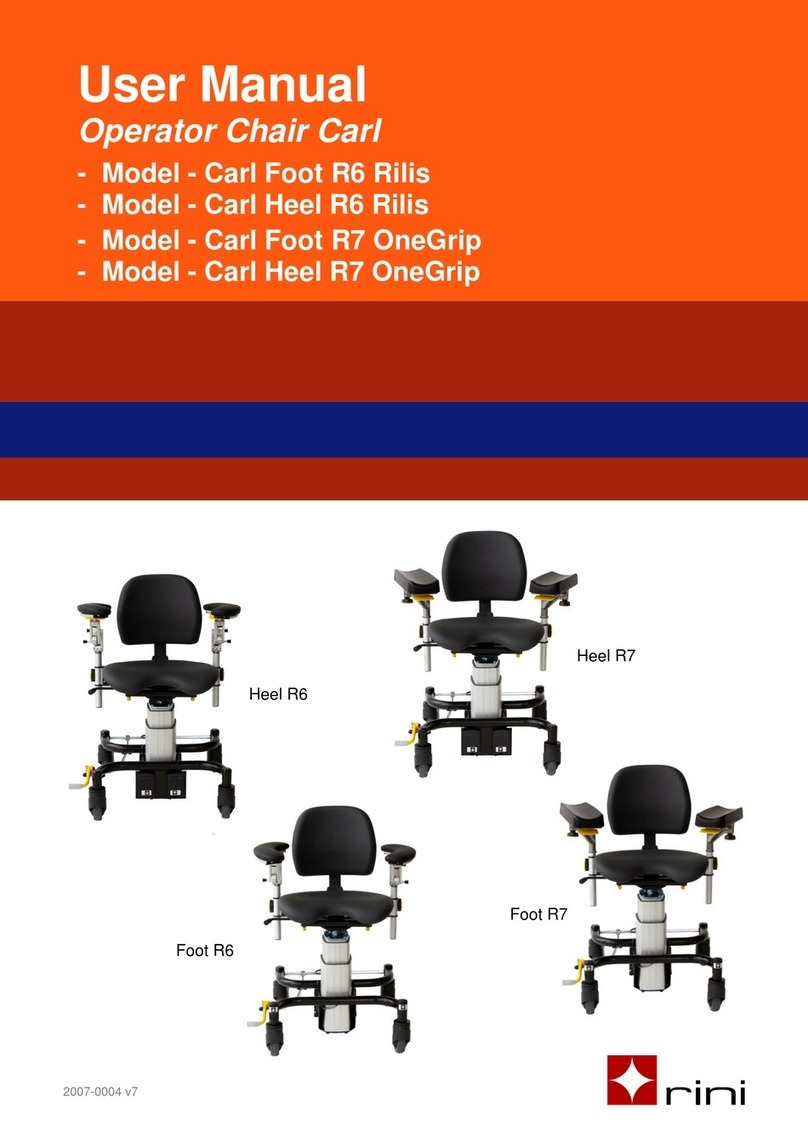
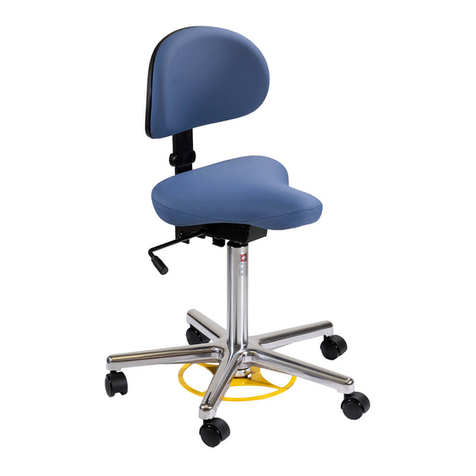
Operator chair Carl Spring and Carl Swing
Setting 1 (coarse setting)
Place the armrest in the front or back bracket and lock the position.
Setting 2 (coarse setting)
The height of the entire armrest can be adjusted so it is in the center of
the work area for subsequent fine tuning. Use the knob to set the
appropriate armrest height.
Setting 3 (coarse setting)
The width between the armrests can be adjusted by loosening the knob
under the seat.
Setting 4
Turn knob to adjust the sideway position as well as the friction of the
armrest.
Setting 5
By pulling the lever upwards, the armrest can be adjusted to an optimal
working position. Set the armrest in the desired position and release the
lever to lock the position.
The armrest should not be loaded with more than 10 kg.
3.3 Tips for comfortable position
To achieve the best level of comfort please try the following steps.
1. Whilst seated in the chair, adjust the height of the chair to achieve
a 90oangle of the legs. The feet shall have the whole sole against
the ground during the adjustment.
2. Adjust the seat and backrest to a comfortable position.
3. If necessary, fine-tune the height of the seat.
4. Adjust the armrests to a comfortable surgical position.
5. Move the chair against the operating table to achieve optimal
access to the patient and foot pedals.
6. If necessary, fine-tune the position of the armrests to achieve a
satisfactory surgical position.
7. Adjust the height of the operating table to achieve optimal access
to the patient.
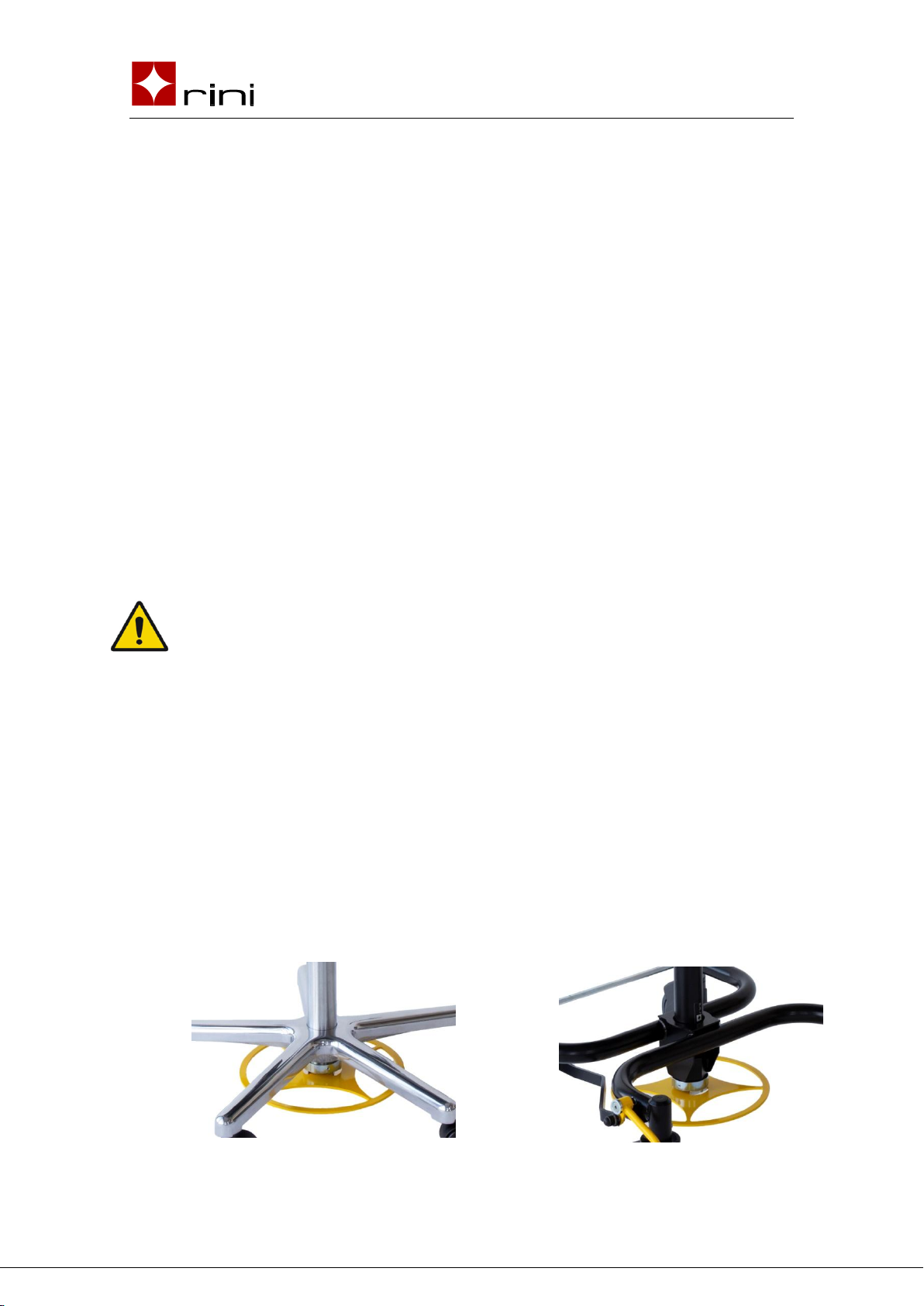
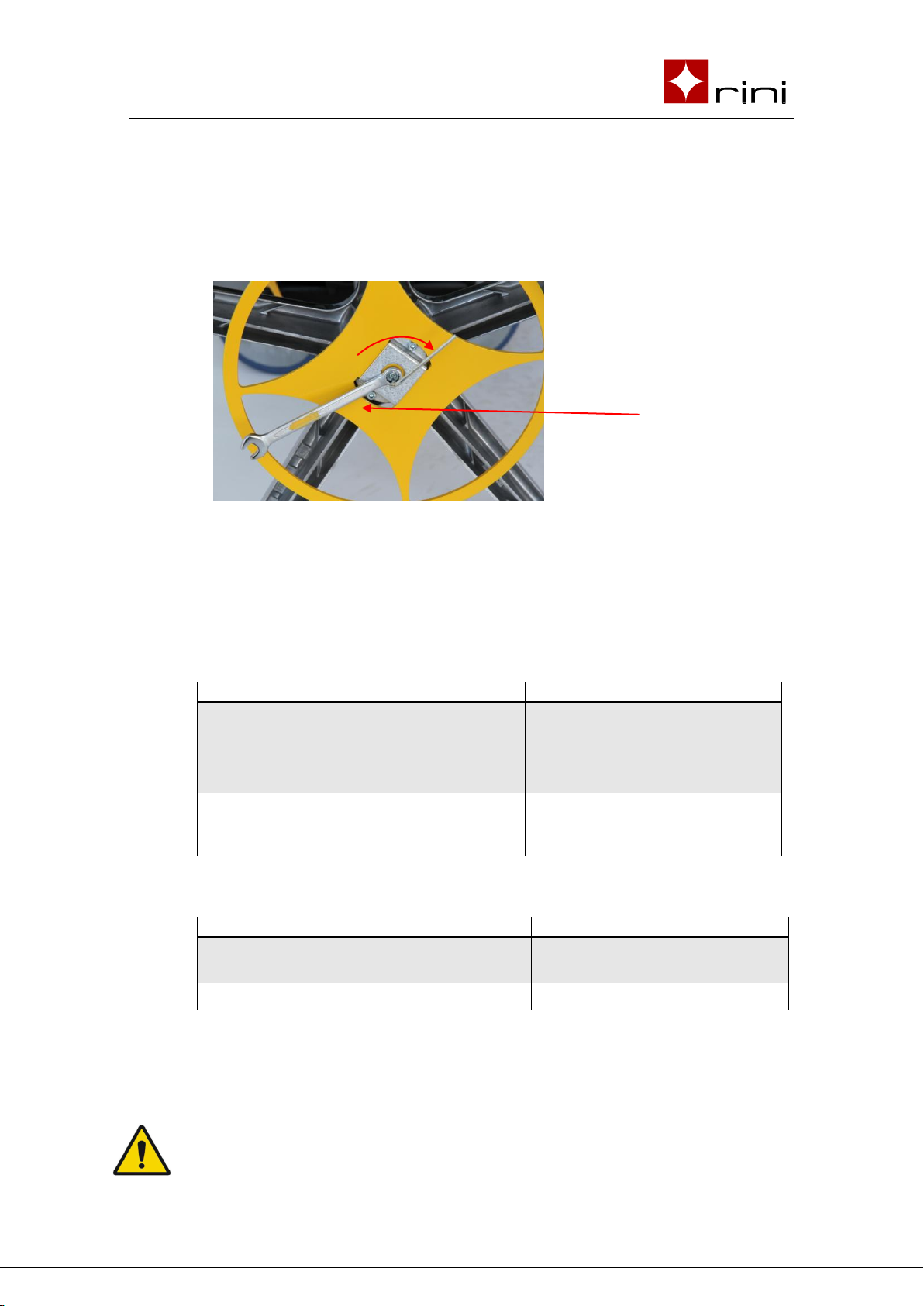
3.4 Adjusting the foot control mechanism
If the foot control does not work satisfactorily, it may need to be
adjusted. The two most common causes are.
1. The chair can't be adjusted in height with the foot control at all.