EnglishDeutsch
 logo
Brands
  1. Home
  2. •
  3. Brands
  4. •
  5. Robertshaw
  6. •
  7. Thermostat
  8. •
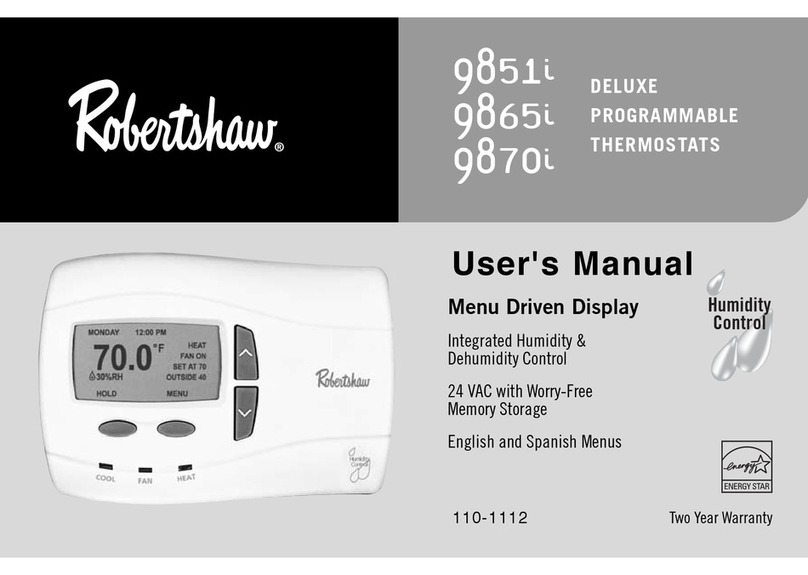
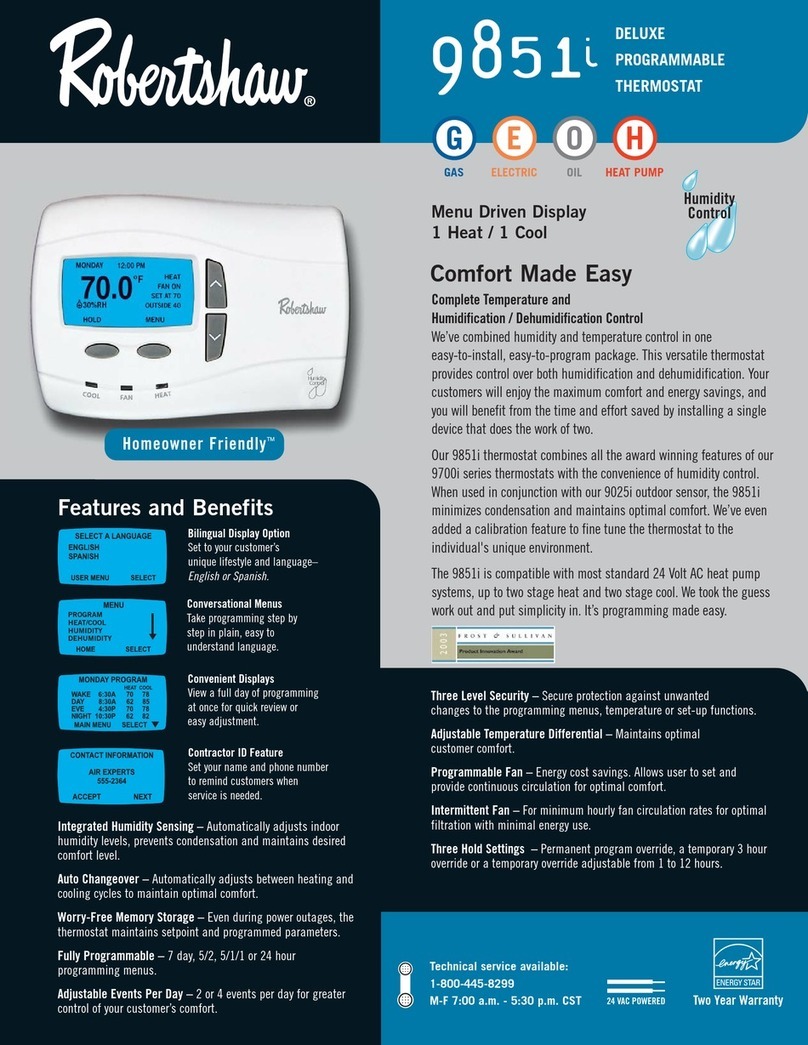
  9. Robertshaw 9851i User manual

Robertshaw 9851i User manual

Other manuals for 9851i

2

This manual suits for next models

5

Other Robertshaw Thermostat manuals

Robertshaw 9915i User manual

Robertshaw

Robertshaw 9915i User manual

Robertshaw 9851i User manual

Robertshaw

Robertshaw 9851i User manual

Robertshaw 8625 User manual

Robertshaw

Robertshaw 8625 User manual

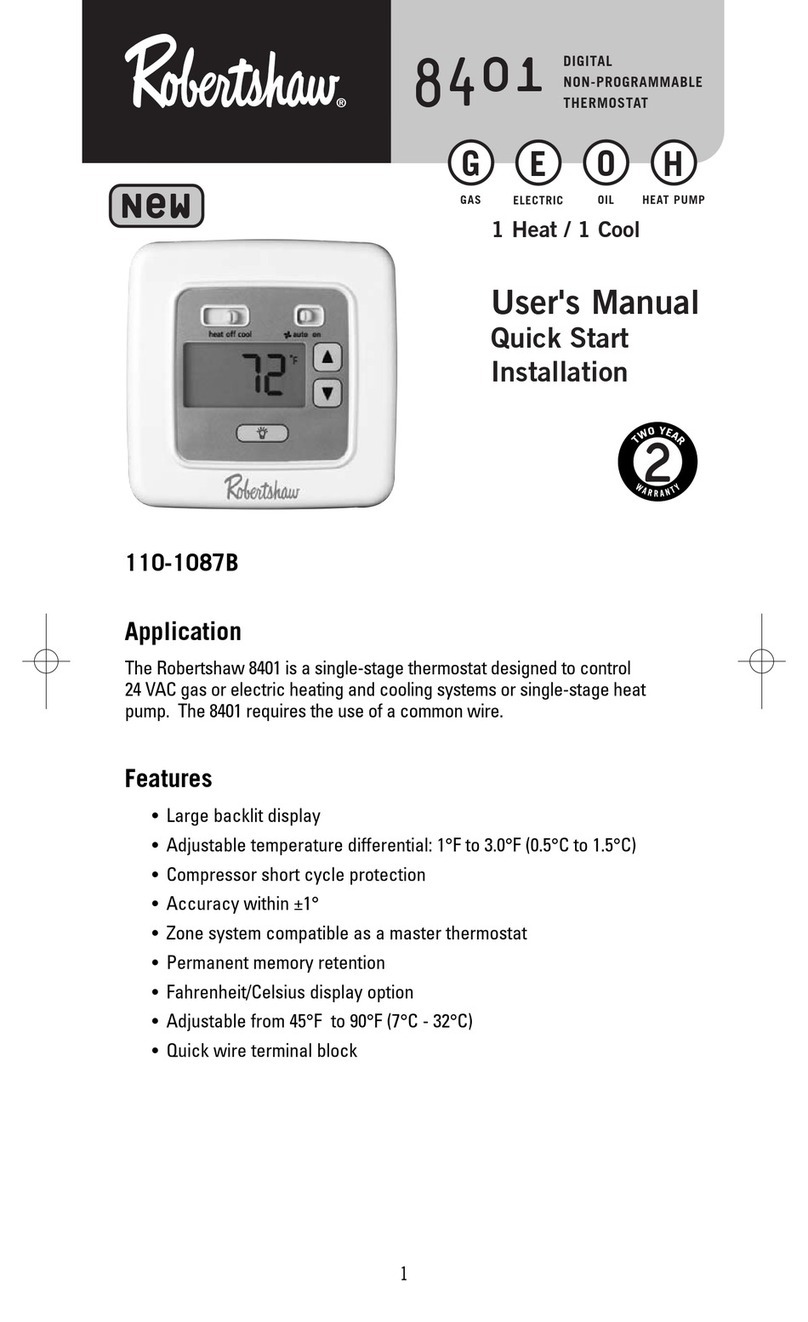
Robertshaw 8401 User manual

Robertshaw

Robertshaw 8401 User manual

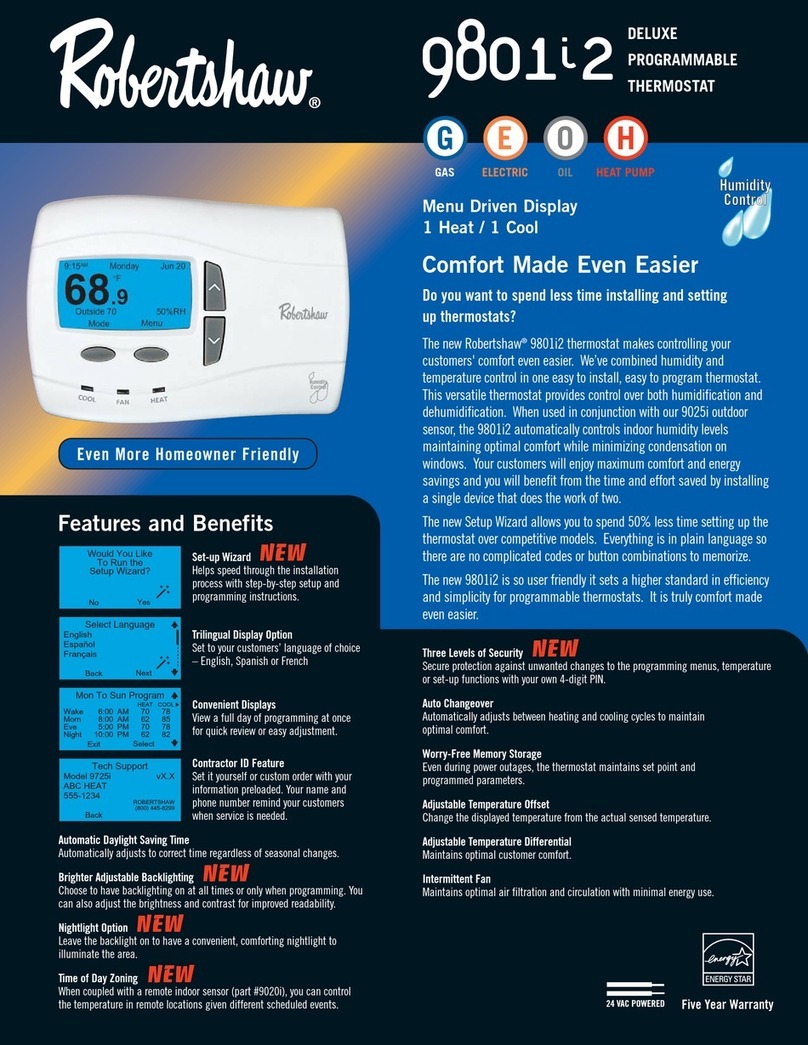
Robertshaw 9801i2 User manual

Robertshaw

Robertshaw 9801i2 User manual

Robertshaw 8406 User manual

Robertshaw

Robertshaw 8406 User manual

Robertshaw RS4110 User manual

Robertshaw

Robertshaw RS4110 User manual

Robertshaw RS456-WIFI User manual

Robertshaw

Robertshaw RS456-WIFI User manual

Robertshaw Smart Sense SMART 1000 User manual

Robertshaw

Robertshaw Smart Sense SMART 1000 User manual

Robertshaw RS3110 Series User manual

Robertshaw

Robertshaw RS3110 Series User manual

Robertshaw smart 3000 User manual

Robertshaw

Robertshaw smart 3000 User manual

Robertshaw RS8210 User manual

Robertshaw

Robertshaw RS8210 User manual

Robertshaw 8625 User manual

Robertshaw

Robertshaw 8625 User manual

Robertshaw RS5110 User manual

Robertshaw

Robertshaw RS5110 User manual

Robertshaw 9405 User manual

Robertshaw

Robertshaw 9405 User manual

Robertshaw RS6110 User manual

Robertshaw

Robertshaw RS6110 User manual

Robertshaw 9725i2 User manual

Robertshaw

Robertshaw 9725i2 User manual

Robertshaw 9701i User manual

Robertshaw

Robertshaw 9701i User manual

Robertshaw 9200 User manual

Robertshaw

Robertshaw 9200 User manual

Robertshaw RS2210 Series User manual

Robertshaw

Robertshaw RS2210 Series User manual

Robertshaw 9720 User manual

Robertshaw

Robertshaw 9720 User manual

Robertshaw 9555 User manual

Robertshaw

Robertshaw 9555 User manual

Robertshaw RS9110 User manual

Robertshaw

Robertshaw RS9110 User manual

Robertshaw 9851i User manual

Robertshaw

Robertshaw 9851i User manual

Popular Thermostat manuals by other brands

EWELLY EW-181 manual

EWELLY

EWELLY EW-181 manual

Prolon T1100 Hardware guide

Prolon

Prolon T1100 Hardware guide

Computherm Q20 operating instructions

Computherm

Computherm Q20 operating instructions

Heatmiser neoStat user manual

Heatmiser

Heatmiser neoStat user manual

Mars HEAT CONTROLLER IR Wireless Thermostat user manual

Mars

Mars HEAT CONTROLLER IR Wireless Thermostat user manual

Saswell SAS920XWHB-7-S-RF User manual and warranty card

Saswell

Saswell SAS920XWHB-7-S-RF User manual and warranty card

Aircalo TFP1-ET85P2 operating manual

Aircalo

Aircalo TFP1-ET85P2 operating manual

Honeywell CM721 user manual

Honeywell

Honeywell CM721 user manual

Carrier DEBONAIR 33CS Installation and operating instructions

Carrier

Carrier DEBONAIR 33CS Installation and operating instructions

Lennox iHarmony Zone Thermostat Installation and setup guide

Lennox

Lennox iHarmony Zone Thermostat Installation and setup guide

Gemtech GT7000 Operation

Gemtech

Gemtech GT7000 Operation

Rollei Smartes 45000 manual

Rollei

Rollei Smartes 45000 manual

Sinope TH1300RF user guide

Sinope

Sinope TH1300RF user guide

Honeywell RLV4305 owner's guide

Honeywell

Honeywell RLV4305 owner's guide

Honeywell Prestige 2.0 THX9421 manual

Honeywell

Honeywell Prestige 2.0 THX9421 manual

NuTone NTBZ48 Installation & operation guide

NuTone

NuTone NTBZ48 Installation & operation guide

Stelpro MAESTRO ASMT402AD user guide

Stelpro

Stelpro MAESTRO ASMT402AD user guide

Honeywell T6811 quick guide

Honeywell

Honeywell T6811 quick guide

https://manuals.online logo
https://manuals.online logoBrands
  • About & Mission
  • Contact us
  • Privacy Policy
  • Terms and Conditions

Copyright 2026 Manuals.Online. All Rights Reserved.

Models 9851i, 9865iand 9870i
Quick Start Installation Manual
111-340

Installation DOs and DON’Ts
DO
• Shut off all power to system before installing.
• Read entire manual before installing.
• Make sure that all wiring conforms to
national and local codes.
DO NOT
• Install on voltages greater than 30 VAC.

• Short jumper across terminals on the gas
valve or at the system control.
• Connect ground to any terminal in
this unit.
• Install on outside walls or in direct sunlight.
Select location for installation.
1
Mark mounting hole locations on wall.
3
Drill 3/16” holes at marked locations on
wall. Insert plastic anchors into holes.
4
Align unit base over plastic anchors
embedded in wall and secure with the
screws provided.
5
Connect wiring between unit and
furnace. For Model 9851i (1H/1C
furnace applications):
6
1- 1/2"
1"
Cut
out
opening
1/4"
a
b
Mark mounting hole
locations on wall using
unit base as template.
Drill 3/16" holes
a
b
Press anchors into holes until flush.
Y1
R
C
E/W1
H O B G
Furnace
Terminals*
Wiring
Thermostat
C - Common 24 VAC
R - System transformer
Y1 - 1st stage cooling
W1- 1st stage heating
W2- not used
Y2 - not used
L - not used
O - Cool active reversing valve
B - Heat active reversing valve
G - Fan relay
D - Dehumidification relay
H - Humidification relay
TERMINAL DESIGNATIONS
W2
D
Y2
C
C
H
R
Y1
W1
L
G
L
B
O
* Please refer to furnace
installation manual for
proper terminations
Note: To avoid electrical problems, use the system transformer for both
the thermostat and humidifier.
98
5
1i
Humidifier
D
Remove 1/4” of insulation
from end of each wire
Open the case with a screwdriver. Place
in slot and gently pry forward at all four
locations.
2
1
2
3
4
DELUXE
PROGRAMMABLE
THERMOSTATS
NOTE: For 9851i single stage heat
pump applications, place a jumper
between the W1 and Y1 terminals.
7
Connect wiring between unit and
furnace. For Model 9865i
(2H/2C furnace applications):
8
Replace cover on thermostat.
Turn on power to unit and proceed
with programming per instructions on
the display or in the user’s manual.
11
Connect wiring between unit and heat
pump. Jumper W2 to E/W1 for control
of auxiliary heat in both 2nd stage and
emergency modes. For Model 9870i
(2H/2C heat pump applications):
9
To set your name and phone
number into the thermostat press
MENU, select INSTALLER
SETTINGS, and CONTACT
INFORMATION. The screen at the
bottom left should appear.
To enter your name press EDIT.
Use the UP or DOWN button to
scroll through the characters.
(DOWN gets you to the letters
faster.) After each letter press NEXT.
When you are done entering your
name, press ACCEPT.
Connect wiring between the thermo-
stat and the indoor sensor (9020i)
and the outdoor sensor (9025i), if
used. Use twisted pair wiring (22AWG
minimum) with a maximum length of
300 feet (or 100m).
10
Now enter your phone number.
Use the UP and DOWN arrow to
select the first number. Press NEXT.
When you have completed entering
your phone number, press ACCEPT.
The screen will return to the
INSTALLER SETTINGS. Finish
setting the thermostat for the
application.
Y1
R
C
E/W1
H O B G
Furnace
Thermostat
C - Common 24 VAC
R - System transformer
Y1 - 1st stage cooling
W1- 1st stage heating
W2- 2nd stage heating
Y2 - 2nd stage cooling
L - not used
O - Cool active reversing valve
B - Heat active reversing valve
G - Fan relay
D - Dehumidification relay
H - Humidification relay
TERMINAL DESIGNATIONS
W2
D
Y2
C
C
H
R
Y1
W1
W2
Y2
L
G
L
B
O
* Please refer to furnace
installation manual for
proper terminations
Note: To avoid electrical problems, use the system transformer for both
the thermostat and humidifier.
Humidifier
Wiring Terminals*
D
98
65
i
Y1
R
C
E/W1
H O B G
Heat Pump
Wiring
Terminals*
Thermostat C - Common 24 VAC
R - System transformer
Y1 - Compressor output
E/W1 - Emergency heat relay
W2 - 2nd stage heating
Y2 - 2nd stage cooling
L - System check
O - Cool active reversing valve
B - Heat active reversing valve
G - Fan relay
D - Dehumidification relay
(to DS terminal)
H - Humidification relay
(to Humidifier)
TERMINAL DESIGNATIONS
W2
D
Y2
C
C
H
R
Y1
E/W1
W2
Y2
G
L
B
L
O
D
* Please refer to heat pump and
furnace installation manuals for
proper terminations
Note: To avoid electrical problems, use the system transformer for both
the thermostat and humidifier.
Humidifier
98
7
0i
Set Your Name Set Your Phone Number
Y1
R
C
E/W1
H O B G
Heat
Pump
Terminals*
Wiring
Thermostat
C - Common 24 VAC
R - System transformer
Y1 - 1st stage cooling
W1- 1st stage heating
W2- not used
Y2 - not used
L - not used
O - Cool active reversing valve
B - Heat active reversing valve
G - Fan relay
D - Dehumidification relay
H - Humidification relay
TERMINAL DESIGNATIONS
W2
D
Y2
C
C
H
R
Y1
W1
L
G
L
B
O
* Please refer to heat pump and
furnace installation manuals for
proper terminations
Note: To avoid electrical problems, use the system transformer for both
the thermostat and humidifier.
Humidifier
D
Jumper
98
5
1i
CONTACT INFORMATION
BACK EDIT ACCEPT NEXT
CONTACT INFORMATION
AIR EXPERTS
CONTACT INFORMATION
AIR EXPERTS
ACCEPT NEXT
1
ACCEPT NEXT
CONTACT INFORMATION
AIR EXPERTS
1-555-555-1212
1
2
13
Recycling Thermostat
If this thermostat REPLACES a thermostat that contains
mercury, DO NOT discard the old thermostat in the regular
trash. Mercury is harmful to humans and the environment.
For this reason, do not open, break, or crush the mercury cell.
If mercury leaks from a damaged cell, DO NOT touch or handle
mercury with bare hands. Use protective, non-absorbent
gloves to place mercury into a sealable container. Fill the
container with sand or another absorbent material and seal
the container completely.
Return the mercury or mercury products, in a sealed container,
to Invensys Climate Controls or a local recycling center for
proper disposal. If you have any questions, call Robertshaw
technical support at 1-800-445-8299.
Invensys Climate Controls
28C Leigh Fisher Blvd.
El Paso, TX 79906
Attn: Mercury Recycling Center
Climate Controls Americas
515 South Promenade Avenue
Corona, CA 92879-1736
United States of America
Made in Mexico
www.about-i-series .com
111-340