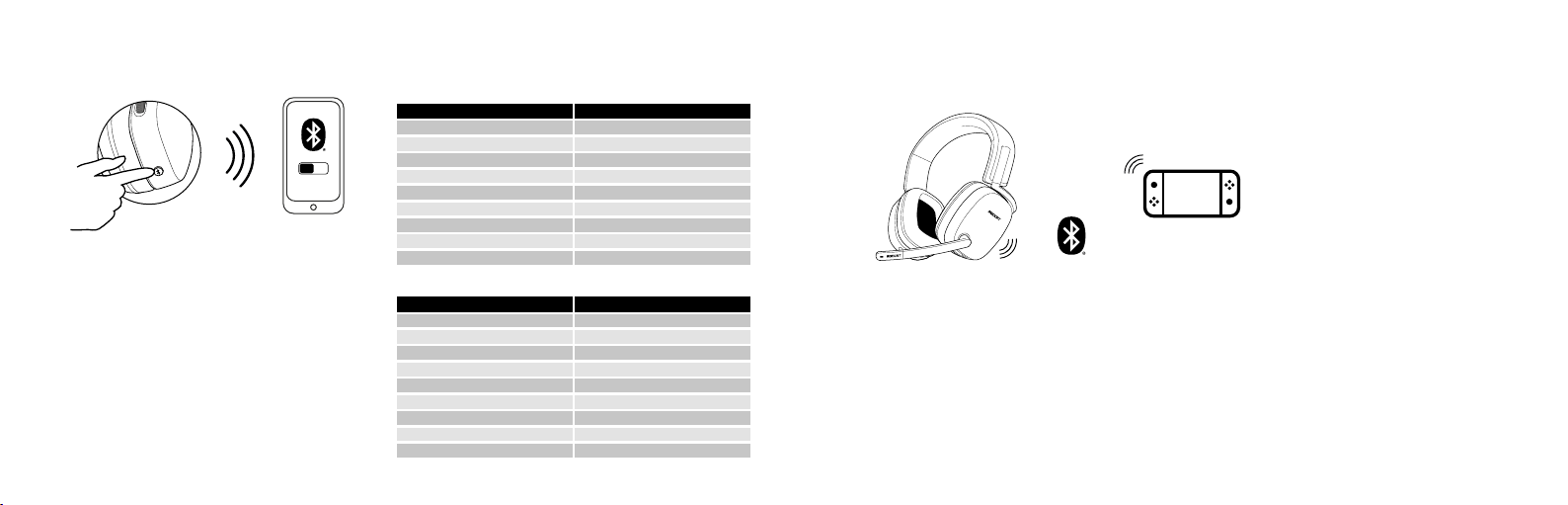
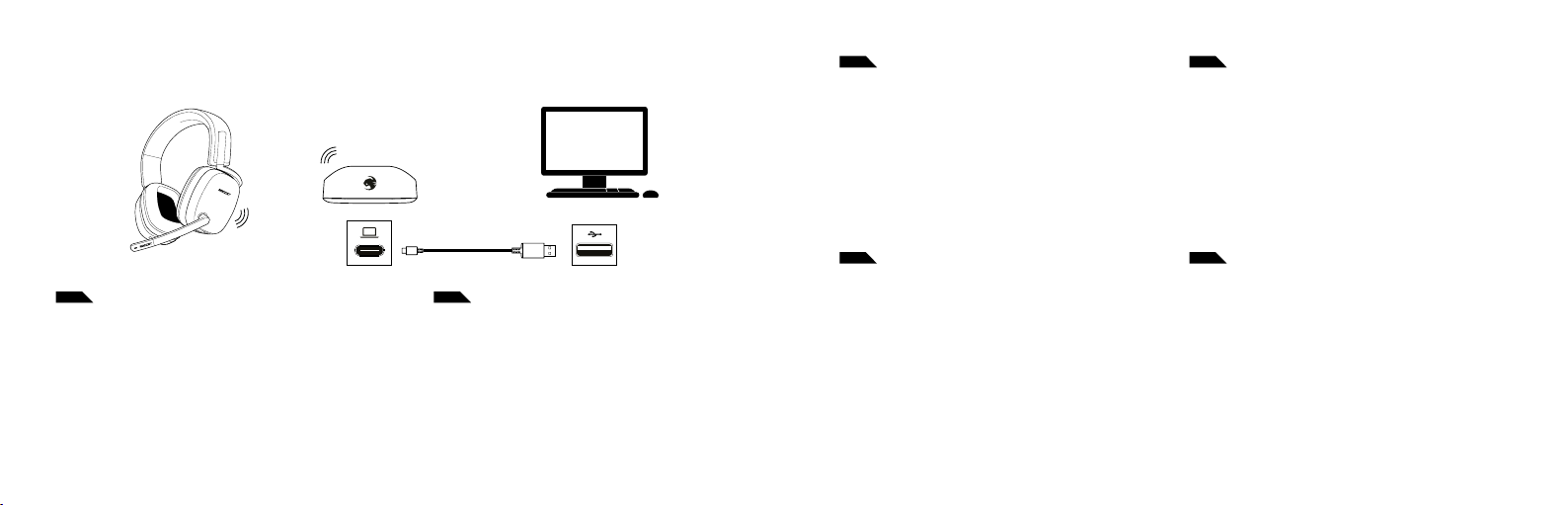
Tus Syn™ Max Air te permiten conectarte de forma simultánea a un dispositi-
vo con Bluetooth® y al transmisor inalámbrico. Para poner tus auriculares en
modo de emparejamiento mediante Bluetooth®, sigue estos pasos:
1. Enciende tus auriculares.
2. Mantén presionado el botón de Bluetooth® para iniciar el
emparejamiento.
3. Conecta tus auriculares mediante las configuraciones de
Bluetooth® de tus dispositivos.
Your Syn™ Max Air allows you to simultaneously connect to a Bluetooth®
enabled device and the wireless transmitter. To put your headset into
Bluetooth®pairing mode, follow these steps:
1. Power your headset on
2. Press and hold the Bluetooth®button to initiate pairing
3. Connect your headset through your Bluetooth®devices settings
CONFIGURACIÓN DE BLUETOOTH® | BLUETOOTH®SETUP
ON
Reproducir/Pausar Presionar una vez
Avanzar Presionar tres veces
Rebobinar Presionar tres veces rápidamente y mantener presionado
Finalizar llamada Presionar dos veces
Activar reconocimiento de voz (si está disponible) Mantener presionado
FUNCIONES DE BLUETOOTH®
BLUETOOTH®FUNCTIONS
FUNCIÓN ACCIÓN
Saltar hacia adelante Presionar dos veces
Saltar hacia atrás Presionar dos veces rápidamente y mantener presionado
Responder llamada Presionar una vez
Rechazar llamada entrante Presionar dos veces rápidamente
CONFIGURACIÓN EN NINTENDO SWITCH™
SETUP ON THE NINTENDO SWITCH™
1. Asegúrate de que tus Syn™ Max Air no estén emparejados con otro dispositivo.
2. Mantén presionado el botón de Bluetooth® de los auriculares hasta que el LED
comience a parpadear rápidamente.
3. En el menú principal de tu Nintendo Switch™:
Ve a System Settings (Conguración del sistema) > Bluetooth® Audio (Soni-
do de Bluetooth®) > Pair Device (Emparejar dispositivo)
4. Selecciona los Syn™ Max Air en el menú para emparejarlos.
5. Cuando el emparejamiento esté correctamente hecho, selecciona «OK»
(Aceptar) en el mensaje.
6. Ajusta el volumen de tus Syn™ Max Air en los controles de volumen de tu
Nintendo Switch™, en la parte superior de la consola.
Si tus Syn™ Max Air no guran en la lista de dispositivos detectados, presiona «Y»
para volver a buscar. Si no se detectó ningún dispositivo, selecciona «OK» en el
mensaje y, luego, «Pair Device» nuevamente para volver a buscar.
1. Make sure your Syn™ Max Air are not paired to another device.
2. Press and hold the Bluetooth®button on the headset until the
LED starts blinking rapidly.
3. In your Nintendo Switch’s home menu.
Go to System Settings > Bluetooth® Audio > Pair Device
4. Select the Syn™ Max Air from the menu to pair.
5. Once the pairing is successful, select “OK” on the prompt.
6. Adjust your Syn™ Max Air volume from the Nintendo Switch’s
volume controls on the top of the console.
If your Syn™ Max Air are not shown on the list of detected devices,
hit “Y” to search again. If no devices were detected, select “OK” on
the prompt, then “Pair Device” again to search again.
Play/Pause Press Once
Fast Forward Press Three Times
Rewind Press Three Times Quickly and Hold
End Call Press Once
Activate Voice Recognition (if available) Press and Hold
FUNCTION ACTION
Skip Forward Press Twice
Skip Back Press Twice Quickly and Hold
Answer Call Press Once
Reject Incoming Call Press Twice Quickly