Hea phone Connections:
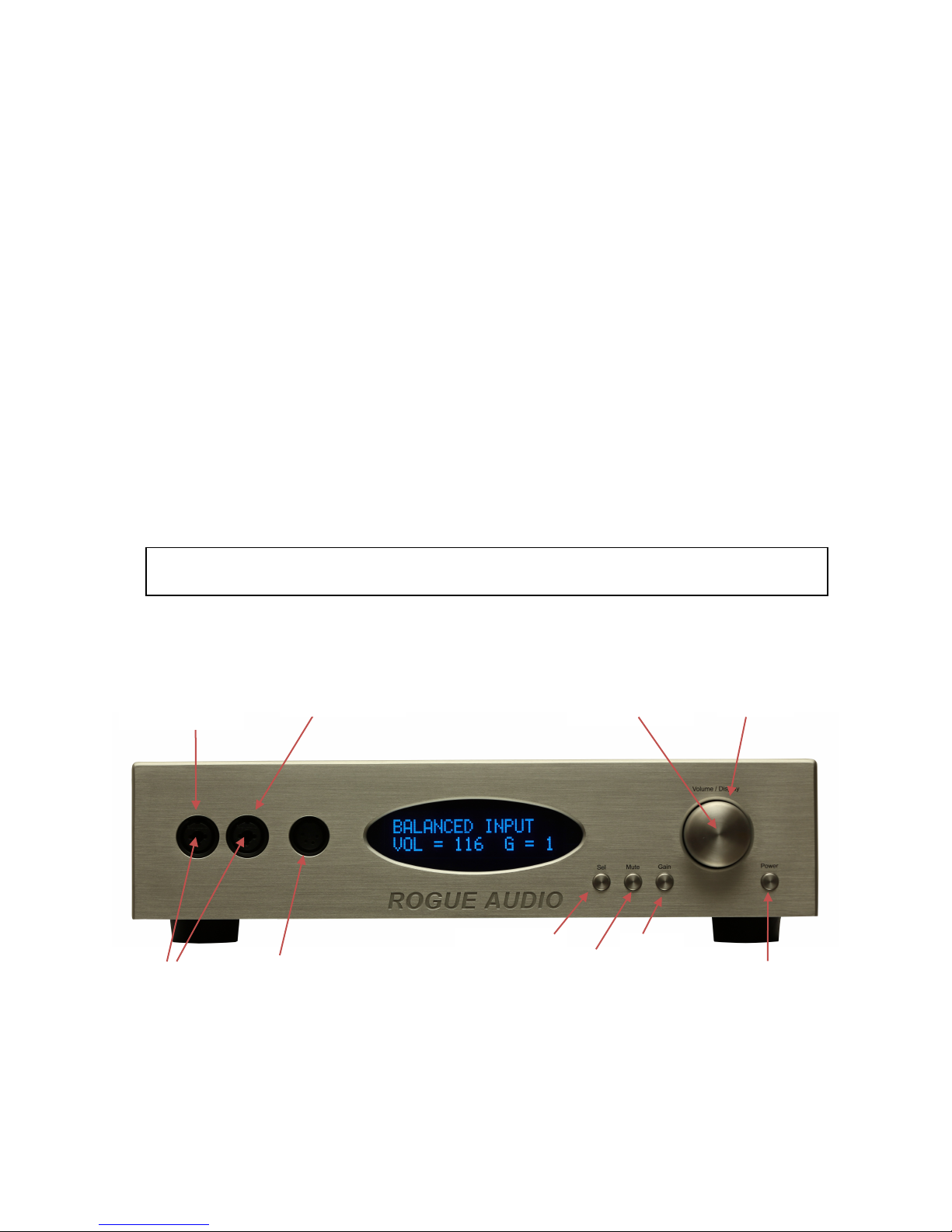
The RH-5 is designed to accept standard ¼” (6.3mm) TSR jacks, 3 pin XLR connectors and 4
pin XLR headphone cables as shown in figure 2. The RH-5 is capable of operating multiple
pairs of headphones simultaneously.
Switches, Buttons an Controls:
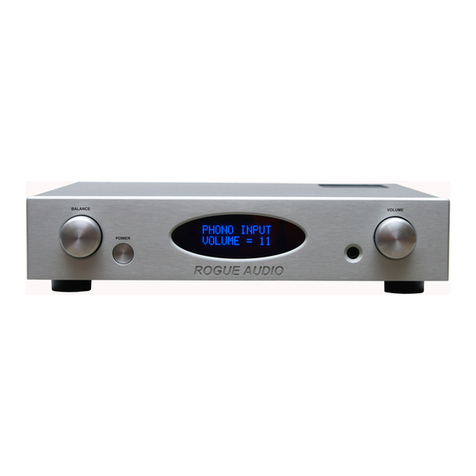
Volume Control
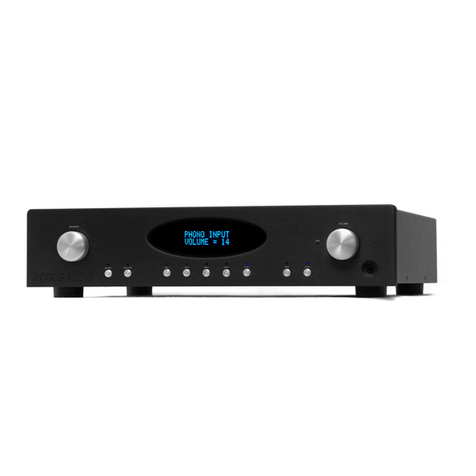
The volume control has 185 steps which vary in 0.5 dB increments. At turn on the RH-5 defaults
to a relatively low volume. The volume can be turned continuously until reaching a reading at
either 1 (min) or 185 (max).
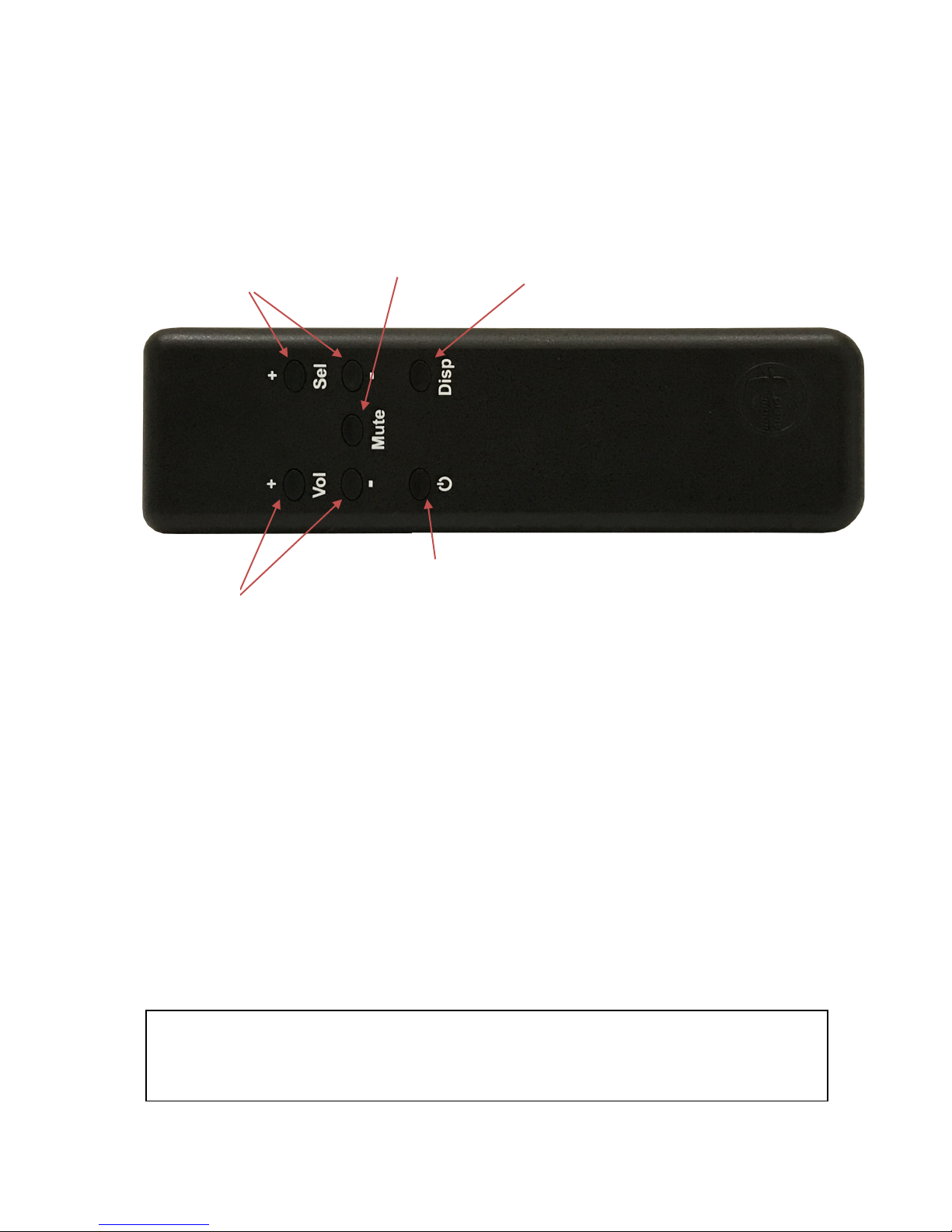
Selector Button
The input selector button accesses four different sets of inputs. Each successive push will step
through the three RCA inputs and the XLR input. Note that if the optional phono board is
installed that it replaces the Line 1input.
Mute Button
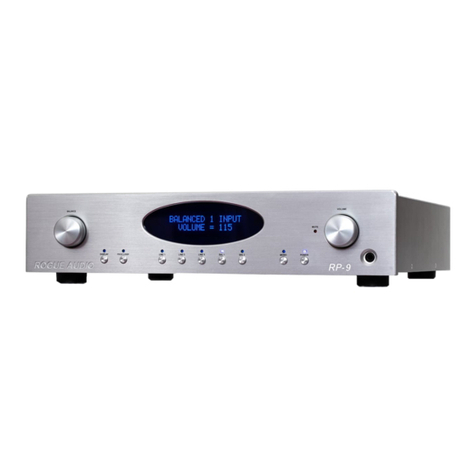
ushing the mute button mutes the headphone outputs and the variable outputs. The letter “M”
appears on the display to show that the RH-5 is in mute.
Gain Button
ushing the gain button steps the output level through three different gain settings. The
difference between the gain settings allows a wide range of volume operation to accommodate
various headphone sensitivities. For example, if you have very sensitive headphones you can use
gain level “1” and have a useful span of the volume control before the RH-5 plays too loudly.
Conversely, if your headphones are low sensitivity you can use gain setting “2” or “3” so that
you get full volume. There is no performance advantage between the gain settings.
Display On/Off Switch (locate in the volume knob)
ushing in the volume knob will toggle the display on and off. When the display is “off” only a
small blue LED segment remains to show that the RH-5 is turned on. When the display is
toggled back on the current input and volume are displayed. You can adjust the volume level
while the display is off.
Using the RH-5 as a stereo preamplifier:
There are two pairs of variable (preamplifier) outputs on the RH-5 which can be used to drive an
external power amplifier. One pair is RCA and the other pair XLR (balanced).
If you are using the RH-5 as a preamplifier turn on the RH-5 first and then the power amp. Turn
off the power amp first and then the RH-5. Also note that the mute button will mute both the
headphones and preamp outs. If you want to listen to the headphones only you will need to turn
off the external power amp.
6