Sakar 72480 User manual

7.1Mega Pixel Optical Zoom Digital Camera
Owner’s Manual
© 2007 Sakar International, Inc. All rights reserved.
Windows and the Windows logo are registered trademarks of Microsoft Corporation.
All other trademarks are the property of their respective companies.

2
Table of Contents
Introduction ....................................................................................................................................... 3
Key Features..................................................................................................................................... 3
What your camera includes............................................................................................................... 4
Computer System Requirements for Windows ................................................................................. 4
Computer System Requirements for Macintosh................................................................................ 4
A Quick Look at Your Camera .......................................................................................................... 5
The mode dial ................................................................................................................................... 6
Icons on the LCD Screen .................................................................................................................. 7
Main Buttons ..................................................................................................................................... 9
Preparing Your Camera for Use...................................................................................................... 10
Installing SD Memory Card ............................................................................................................. 11
TV out function................................................................................................................................ 12
Starting Your Camera ..................................................................................................................... 13
Camera Mode ................................................................................................................................. 13
Video Mode..................................................................................................................................... 18
Playback Mode ............................................................................................................................... 18
Setup Mode..................................................................................................................................... 28
Transferring Images and video clips to your Macintosh .................................................................. 38
Install PhoTags Express Software on MS Windows ....................................................................... 38
Everything you need to get the most from your photos ................................................................... 41
Download photos to your PC .......................................................................................................... 43
Viewing Videos ............................................................................................................................... 50
Maintenance of Your Digital Camera .............................................................................................. 50
Sakar Warranty Card ...................................................................................................................... 50

3
Appendix A: Technical Specifications ............................................................................................. 52
Appendix B: Troubleshooting ......................................................................................................... 53
Introduction
Thank you for purchasing the 7.1 Mega Pixel Optical Zoom Digital Camera. Everything you need to take
quality digital photos is included with your camera. Please read this manual carefully FIRST in order to get the
most out of your digital camera.
Key Features
•Digital Video 320 x 240 Pixels, 640 x 480 Pixels.
•7.1 mega pixel camera with choice of 7 digital camera resolutions – 3072x2304 pixels (7MP), 2560x1920
Pixels (5MP), 2304x1728 pixels (4MP) 2048x1536 pixels (3MP), 1600x1200 Pixels (2MP),1280x960 Pixels
(1MP), 640x480 Pixels (VGA).
•2.4 Inch TFT Color LCD monitor
•3x Optical zoom
•4x Digital zoom
•Built-in SDRAM Memory (32MB)
•SD Memory Card Slot accepts SD compatible memory cards up to 1GB.
•Built in Flash
•PhoTags Express software for managing and enhancing your photos, printing, sending photos by e-mails and
much more.

4
What your camera includes
•Camera
•PhoTags Express installation CD
•USB cable
•User’s Manual
•Strip
•AV cable
Computer System Requirements for Windows
To be able to download photos to your PC you will need the following minimum configuration:
•Pentium processor or above with Windows 2000, XP and VISTA (32-bit edition).
•128 MB RAM, 100 MB free disk space
•Available USB Interface
•CD-ROM Drive
•Recommended screen resolution 1024 X 768 pixels or higher.
•16-bit color or higher display adaptor.
Computer System Requirements for Macintosh
•Power Macintosh G3 500 MHz or higher
•Mac OS X version 10.2.6 or later
•128 MB or more available system RAM (256 MB recommended), 150 MB free disk space
•800 x 600 or higher-resolution monitor displaying millions of colors

5
A Quick Look at Your Camera

6
The mode dial
•Camera Mode:
Take still photos
•Video Mode:
Capture video
•Playback Mode:
View, print and edit photos and play videos
•Setup mode
To set “Image setting”, “Exposure”, “White balance”, “Sharpness”, “Quality”, “Frequency”, “Date”, “Auto off”,
“Format memory card”, “Digital zoom”, “Key tone”, “Tv out”, “Color”, “Fw version”,

7
Icons on the LCD Screen

8
Battery power level
Full battery power
Medium battery power
Low battery power
Photo quality
Standard quality
High quality
Flash
Force Flash
Auto
Reduce red eyes
No Flash
Mode
Camera Playback
Video Set up
SD Card inserted
Macro Capture
Self-timer
Self-timer On
Date
Zoom section:
Protect
Protect On
Focus area

9
Main Buttons
Power on/off:
Press power button to turn your camera on.
Pressing it again will turn your camera off.
Navigation Buttons
The Navigation buttons are used to navigate and
select functions.
Up/Flash
Shutter button
(Take photos)
Down/ Self –Timer
Left/Date
Right/Delete
OK/ (Menu)
Display
Zoom out
Zoom in

10
Preparing Your Camera for Use
Battery Installation
Your camera requires three AAA batteries. Insert the batteries into the camera:
1. Slide and open the cover of the battery compartment.
2. Please make sure that the correct battery is inserted with the correct polarity facing up.
3. Please refer to the diagram below for the correct insertion method.
4. Close battery door.
When the Low Battery icon is flashing, you need to replace your camera’s batteries. If you do not have an
SD memory card in the camera, please download these photos you have on the camera before switching off the
camera.
WARNING: Unless you are using an SD memory card, power off your camera or opening the battery
compartment and removing the battery will erase the photos currently stored in the camera.
Download your photos as often as possible. Photos will be lost when the camera Auto switch-off or
the battery runs low. Do not open the battery door before switch off the camera.
NOTE: If you do not intend to use your camera for an extended period, remove the batteries to avoid battery
leakage and corrosion.
Table of contents
Other Sakar Digital Camera manuals
Sakar
Sakar 16381 User manual
Sakar
Sakar 98327 User manual
Sakar
Sakar Wrist Cam Watch User manual

Sakar
Sakar 25010 User manual
Sakar
Sakar 88379 User manual
Sakar
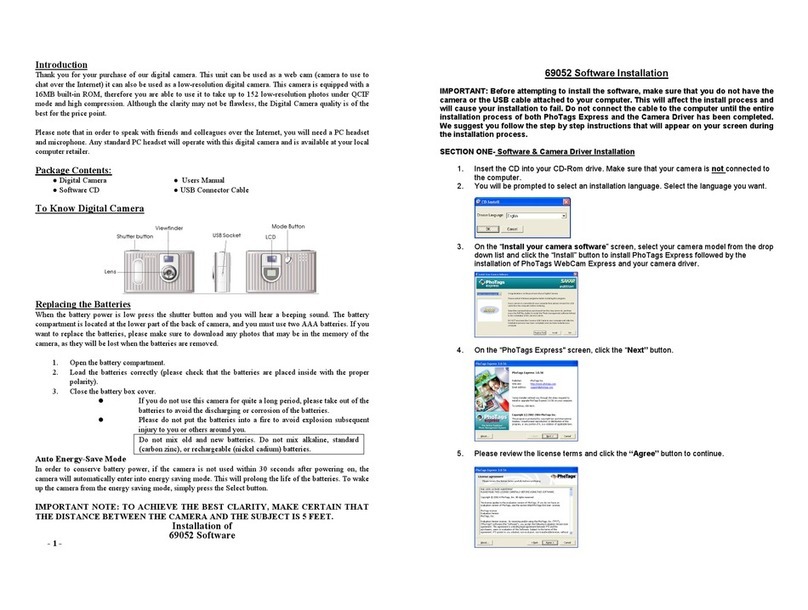
Sakar iConcepts 69052 User manual
Sakar
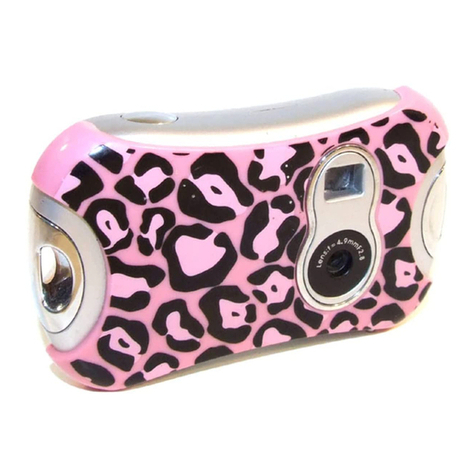
Sakar 27290 User manual
Sakar
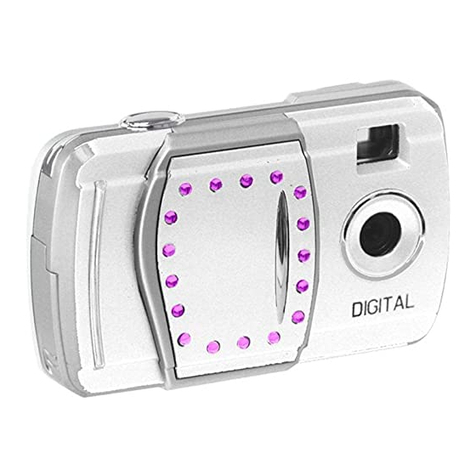
Sakar 59379 User manual
Sakar
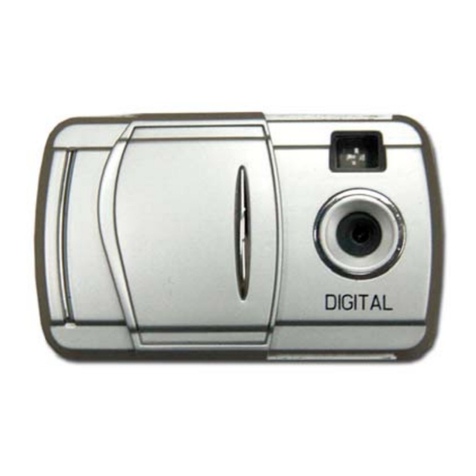
Sakar 52379 User manual
Sakar
Sakar 5.1 Mega Pixel User manual