
Sammy Sports shooting USA Installation manual

OPERATION MANUAL
25" VIDEO GAME
DEDICATED CABINET
FIRST FLOOR, HEALTHAID HOUSE
MARLBOROUGH HILL, HARROW
MIDDLESEX HA1 1UD
TEL: 020 8427 8427� FAX: 020 8861 1209
WWW.SAMMYEUROPE.CO.UK
SAMMY GAME CARTRIDGE SYSTEM
Part#: 53-30-300

CONTENTS
1. SPECIFICATIONS OF CABINET............................. 2,3
2. GAME PLAY............................................................. 4
3. GAME SETTING...................................................... 5
4. CALIBRATION OF GUN SCOPE............................ 6
5. SYSTEM BOARD ................................................... 7 to 11
EXPANSION CARTRIDGE SLOT 1.................................................. 7
JAMMA CONNECTOR TABLE .................................................. 8
SPEAKER VOLUME (SOUND) .................................................. 9
MODEM CONNECTOR (SRL) >>> OPTION ............................... 9
DIP SWITCH (2 POSITIONS) .................................................. 9
STEREO SPEAKER OUTPUT CONNECTOR (OPTION) ............ 10
VGA (31KHz) TV SIGNAL OUTPUT CONNECTOR (VDO) >>> OPTION ... 10
GAME CARTRIDGE ................................................................... 11
6. SYSTEM MENU ........................................................ 12 to 18
TEST MODE ............................................................................... 13, 14
COIN SETTING ............................................................................... 15, 16
CONFIGURATION ...................................................................... 17
BOOKKEEPING ................................................................................ 18
BACKUP CLEAR ...................................................................... 18
WIRING DIAGRAM FOR GUN CONTROL PANEL ...................... 19

2
1. SPECIFICATIONS OF CABINET
Push Button Assy
Player 1
Push Button Assy
Player 2
Sammy Scope Gun Assy
Gun Holster, Scope Gun
Part#: 99-50-010
Part#: 99-50-011
Part#: 53-50-320
Part#: 53-50-304
SIZE: W = 30" (762 mm)
D = 37" (940 mm)
H = 77" (1956 mm)
WEIGHT: 385 lbs (175 kg)
INPUT POWER: USA&CANADA = 120VAC, 60Hz
Instruction Decal Sheet
SS USA
Part#: 53-30-210
Marquee, SS USA
Part#: 53-30-100
Side Decal, Atomiswave
Part#: 99-30-200
Speaker
TV Monitor Assy

3
Gun Sub Board
Part#: 53-20-700
Main PCB, Atomiswave
Part#: 99-10-010
Game Cartridge, SS USA
Part#: 53-90-850
Remote Controller for Monitor
INSIDE VIEW OF CONTROL PANEL & INSTRUCTION PANEL
Connector Bracket
Gun Sub Harness
INSIDE VIEW OF COIN DOOR
Test & Service
Switch Bracket
Mars DBA
AE2451 (OPTION)
Coin in
counter meter

4
2. GAME PLAY
HIT EACH TARGET! DON’T SHOOT
BLACK AREA!
DON’T SHOOT
RED-X TARGET!
Insert coin(s).
Shoot using gun scope to select Category from
SPEED, PRECISION, MARKSMAN, and TRAINING.
Each DIVISION has 8 stages. Shoot and hit each target to get points.
Register your initials when you rank in top 20.
Shoot using gun scope to choose DIVISION from 4 kinds.
(OPEN, STANDARD, MODIFIED and REVOLVER. Each division uses a different GUN.)
SPEED: Mainly Steel targets
PRECISION: Mainly Human shaped targets
MARKSMAN: Mainly Bullseye type targets
TRAINING: Mix of above targets. (Easy)
SPEED & PRECISION
(Competitor, Trojan, Edge and Revolver w/compensator)
MARKSMAN
(Grandmaster, Xcaliber, Executive and Revolver w/scope)

3. GAME SETTING
Sports Shooting USA has dedicated GAME SETTINGS. Press TEST switch to
display "SYSTEM MENU" screen. Go to "CONFIGURATION" and Select "GAME
SETTING." You can adjust following game settings:
LIFE
DIFFICULT(QUALIFY POINT)
2 kinds. (2 or 3) Lose one LIFE when player
does not qualify in each stage.
3 kinds. (EASY, NORMAL and HARD) Default is
NORMAL.
MERCURY (ball) SWITCH CHECK
2 kinds. (ENABLE or DISABLE) Default is
DISABLE. When ENABLE, player must drop
Scope Gun down before starting each stage.
AUTO RELOAD
2 kinds. (ENABLE or DISABLE) Default is
ENABLE. When DISABLE, player must shoot
out of screen to re-road bullets of gun.
COIN SETTING: FACTORY DEFAULTS for Sports Shooting USA:
(NORTH AMERICAN VERSION)
GAME MODE: NORMAL
COIN CHUTE TYPE: COMMON
PLAYER MODE: 2 PLAYERS
COIN CHUTE #A: 2 COINS 1 CREDIT, 2 COINS CONTINUE
COIN CHUTE #B: 2 COINS 1 CREDIT, 2 COINS CONTINUE
PRESET SITUATION: NORMAL
5

For gun scope calibration, go to "TEST MENU" and select "I/O TEST." Screen shows
calibration screen. (Fig.1)
Before Pulling trigger at this screen, please test
all of switches, if necessary.
Screen shows ON or OFF letters for each
switch when they are activated.
After pulling trigger, screen goes to calibration mode.
Screen shows a "White square" in the top left
corner of screen. (Fig.2) Shoot center of this box
using 1 player scope gun.
Then the White Square will move to the right bottom
of the screen. (Fig.3) Shoot center of this box using
1 player scope gun.
The White square will move to center of the screen.
(Fig.4)
Shoot center of this white square using 1 player
scope gun to complete 1 player’s gun calibration.
Then the screen will go to 2 player gun calibration
automatically.
This is the same movements as above 1 player gun
adjustment. Shoot each of the 3 positions of White
square using 2 player scope gun.
After finished with above, pull trigger to exit I/O test.
Please double check gun calibration using normal
game mode. Move gun forward and backward
then shoot screen. Make sure each gun’s hit mark
does not move or jump.
If hit mark moves or jumps, you need monitor adjustment.
Lower brightness or contrast of monitor)
NOTE: Once you are in this mode, you can not
skip calibration of both guns. If you re-power
game during calibration, all settings will revert
to previous data.
4. CALIBRATION OF GUN SCOPE
Fig.1
Fig.2
Fig.3
Fig.4
6
White
square
White
square
White
square

GAME CARTRIDGE
EXPANSION CARTRIDGE SLOT 2
(OPTION)
MOUNTING BRACKET
FAN
SPEAKER VOLUME (SOUND)
MODEM CONNECTOR
(SRL)
VGA OUTPUT (VDO)
STEREO SPEAKER
OUTPUT & SERIAL TERMINAL
(CN3)
DIPSW
(TV RESOLUTION AND TEST MODE)
EXPANSION CARTRIDGE SLOT 1
(EX. I/O BOARD) CONNECTOR TABLE
JAMMA CONNECTOR
7
5. SYSTEM BOARD
DIMENSIONS: 10.67"W x 9.04" D x 2.52" H
WEIGHT: 3 lbs
PIN# FUNCTION PIN# FUNCTION
1 2
3 4
5 6
7 8
9 10
11 12
13 14
15 16
17 18
19 20
21 22
23 24
25 26
27 28
CN302: 28 PIN CONNECTOR
PIN# FUNCTION
1
2
3
4
5
6
7
8
9
10
PIN# FUNCTION
1
2
3
4
5
6
7
8
9
10
CN304: 12 PIN CONNECTOR
CN303: 8 PIN CONNECTOR
+5VDC
+5VDC
GND
GND
ANALOG 0
ANALOG 1
ANALOG 2
ANALOG 3
11
12
+5VDC
+5VDC
GND
GND
POUT 0
POUT 1
POUT 2
POUT 3
POUT 4
POUT 5
POUT 6
POUT 7
+5VDC +5VDC
GND GND
3P GUN
3PUP/PULX1
3P COIN
3P START
3PPU1/TRIG
3P PUSH2
3P PUSH3
3P PUSH4
3P PUSH5
4P GUN
4PUP/PULX1
3PDO/PULX2
3PLE/PULY1
3PRI/PULY2
4PDO/PULX2
4PLE/PULY1
4PRI/PULY2
4P COIN
4P START
4PPU1/TRIG
4P PUSH2
4P PUSH3
4P PUSH4
4P PUSH5

1 6 828
JAMMA CONNECTOR TABLE
JAMMA EDGE CONNECTOR (56 PINS)
No. FUNCTION I/O FUNCTION I/O
1
2
3
4
5
6
7
8
9
10
11
12
13
14
15
16
17
18
19
20
21
22
23
24
25
26
27
28
-
-
IN
IN
-
IN
-
OUT
OUT
OUT
OUT
OUT
OUT
-
IN
IN
IN
IN
IN
IN
IN
IN
IN
IN
IN
IN
-
-
-
-
IN
IN
-
IN
-
OUT
OUT
OUT
-
OUT
OUT
IN
IN
IN
IN
IN
IN
IN
IN
IN
IN
IN
IN
IN
-
-
GND
GND
5V
5V
N.C.
12V
N.C.
1P COIN COUNTER
1P COIN LOCKOUT
MONO SPEAKER
AUDIO OUT
VIDEO RED
VIDEO BLUE
VIDEO GND
TEST SW
1P COIN
1P START
1P UP
1P DOWN
1P LEFT
1P RIGHT
1P PUSH1
1P PUSH2
1P PUSH3
1P PUSH4
1P PUSH5
GND
GND
GND
GND
5V
5V
N.C.
12V
N.C.
2P COIN COUNTER
2P COIN LOCKOUT
MONO SPEAKER
AUDIO GND
VIDEO GREEN
VIDEO SYNC
SERVICE SW
TILT SW
2P COIN
2P START
2P UP
2P DOWN
2P LEFT
2P RIGHT
2P PUSH1
2P PUSH2
2P PUSH3
2P PUSH4
2P PUSH5
GND
GND
No.
A
B
C
D
E
F
H
J
K
L
M
N
P
R
S
T
U
V
W
X
Y
Z
a
b
c
d
e
f
The other side of PIN1 is "PIN A"
8

SOUND
9 6
5 1
SRL
21
SW ON
OFF
No. I/O
1
2
3
4
5
6
7
8
9
-
IN
OUT
OUT
-
-
OUT
IN
-
N.C.
RXD2
TXD2
DTR
GND
N.C.
RTS
CTS
N.C.
ON OFF
SW-1
SW-2
15KHZ31KHZ
SPEAKER VOLUME (SOUND)
LOW HIGH
MODEM CONNECTOR (SRL) >>> OPTION
JST 9PIN SUB, CONNECTOR (MALE)
SW-1: Change Frequency of TV signal.
Default is OFF = 15KHz*
*For Standard = Low resolution
monitor
SW-2: Change ON position to go to
SYSTEM MENU.
SYSTEM MENU
MODE
GAME
MODE
Use for adjusting game sound
FUNCTION
9
DIP SWITCH (2 POSITIONS)
Table of contents
Popular Video Game manuals by other brands

Disney
Disney Nintendo DS DGamer quick start guide

Disney
Disney NTR-CI7E-USA Instruction booklet
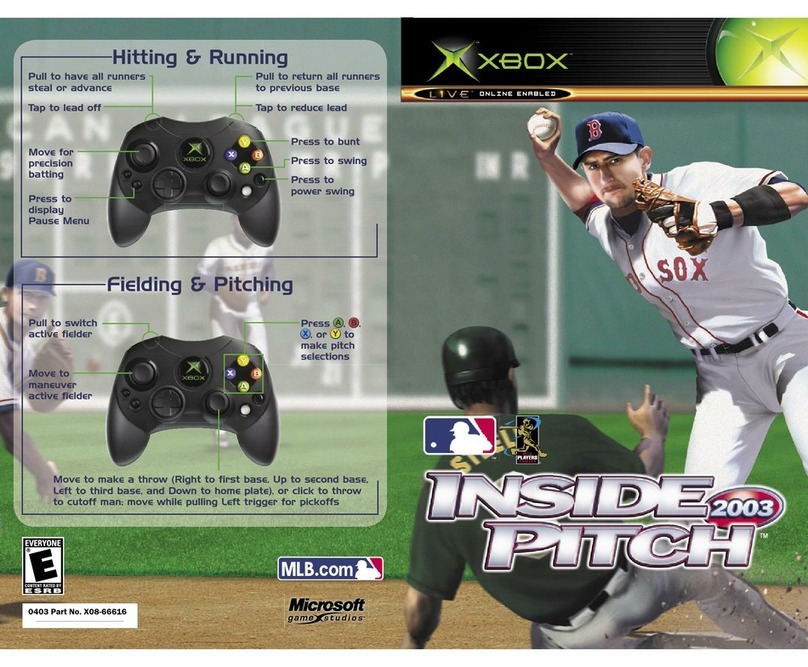
Microsoft game studios
Microsoft game studios INSIDE PITCH 2003 manual

Disney
Disney Ultimate Band NTR-CUBE-USA Instruction booklet
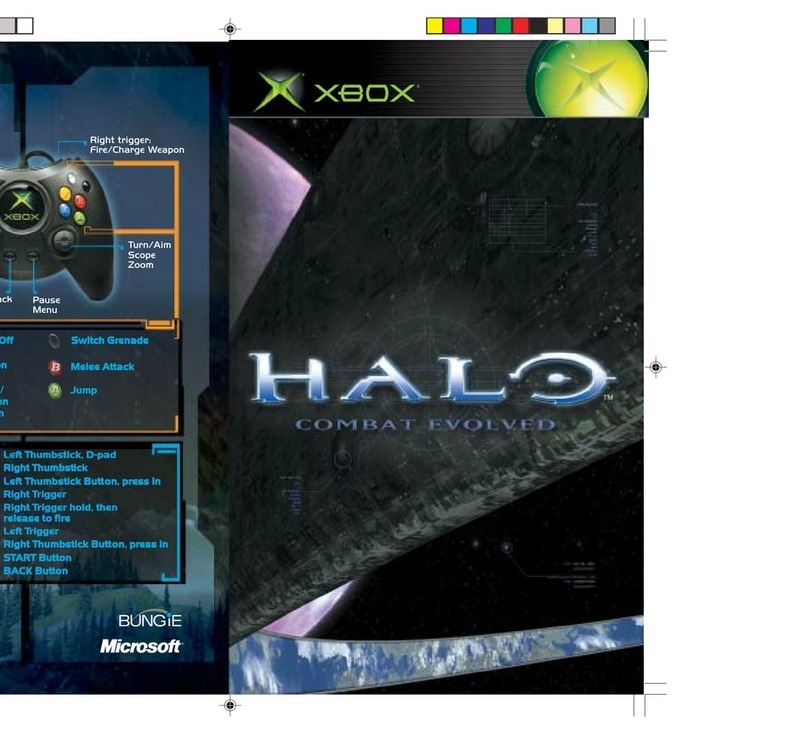
Microsoft
Microsoft HALO manual

Bizarre Creations
Bizarre Creations PROJECT GOTHAM-RACING 2 manual
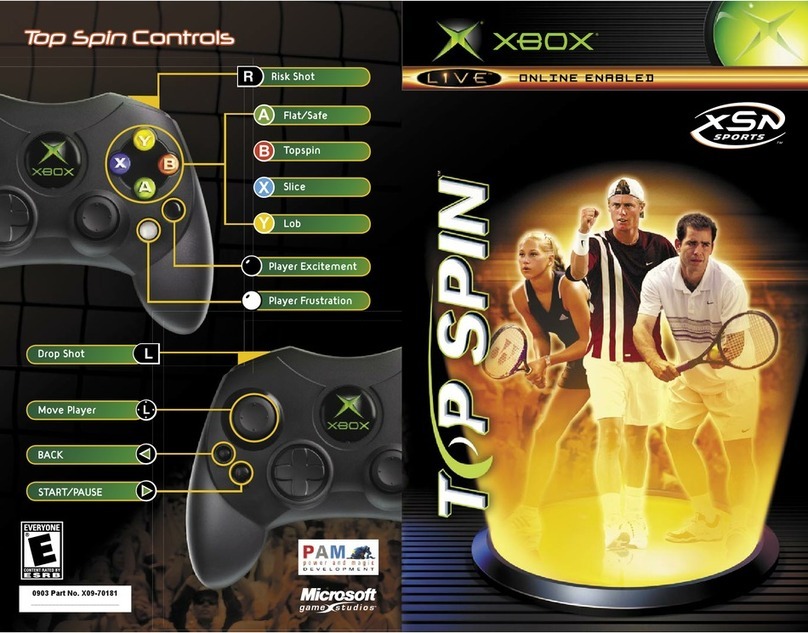



Microsoft game studios
Microsoft game studios HALO 2 manual

Activision
Activision TENCHU-RETURN FROM DARKNESS manual

PlayStation
PlayStation VirtuaTennis 3 061213 owner's manual
Xavix
Xavix PowerBoxing Quick setup guide
Tiger Electronics
Tiger Electronics Paperboy 2 78-508 instruction manual
Sega
Sega NFL 2K1 user guide