manuals.online logo
Brands
  1. Home
  2. •
  3. Brands
  4. •
  5. Sanyo
  6. •
  7. Flat Panel TV
  8. •
  9. Sanyo AVP4232 User manual

Sanyo AVP4232 User manual

This manual suits for next models

2

Other Sanyo Flat Panel TV manuals

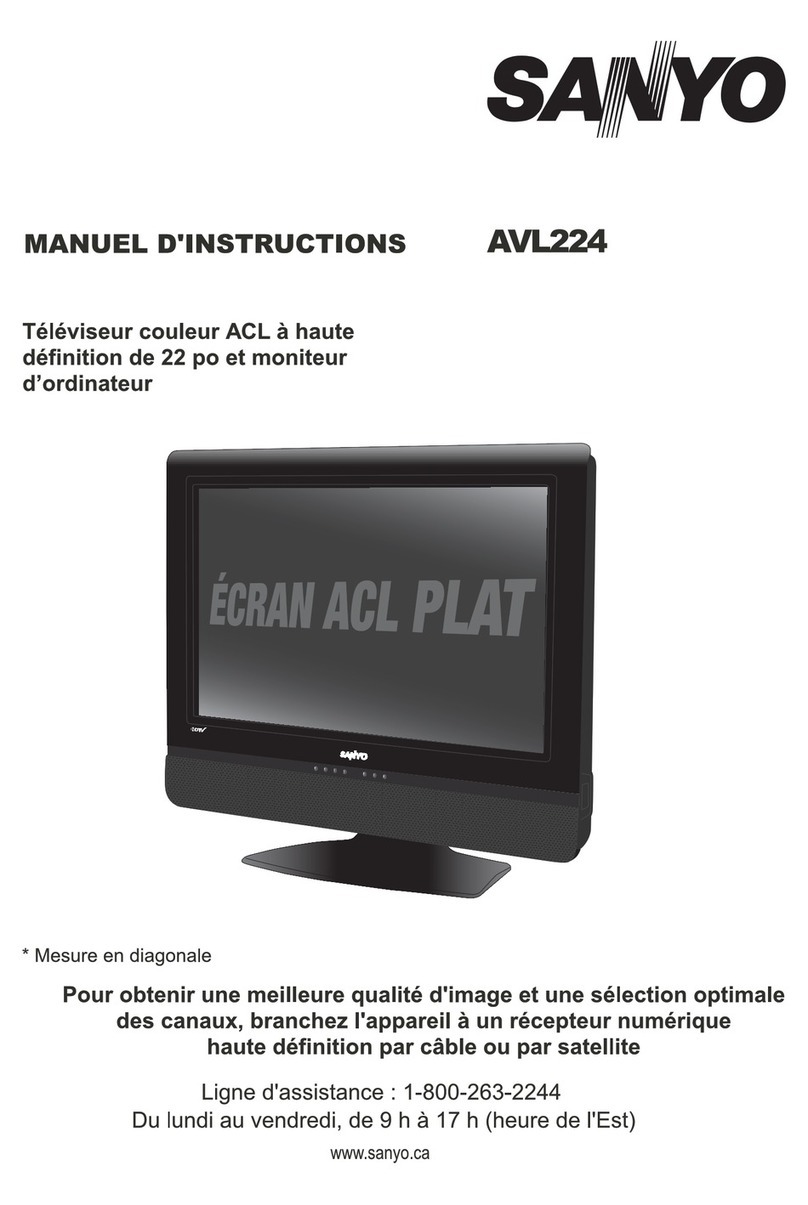
Sanyo AVL224 User manual

Sanyo

Sanyo AVL224 User manual

Sanyo DP23845 User manual

Sanyo

Sanyo DP23845 User manual

Sanyo CA21KS2 User manual

Sanyo

Sanyo CA21KS2 User manual

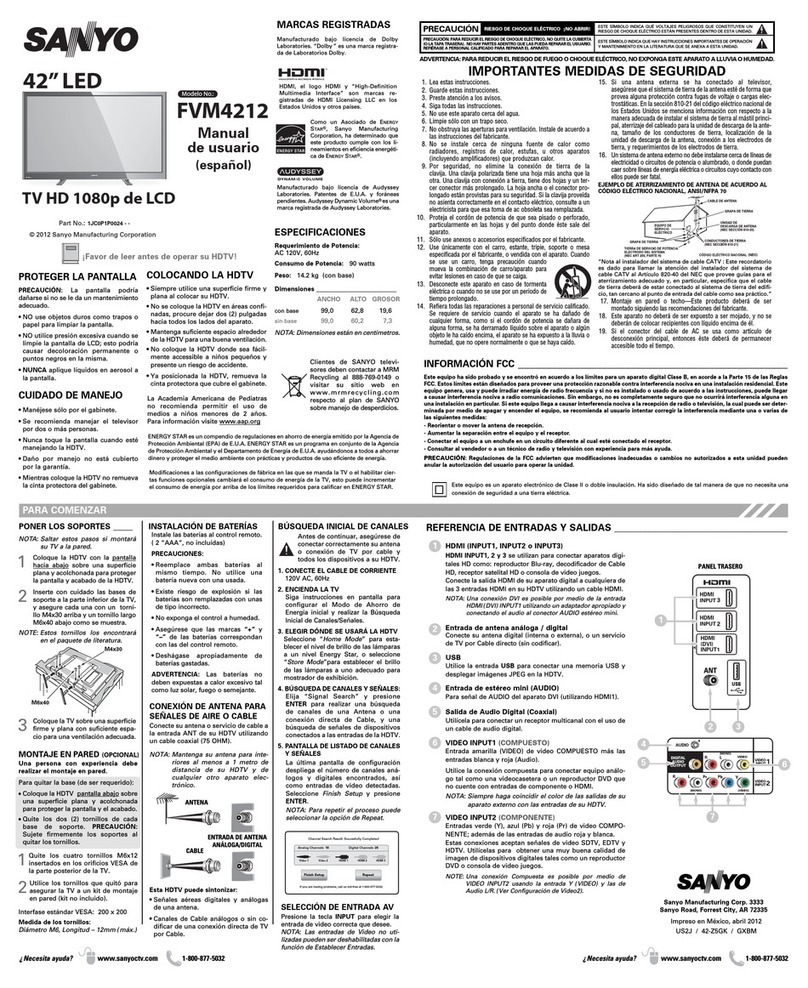
Sanyo FVM4212 User manual

Sanyo

Sanyo FVM4212 User manual

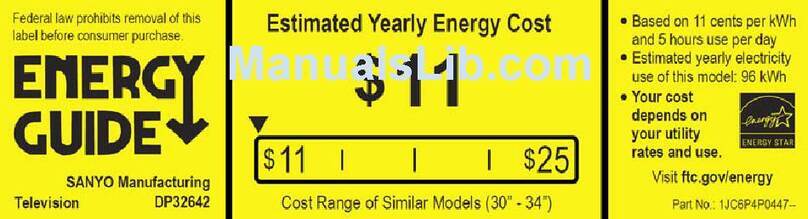
Sanyo DP32642 Assembly instructions

Sanyo

Sanyo DP32642 Assembly instructions

Sanyo DP50710 - 50" Diagonal Plasma 720p HDTV User manual

Sanyo

Sanyo DP50710 - 50" Diagonal Plasma 720p HDTV User manual

Sanyo DP42142 User manual

Sanyo

Sanyo DP42142 User manual

Sanyo FVM4212 Instruction Manual

Sanyo

Sanyo FVM4212 Instruction Manual

Sanyo DP26647 User manual

Sanyo

Sanyo DP26647 User manual

Sanyo AVL472 User manual

Sanyo

Sanyo AVL472 User manual

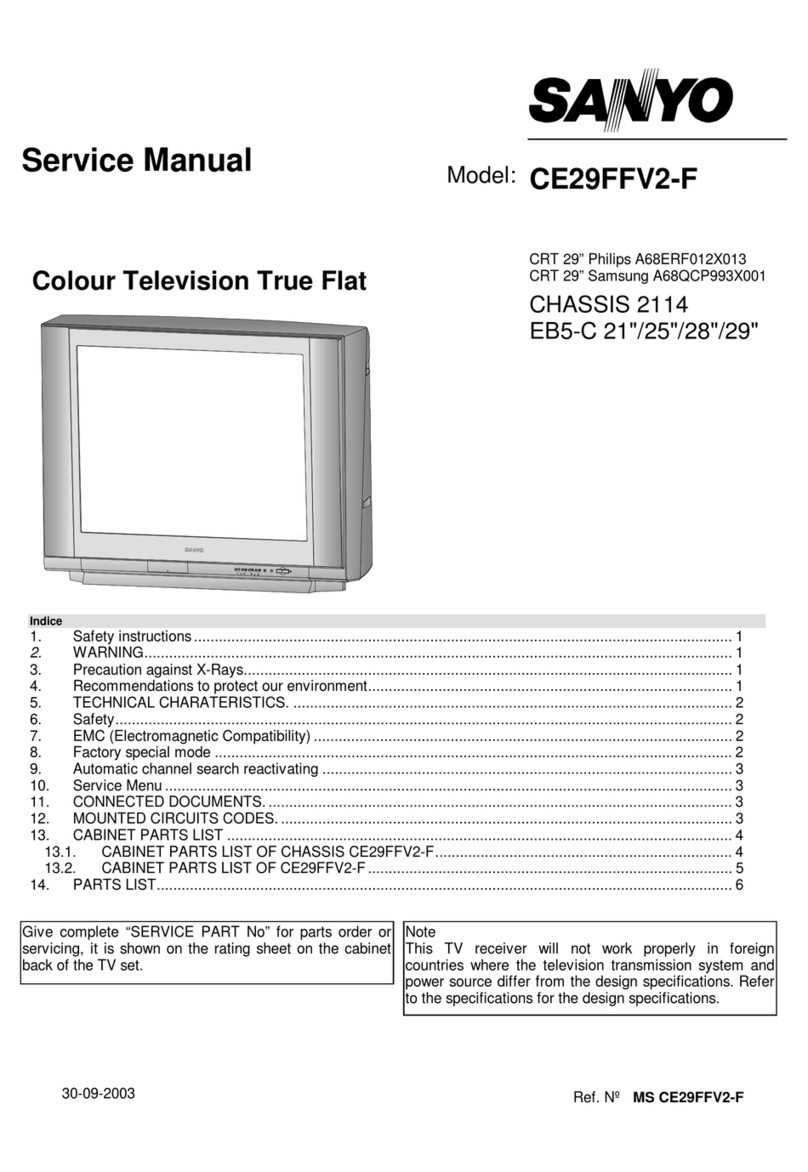
Sanyo CE29FFV2-F User manual

Sanyo

Sanyo CE29FFV2-F User manual

Sanyo CE32LD90-B User manual

Sanyo

Sanyo CE32LD90-B User manual

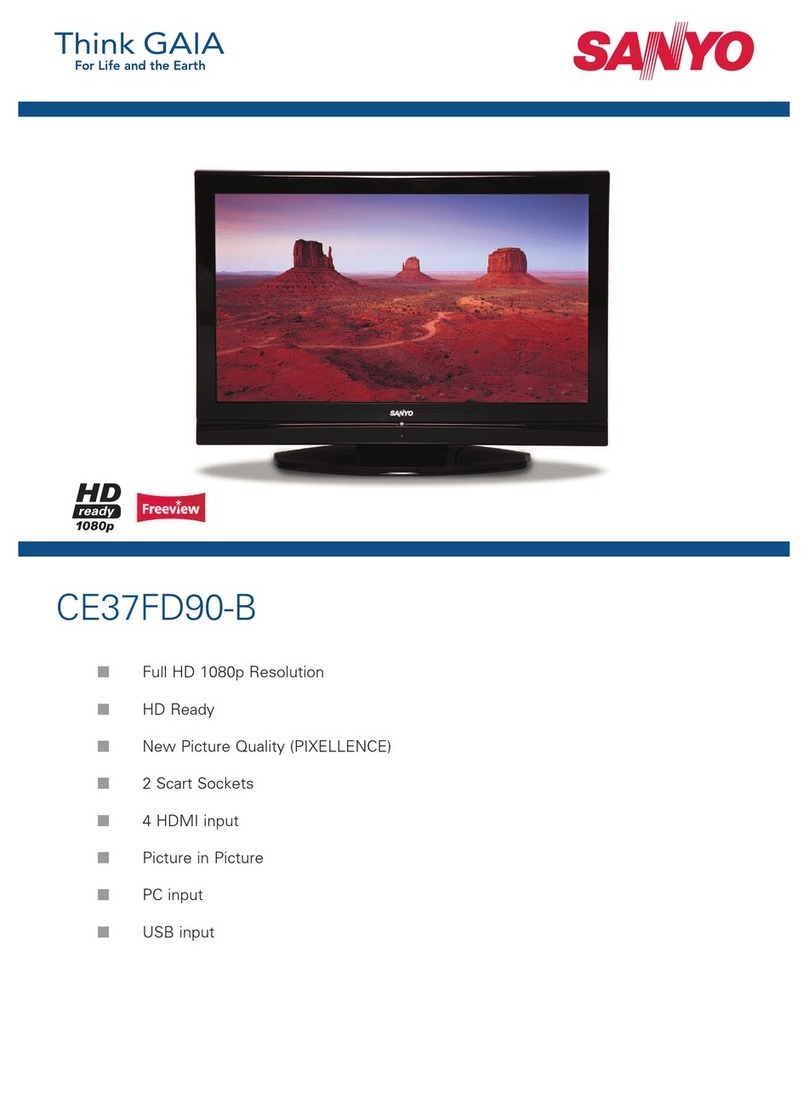
Sanyo CE37FD90-B User manual

Sanyo

Sanyo CE37FD90-B User manual

Popular Flat Panel TV manuals by other brands

Panasonic VIERA TX-R26LM70K null

Panasonic

Panasonic VIERA TX-R26LM70K null

JVC PD-42DX null

JVC

JVC PD-42DX null

Samsung LT-P326W Connection guide

Samsung

Samsung LT-P326W Connection guide

Philips 32PFL7602D - annexe 1 Specifications

Philips

Philips 32PFL7602D - annexe 1 Specifications

Samsung LNR1550X brochure

Samsung

Samsung LNR1550X brochure

Philips 47PFL7623D Specification sheet

Philips

Philips 47PFL7623D Specification sheet

JVC LT-32Z48 instructions

JVC

JVC LT-32Z48 instructions

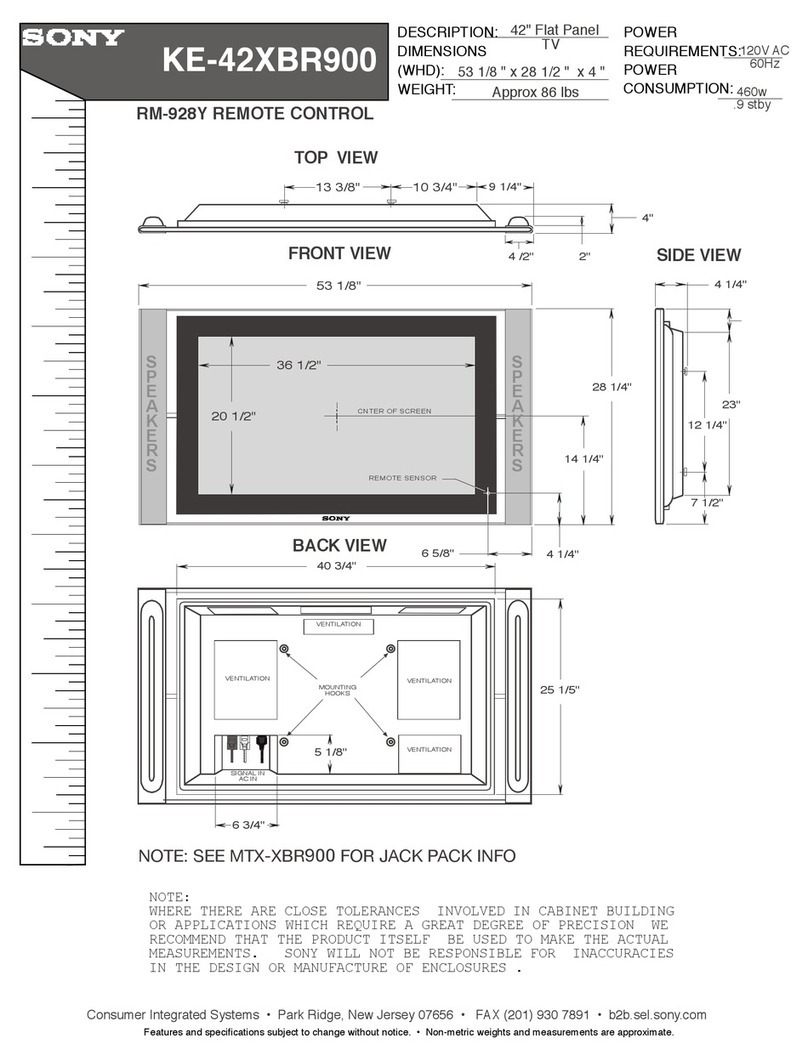
Sony KE-42XBR900 - 42" Xbr Plasma Wega™ Integrated... Dimension Guide

Sony

Sony KE-42XBR900 - 42" Xbr Plasma Wega™ Integrated... Dimension Guide

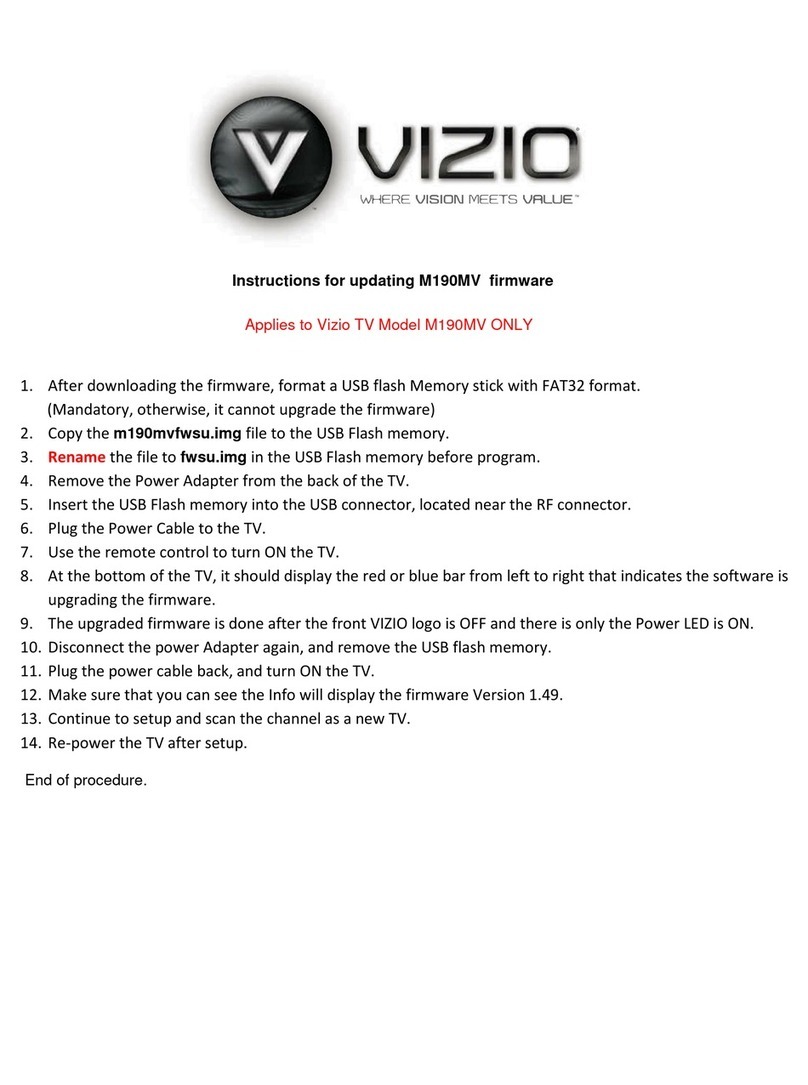
Vizio M190MV Firmware update instructions

Vizio

Vizio M190MV Firmware update instructions

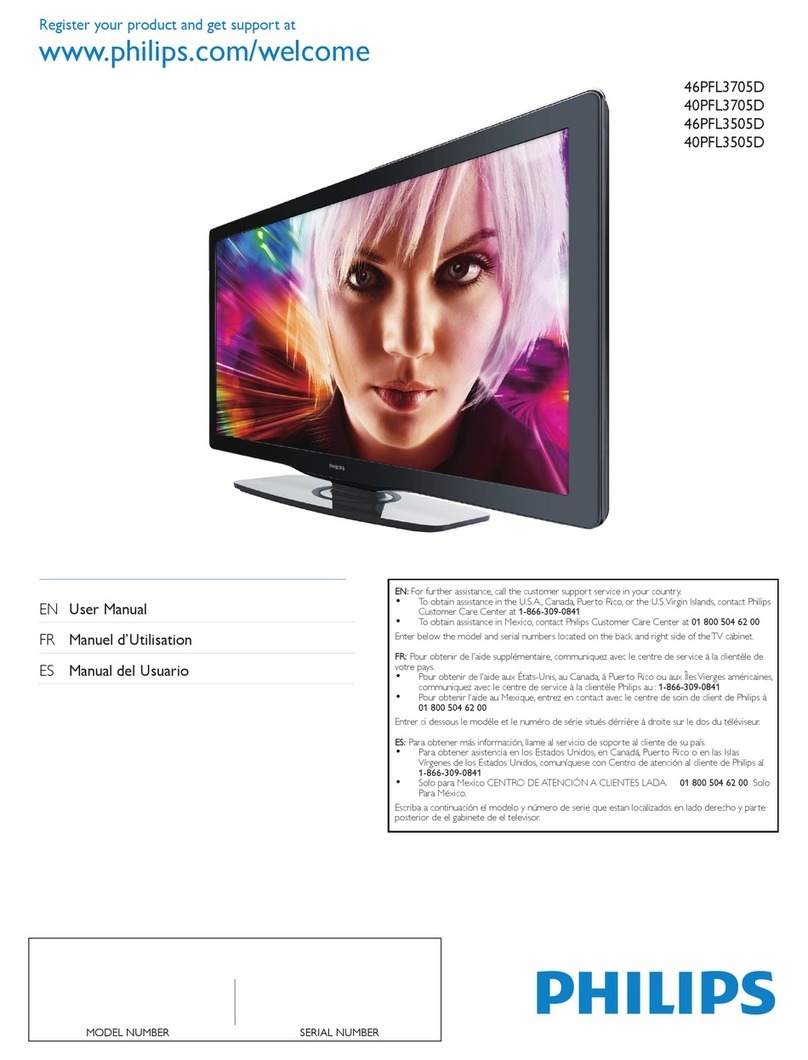
Philips Brilliance 298X4 user manual

Philips

Philips Brilliance 298X4 user manual

Samsung UN55F7050AF quick start guide

Samsung

Samsung UN55F7050AF quick start guide

Philips 1EMN26039A user manual

Philips

Philips 1EMN26039A user manual

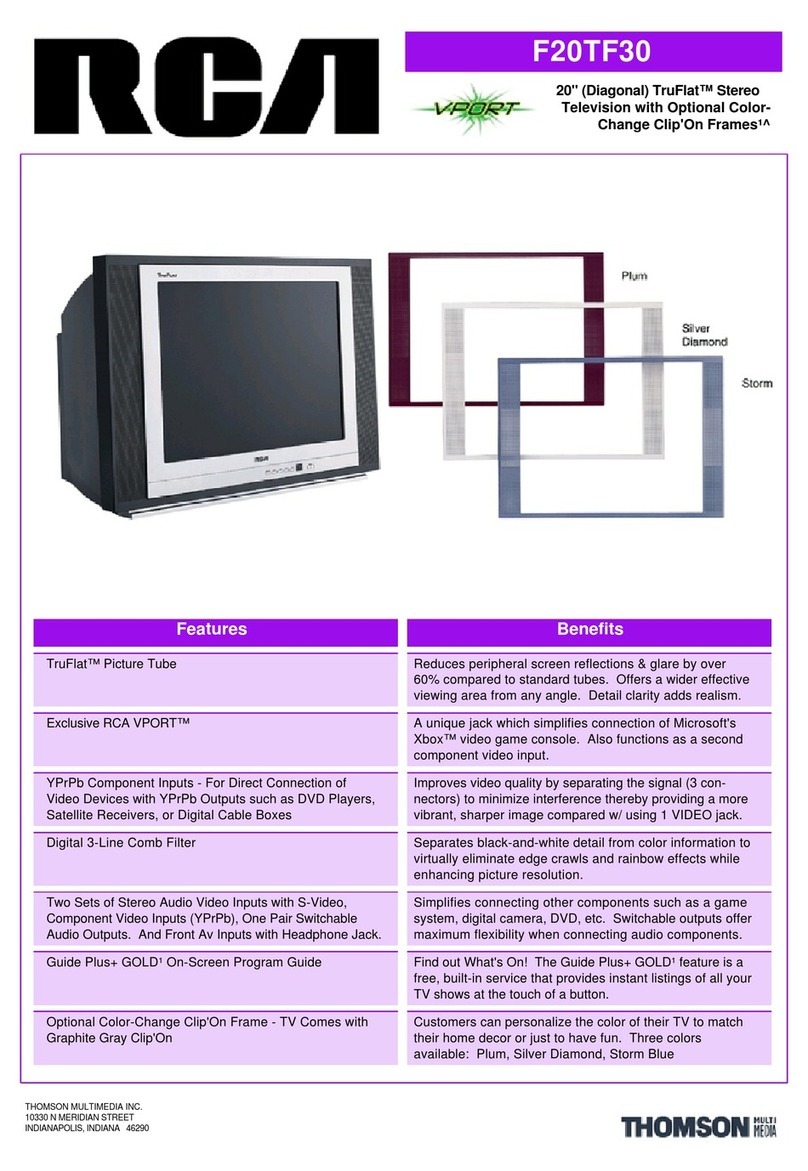
RCA TruFlat F20TF30 Brochure & specs

RCA

RCA TruFlat F20TF30 Brochure & specs

Samsung LW32A33W Connecting guide

Samsung

Samsung LW32A33W Connecting guide

Philips 37PF5520D brochure

Philips

Philips 37PF5520D brochure

Sony FD Trinitron Wega KV-30HS420 Specifications

Sony

Sony FD Trinitron Wega KV-30HS420 Specifications

Philips 32PFL7782D Specifications

Philips

Philips 32PFL7782D Specifications

Samsung PN50A550S1F manual

Samsung

Samsung PN50A550S1F manual

manuals.online logo
manuals.online logoBrands
  • About & Mission
  • Contact us
  • Privacy Policy
  • Terms and Conditions

Copyright 2025 Manuals.Online. All Rights Reserved.

42’’* 720p PLASMA
AVP4232
Caution! Avoid image burn-in problems. Please consult page 31.
Monday to Friday 9am-5pm (Eastern)
* Diagonal measure
www.sanyo.ca
INSTRUCTION MANUAL
Help Line: 1-800-263-2244
FLAT-PANEL TV
47’’* 1080p
(Full HD) LCD
AVL472
50’’* 1080p
(Full HD) PLASMA
AVP504
Table of Contents
Important Information ......................................................................................................................1
Important Safety Precautions...........................................................................................................2
Important Notice ..............................................................................................................................5
Preparations ......................................................................................................................................6
Identification of Controls ..................................................................................................................9
Connections .....................................................................................................................................13
Basic Operations..............................................................................................................................17
Memorizing the Channels ...............................................................................................................19
Channel Selection............................................................................................................................21
Setting up Closed Captioning .........................................................................................................25
Clock and Timer Setup ..................................................................................................................26
Setting Parental Lock 7
Troubleshooting...............................................................................................................................30
Specifications...................................................................................................................................32
Warranty..........................................................................................................................................33
Picture Adjustment .........................................................................................................................22
Sound Adjustment ..........................................................................................................................23
System Setup ..................................................................................................................................24
......................................................................................................................2
Image Adjustments for VGA (PC) Mode........................................................................................29
Thank you for choosing SANYO. This product incorporates latest-generation features including an
ATSC digital tuner. Please read all instructions carefully to obtain maximum benefit of your
product. Questions? Our toll-free number is 1-800-263-2244, 9am-5pm, Monday to Friday
(Eastern time).
Important Information
1
WARNING:
TO REDUCE THE RISK OF FIRE OR ELECTRIC SHOCK, DO NOT EXPOSE THIS APPARATUS TO RAIN
OR MOISTURE.
The lightning flash with arrowhead symbol,
within an equilateral triangle is intended to
alert the user to the presence of uninsulated
dangerous voltage within the product's
enclosure that may be of sufficient magnitude to
constitute a risk of electric shock to persons.
The exclamation point within an equilateral
triangle is intended to alert the user to the
presence of important operating and
maintenance (servicing) instructions in the
literature accompanying the appliance.
RISK OF ELECTRIC SHOCK
DO NOT OPEN
CAUTION
CAUTION-To reduce the risk of electric shock, do not
perform any servicing other than that contained
in the operating instructions unless you are
qualified to do so.
This product utilizes tin-lead solder, and fluorescent lamp containing a small amount of mercury. Disposal of these materials may be
regulated due to environmental considerations. For disposal or recycling information, please contact your local authorities or the
Electronic Industries Alliance: www.eia.org
2
Electrical energy can perform many useful functions, but it can also cause personal injuries and property damage if improperly
handled. This product has been engineered and manufactured with the highest priority on safety. But IMPROPER USE CAN
RESULT IN POTENTIAL ELECTRICAL SHOCK OR FIRE HAZARD. In order to prevent potential danger, please observe
the following instructions when installing, operating and cleaning the product. To ensure your safety and prolong the service
life of your TV product, please read the following precautions carefully before using the product.
1. Read these instructions---All operating instructions must be read and understood before the product is operated.
2. Keep these instructions---These safety and operating instructions must be kept in a safe place for future reference.
3. Heed all warnings---All warnings on the product and in the instructions must be observed closely.
4. Follow all instructions---All operating instructions must be followed.
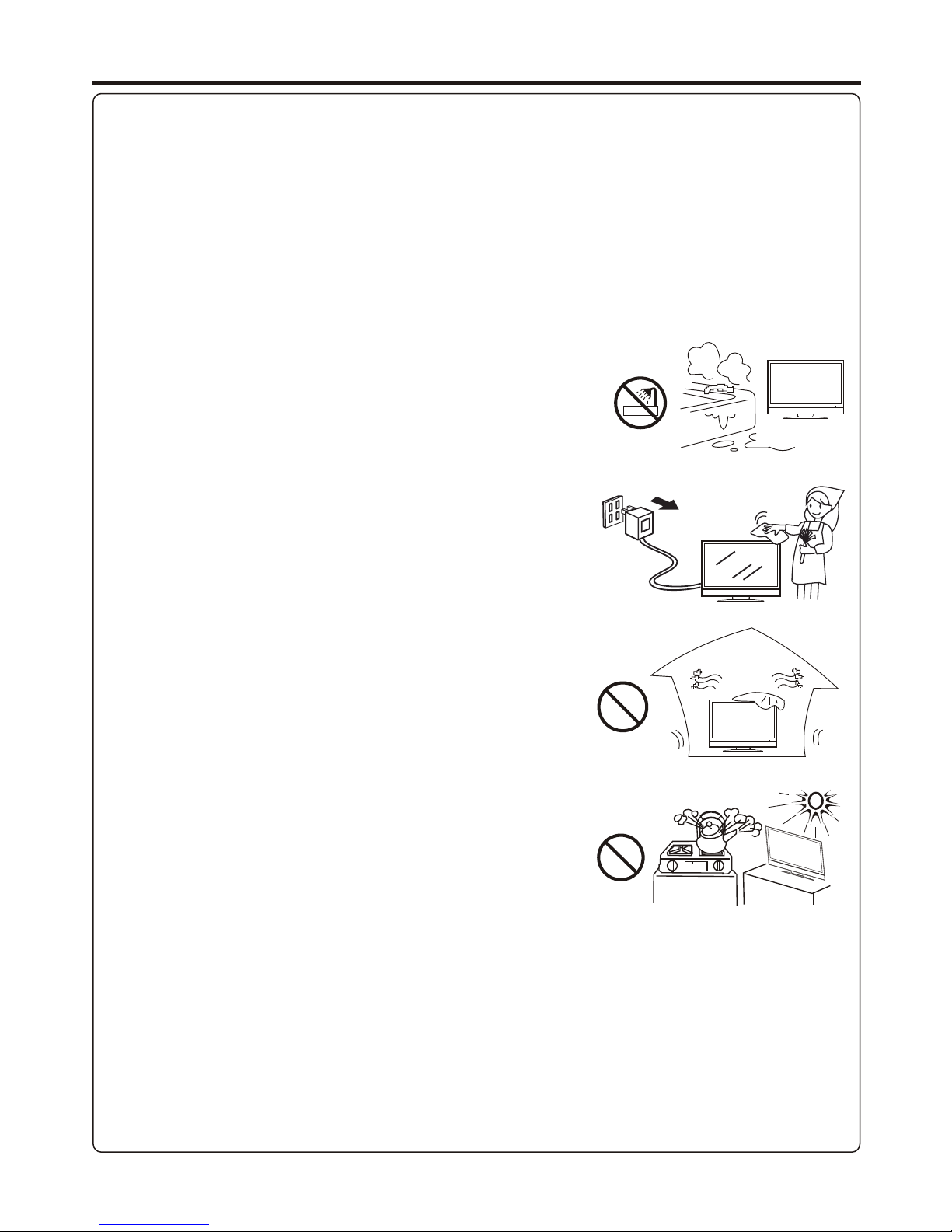
5. Do not use this apparatus near water---for example, near a bathtub,
washbowl, kitchen sink, or laundry tub, in a wet basement, or near a swimming
pool, and the like.
Do not use immediately after moving from a low temperature to high
temperature environment, as this causes condensation, which may result in fire,
electric shock, or other hazards.
6. Clean only with dry cloth---Unplug this product from the wall outlet before
cleaning. Do not use liquid cleaners or aerosol cleaners. Use a damp cloth for
cleaning.
7. Ventilation---Do not block any ventilation openings. Install in accordance
with the manufacturer instructions. The vents and other openings in the cabinet
are designed for ventilation. Do not cover or block these vents and openings
since insufficient ventilation can cause overheating and/or shorten the life of the
product. Do not place the product on a bed, sofa, rug or other similar surface,
since they can block ventilation openings. This product is not designed for built-
in installation; do not place the product in an enclosed place such as a bookcase
or rack, unless proper ventilation is provided or the manufacturer’s instructions
are followed.
8.Heat sources---Do not install near any heat sources such as radiators, heat
registers, stoves, or other apparatus (including amplifiers) that produce heat.
9.Grounding or Polarization---Do not defeat the safety purpose of the polarized or grounding-type plug. A polarized plug
has two blades with one wider than the other. A grounding type plug has two blades and a third grounding prong. The wide
blade or the third prong are provided for your safety. If the provided plug does not fit into your outlet, consult an electrician
for replacement of the obsolete outlet.
10.Power cord protection---Protect the power cord from being walked on or pinched particularly at plugs, convenience
receptacles, and the point where they exit from the apparatus.
NOTE: where the mains plug or an appliance coupler is used as the disconnect device, the disconnect device shall remain
readily operable.
11.Attachments---Only use attachments/accessories specified by the manufacturer. Do not use attachments not
recommended by the manufacturer. Use of improper attachments can result in accidents.
Important Safety Precautions
3
12. Stand---Use only with the cart, stand, tripod, bracket, or table specified by the
manufacturer, or sold with the apparatus. Do not place the product on an unstable
trolley, stand, tripod or table. Placing the product on an unstable base can cause the
product to fall, resulting inserious personal injuries as well as damage to the product.
When mounting the product on a wall, be sure to follow the manufacturer’s instructions.
Use only the mounting hardware recommended by the manufacturer.
13. Move carefully---When a cart is used, use caution when moving the cart/apparatus
combination to avoid injury from tip-over. Sudden stops, excessive force and uneven
floor surfaces can cause the product to fall from the trolley.
Never attempt to move the TV unless the AC power cord has been disconnected.
14. Lightning---Unplug this apparatus during lightning storms or when unused for long
periods of time.
For added protection for this television equipment during a lightning storm, or when it is
left unattended and unused for long periods of time, unplug it from the wall outlet and
disconnect the antenna. This will prevent damage to the equipment due to lightning and
power-line surges.
15. Servicing---Refer all servicing to qualified service personnel. Servicing is required when the apparatus has been damaged
in any way, such as power-supply cord or plug is damaged, liquid has been spilled or objects have fallen into the apparatus, the
apparatus has been exposed to rain or moisture, does not operate normally, or has been dropped.
16. Replacement parts---In case the product needs replacement parts, make sure that the service person uses
replacement parts specified by the manufacturer, or those with the same characteristics and performance as the
original parts. Use of unauthorized parts can result in fire, electric shock and/or other danger.
17.Overloading---Do not overload wall outlets, extension cords, or convenience receptacles on other equipment as this
can result in a risk of fire or electric shock.
18.Entering of objects and liquids---Never insert an object into the product through vents or openings. High voltage flows
in the product, and inserting an object can cause electric shock and/or short internal parts. For the same reason, do not spill
water or liquid on the product.
19.Damage requiring service---If any of the following conditions occurs, unplug the power cord from the AC outlet, and
request a qualified service person to perform repairs.
a. When the power cord or plug is damaged.
b. When a liquid is spilled on the product or when objects have fallen into the product.
c. When the product has been exposed to rain or water.
d. When the product does not operate properly as described in the operating instructions.
Do not touch the controls other than those described in the operating instructions. Improper adjustment of controls not
described in the instructions can cause damage, which often requires extensive adjustment work by a qualified technician.
e. If the product has been dropped or the cabinet has been damaged in any way.
f. When the product displays an abnormal condition or exhibits a distinct change in performance. Any noticeable abnormality
in the product indicates that the product needs servicing.
20.Safety checks---Upon completion of service or repair work, request the service technician to perform safety
checks to ensure that the product is in proper operating condition.
21.Wall or ceiling mounting---When mounting the product on a wall or ceiling, be sure to install the product according to
the method recommended by the manufacturer. This is a safety feature.
Important Safety Precautions (Continued)

4
23.Panel protection---The display panel used in this product is made of glass.
Therefore, it can break when the product is dropped or impacted upon by other objects.
Be careful not to be injured by broken glass pieces in case the display panel breaks.
24.Pixel defect---The display panel is a very high technology product, giving you finely detailed pictures. Occasionally, a few
non-active pixels may appear on the screen as a fixed point of blue, green or red. Please note that this does not affect the
performance of your product.
22. Power source---This product is intended to be supplied by a listed power supply indicated on the marking label. If you
are not sure of the type of power supply to your home, consult your product dealer or local power company. For added
protection for this product during a lightning storm, or when it is left unattended and unused for long periods of time, unplug it
from the wall outlet and disconnect the cable system. This will prevent damage to the product due to lightning and power line
surges. When the unit has to be used with another power supply voltage, the power cable must be changed. Consult your
product dealer. The socket outlet should be installed near the equipment and easily accessible. Use only the power cord
designated by our dealer to ensure safety. When connecting other products such as VCRs and personal computers, you
should turn off the power of the unit for protection against electric shock.
WARNING: For continued safety, apparatus with class I construction shall be connected to an AC outlet with a protective
ground connection.
Important Safety Precautions (Continued)
5
Do not use in hot and cold rooms (locations)
!When the unit is used in rooms (locations) with low temperature, the picture may
leave trails or appear slightly delayed. This is not a malfunction, and the unit will
recover when the temperature returns to normal.
!Do not leave the unit in a hot or cold location. Also, do not leave the unit in a location
exposed to direct sunlight or near a heater, as this may cause the cabinet to deform
and the to malfunction.screen
!Storage temperature: 0°C to +50°C
!Working temperature: 5°C to +40°C
About Temperature
Cleaning and
Maintenance
(for PLASMA TV)
Important Notice
The front of the display panel has been specially treated. Wipe the panel
surface gently using only a cleaning cloth or a soft, lint-free cloth.
!
!
If the surface is particularly dirty, soak a soft, lint-free cloth in a weak detergent
solution and then wring the cloth to remove excess liquid. Use this cloth to wipe the
surface of the display panel, then wipe it evenly with a dry cloth, of the same type,
until the surface is dry.
Do not scratch or hit the surface of the panel with fingernails or other hard objects.
Furthermore, avoid contact with volatile substances such as insect sprays, solvents
and thinner, otherwise the quality of the surface may be adversely affected.
If the cabinet becomes dirty, wipe it with a soft, dry cloth.
!
!
!
!
If the cabinet is particularly dirty, soak the cloth in a weak detergent solution and then
wring the cloth dry. Use this cloth to wipe the cabinet, and then wipe it dry with a dry
cloth.
Do not allow any detergent to come into direct contact with the surface of the Plasma
Display.
If water droplets get inside the unit, operating problems may result.
Avoid contact with volatile substances such as insect sprays, solvents and thinner,
otherwise the quality of the cabinet surface may be adversely affected or the coating
may peel off. Furthermore, do not leave it for long periods in contact with articles
made from rubber or PVC.
Cleaning and
Maintenance
(for LCD TV)
To clean this unit, wipe with a soft, dry cloth.
If the surfaces are extremely dirty, use a soft cloth dipped in a soap and water solution or
a weak detergent solution.
!
!
!
Use eyeglass cleaner to remove stubborn dirt from the screen.
Never use alcohol, paint thinner or benzine to clean this unit.
Before using a chemically treated cloth, read the instructions that came with the
cloth carefully.
Preparations
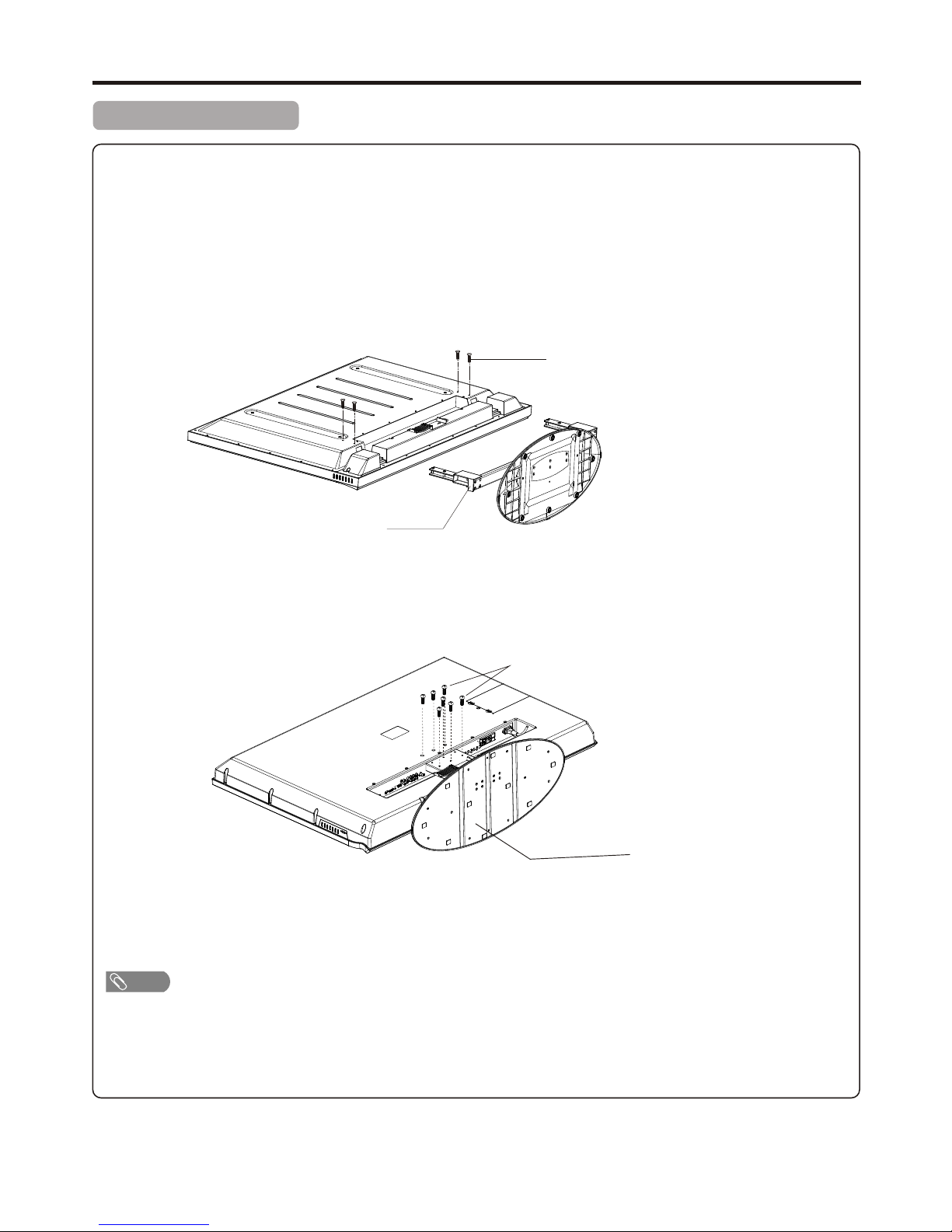
Removing the Stand
Loosen the screws on the
Stand to remove the Stand.
! Do not remove the stand from the Display unless using an optional bracket to mount it.
!The appearance of the unit may differ from the actual one.
!To attach the stand, perform the steps in reverse order.
Cautions:
1. Carefully handle the unit during setup and consult authorized service personnel to ensure successful
installation.
2. Before performing work spread cushioning over the base area to lay the Display on. This will prevent it from
being damaged.
3. Disconnect the AC power cord firstly.
Screws
Stand
Note
6
Screws
Stand
(For model AVP4232/AVP504)
(For model AVL472)
(if wall mounting)
Loosen the screws on the
Stand to remove the Stand.
<Use the remote control by pointing it towards the remote sensor window of the
set. Objects between the remote control and sensor window may prevent proper
operation.
Cautions regarding use of remote control
<Do not expose the remote control to shock. In addition, do not expose the remote
control to liquids, and do not place in an area with high humidity.
<Do not install or place the remote control under direct sunlight. The heat may cause deformation of the unit.
<The remote control may not work properly if the remote sensor window of the main unit is under direct sunlight or strong
lighting. In such a case, change the angle of the lighting or the TV set, or operate the remote control closer to the remote
sensor window.
If the remote control fails to operate the TV functions, replace the batteries in the remote control.
Precaution on battery use
Improper use of batteries can result in a leakage of chemicals and/or explosion. Be sure to follow the instructions below.
<Place batteries with their terminals corresponding to the (+) and (–) indications.
<Different types of batteries have different characteristics. Do not mix batteries of different types.
<Do not mix old and new batteries. Mixing old and new batteries can shorten the life of new batteries and/or cause old
batteries to leak chemicals.
<Remove batteries as soon as they are non-operable. Chemicals that leak from batteries can cause a rash. If chemical
leakage is found, wipe with a cloth.
<If the remote control is not used for an extended period of time, remove the batteries.
<The batteries shall not be exposed to excessive heat such as sunshine, fire or the like.
Open the battery cover.
1
<(Place the batteries with their terminals corresponding to the (+)
and (–) indications in the battery compartment.)
Insert two size-AAA batteries.
2
Replace the cover and slide in reverse until the lock snaps.
3
Preparations
Using the Remote Control
Installing the Batteries
7
* This illustration is for reference
only. The remote sensor may be in
different locations on different
models.
30
30
5m
=This illustration is for reference only. The AC plug may be different on different models.
=This product should be operated only from the type of power source indicated on the marking label.
=Always unplug the AC cord from power outlet when not using for a long period of time.
INSTALL the unit in a room where direct light will not fall upon the screen. Total darkness or a reflection on the picture
screen may cause eyestrain. Soft and indirect lighting is recommended for comfortable viewing.
Optimum reception of colour requires a good signal and will generally mean that a connection for cable system,
satellite service or an outdoor antenna must be used. The exact type and position of the antenna will depend upon
your particular area.
=It is recommended that the 75-ohm coaxial cable be used to eliminate interference and noise which may occur due to radio wave
conditions.
=75-ohm cable should not be bundled with the power cord and the like.
=If an antenna is not installed properly, contact your dealer for assistance.
Antenna Connection
Preparations (Continued)
Power Connection
Note
Note
8
Wall Antenna Socket
RF Coaxial Cable(75 ohm)

1. Connecting the female plug to the AC socket on the unit.
2. Connecting the male plug to the wall outlet as illustrated.
AC cord
Household
power outlet
TV REAR