manuals.online logo
Brands
  1. Home
  2. •
  3. Brands
  4. •
  5. Shark
  6. •
  7. Vacuum Cleaner
  8. •
  9. Shark DUOCLEAN SLIM UPRIGHT QU203Q Series User manual

Shark DUOCLEAN SLIM UPRIGHT QU203Q Series User manual

Other manuals for DUOCLEAN SLIM UPRIGHT QU203Q Series

1

Other Shark Vacuum Cleaner manuals

Shark Navigator Lift-Away ZU503AMZ User manual
Shark

Shark Navigator Lift-Away ZU503AMZ User manual

Shark KD450SL User manual

Shark

Shark KD450SL User manual
Shark Powered Lift-Away NV681UK Series User manual
Shark

Shark Powered Lift-Away NV681UK Series User manual

Shark EP600BL User manual

Shark

Shark EP600BL User manual

Shark Rotator NV750ANZ User manual

Shark

Shark Rotator NV750ANZ User manual
Shark Pursuit UV209 User manual

Shark

Shark Pursuit UV209 User manual
Shark Navigator Swivel Pro Plus User manual
Shark

Shark Navigator Swivel Pro Plus User manual

Shark Rotator NV680UKT User manual

Shark

Shark Rotator NV680UKT User manual
Shark INFINITY NV31N User manual

Shark

Shark INFINITY NV31N User manual

Shark NV581Q Series User manual

Shark

Shark NV581Q Series User manual
Shark MATRIX RV2400WS Series User manual
Shark

Shark MATRIX RV2400WS Series User manual

Shark EP602 User manual

Shark

Shark EP602 User manual
Shark IQ ROBOT SALE-EMPTY XL User manual

Shark

Shark IQ ROBOT SALE-EMPTY XL User manual

Shark V2940C N User manual

Shark

Shark V2940C N User manual
Shark DUOCLEAN POWERFINS ROTATOR LIFT-AWAY ADV... User manual
Shark

Shark DUOCLEAN POWERFINS ROTATOR LIFT-AWAY ADV... User manual

Shark EP619 User manual

Shark

Shark EP619 User manual

Shark Wandvac WV200 User manual

Shark

Shark Wandvac WV200 User manual
Shark KD45ONZ User manual

Shark

Shark KD45ONZ User manual
Shark TAPCLEAN EP035 User manual

Shark

Shark TAPCLEAN EP035 User manual
Shark SV772 User manual

Shark

Shark SV772 User manual
Shark ION ROBOT RV700 Series User manual

Shark

Shark ION ROBOT RV700 Series User manual

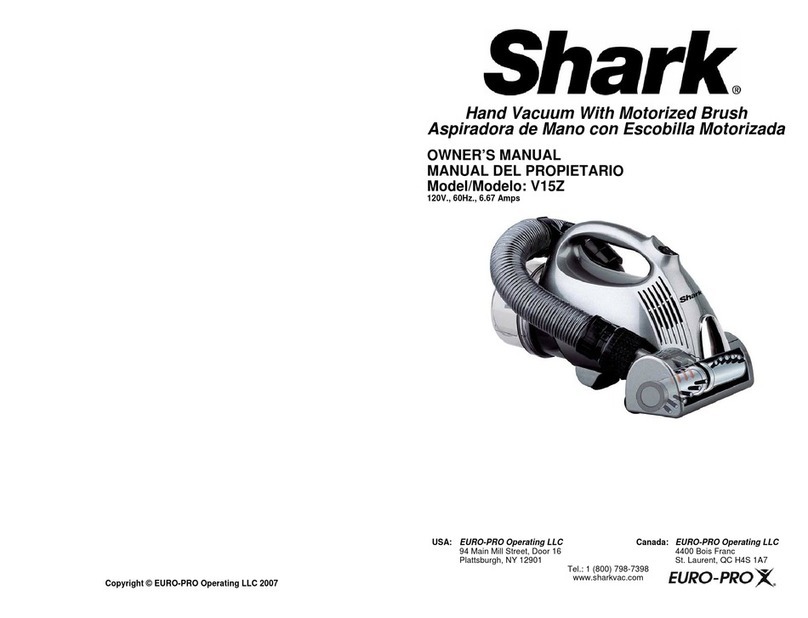
Shark V15Z User manual

Shark

Shark V15Z User manual

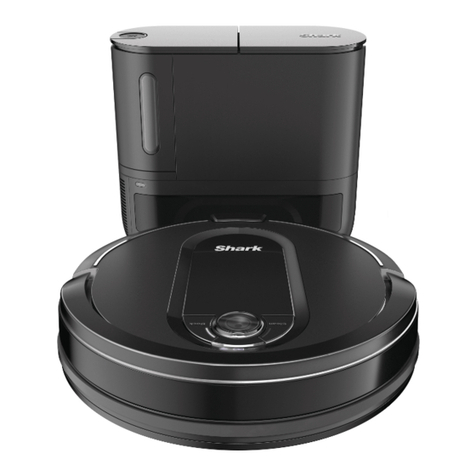
Shark IQ Self-Empty User manual

Shark

Shark IQ Self-Empty User manual

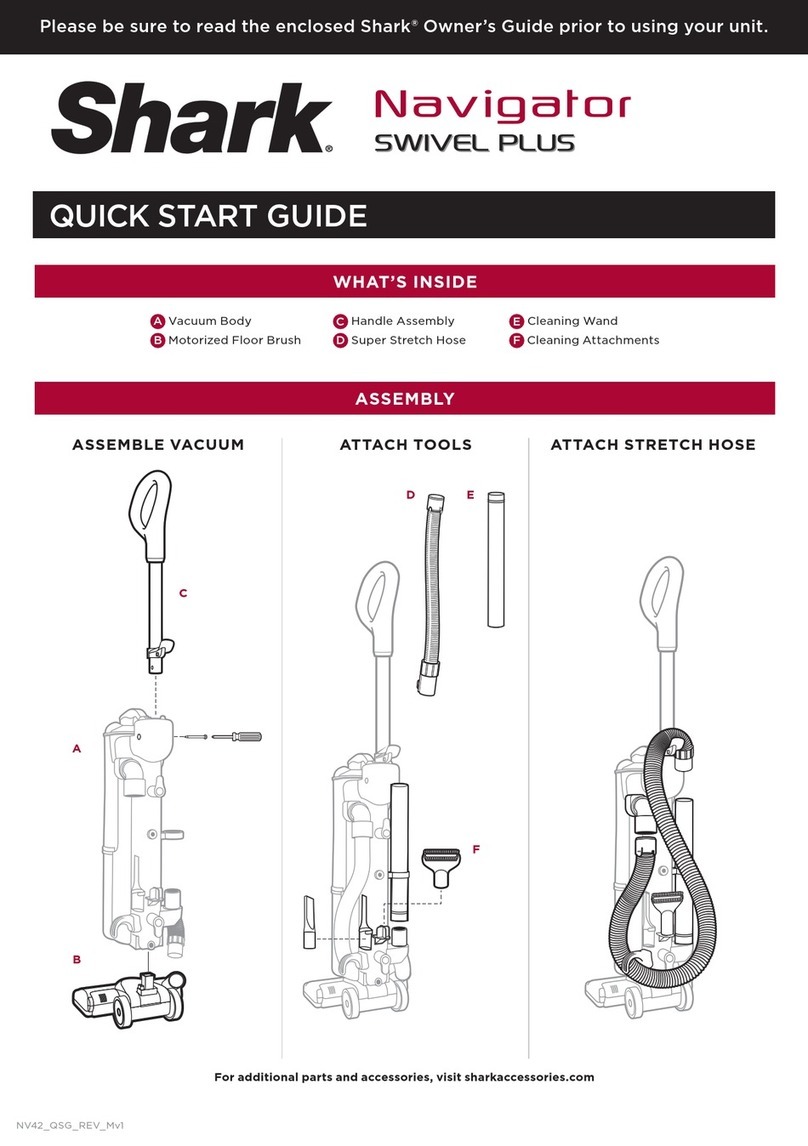
Shark Navigator Deluxe NV42 Series User manual

Shark

Shark Navigator Deluxe NV42 Series User manual

Popular Vacuum Cleaner manuals by other brands

Bissell LittleGreen Proheat 1425 Series user guide

Bissell

Bissell LittleGreen Proheat 1425 Series user guide

Panasonic MC-YL637S147-AE Service manual

Panasonic

Panasonic MC-YL637S147-AE Service manual

LG A9 Series owner's manual

LG

LG A9 Series owner's manual

Oreck Cordless Captura BK51700 Series user guide

Oreck

Oreck Cordless Captura BK51700 Series user guide

Kogan KAVACROBVWA user manual

Kogan

Kogan KAVACROBVWA user manual

Kränzle VENTOS 50 ID Use and maintenance

Kränzle

Kränzle VENTOS 50 ID Use and maintenance

NEFF N17XH10 0 Series instruction manual

NEFF

NEFF N17XH10 0 Series instruction manual

EVVO Ai35 instruction manual

EVVO

EVVO Ai35 instruction manual

DeWalt DWH200D instruction manual

DeWalt

DeWalt DWH200D instruction manual

Pontec Pondomatic Vacuum Cleaner operating instructions

Pontec

Pontec Pondomatic Vacuum Cleaner operating instructions

Cleanmaxx PC-P007E instruction manual

Cleanmaxx

Cleanmaxx PC-P007E instruction manual

RIDGID WD1685AU0 owner's manual

RIDGID

RIDGID WD1685AU0 owner's manual

Ezviz RE4P manual

Ezviz

Ezviz RE4P manual

STG global TANVAC HDV3000 Operator's manual

STG global

STG global TANVAC HDV3000 Operator's manual

Factory M3340 operating manual

Factory

Factory M3340 operating manual

Shop-Vac VN92 SERIES user manual

Shop-Vac

Shop-Vac VN92 SERIES user manual

Nobles 608669 Operator and parts manual

Nobles

Nobles 608669 Operator and parts manual

Craftsman CMCVS001D1 instruction manual

Craftsman

Craftsman CMCVS001D1 instruction manual

manuals.online logo
manuals.online logoBrands
  • About & Mission
  • Contact us
  • Privacy Policy
  • Terms and Conditions

Copyright 2025 Manuals.Online. All Rights Reserved.

with Shark® Self-Cleaning Brushroll
QU203Q Series
QUICK
START
GUIDE
Please be sure to read the enclosed Shark®Owner's Guide prior to using your unit.
To register your product, or for answers to frequently asked questions, visit registeryourshark.com.
© 2020 SharkNinja Operating LLC. DUOCLEAN and SHARK are registered trademarks of SharkNinja Operating LLC.
QU203Q_QSG_MP_Mv1
Cleaning the Brushroll
1. To open the brushroll garage, slide both
release buttons on the floor nozzle away
from you, towards the back of the nozzle,
then lift o the lid.
2. Clear away any objects or debris.
3. To close the brushroll garage, insert
the 3 tabs on top of the lid into the 3 slots
in the nozzle, then push down on both sides
of the lid until it clicks securely into place. If
the Brushroll Indicator Light isn’t green and
headlights are flashing, check again that
both sides of the lid are locked in place.
MAINTENANCE
Filter Maintenance
Wash filters regularly to keep
the suction strong.
Rinse filters with water only, and
allow them to air-dry before
reinstalling. Tap loose dirt from
filters as needed between
washes.
See enclosed Owner’s Guide
for complete details on
removing and cleaning filters.
Brushroll Maintenance
Carefully remove any debris that may be
impeding the brushroll.
Cleaning the Soft Roller
Open the brushroll garage lid, then lift
out the Soft Roller by pulling the tab on
the right side. Clear away any debris,
then slide the Soft Roller back into place.
Empty dust cup after each use
Empty
Release
SLIM UPRIGHT
Self-Cleaning Brushroll
NOTE: If any hair is wrapped around the brushroll, extending cleaning time will allow
the self-cleaning brushroll to remove it for you. If some fibers remain wrapped around
brushroll after continued use, open the brushroll garage lid and carefully remove them.
For additional parts and accessories,
visit sharkaccessories.com
For complete instructions,
see the enclosed Owner's Guide.
IMPORTANT: For proper operation,
ensure all connections are securely
clicked into place.
2 WAYS TO CLEAN:
1
UPRIGHT
2
ABOVE THE
FLOOR
Power
Push the POWER button to turn
the vacuum on or o.
Brushroll Operation
To engage the brushrolls, turn
on the power, step on the floor
nozzle, and tilt the handle back.
To clean carpeted floors, press
CARPET on the surface selector
switch. The brushrolls spin
quickly in this mode.
To clean bare floors, press
HARD FLOOR on the surface
selector switch. The brushrolls
will spin slowly in this mode.
Attach any of the
specialized cleaning
accessories to the
handle or wand.
Wand
Release
Suction
Control
Handle
Release
ASSEM B LYWHAT’S INSIDE:
Place pod onto motorized floor nozzle.
Insert wand into top of pod.
Insert handle into top of wand.
Connect hose to back of pod.
Store accessories on the posts
on the pod.
F
A
B
C
D
E
G H
AHandle
BHose
CVacuum Pod
DWand
EDuoClean® Floor Nozzle
with Self-Cleaning Brushroll
FDusting Brush
GDuster Crevice Tool
HPet Power Brush
1
2
3
4
5
2
3
4
5
1
(Click)
(Click)
(Click)
(Click)