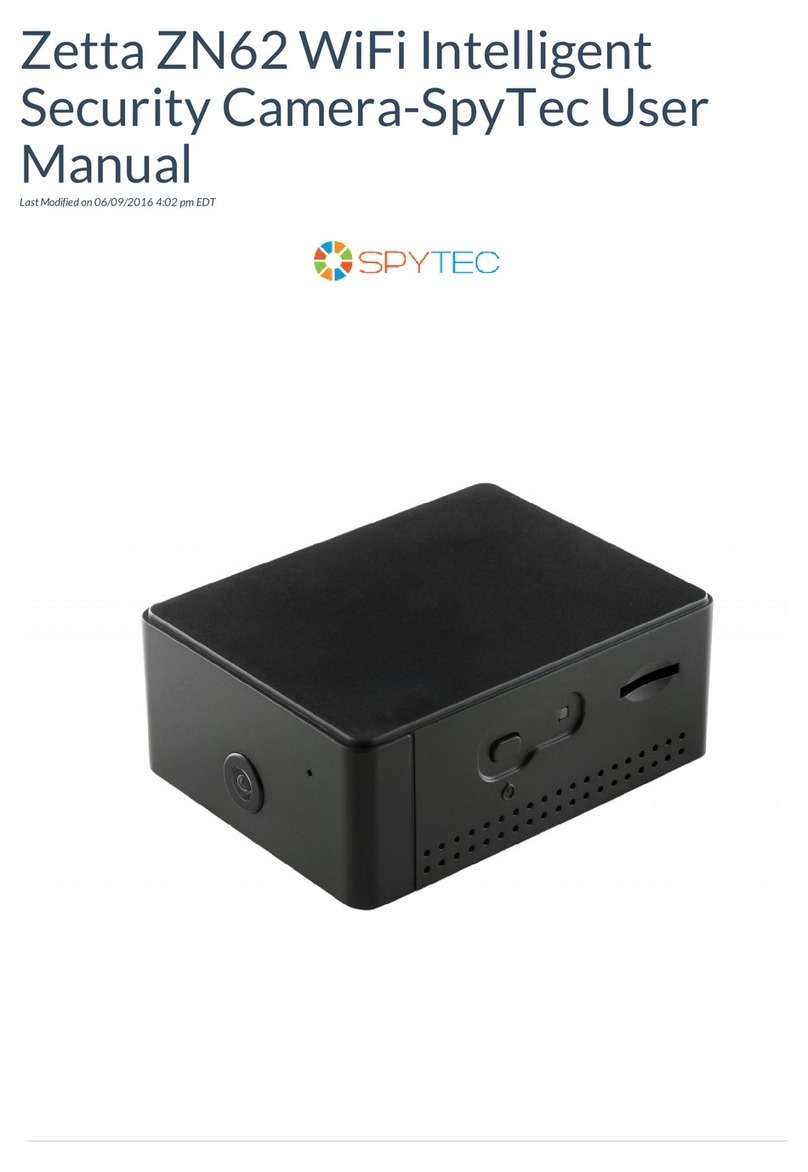
Spy Tec G180 User manual

HD 1080P New Pro Black Box Security
Wi-Fi Camera with Rotatable Lens
User Manual
Version:April, 2017

Contents
Quick Guide.....................................................P3
Overview..........................................................P4
Packing List.....................................................P4
Product Instruction .........................................P5
Camera Part Setting........................................P6
Camera name and password setting..............P10
APP Introduction.............................................P11
PC Setting(LAN)..............................................P13
PC Setting(WAN).............................................P15
Specication...................................................P16
FAQ.................................................................P16
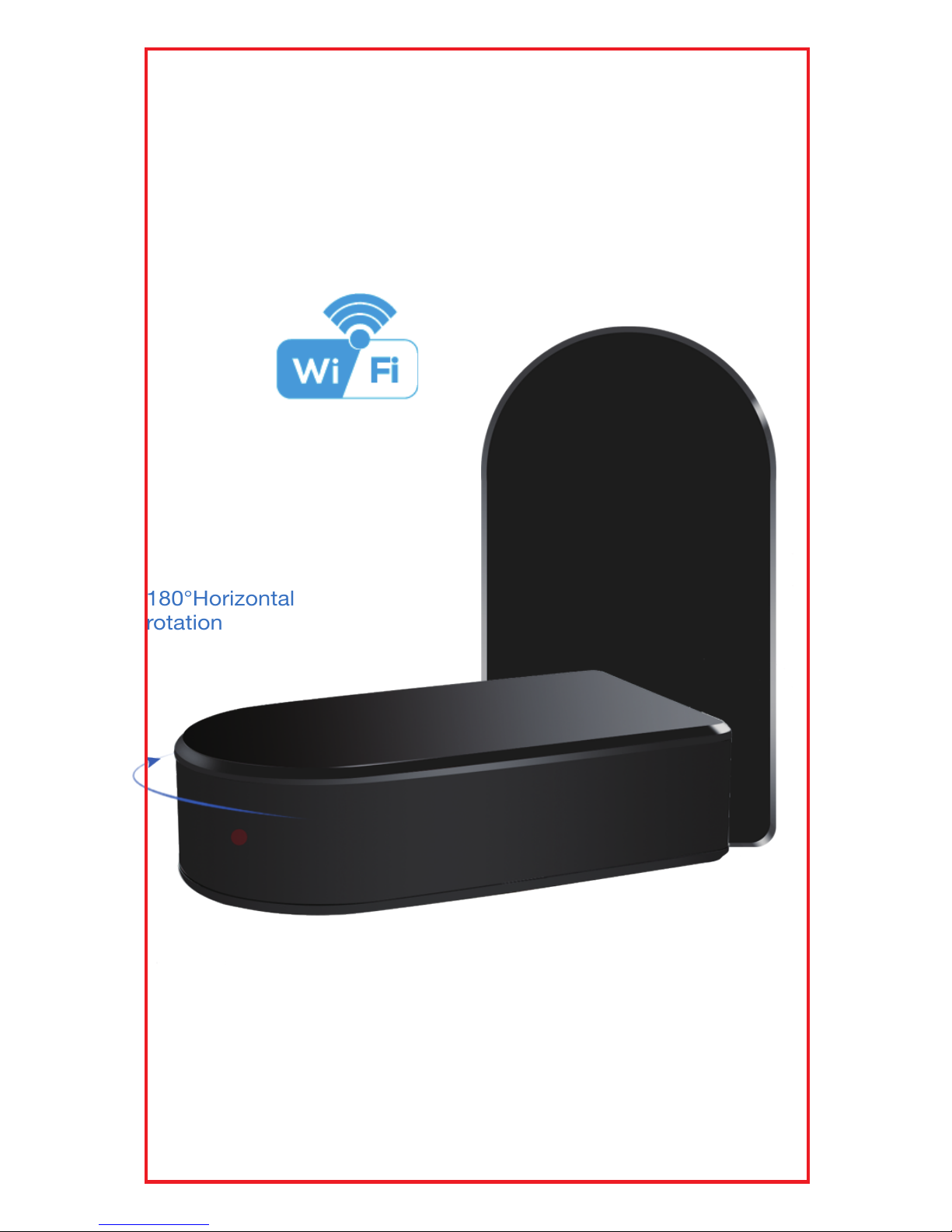
180°Horizontal
rotation
Invisible rotatable Lens by App
1
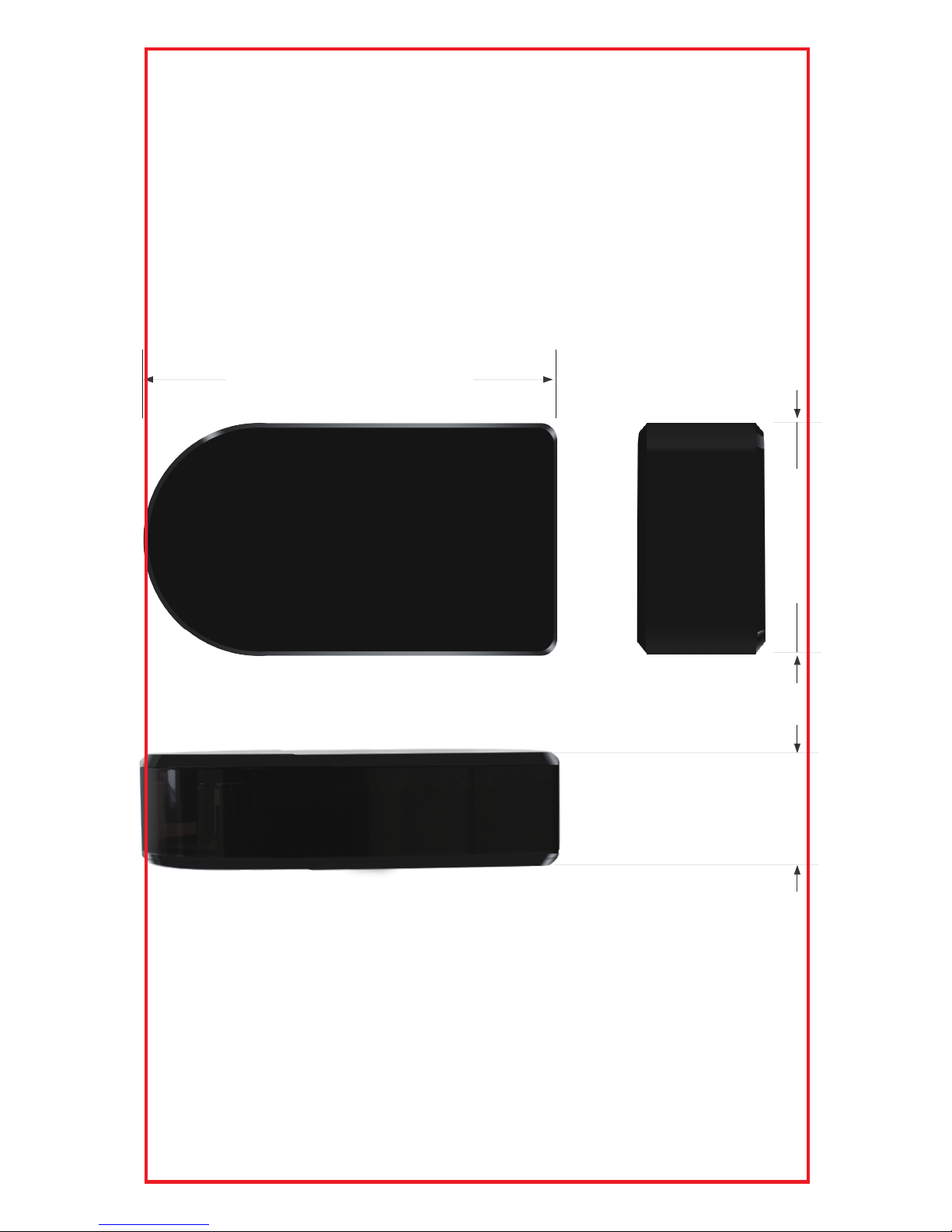
120mm
32mm 67mm
2
Quick guide of Wi-Fi camera
function
1.Download Free App Pro iCam from App Store or
Google Play.
2. Plug in power —> Turn on devices’ right side ON/OFF
button, wait for 2 mintues (Back blue light blink slowly);
3. Enter smartphone setting —> Search and connect
device’s wi named: YM……,wait till phone status bar
appear Wi-Fi symbol;
4. Eneter APP, press top right “ ” icon —> Select
camera —> Press Ok —> Camera Online then;
TIPS:1.Please select【Change】to change device
password for security 【default: 8888】;
2.This step = P2P mode, can check video locally
when without Wi-Fi.
5. Press gear icon after camera —> Device Settings —>
WiFi Cong —> Select your Wi-Fi —> Input password
—> Press OK;
6. Quit APP,wait 30 seconds. Device will restart
automatically and connect to your setted Wi-Fi
(Back blue light always on then);
7.Enter APP to check live video locally or remotely
anywhere.
P.S.: Contact local dealer for video guide setting up.
3

The HD 1080P New Pro Black Box Security Wi-Fi
Camera, equipped with a Invisible 180 degree
Rotatable Lens and built-in 5000mA rechargeable
Li-battery, and have insisted the super simple design
plus a smart & powerful 1080P Wi-Fi hidden camera.
First, it is a simple designed black box;
Second, it can be easily connected to Wi-Fi and watch
live video, or remotely take photo and video by APP in
smartphone anywhere in the world;
Third, it also supports Point to Point (P2P)
function, connected by APP to smartphone for local
live video without Wi-Fi.
Fourth, the item also support motion detect alarm
function, cycle recording and work when charging.
Overview
In the box
1x Wi-Fi camera
1x USB cable
1x AC power adapt er
1x CD driver
1x User manual
4
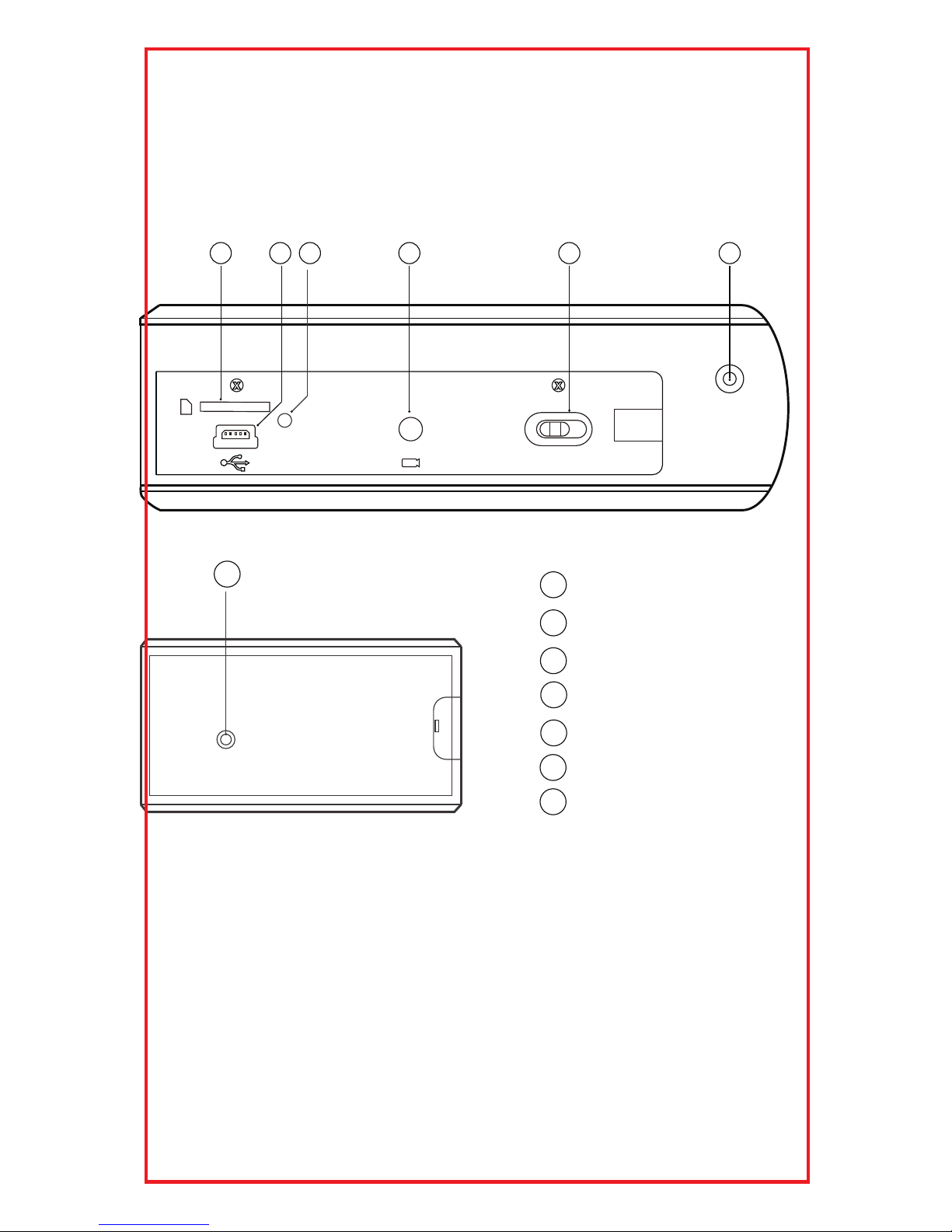
Product instruction
1
2
3
4
5
6
7
ON/OFF
12 43 5 6
Micro SD card slot
USB port
Power indicator light
Reset key
ON/OFF (For Wi-Fi Camera)
Camera
Wi-Fi indicator light
7
5
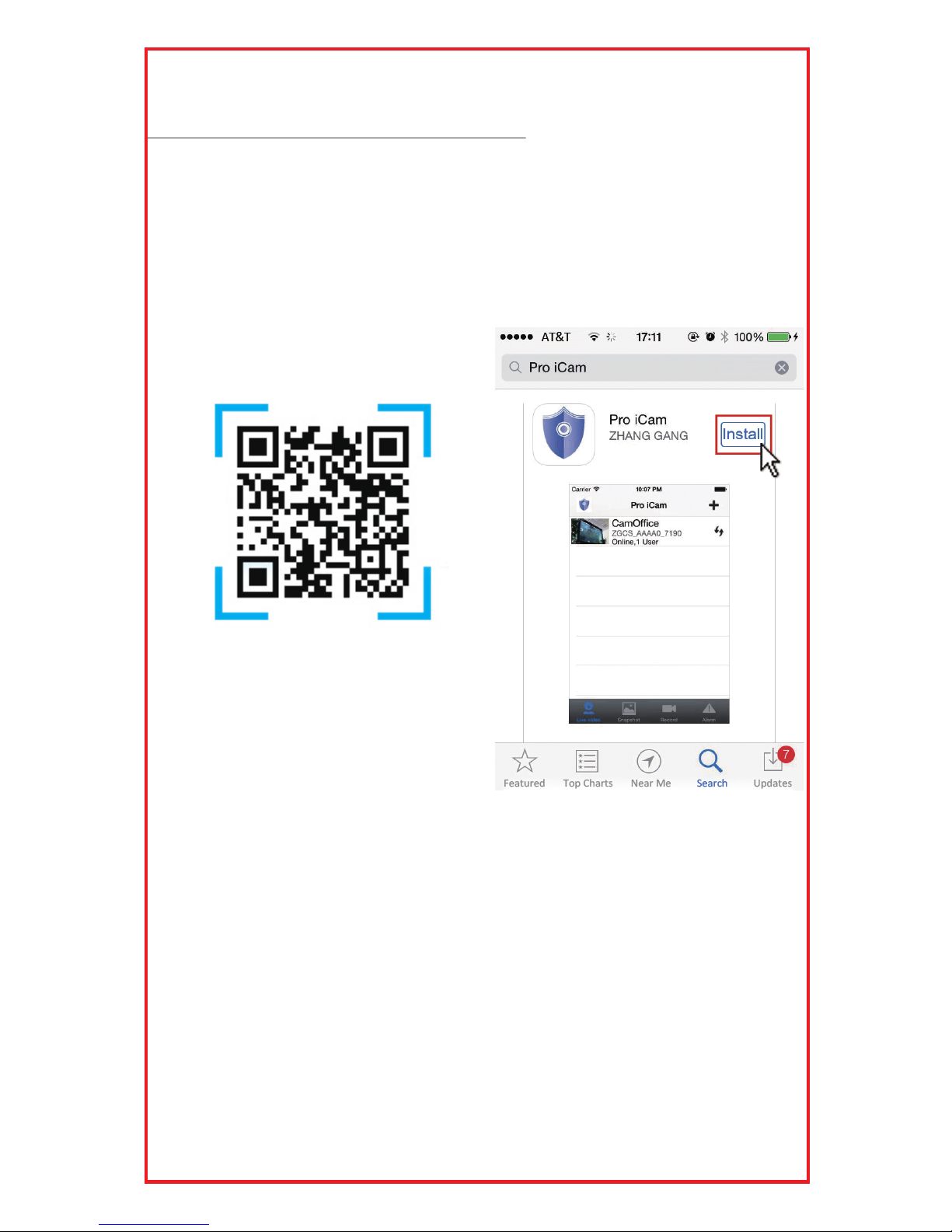
[ Pro iCam ] APP QR code
Getting started of Wi-Fi camera part
Step1: Download and install APP
Scan below QR code or search and download free
APP named “Pro iCam” in Apple APP store, Google
play or Electronic market, and install it.
Micro SD card slot
USB port
Power indicator light
6
Step 2: Turn on device and connect power
Open right side cover, turn on ON/OFF button,close
the cover and plug it into AC power using the included
adapter, wait for 2 minutes (Back blue light blink slowly);
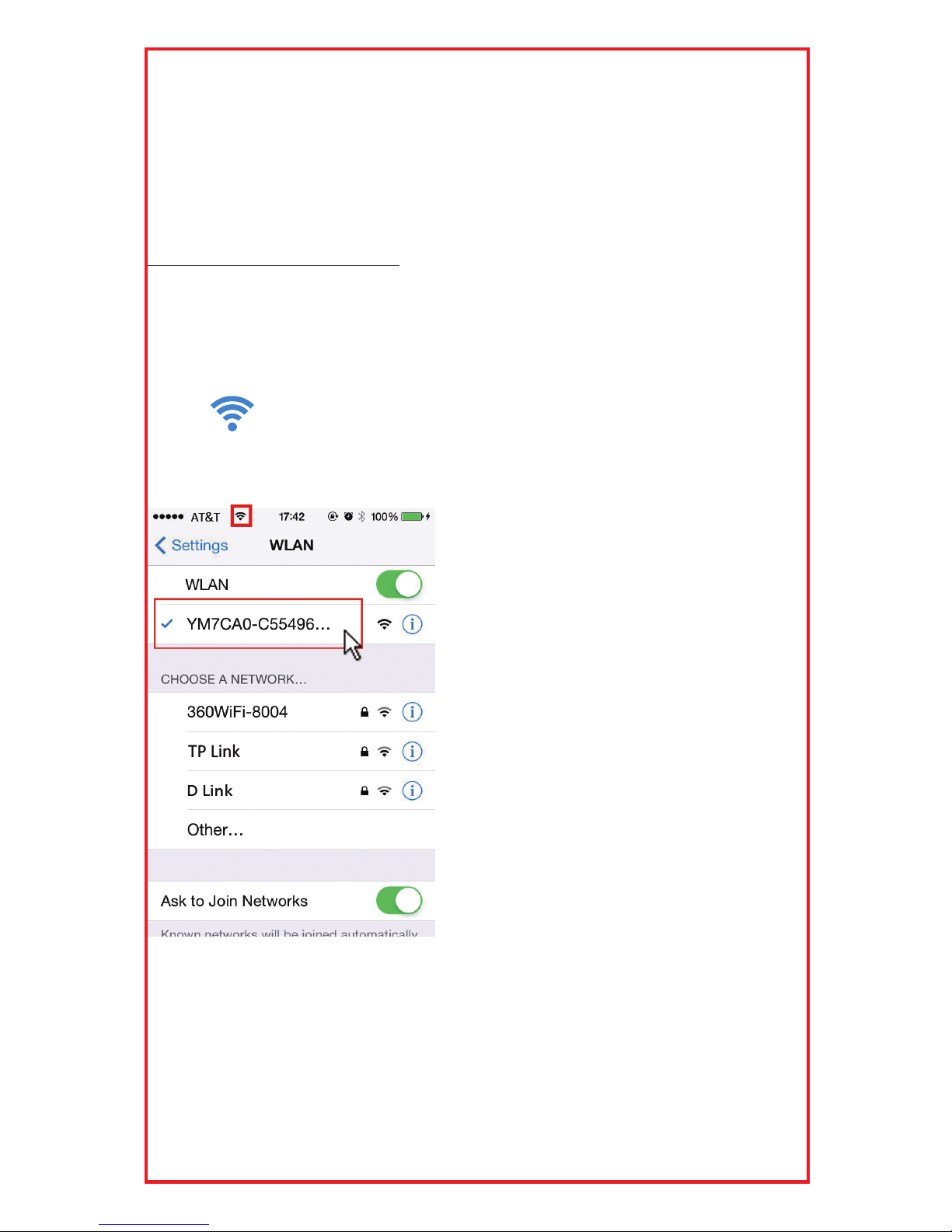
Step 3:Connect Wi-Fi
1. Open smartphone setting, search and connect mobile
Wi-Fi to the device's wireless signal named “YM……”,
wait Wi-Fi connected, and phone status bar appear
Wi-Fi symbol.
7
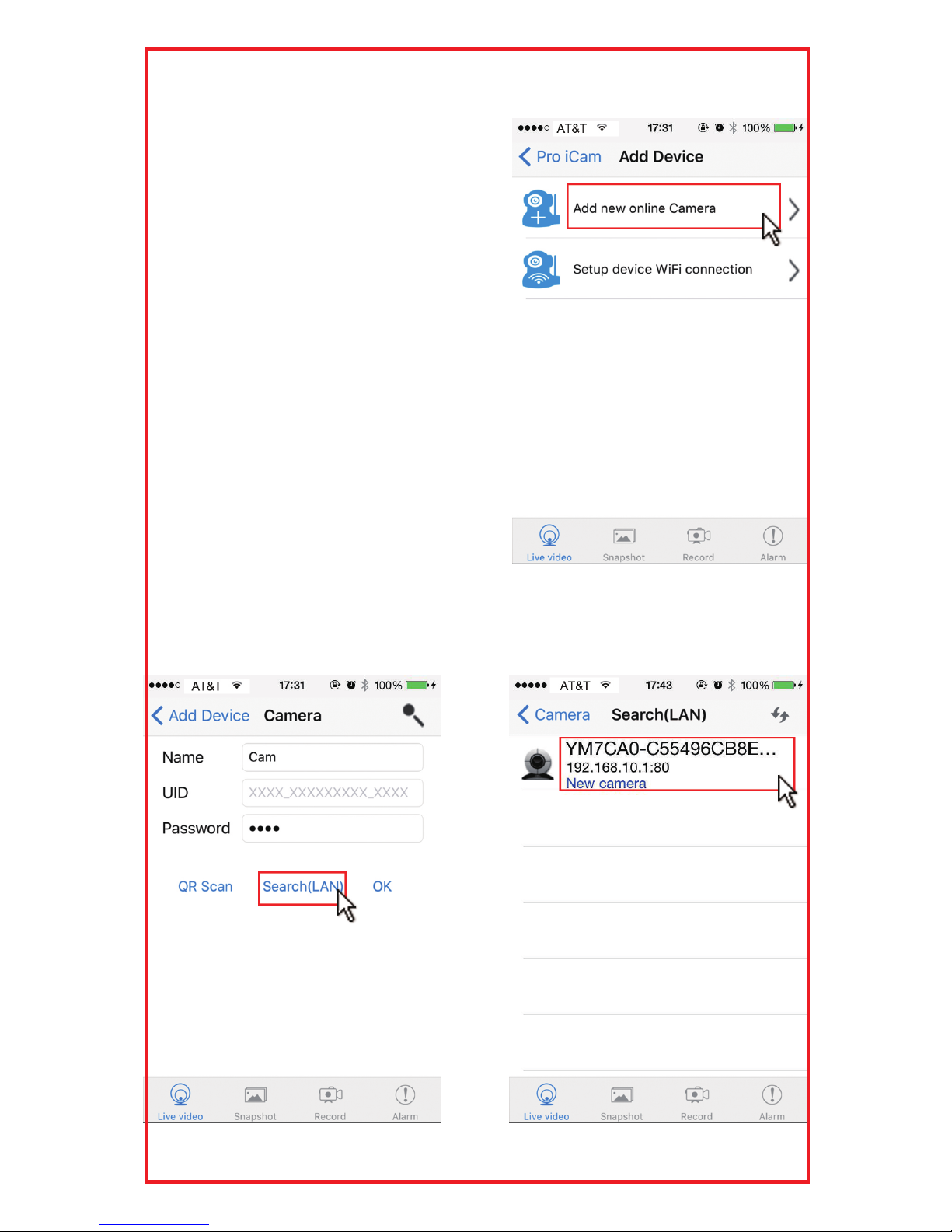
2. Open APP, press symbol +
at the top right corner, select
“Add new online camera”;
Search for new camera and
press OK. Then back to the rst
page to check the live video of
camera and do the following
setting.
TIPS:1.Please select【Change】
to change device
password for security
【default: 8888】;
2.This step = P2P mode,
can check video locally
when without Wi-Fi.
8
Table of contents
Other Spy Tec Security Camera manuals