INSTRUCTIONS INSTRUCTIONS
10. CD Program Play
In CD mode, you can set the sequence of playing by the program function, the operation
is as follows:
When CD is playing, press ST/PROG button, then the display shows:
Input the number of the song you want to program by the remote control, program the
first song, input your desired song, for example, the sixth song, and press number button
6 on the remote control. Program the second song, press button move the cursor to
2 . Input your desired song, for example, the ninth song, press number button 9 on
the remote control. Press button to program play.
Back to the normal mode, press the ST/PROG button, then press button.
Note: This function can only be worked by the remote control.
11. MP3 Program Play
In MP3 mode, you can set the sequence of playing by the program function, the
operation is as follows:
When MP3 is playing, press ST/PROG button, then the display shows:
Then, input desired song by remote control.
For example: Program the first song, input 01, press button move the cursor to the
second lattice, input desired song, for example the third song. Program the second song,
press button, work with button, move the cursor to 2 . Input 01, press button
move the cursor to the second lattice, input desired song, for example, the sixth song
(press 6). Press button to program play.
Back to the normal mode, press the ST/PROG button and then press button.
Note: This function can only be worked by the remote control.
PROG
TC
3__:__
4__:__
TC
7__:__
8__:__
5__:__
6__:__
TC
11__:__
12__:__
9__:__
10__:__
TC
15__:__
16__:__
13__:__
14__:__
PLAY DELETE
1__:__
2__:__
PROG
TC
3__:__
4__:__
TC
7__:__
8__:__
5__:__
6__:__
TC
11__:__
12__:__
9__:__
10__:__
TC
15__:__
16__:__
13__:__
14__:__
PLAY DELETE
1__:__
2__:__
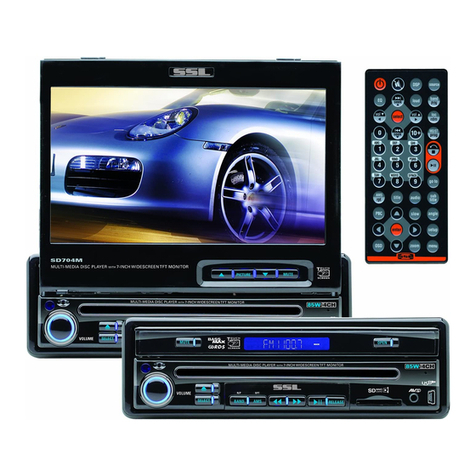
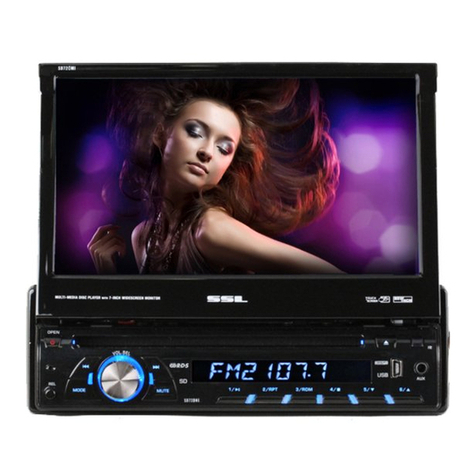
21. SD socket
This is a high-spees transmission interface, which can read high-capacity date in MP3 or
MP4 format.
25. Disc Out button
Press this button can eject the disc.
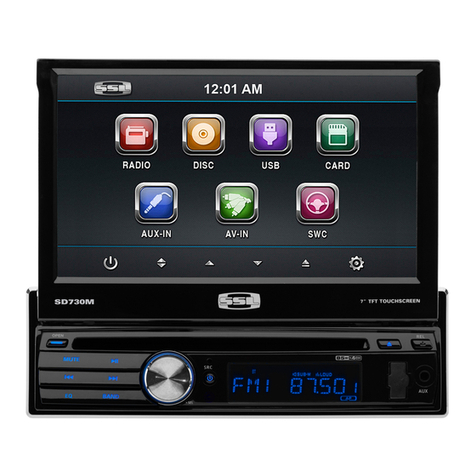
24. UP Adjustment(TFT Screen)/Hang-free
After the display screen is extended, press this button to adjust the upward view angle of
the screen in 5 steps of adjusting angle.
At Bluetooth state, when a phone come in, press this button can answer the phone.
23. DN Adjustment(TFT Screen)/Hang up
After the display screen is extended, press this button to adjust the downward view angle
of the screen in 5 steps of adjusting angle.
At Bluetooth state, when a phone come in, press this button can hang up the phone.
22. Reset button
Press this button can back to default mode.