manuals.online logo
Brands
  1. Home
  2. •
  3. Brands
  4. •
  5. Swann
  6. •
  7. Camcorder
  8. •
  9. Swann SW241-SD4 User manual

Swann SW241-SD4 User manual

Other Swann Camcorder manuals
Swann Spycam Color Video Camera User manual

Swann

Swann Spycam Color Video Camera User manual

Swann PenCam SW234-PC2 User manual

Swann

Swann PenCam SW234-PC2 User manual

Swann Home Series User manual

Swann

Swann Home Series User manual

Swann SW234-PC2 User manual

Swann

Swann SW234-PC2 User manual

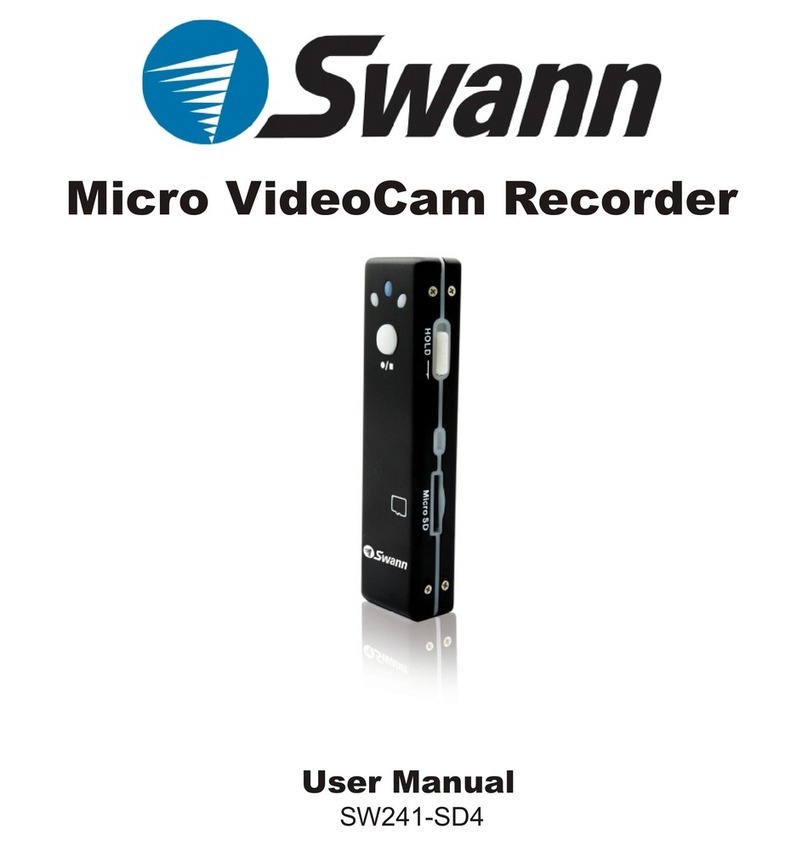
Swann MovieStick SW241-SD4 User manual
Swann

Swann MovieStick SW241-SD4 User manual

Swann DIY Security Cam User manual

Swann

Swann DIY Security Cam User manual

Swann PENCAM DVR-421TM User manual

Swann

Swann PENCAM DVR-421TM User manual

Swann HD Sports User manual

Swann

Swann HD Sports User manual

Swann PRO-T890 User manual

Swann

Swann PRO-T890 User manual

Swann PenCam SW234-PC2 User manual

Swann

Swann PenCam SW234-PC2 User manual

Swann SW241-SD4 User manual

Swann

Swann SW241-SD4 User manual
Popular Camcorder manuals by other brands

Vivitar DVR 830XHD owner's manual

Vivitar

Vivitar DVR 830XHD owner's manual

Panasonic HX-WA20PP Service manual

Panasonic

Panasonic HX-WA20PP Service manual

Sony HDR-AS10 operating guide

Sony

Sony HDR-AS10 operating guide

Canon FS1 instruction manual

Canon

Canon FS1 instruction manual

Sharp VL-H400S Operation manual

Sharp

Sharp VL-H400S Operation manual

Panasonic AJ-D900WAP operating instructions

Panasonic

Panasonic AJ-D900WAP operating instructions

Samsung VP-D6550 Owner's instruction book

Samsung

Samsung VP-D6550 Owner's instruction book

Sony Handycam HDR-FX1E operating instructions

Sony

Sony Handycam HDR-FX1E operating instructions

Sony Handycam HDR-FX1000 Specifications

Sony

Sony Handycam HDR-FX1000 Specifications

Naxa NDC-402 instruction manual

Naxa

Naxa NDC-402 instruction manual

LG L320-BN owner's manual

LG

LG L320-BN owner's manual

Vivitar DVR 865HD user manual

Vivitar

Vivitar DVR 865HD user manual

Toshiba CAMILEO Z100 user guide

Toshiba

Toshiba CAMILEO Z100 user guide

Panasonic NV-VS40B operating instructions

Panasonic

Panasonic NV-VS40B operating instructions

Canon RC 260 instructions

Canon

Canon RC 260 instructions

Sony Handycam DCR-DVD7E operating guide

Sony

Sony Handycam DCR-DVD7E operating guide

Brinno TimeLapse TLC200 user manual

Brinno

Brinno TimeLapse TLC200 user manual

JVC GR-SXM68AC Schematic diagram

JVC

JVC GR-SXM68AC Schematic diagram

manuals.online logo
manuals.online logoBrands
  • About & Mission
  • Contact us
  • Privacy Policy
  • Terms and Conditions

Copyright 2025 Manuals.Online. All Rights Reserved.

User Manual
SW241-SD4
Micro VideoCam Recorder
Thank you for purchasing the Micro VideoCam by Swann. The
Spy-Stick is ideal for use as a hidden camera or voice recorder.
Its small size makes the Micro VideoCam ideal for situations that
require a small portable video camera or discreet positioning.
Package Contents
Introduction
- Micro VideoCam
- USB Cable
FCC WARNING STATEMENT
This device complies with Part 15 of FCC Rules.
Operation is subject to the following two conditions:
(1) This device may not cause harmful interference, and
(2) This device must accept any interference received,
Including interference that may cause undesired operation
2
Top
Right
Left
Bottom
3
Micro VideoCam Overview
The Micro VideoCam Recorder accepts Micro SD memory
cards from 128MB up to 2GB. You must install a memory card
before recording options become available.
Insert the Micro SD card as shown.
Damage can occur if inserted
improperly.
Push the memory card until it clicks
into place. It will not protrude when
inserted correctly.
4
Recording Video
Step 1:
Turn the HOLD switch off
Step 2:
Press and hold the Power Button until the power indicator stops
flashing and remains blue
Step 4:
Press the Record/Stop to stop the recording
Warning:
Do not turn the power off when the unit is recording. Footage
will not be saved if the Micro VideoCam is turned off while
recording
Step 3:
Press the Record/Stop button to begin recording. The flashing
yellow light indicates the Micro VideoCam is recording. If no
light appears ensure the unit is powered on and a Micro SD card
is inserted correctly
5
Connect the USB Cable from the Micro VideoCam to a USB
port on your PC. When connected the blue Power Light will
appear on the Micro VideoCam. It will also go into charge
mode indicated by the blinking red Charger Light. Charge
the Micro VideoCam a minimum of 3 hours to maintain long
battery life.
When connected via USB the Micro VideoCam acts as a
removable disk. You can copy or delete video files from the
Micro VideoCam or view video footage by clicking on a
video. QuickTime is recommended for viewing recordings
and is available free at www.apple.com
When you are finished charging or viewing videos simply
remove the USB Cable from the Micro VideoCam.
6
7
352 x 288
2MB
NOTE: All jurisdictions have specific laws and regulations relating to the use
of cameras. Before using any camera for any purpose, it is the buyer’s
responsibility to be aware of all applicable laws and regulations that prohibit
or limit the use of cameras and to comply with the applicable laws and
regulations. The legality of watching people other than yourself changes
from country to country and even state to state. Contact your local
government's privacy information body or your local Police for more
formation on what if any restrictions you may face.
Swann Technical Support
If you have any questions or concerns
regarding any Swann Product, contact
your nearest technical support center below.
USA/Canada
1-877-274-3695
1-800-627-2799
Australia
1300 130 8324
Email
Tech@swann.com.au
Web
www.swannsecurity.com
www.swann.com.au
© Swann Communications 2008 En120508