2
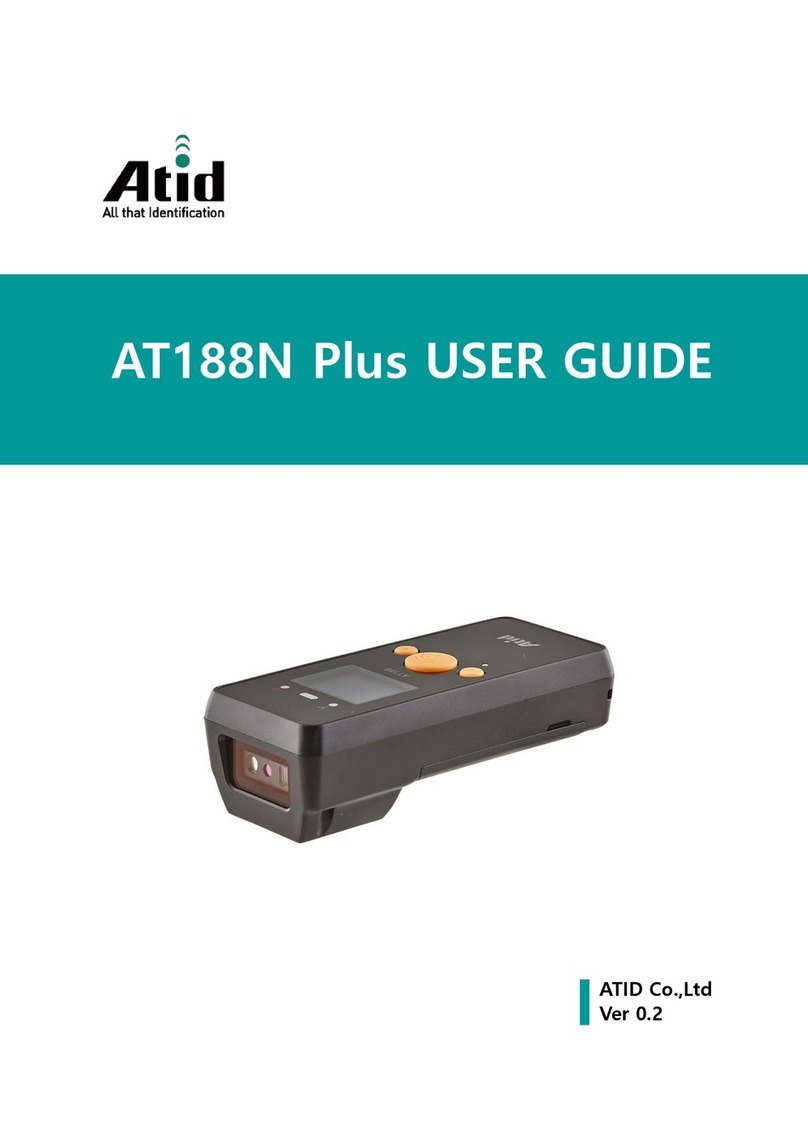
portable barcode scanner
Contents
1.Notices..................................................................................................................1
2.Introduction&Features.........................................................................................3
3.Application&Parameters......................................................................................4
4.Working Environment&Related Regulations..................................................... 5
5.Outside Introduction...........................................................................................6
6.USB Cable Installation........................................................................................ 7
7.Initialization Settings&Version Information.......................................................8
8.BluetoothPairing Method....................................................................................8
9.Pull up/Hide keyboard(IOS system)&Caps Lock Switch&Caps Lock Switch.. 9
10.Pairing steps with receiver..................................................................................10
11.Sound/Vibration Setting....................................................................................11
12.Sleep Time Setting..............................................................................................11
13.Ending Character Setting...................................................................................12
14.Keyboard Language Setting............................................................................... 13-14
15.Transmission Speed Setting&Bluetooth Protocal..............................................15
16.Working Modes.................................................................................................16-17
17.Change Bluetooth Name....................................................................................18
18.Hide Pre-characters/Post-characters.................................................................19-20
19.Prefix/Suffix Setting............................................................................................21-22
20.Enable/Disable HID Searching by Pressing Scan Button 8S Settings................23
24.Screen Language Setting....................................................................................28
23.Screen Show Products Information Settings.....................................................26-28
22.Update Time......................................................................................................25
21.Add Time As Prefix or Suffix.............................................................................24
25.AppendixA:Controlled Characters...................................................................29-31
27.FAQ(Frequently Asked Questions)..............................................................36
26.AppendixB:Displayable Characters ..............................................................32-35
28.Buzzer description...............................................................................................37
29.LED indicator......................................................................................................38