manuals.online logo
Brands
  1. Home
  2. •
  3. Brands
  4. •
  5. Ta Horng
  6. •
  7. Musical Instrument
  8. •
  9. Ta Horng EP-61 User manual

Ta Horng EP-61 User manual

Popular Musical Instrument manuals by other brands

Funkey SP-561 user manual

Funkey

Funkey SP-561 user manual

thomann DP-275 GP BP user manual

thomann

thomann DP-275 GP BP user manual

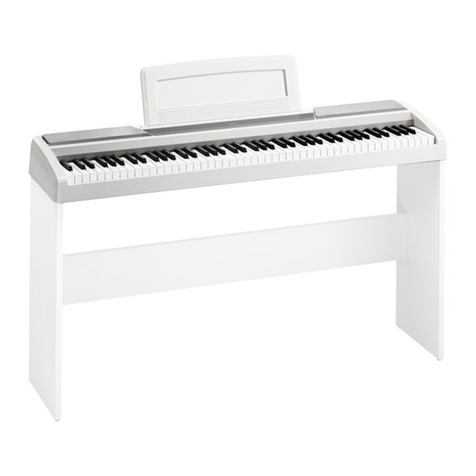
Kawai CN17 Operation guide

Kawai

Kawai CN17 Operation guide

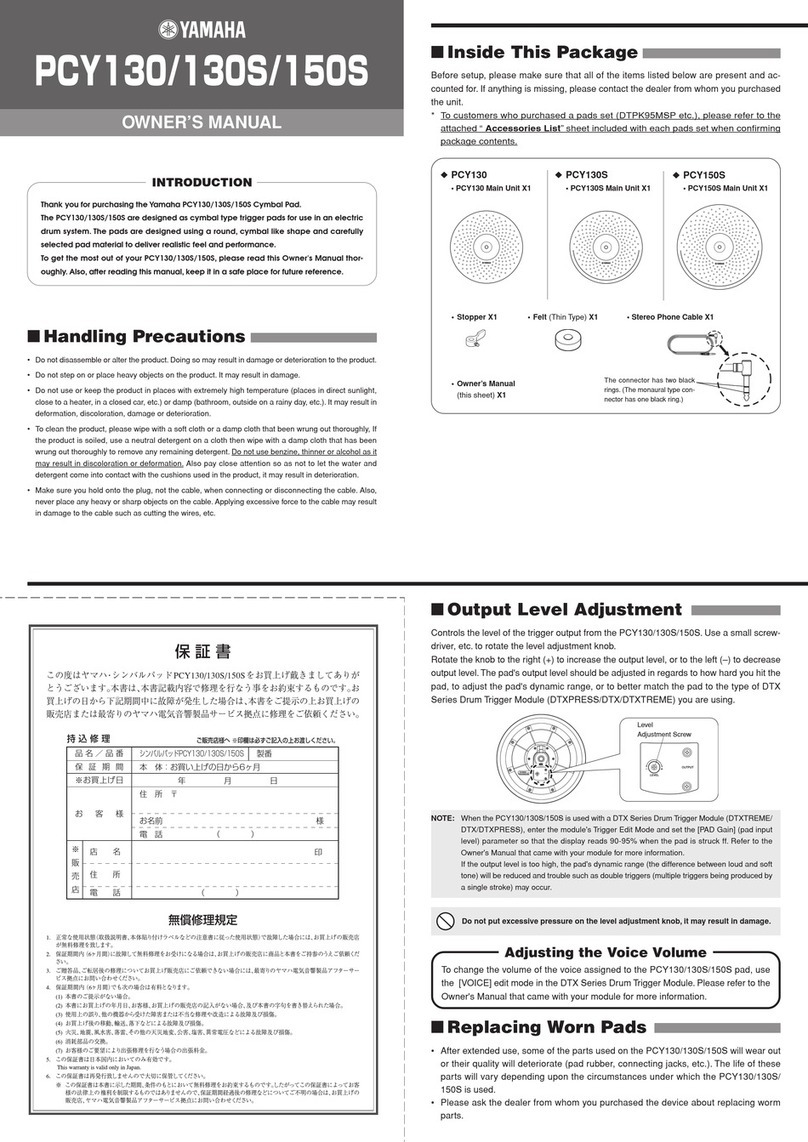
Yamaha PCY130 owner's manual

Yamaha

Yamaha PCY130 owner's manual

Roland LX-15 Brochure & specs

Roland

Roland LX-15 Brochure & specs

Johannus Rembrandt 200 user manual

Johannus

Johannus Rembrandt 200 user manual

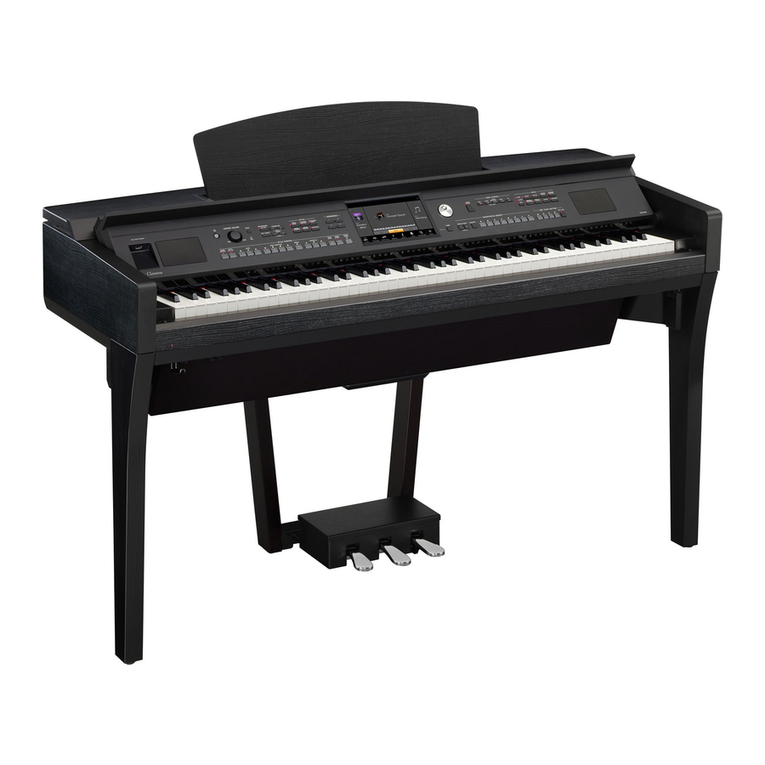
Yamaha Clavinova CVP-609 Reference manual

Yamaha

Yamaha Clavinova CVP-609 Reference manual

Casio celviano ap-700 user guide

Casio

Casio celviano ap-700 user guide

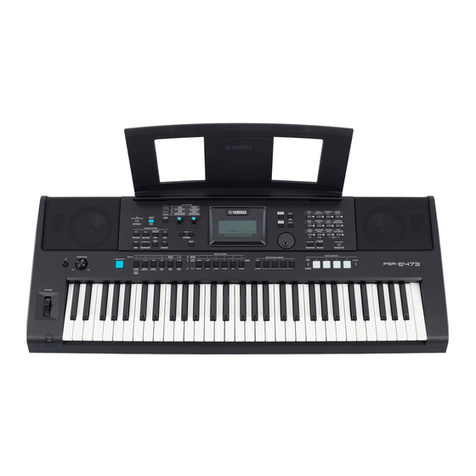
Yamaha PSR-E473 owner's manual

Yamaha

Yamaha PSR-E473 owner's manual

Modulus Quantum Series owner's manual

Modulus

Modulus Quantum Series owner's manual

Gear4music SDP-4 user manual

Gear4music

Gear4music SDP-4 user manual

HOMCOM 390-006 Assembly instruction

HOMCOM

HOMCOM 390-006 Assembly instruction

Xotic Guitars ProVintage Series owner's manual

Xotic Guitars

Xotic Guitars ProVintage Series owner's manual

Sadowsky MetroLine Series operating manual

Sadowsky

Sadowsky MetroLine Series operating manual

Bosendorfer CEUS user manual

Bosendorfer

Bosendorfer CEUS user manual

Yamaha Electone EL-17 owner's manual

Yamaha

Yamaha Electone EL-17 owner's manual

Alesis AHB-1 Assembly guide

Alesis

Alesis AHB-1 Assembly guide

Hotpoint RF512GP How to get the best

Hotpoint

Hotpoint RF512GP How to get the best

manuals.online logo
manuals.online logoBrands
  • About & Mission
  • Contact us
  • Privacy Policy
  • Terms and Conditions

Copyright 2025 Manuals.Online. All Rights Reserved.

Digital Piano
EP-61
USER’S GUIDE
■ Product Specifications
·Keyboard - 61 standard size keys, velocity sensitive
·Sounds - 128 sounds, maximum polyphony: 10
·Control Panel - Master volume, demo, velocity, octave (+/ -),
MIDI
in, enter, sound select, on/off
·Demo - 1 song
·Amplifier - 14 watts
·MIDI - In/out
·Auxiliary Jacks - sustain pedal, MIDI in, MIDI out, microphone in,
auxiliary out, headphones.
·Rear Panel Control - Microphone IN volume
·Speakers - 3.5 in. x 2
·Power Supply - DC 9V power adapter
·Dimensions - 94 x 31 x 13 cm
·Weight - 10.6 kg
·Supplied Accessories - Power adapter, music holder, owner's
manual,
Wooden Piano Stand
·Optional Accessories -Sustain Pedal
DC9V IN
88
1.PEDAL 3.MIDI IN 5.MIC IN 7.PHONES
2.MIDI OUT 4.VOLUME 6.AUX.OUT 8.DC9V IN
PEDAL
MIDI OUT MIDI IN VOLUME
MIC IN AUX.OUT PHONES
11223344556677
Real Panel Real Panel
==
;;
■ Playing the Demo Song
·Press the Demo button to play Demo Song.
·You can change sound by selecting other sound from sound bank
while the Demo Song is playing.
·To stop Demo song, press the Demo button again
■ Velocity
·Use Velocity button to switch touch sensitive and non-sensitive
playing modes.
■ Octave Adjustment
·Press the Octave + button to raise the pitches of the keyboard by
one octave, you can use 'Octave +' button to arise up to 3 octave.
·Press the Octave button to lower the pitches of the keyboard by
one octave, you can use 'Octave -' button to lower down to 3
octave.
■ MIDI (Musical Instrument Digital Interface) IN and OUT
·Press the MIDI IN button then LED is illuminated. Then MIDI IN
function is active.
·When MIDI IN is active, there will be no sound from keyboard.
·The MIDI IN jack on the rear panel is used to connect from other
instrument's MIDI OUT jack.
·The MIDI OUT jack on the rear panel is used to connect to another
instrument's MIDI IN jack.
■ PEDAL Input
·Pedal input is for 1/4" "normal on" sustain pedal(optional).
·Press the pedal to sustain the sound while playing on the keyboard.
·To stop end sustain just release pedal.
■ MIC IN
·Insert microphone into MIC IN jack on rear panel.
·Microphone can be used while keyboard playing.
■ Auxiliary OUT
·To use another amplifier just connect instrument cable into Aux
out .
Thanks for purchasing the EP-61 Digital Piano. This manual is
an overview of the EP-61. It will help you take all features of
this instrument
■ Getting Start
·Use the enclosed Power Adapter to connect the DC 9V IN jack on
the back panel.
·Before turn on the power switch, turn the master volume to min
volume.
·When you touch one of key on the keyboard, adjust the master
volume up to a comfortable level.
■ How to Select Sounds
·The default sound of EP-61 is the Acoustic Grand Piano.
·Using the sound banks listed on the front panel to select a sound
then enter the number by using Sound Select buttons. Press the
enter button.
■ PHONE
·Before insert headphone jack into phones on the rear panel, turn
the master volume to min volume then adjust the comfortable level
by increasing master volume. .
·When phone jack is connected, speakers are turned off
OFF
77
MASTER VOLUME
------------------------------ SOUND SELECT ------------------------------
SOUND BANK(6 5-128) POWER
ON
SOUND BANK(1 -64)
ENTER
VELOCITY OCTAVE- OCTAVE+ MIDI IN
0965
4321 87
DEMO
11
99
66
44
225588
33
1.MASTER VOLUME 4.OCTAVE - 7.ENTE R
2.DEM O 5. OCTAVE + 8.SOUND SE LE CT(1- 0)
3.VEL OCITY 6.MIDI IN 9.POWER ON/OFF
automatically.
Front Panel Front Panel