manuals.online logo
Brands
  1. Home
  2. •
  3. Brands
  4. •
  5. TAGG
  6. •
  7. Wireless Headphones
  8. •
  9. TAGG INFERNO User manual

TAGG INFERNO User manual

Popular Wireless Headphones manuals by other brands

TaoTronics TT-BH042 user guide

TaoTronics

TaoTronics TT-BH042 user guide

Avantree Ensemble BTHT-5150 user manual

Avantree

Avantree Ensemble BTHT-5150 user manual

Polaroid PLSTN36BK user guide

Polaroid

Polaroid PLSTN36BK user guide

Audity Infinite user manual

Audity

Audity Infinite user manual

Bowers & Wilkins PI4 manual

Bowers & Wilkins

Bowers & Wilkins PI4 manual

Bang & Olufsen Beoplay 500 quick start guide

Bang & Olufsen

Bang & Olufsen Beoplay 500 quick start guide

Krüger & Matz Play owner's manual

Krüger & Matz

Krüger & Matz Play owner's manual

Niceboy Hive Sport 2 manual

Niceboy

Niceboy Hive Sport 2 manual

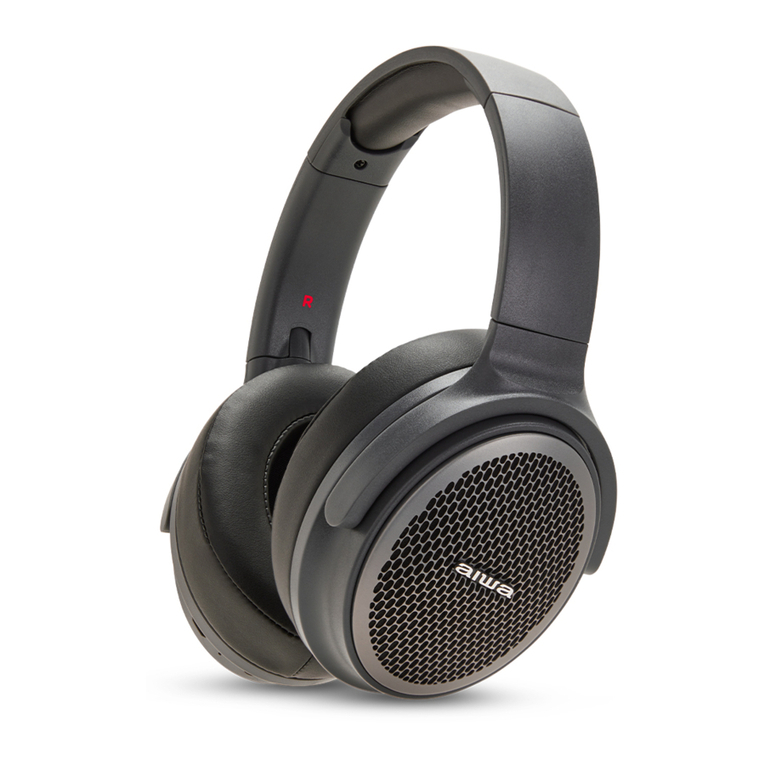
Aiwa HST-250BT quick start guide

Aiwa

Aiwa HST-250BT quick start guide

Sennheiser TR 185 instruction manual

Sennheiser

Sennheiser TR 185 instruction manual

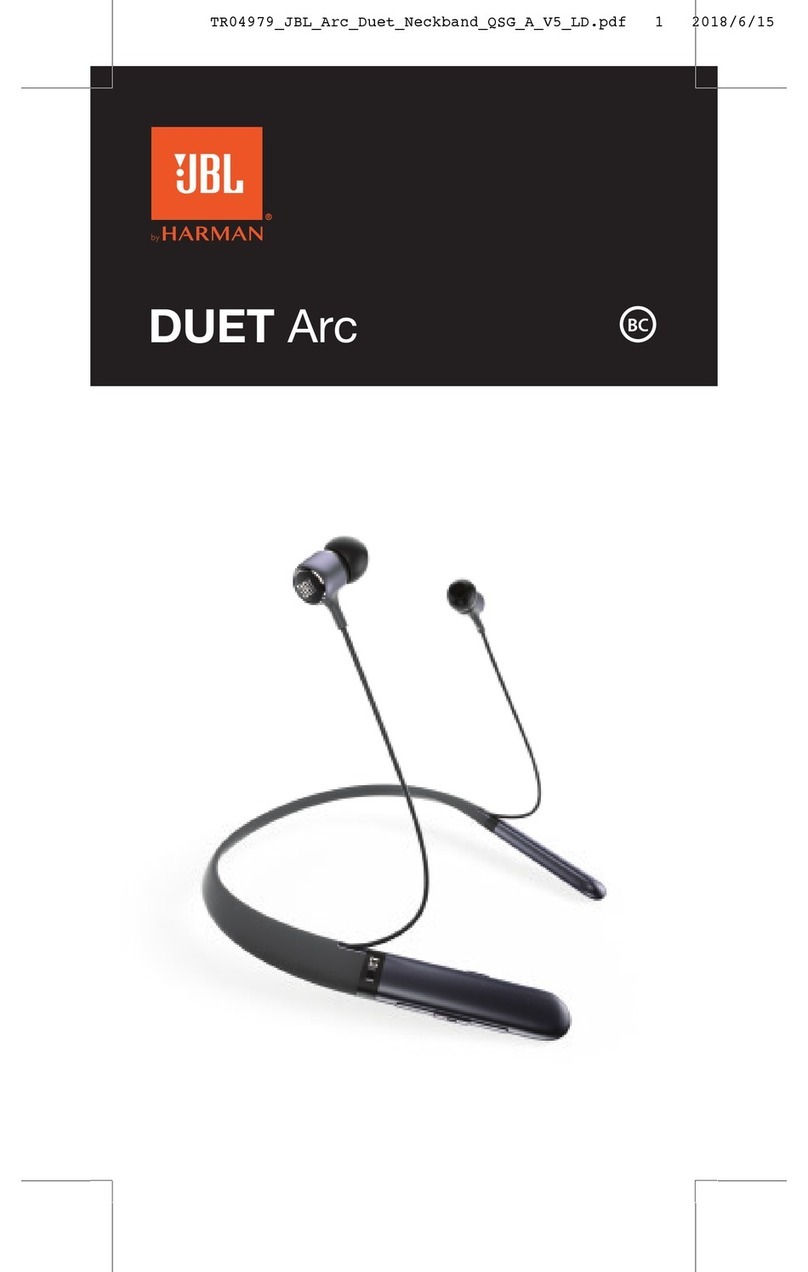
JBL DUET Arc quick start guide

JBL

JBL DUET Arc quick start guide

UNDER ARMOR UA STREAK quick start guide

UNDER ARMOR

UNDER ARMOR UA STREAK quick start guide

JLab Audio FLEX quick start guide

JLab Audio

JLab Audio FLEX quick start guide

Mixx StreamQ C1 quick start guide

Mixx

Mixx StreamQ C1 quick start guide

MOB MO6249 user manual

MOB

MOB MO6249 user manual

Skullcandy Uproar user manual

Skullcandy

Skullcandy Uproar user manual

Pioneer SE-E8TW operating instructions

Pioneer

Pioneer SE-E8TW operating instructions

Harman JBL TUNE 500BT quick start guide

Harman

Harman JBL TUNE 500BT quick start guide

manuals.online logo
manuals.online logoBrands
  • About & Mission
  • Contact us
  • Privacy Policy
  • Terms and Conditions

Copyright 2025 Manuals.Online. All Rights Reserved.

TAGG
--INFERNO--
USER’S MANUAL
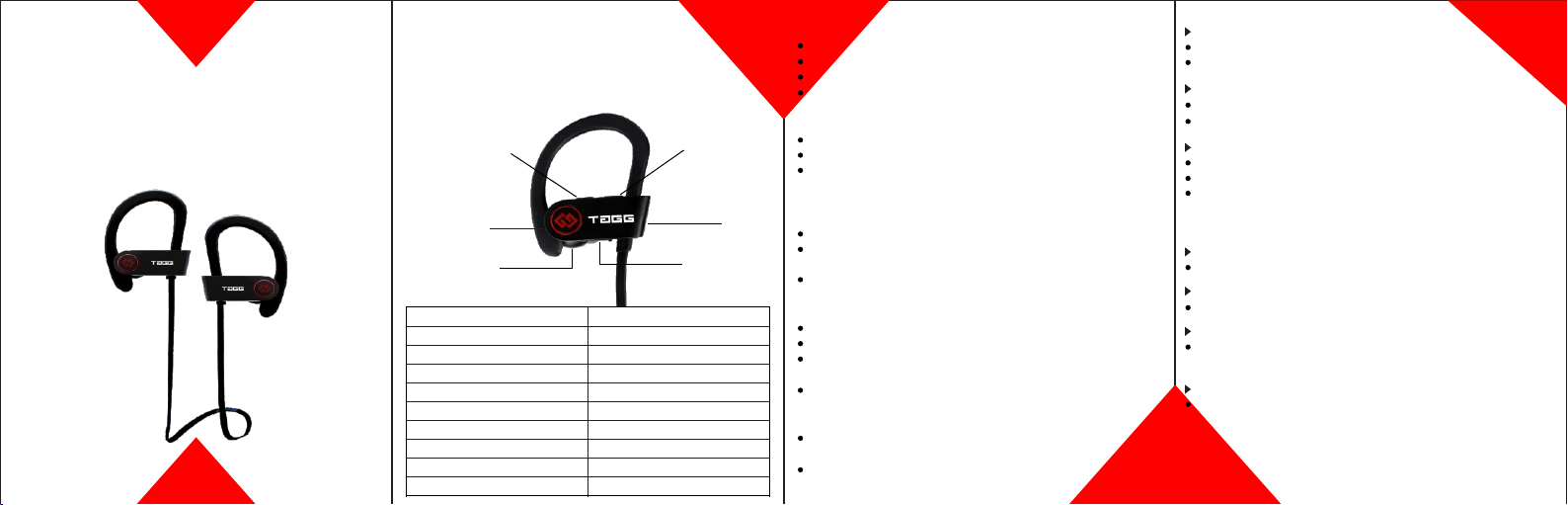
FUNCTION OPERATION
Power ON Long press the HOME button for 3 secs
Power OFF Long press the HOME button for 3 secs
Pairing Mode Blue and Red LED will start blinking
Blue LED will blink
Short press the HOME button
Long press the Volume “ +” & “-”
Press the “+” & “-” button
Press the “+” & “-” button while on call
Connected
Answer Call
End Calls
Change Track
Volume “+” & “-”
Mic Volume
LED
USB Port
Speaker
Power Button
Volume Button”+”/
Next Song
Volume Button”-”/
Previous Song
"Thank you for purchasing TAGG Inferno wireless earphones
with Bluetooth v.4.1 and echo elimination technology. Our
primary goal is to please you with superior sound quality and
comfort combined with convenience of hands free operation.
Here is some useful piece of information that will help you operate
this earphone properly:"
Connecting with your device:
Keep your bluetooth device with in 3 Ft. while pairing.
Press the POWER button of TAGG inferno earphone for 3 secs.
Blue and Red LED will blink and earphone is in the pairing mode.
Now search for available bluetooth devices in your
Mobile/Laptop/iPad and select TAGG inferno from the list of
available devices.
If prompted, enter password or PIN required “0000”.
If prompted by your mobile phone to connect, click “YES”.
After successfully connecting Blue LED will flash twice after
every 4 secs.
How to charge:
Connect to power using Micro USB.
To better protect the battery life, kindly use only the charging
cable provided with the earphone .
Allow 1-2 hours to completely charge the earphone.
LED Indications:
While charging - Red LED is On.
When completely charged - Blue LED is On.
When battery is low, Red LED blinks every four seconds twice
and the voice prompt will let you know that battery status.
Pairing mode- Blue and Red LED starts flashing.
Reconnect the earphone:
If the connection is lost, TAGG inferno will try to reconnect
automatically.
If it does not reconnect, kindly press the POWER button for
3 secs and reconnect manually through your mobile bluetooth.
Common problems and solutions:
Mobile can’t find the earphone:
Kindly restart your phone and the earphone.
There’s always noise and the bluetooth keeps disconnecting:
The earphones needs to be charged.
Make sure you are not beyond the signal distance.
Bluetooth is connected but you are unable to listen to music:
Check your device setting to adjust the sound on hands free mode.
Some devices require you to select the device twice.
Some devices do not have complete stereo bluetooth,
kindly connect the earphone with another device to check if it is
functioning properly.
Bluetooth password:
“0000”
Maximum distance:
20 ft.
Red LED is not ON while charging:
This could be due to lack of use of earphone. It needs to be
charged for 30 min before the Red LED occurs.
Restore the factory setting:
To restore factory settings, hold the POWER button for about
three seconds when charging untill the Red and Blue LED
flashes three times.

Accessories :
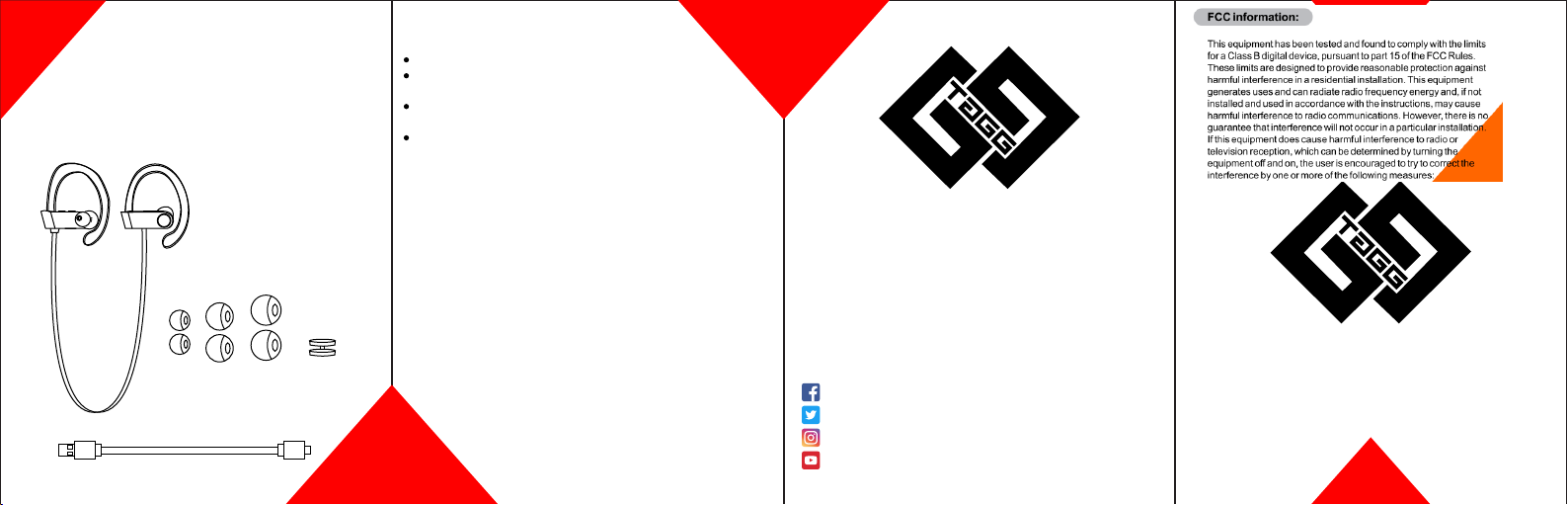
1 x TAGG Inferno earphone
1 x Charging cable
3 x Silicon ear tips
1 x Cable clip
1 x Carry pouch
Safety rules:
Avoid overcharging.
Do not keep the earphone in closed area and avoid being
exposed to hot temperature.
Never disassemble or modify your earphone because of
any reason.
Make sure the device does not get wet.
Thank you very much for choosing TAGG as your trusted brand of
bluetooth earphone and we sincerely hope you enjoy the great sound
and comfort TAGG provides. We love making our customers
happy by providing true value with our products. If for any reason
you are not completely satisfied with your purchase let us know
immediately and we will do anything to make sure you are happy.
Contact Us : [email protected]
Website : www.taggdigital.com
We are Social, Follow us on:-
https://www.facebook.com/TAGGDigital/
https://twitter.com/TAGGOfficial
https://www.instagram.com/tagg_digital/
https://www.youtube.com/channel/UCjLX5UcN_tHFaMeFBpIqJhg
Exceptional warranty:
We offer simply the best, customer support that will never rest
until you are absolutely satisfied!
TAGG products come with 12 months replacement warranty.
Product registration is mandatory on our website within 15 days
of your purchase in case you want to claim the warranty.
This device complies with Part 15 of the FCC rules. Operation is subject
to the following two conditions: 1) this device may not cause harmful
interference, and 2) this device must accept any interference received,
including interference that may cause undesired operation.
Changes or modifications not expressly approved by the party
responsible for compliance could void your authority to operate the
equipment.