manuals.online logo
Brands
  1. Home
  2. •
  3. Brands
  4. •
  5. TERMA
  6. •
  7. Thermostat
  8. •
  9. TERMA TT-IR User manual

TERMA TT-IR User manual

Other manuals for TT-IR

2

Other TERMA Thermostat manuals

TERMA TT-IR User manual

TERMA

TERMA TT-IR User manual

TERMA TT-IR User manual

TERMA

TERMA TT-IR User manual

Popular Thermostat manuals by other brands

EWELLY EW-181 manual

EWELLY

EWELLY EW-181 manual

Prolon T1100 Hardware guide

Prolon

Prolon T1100 Hardware guide

Computherm Q20 operating instructions

Computherm

Computherm Q20 operating instructions

Heatmiser neoStat user manual

Heatmiser

Heatmiser neoStat user manual

Mars HEAT CONTROLLER IR Wireless Thermostat user manual

Mars

Mars HEAT CONTROLLER IR Wireless Thermostat user manual

Saswell SAS920XWHB-7-S-RF User manual and warranty card

Saswell

Saswell SAS920XWHB-7-S-RF User manual and warranty card

Aircalo TFP1-ET85P2 operating manual

Aircalo

Aircalo TFP1-ET85P2 operating manual

Honeywell CM721 user manual

Honeywell

Honeywell CM721 user manual

Carrier DEBONAIR 33CS Installation and operating instructions

Carrier

Carrier DEBONAIR 33CS Installation and operating instructions

Lennox iHarmony Zone Thermostat Installation and setup guide

Lennox

Lennox iHarmony Zone Thermostat Installation and setup guide

Gemtech GT7000 Operation

Gemtech

Gemtech GT7000 Operation

Rollei Smartes 45000 manual

Rollei

Rollei Smartes 45000 manual

Sinope TH1300RF user guide

Sinope

Sinope TH1300RF user guide

Honeywell RLV4305 owner's guide

Honeywell

Honeywell RLV4305 owner's guide

Honeywell Prestige 2.0 THX9421 manual

Honeywell

Honeywell Prestige 2.0 THX9421 manual

NuTone NTBZ48 Installation & operation guide

NuTone

NuTone NTBZ48 Installation & operation guide

Stelpro MAESTRO ASMT402AD user guide

Stelpro

Stelpro MAESTRO ASMT402AD user guide

Honeywell T6811 quick guide

Honeywell

Honeywell T6811 quick guide

manuals.online logo
manuals.online logoBrands
  • About & Mission
  • Contact us
  • Privacy Policy
  • Terms and Conditions

Copyright 2025 Manuals.Online. All Rights Reserved.

FRENDE PL RU
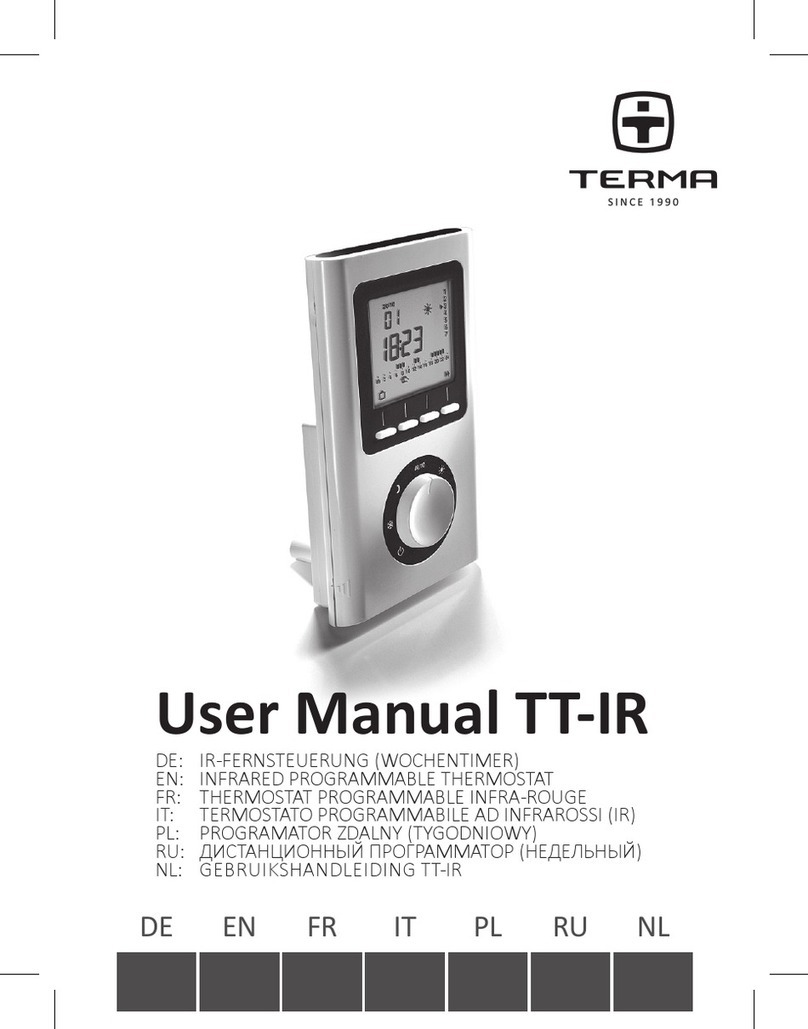
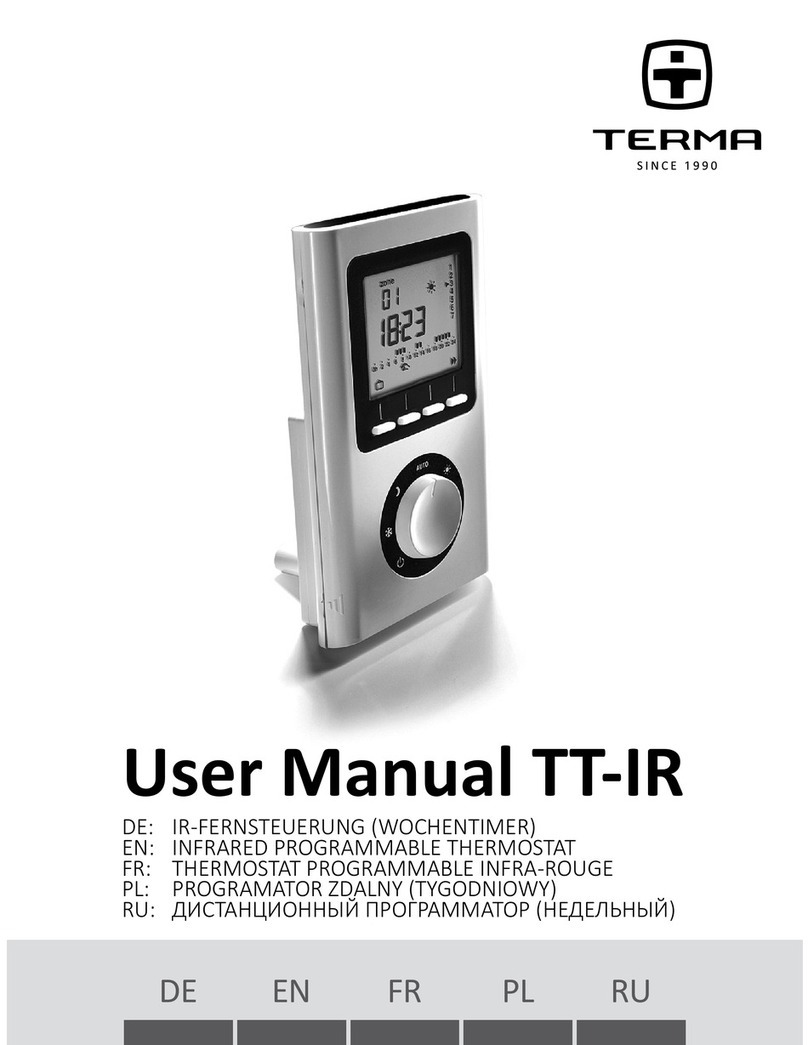
DE: IR-FERNSTEUERUNG (WOCHENTIMER)
EN: INFRARED PROGRAMMABLE THERMOSTAT
FR: THERMOSTAT PROGRAMMABLE INFRA-ROUGE
PL: PROGRAMATOR ZDALNY (TYGODNIOWY)
RU: ДИСТАНЦИОННЫЙПРОГРАММАТОР(НЕДЕЛЬНЫЙ)
User Manual TT-IR
Programmable Towel Radiator Manual
Page 1
TT-IR Manual
21
Contents
Descripon.......................................................22
Locaon............................................................23
Mounngs........................................................ 24
Starngup........................................................25
Returntotheinialsengs ............................ 27
TimeSeng .....................................................28
Sengthetemperatures(set-points)............. 28
Programming ...................................................29
Automacmode ..............................................32
Absence mode .................................................33
Manual mode...................................................34
Shutdown mode...............................................35
Changingthebaeries.....................................36
12
Page 1
....................................2
.........................................3
......................................4
......................................5
.................6
....................................7
.....8
...................................9
..............................12
.................................13
...................................14
................................15
.........................16
Charachteristics
Contents
Description....................................................... 2
Location............................................................ 3
Mountings........................................................ 4
Starting up........................................................ 5
Return to the initial settings............................ 6
Time Setting..................................................... 7
Setting the temperatures (set-points)............. 8
Programming ................................................... 9
Automatic mode .............................................. 12
Absence mode ................................................. 13
Manual mode................................................... 14
Shutdown mode............................................... 15
Changing the batteries..................................... 16
Characteristic’s ................................................ 36
Description....................................................... 2
Location............................................................ 3
Mountings........................................................ 4
Starting up........................................................ 5
Return to the initial settings............................ 6
Time Setting..................................................... 7
Setting the temperatures (set-points)............. 8
Programming ................................................... 9
Automatic mode .............................................. 12
Absence mode ................................................. 13
Manual mode................................................... 14
Shutdown mode............................................... 15
Changing the batteries..................................... 16
Characteristic’s ................................................ 36
Contents
Description....................................................... 2
Location............................................................ 3
Mountings........................................................ 4
Starting up........................................................ 5
Return to the initial settings............................ 6
Time Setting..................................................... 7
Setting the temperatures (set-points)............. 8
Programming ................................................... 9
Automatic mode .............................................. 12
Absence mode ................................................. 13
Manual mode................................................... 14
Shutdown mode............................................... 15
Changing the batteries..................................... 16
Characteristic’s ................................................ 17
2
3
4
5
6
7
8
9
12
13
14
15
16
17

22
Descripon
Baery level
indicator
Current mode
(e.g. comfort)
Temperature
(set or
measured) Current day
Adjustment
buons
Heang demand
mode
Automac
mode
Program
prole
Economy Comfort
Frost Protecon Time
seng
Shutdown Programming
Cover
opening
marks
Time
Page 2
Page 2
23
Locaon
Tocontroltheheang,thethermostatmustmeasurethemostrepre-
sentaveroomtemperatureinyourhome.Asthetemperaturemeasure-
mentprobeisinthetransmierunit,youmustplacetheunit:
– wall-mounted or placed on a shelf or accessible furniture at a height of
1.50 m,
–awayfromheatsources(replaces,sunlight)anddraughts(windows,
doors),
Beforemounnginthenalposion,ensurenoobjectcanblockthe
transmissionbetweenthetransmierandtheradiator’sreceiver.
wall-mounted
approx.
height
1.50 m
placed on
furniture
min. 20 cm
IMPORTANT:
Do not install the
thermostat on
a wall in contact with
the outside or in an
unheated room
(e.g. garage, etc.).
Page 3
Page 3
24
•WallmounngSecurethether-
mostat using the screws and pegs
ortontoaush-mountedbox
(❶,distancebetweencentres
60 mm).
•Liothecoverbyusing
ascrewdriver.Usethescrew-
drivertoremovethebaeries
supplied from the unit.
•Fitthebaeriesback,ensuring
thattheyarecorrectlyed.
•Placethecoverbackonthe
thermostat.
Mounngs
Page 4
Page 4
25
Starng up
Turn the knob to Shutdown and press the
right-handbuonfor5secondsunlH601
(maintenancemenureservedforthe
installer).
Press OK.
The screen displays CF01.
CF01 – Correcon of room temperature
measurement.
Ifthereisadierencebetweenthetempera-
ture noted (thermometer) and the tempera-
ture measured and displayed by the unit, the
menu acts on the measurement of the probe
soastocompensateforthisdierence(from
-4° Cto+4° Cinstepsof0.1° C).
Press +or –to make your choice, OK to
conrmitandgotothenextmenu.
5 sec.
Page 5
Page 5
5
Page 5
26
CF02 – AUTO mode temperature
display opon
Temperature displayed
Connuousroomtemperature
display
Connuousdisplayofthe
set-point
Press +or –tomakeyourchoice,OKtoconrmitand
go to the next menu.
CF03 – Infrared test (not applied in some
receivers)
Thetransmiersendsaframetothereceiver
every3seconds.CheckthatthereceiverLED
asheseachmeitreceivestheframes.
Turntheknobtoexittheconguraon
mode.
Page 6
Page 6
27
Return to the inial sengs
Youcancarryoutageneralresettoreturntothefactorysengs:
–theinstallersengs(grayedoutonthestartupmenus),
–themeandday,
– set-point temperatures,
– default program.
Turn the knob to Shutdown then press the
le-handbuonfor10secondsunlinit is
displayed.
Press OKtoconrmorCto cancel.
Return to the shutdown mode display.
10 sec.
Page 7
Page 7
28
Time Seng
Seng the temperatures (set-points)
Turn the knob to .
Thedaysash.Press+or –to make your
choice,OKtoconrmitandgotothenext
seng.Repeattheoperaonstosetthe
hours and minutes.
Turntheknobtoexittheseng
mode.
Turn the knob to:
 –tosetthefrostprotecontemperature
(5° Cto15° C,7° Cbydefault),
– to set the economy temperature
(10° Cto30° C,15° Cbydefault),
 –tosetthecomforttemperature(10° C
to30° C,66.20°Fbydefault),Press+
or –to make your choice.
Turntheknobtoexitthesengmode.
Day
Hours
Minutes
Page 8
29
Programming
Whenstarngup,the“Comfortmodefrom6a.m.to11p.m.”programis
applied to all the days of the week. To change the programming, turn the
knob to PROG. The 1stmeslotashesonando.
1. Create your program
Programming starts on day 1 at midnight.
Press the or buonstocreatedierentEconomyorComfort
periods.
Economy mode
for 1 hour
Comfort for 1 hour
Go to the next
program change
Conrm and go to
the next day
2. Conrm and copy the program
Press and hold the OKbuonfor3secondstoconrmtheprogramyou
created and copy it to the next day.
Page 9