manuals.online logo
Brands
  1. Home
  2. •
  3. Brands
  4. •
  5. Thermaltake
  6. •
  7. Water Pump
  8. •
  9. Thermaltake Pacific PR22-D5 Plus User manual

Thermaltake Pacific PR22-D5 Plus User manual

Popular Water Pump manuals by other brands

Neptun NPHW 5500 operating instructions

Neptun

Neptun NPHW 5500 operating instructions

Sensidyne Gilian BDX-II Operation & service manual

Sensidyne

Sensidyne Gilian BDX-II Operation & service manual

Draper 47808 instructions

Draper

Draper 47808 instructions

Trolla 12820 manual

Trolla

Trolla 12820 manual

Sunfab SVH Series installation guide

Sunfab

Sunfab SVH Series installation guide

WilTec 50740 Operation manual

WilTec

WilTec 50740 Operation manual

Fieldmann FVC 5015 EK user manual

Fieldmann

Fieldmann FVC 5015 EK user manual

Everbilt EFSUB5-122HD Use and care guide

Everbilt

Everbilt EFSUB5-122HD Use and care guide

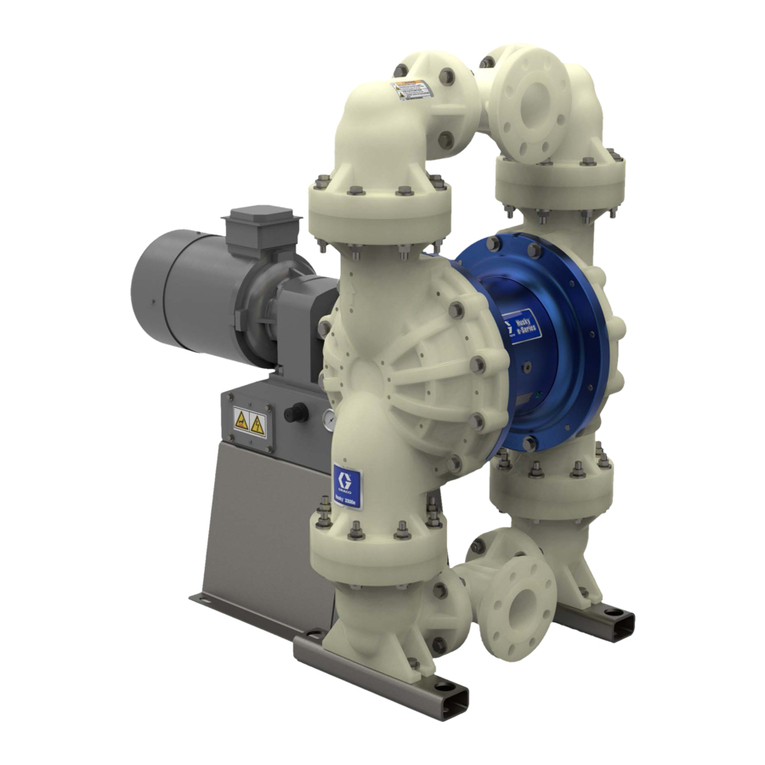
Graco Husky 3300e manual

Graco

Graco Husky 3300e manual

esotec 101018 operating manual

esotec

esotec 101018 operating manual

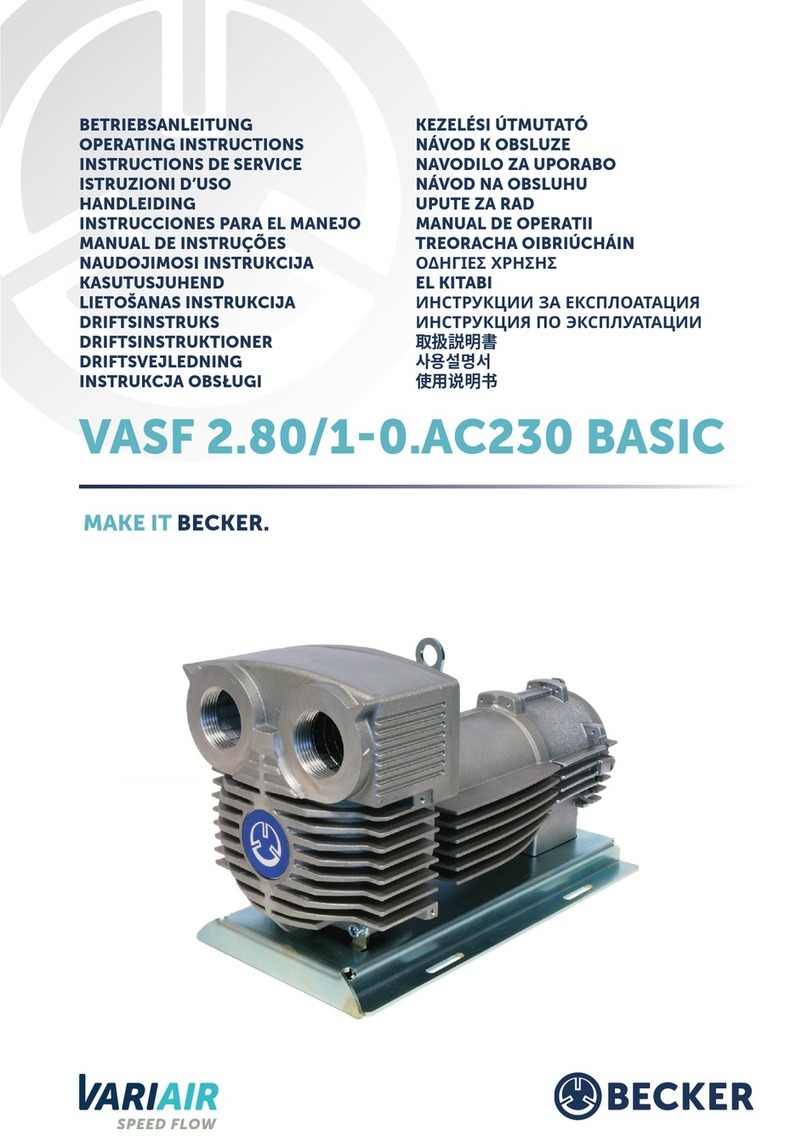
Becker BASIC VASF 2.80/1-0.AC230 operating instructions

Becker

Becker BASIC VASF 2.80/1-0.AC230 operating instructions

Sykes AmeriPumps GP100M Operation and maintenance instructions

Sykes AmeriPumps

Sykes AmeriPumps GP100M Operation and maintenance instructions

DUROMAX XP WX Series user manual

DUROMAX

DUROMAX XP WX Series user manual

BRINKMANN PUMPS SBF550 operating instructions

BRINKMANN PUMPS

BRINKMANN PUMPS SBF550 operating instructions

Franklin Electric IPS Installation & operation manual

Franklin Electric

Franklin Electric IPS Installation & operation manual

Xylem e-1532 Series instruction manual

Xylem

Xylem e-1532 Series instruction manual

Milton Roy PRIMEROYAL instruction manual

Milton Roy

Milton Roy PRIMEROYAL instruction manual

STA-RITE ST33APP owner's manual

STA-RITE

STA-RITE ST33APP owner's manual

manuals.online logo
manuals.online logoBrands
  • About & Mission
  • Contact us
  • Privacy Policy
  • Terms and Conditions

Copyright 2025 Manuals.Online. All Rights Reserved.

This product is intended for installation only by expert users. Please consult with a qualified technician for installation.
Improper installation may result in damage to your equipment.
1. Please carefully read the manual before beginning the installation process !
2. It is strongly recommended to use market proven pre-mix coolant, such as Thermaltake Coolant 1000.
3. DO NOT USE any kind of alcohol or alcohol derivatives with this reservoir or the acrylic tube may crack and fail ! Do not clean it using alcohol either !
Installation Guide
Parts List
Clip
Nuts
Wrench Clip Sponge Bracket
Bracket Sponge
G1/4 Stop Plug
Wrench
Cable Ties
Short Screws
Long Screws
Ax 2
Bx 8 Cx 8
Dx 1 Ex 2 Fx 2
Gx 4
Hx 2
Lx 1 Mx 1 Nx 1 Ox 1 Px 1 Qx 1
Ix 1
Jx 1
Kx 4
F
F
G
G
H
H
I
C
C
B
B
There are two types of mounting kits,
please choose the mounting kit you want to
use (Both types can be installed together)
Install your fittings and tubes,
remember to use the bottom as
an outlet and top as an inlet.
Connect the reservoir cable to
the conversion cable.
1 2 3
A
AB
CD
E
E
C
B
More Language (Deutsch, Español, Français, Italiano, Português,
Русский, Türkçe, 简体中文, 正體中文, 日本語, ภาษาไทย)
Please visit www.thermaltake.com
Support
16.8 Million Colors
Pacific PR22-D5 Plus
Pump+Reservoir
J
O
Controller Power Cable Velcro
Controller Cable Conversion cable Bridge Cable
1 0 5 G是X X 雙銅
單色 無無
其他特 殊處理效果表面處 理
2
厚度(g/m )
折數 材質雙面印 刷 印刷色彩單面印 刷
規格樣 式
單張 CHECK DESIGN
藍色線條為尺寸標示,請勿印刷上去!
210 mm
297 mm
刀模線
產品料號
C L - W 18 7 -P L0 0 SW - A P a c i fi c P R2 2- D 5 Pl u s 說明書 17/07 /0 3 A
產品名稱 印刷項目 發 稿日期 版 本
Peipei
(17/07/03)
Mike.Lin
(17/07/03)

Installation Guide
4
6
5
L
M
Connect the reservoir cable onto the controller.
Set the DIP switch on the back side of the controller
to assign the number of the controller
NO.1
ON
1 2 3 4
NO.3
ON
1 2 3 4
NO.2
ON
1 2 3 4
NO.4
ON
1 2 3 4
NO.9
ON
1 2 3 4
NO.11
ON
1 2 3 4
NO.10
ON
1 2 3 4
NO.12
ON
1 2 3 4
NO.5
ON
1 2 3 4
NO.7
ON
1 2 3 4
NO.6
ON
1 2 3 4
NO.8
ON
1 2 3 4
7
L
C
123
45
ON
1 2 3 4
M
NO.13
ON
1 2 3 4
NO.15
ON
1 2 3 4
NO.14
ON
1 2 3 4
NO.16
ON
1 2 3 4
Connect the controller cable onto the mainboard
(USB 2.0 9 pin) and controller.
9
8
If you want to connect two or more connectors,
you can use the bridge cable to connect the
controllers.
Connect the power cable to the 4pin Molex
connecter and controller.
N N
P P
© 2017 Thermaltake Technology Co., Ltd. All Rights Reserved.
www.thermaltake.com
After adding the recommended coolant, remember to
fill the reservoir to only 80% and leave the fill port cap
off. This will help stabilize your internal loop pressure
Keep the reservoir cap dry!
Do not allow coolant to
access the wire and
the LED module
Caution!
I
1 0 5 G是X X 雙銅
單色 無無
其他特 殊處理效果表面處 理
2
厚度(g/m )
折數 材質雙面印 刷 印刷色彩單面印 刷
規格樣 式
單張 CHECK DESIGN
藍色線條為尺寸標示,請勿印刷上去!
210 mm
297 mm
刀模線
產品料號
C L - W 18 7 -P L0 0 SW - A P a c i fi c P R2 2- D 5 Pl u s 說明書 17/07 /0 3 A
產品名稱 印刷項目 發 稿日期 版 本
Peipei
(17/07/03)
Mike.Lin
(17/07/03)