manuals.online logo
Brands
  1. Home
  2. •
  3. Brands
  4. •
  5. Toshiba
  6. •
  7. Portable DVD Player
  8. •
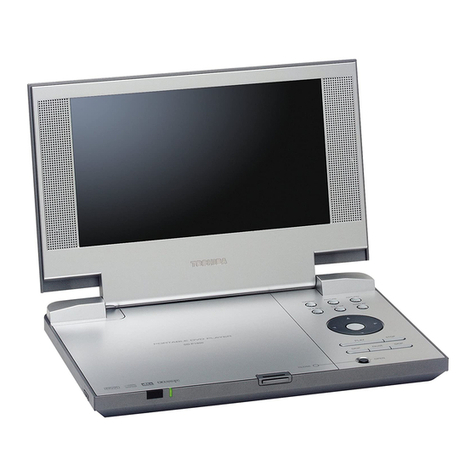
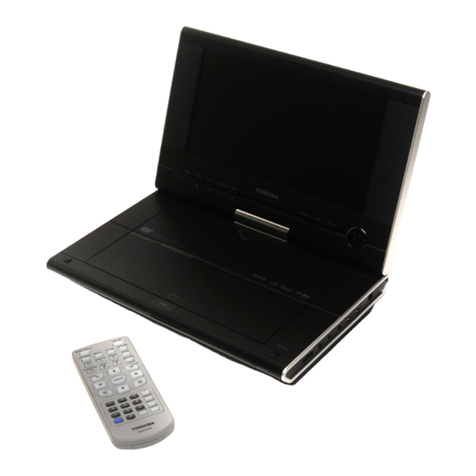
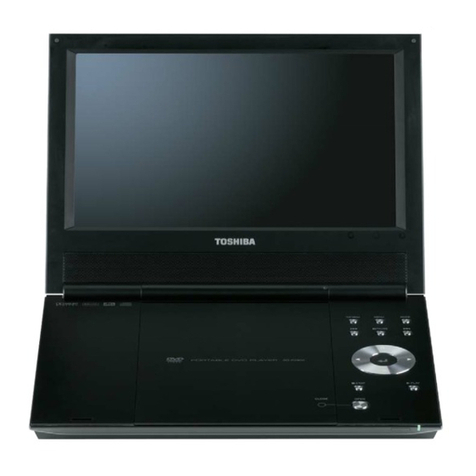
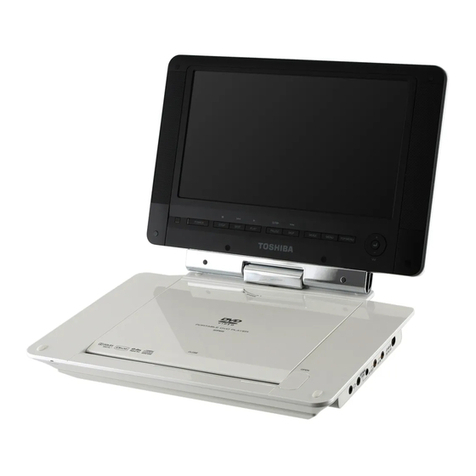
  9. Toshiba SD-P2800SE User manual

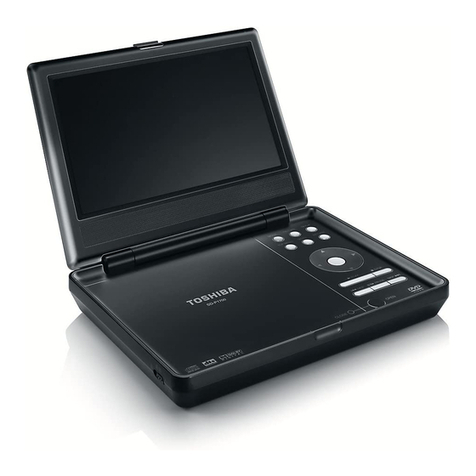
Toshiba SD-P2800SE User manual

Other manuals for SD-P2800SE

1

Other Toshiba Portable DVD Player manuals

Toshiba SD-P1400 User manual

Toshiba

Toshiba SD-P1400 User manual

Toshiba SDP93SWN User manual

Toshiba

Toshiba SDP93SWN User manual

Toshiba SD-P91S User manual

Toshiba

Toshiba SD-P91S User manual

Toshiba SDP72S User manual

Toshiba

Toshiba SDP72S User manual

Toshiba SD-P1900 - DivX Certified Portable DVD... User manual

Toshiba

Toshiba SD-P1900 - DivX Certified Portable DVD... User manual

Toshiba SDP74 User manual

Toshiba

Toshiba SDP74 User manual

Toshiba SD-P2800SN User manual

Toshiba

Toshiba SD-P2800SN User manual

Toshiba SD-P2800 User manual

Toshiba

Toshiba SD-P2800 User manual

Toshiba SD-P1750SN User manual

Toshiba

Toshiba SD-P1750SN User manual

Toshiba SD-P1600 User manual

Toshiba

Toshiba SD-P1600 User manual

Toshiba SD-P1900 - DivX Certified Portable DVD... User manual

Toshiba

Toshiba SD-P1900 - DivX Certified Portable DVD... User manual

Toshiba SDP94S User manual

Toshiba

Toshiba SDP94S User manual

Toshiba SD-P2600 User manual

Toshiba

Toshiba SD-P2600 User manual

Toshiba SD-P91SKN User manual

Toshiba

Toshiba SD-P91SKN User manual

Toshiba SD-P1700SN User manual

Toshiba

Toshiba SD-P1700SN User manual

Toshiba SD-P2900SN User manual

Toshiba

Toshiba SD-P2900SN User manual

Toshiba SD-P91SKY User manual

Toshiba

Toshiba SD-P91SKY User manual

Toshiba SD-P2900SN User manual

Toshiba

Toshiba SD-P2900SN User manual

Toshiba SD-P2700 User manual

Toshiba

Toshiba SD-P2700 User manual

Toshiba SD-P1700SN User manual

Toshiba

Toshiba SD-P1700SN User manual

Toshiba SD-P1600 User manual

Toshiba

Toshiba SD-P1600 User manual

Toshiba SD-P101SKN User manual

Toshiba

Toshiba SD-P101SKN User manual

Toshiba SD-P71S - DVD Player - 7 User manual

Toshiba

Toshiba SD-P71S - DVD Player - 7 User manual

Toshiba SD-P1900SR User manual

Toshiba

Toshiba SD-P1900SR User manual

Popular Portable DVD Player manuals by other brands

Hyundai H-LCDVD901 instruction manual

Hyundai

Hyundai H-LCDVD901 instruction manual

Philips PET718/77 user manual

Philips

Philips PET718/77 user manual

Impecca DVP775 user manual

Impecca

Impecca DVP775 user manual

NextBase MULTI-VISION SET PRO manual

NextBase

NextBase MULTI-VISION SET PRO manual

TV Star TD3 LCD COMBO user manual

TV Star

TV Star TD3 LCD COMBO user manual

Philips PD7016 user manual

Philips

Philips PD7016 user manual

Akura APDVD6008 user manual

Akura

Akura APDVD6008 user manual

LENCO MES-202 operating manual

LENCO

LENCO MES-202 operating manual

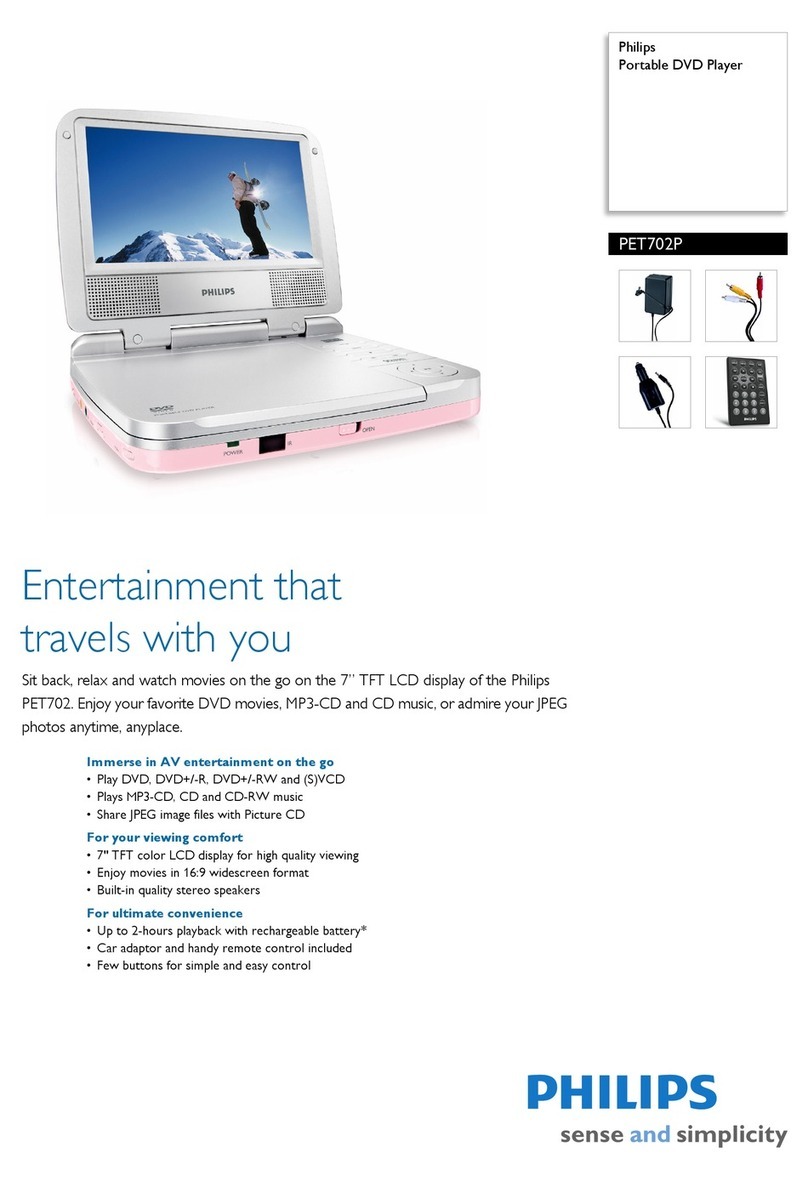
Philips PET702P Specifications

Philips

Philips PET702P Specifications

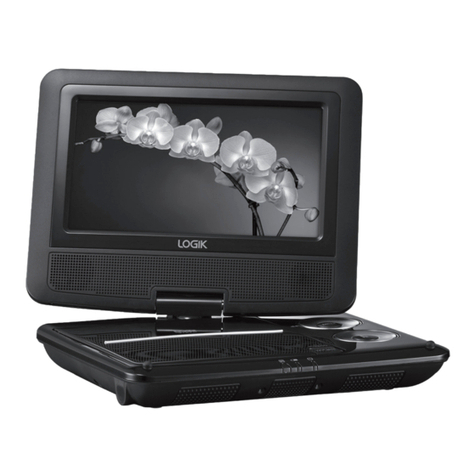
Logik L7SPDVD11 instruction manual

Logik

Logik L7SPDVD11 instruction manual

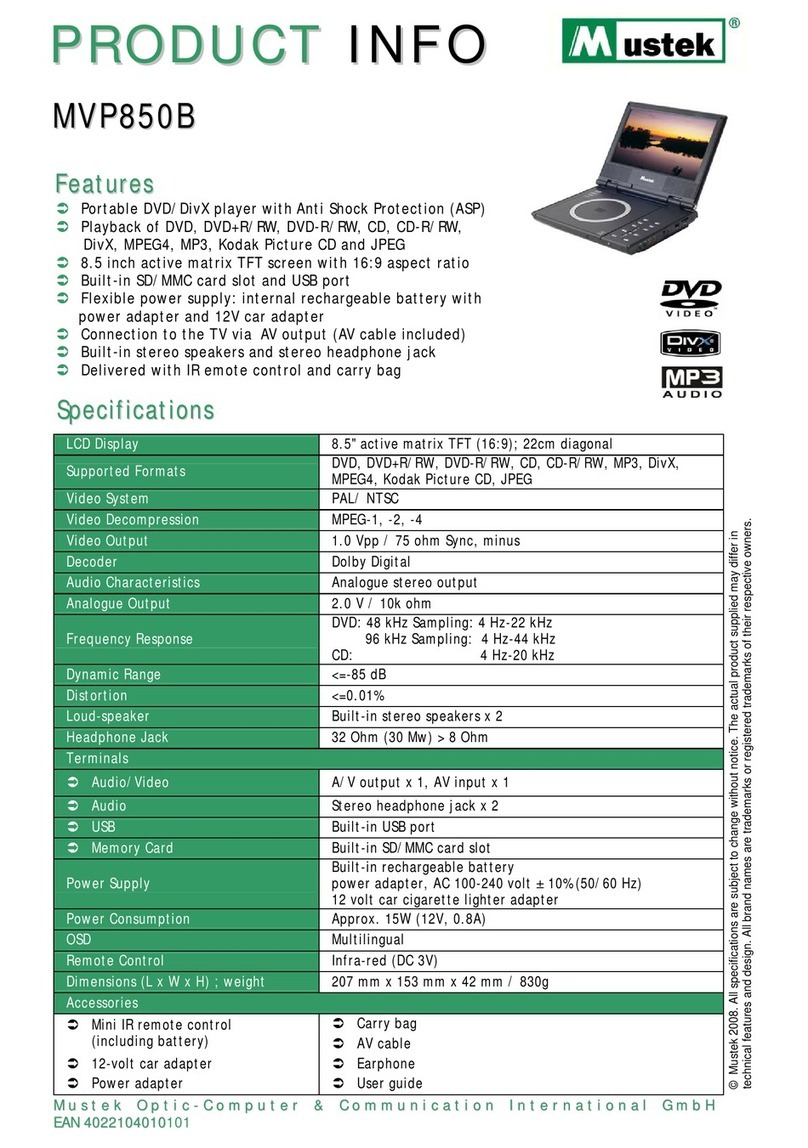
Mustek MVP850B user guide

Mustek

Mustek MVP850B user guide

Philips PET721D/98 user manual

Philips

Philips PET721D/98 user manual

LENCO DVP-928 user manual

LENCO

LENCO DVP-928 user manual

Philips PD9000/12 user manual

Philips

Philips PD9000/12 user manual

LENCO DVP-1027 instruction manual

LENCO

LENCO DVP-1027 instruction manual

Philips PD7010/05 user manual

Philips

Philips PD7010/05 user manual

LENCO DVP-846 brochure

LENCO

LENCO DVP-846 brochure

Matsui PL617 user guide

Matsui

Matsui PL617 user guide

manuals.online logo
manuals.online logoBrands
  • About & Mission
  • Contact us
  • Privacy Policy
  • Terms and Conditions

Copyright 2025 Manuals.Online. All Rights Reserved.

PORTABLE DVD PLAYER
SERVICE MANUAL
Dec.,2005
FILE No. 810-200595
SD-P2800SE
REV: 01
Whenthepowersupplyisbeingturnedon,youmaynotremovethislasercautionslabel.Ifitremoves,radiationoflaser
maybereceived.
LASERBEAMCAUTIONLABEL
PREPARATIONOFSERVICING
PickupHeadconsistsofalaserdiodethatisverysusceptibletoexternalstaticelectricity.
Althoughitoperatesproperlyafterreplacement,ifitwassubjecttoelectrostaticdischargeduringreplacement,
itslifemightbeshortened.Whenreplacing,useaconductivemat,solderingironwithgroundwire,etc.to
protectthelaserdiodefromdamagebystaticelectricity.
Andalso,theLSIandICaresameasabove.
Solderingiron
withgroundwire
orceramictype
Groundconductive
wriststrapforbody.
Conductivemat
Thegroundresistance
betweenthegroundline
andthegroundislessthan10
1M
1
2
3
4
5
6
7
8
9
10
OTHER 5V
GND
POWER SW
GND
KEY1
KEY2
KEY3
KEY4
KEY5
KEY6
1
2
3
4
5
6
7
8
9
10
1
2
3
4
5
6
7
8
9
10
11
12
13
14
15
16
17
18
19
20
21
22
23
24
NC
LDVCC
VC
GND
F
E
CD/DVD SW
RF
C
D
B
A
CDMD
DVDMD
NC
CDLD
GND
DVDLD
NC
RFA5V
FCS-
TRK+
TRK-
FCS+
1
2
3
4
5
6
7
8
9
10
11
12
13
14
15
16
17
18
19
20
21
22
23
24
1
2
3
4
5
6
1
2
3
4
5
6
SP-
SP+
SL+
SL-
GND
LIMIT
1
2
3
4
5
6
7
8
9
10
11
12
13
14
15
1
2
3
4
5
6
7
8
9
10
11
12
13
14
15
1
2
3
4
5
6
7
8
9
10
11
12
13
14
15
1
2
3
4
5
6
7
8
9
10
11
12
13
14
15
1
21
2
1
2
3
4
5
6
7
8
9
10
11
12
13
14
15
16
17
18
19
20
21
22
23
24
25
26
27
28
29
30
31
32
33
34
35
36
37
38
39
40
1
2
3
4
5
6
7
8
9
10
11
12
13
14
15
16
17
18
19
20
21
22
23
24
25
26
27
28
29
30
31
32
33
34
35
36
37
38
39
40
JS201
FUNCTION
BUTTON PCB
MECHANISM
MAIN PCB
INVERTER PCB
LCD
JX102
XS1
XS6
XS2
XS7
GND
GND
DCLK
GND
GND
NC
R0
R1
R2
GND
R3
R4
R5
GND
G0
G1
G2
GND
G3
G4
G5
GND
B0
B1
B2
GND
B3
B4
B5
GND
NC
GND
NC
GND
DE
NC
VDD
VDD
VDD
VDD
HV
HV
HV
BRI
TFT on/off
GND
GND
GND
R+
R-
L+
L-
GND
GND
GND
VDD
VDD
VDD
GND
GND
DE
GND
DCLK
GND
B0
B1
B2
B3
B4
B5
XS403
XS402
JX100
1
2
3
4
1
2
3
4
XS3
BATTERY
TM
GND
GND
BATTERY
1
2
3
4
5
6
7
8
9
10
11
12
13
14
15
1
2
3
4
5
6
7
8
9
10
11
12
13
14
15
JX101 XS5
GND
R0
R1
R2
R3
R4
R5
GND
G5
G4
G3
G2
G1
G0
GND
SPEAKER L/R
RL
XS3/XS4
Note: disconnect Inverter Harness
with marking. It may damage the
LCD if Harness is not connected correctly
SERVO & DVD PROCESSOR
MPEG-2 DECODER
& VIDEO ENCODER
ZR36882
OVERALL BLOCK DIAGRAM
DV23
PU mechanism
DRIVER
(BA5888)
16M FlashROM
MX29LV160ABTC-70
64M SDRAM
HY57V641620ETP-H
74HC4053 27MHz
AUDIO D/A
(WM8728)
UPD5600 (T101) TFT MONITOR
AUDIO AMP
(AZ4558)
TC74HC4052
SPEAKER AMP
(TPA0172)
HIGH VOLTAGE ASS’Y
VIDEO OUT
AUDIO OUT
PHONE OUT
SPEAKER LOUT
SPEAKER ROUT
L
R
L
R
RL
DVD 5V
DVD 3.3V
AUDIO 5V
DVD 1.8V
BA7660
RL
CPU 5V
AC
Adapter
DC IN +12V
ZA3020
UPD6100
110~240V
50/60Hz
HV
AO4801
BATTERY
POWER ON
AO4801 8.4V
BA05SFP
BA05SFP
BA05SFP
BA05SFP
BA033
PQ033
PQ033
APS1006
5.5V
3.8V
CPU 5V
DVD 5V
AUDIO 5V
OTHER 5V
TFT 3.3V
UPD6100 3.3V
DVD 3.3V
POWER DVD
POWER ON
POWER ON
DVD 1.8V
POWER T101
POWER DVD
74HC4053
CARD
CPU
D1850
FUNCTION
BUTTON
11.0592MHz
RMC IN
T101 3.3V TFT 3.3V HV
VIDEO IN
Y/C OUT
D TERMINAL OUT
AUDIO IN
OTHER 5V
AUDIO 5V
OTHER 5V
AUDIO 5V
DVD 5V
DVD 5V
1. Troubleshooting
1. No power when turned on.
2. The initial screen is not displayed on the LCD.
3. The DVD drive does not work.
4. The operation of the DVD player stops at initializing display.
5. Image output stops during the operation.
6. No sound or abnormal sound comes out from the speakers in the DVD player.
7. No image or sound comes out from the external output.
8. No sound comes out from the headphones.
9. No image or sound is output by external input.
10. The DVD drive does not operate with the battery.
1.1 No power when turned on.
When the power is turned on, and if the LED on the front panel does not light green, check
the following items and repair the defective parts.
(1) Check the power supply cable
If the cable is not the supplied one, replace it with the supplied cable and turn on the
power again.
If the power supply cable is good, the AC adapter may be defective.
If the LED does not light after replacing, check the following items.
(2) Check the AC adapter
If the AC adapter is not the supplied one, replace it with the supplied AC adapter and
turn on the power.
If the AC adapter is good, the Main PCB may be defective.
If the LED does not light after replacing, check the following items.
(3) Check the Power switch
Press the POWER switch on the DVD player. If the power does not turn on, check the
following:
 Check the connector of the Function button PCB in the DVD player.
(If the connection is loose, repair the connection.)
 Replace the Function button PCB and turn on the power again.
If the LED does not light after replacing, check the following items.
(4) Replace the main board
1.2 The initial screen is not displayed on the LCD.
If the initial screen is not displayed on the LCD, check the following items.
(1) Check the LED on the front
If the LED does not light, proceed to 1.1.
(2) Check the backlight
If the backlight does not light up, separate the DVD player into top assembly and
bottom assembly, and check the connector harness, and check the connectors for
defects.
If the connector harness is broken:
Replace the broken harness.
If the connector harness is not broken:
Remove the LCD cover and plate of the LCD unit and check the following:
 Check the connector of the FL harness, replace the FL inverter or the LCD.
 If the connectors are good, replace the FL inverter or the LCD.
(3) Check the lighting of LCD
If the LCD does not light, separate the DVD player into the top assembly and bottom
assembly, and check the LCD harness, and check the connectors on the main board.
If the connector is broken:
Replace the LCD harness or the main board.
If the connector is not broken:
Remove the LCD cover and plate of the LCD unit, and check the connection to the
harness of the LCD unit.
 If a bad connection is found.
Connect the LCD harness to the LCD unit.
 Other than the above
Replace the LCD unit or the main board.
1.3 The DVD drive does not work.
When the DVD drive does not work after the power is turned on, check the following items
and repair or replace the defective parts.
(1) Press the DISC cover switch and turn on the power. Then check whether or not
the optical pick-up lens of the DVD drive lights.
CAUTION: Visible laser radiation when open and interlock defeated. Do not stare into
Laser beam.
The optical pick-up lens lights dim:
It is caused by deterioration of the optical pick-up lens. Replace the DVD drive.
The optical pick-up lens does not light:
Check the connectors of the DVD-FFC. Also check the connection to the main
board and to the DVD drive.
 Loose connection is found.
Repair the connection, and then check the operation of the DVD drive again.
 The DVD-FFC is broken.
Replace the DVD drive.
 Other than the above.
Replace the DVD drive or the main board.
(2) Insert a DVD disk and turn on the power
The DVD drive does not work:
The motor of the DVD drive or the main board is defective. Replace the DVD drive
or the main board.
The DVD drive works but the initializing operation of the optical pick-up lens
does not start (the optical pick-up lens operates twice), or abnormal noise
sound:
The DVD drive is defective. Replace the DVD drive.
1.4 The operation of the DVD player stops at initializing display.
If the DVD player does not work after the initializing screen is displayed, check the
indication on the screen. Then repair the defect according to it.
(1) Insert a DVD disk and close the DISC cover, and turn on the power. Then check
the LCD screen or use an external display.
 The message “loading” is not displayed or the operation stops at the
message “Loading”.
Since the DVD drive or the main board is defective, check in the following order:
1) DVD drive
2) Main board
 The message “CHECK DISK” is displayed.
Check the DVD disk for fingerprints, dirt, etc.
If the DVD disk is OK, then check the following items:
1) Check the DVD-FFC
If a loose connection, repair the connection.
If it is damaged, replace the DVD drive.
2) Other than above
For other cases, replace the unit in the following order:
 DVD drive (defective optical pick-up)
 Main board
1.5 Image output stops during the operation.
If the image output from the media in the DVD player stops during the operation, replace
the DVD drive.
1.6 No sound or abnormal sound comes out from the speakers in the DVD player.
If no sound comes out from the speakers in the DVD player, check the following:
(1) Check for moving images on the LCD screen
Check whether or not the move of image stops in halfway. If it stops, replace the DVD
drive.
(2) Check the operation of the DVD driver.
Check whether or not the DVD drive works. If it stops, replace the DVD drive.
(3) Check the connection of the speakers in the DVD player.
Separate the DVD player into the top assembly and bottom assembly, and then check
the connections of the speaker harnesses to the inverter board and the inverter board
to the main board. If the connection is loose, repair connection. If the connector has
been connected firmly, replace the main board or speaker.
1.7 No image or sound comes out from the external output
If any image or sound is output from the TV connected by the external cable, replace the
main board.
NOTE: Before this test, make sure the drive works.
1.8 No sound comes out from the headphones.
If no sound comes out from the headphones, replace the main board.
1.9 No image or sound is output by the external input.
If any image or sound is output by external input, replace the main board.
1.10 The DVD drive does not operate with the battery.
(1) Check the operation with a good battery.
Install a good battery and make sure the LED lights up orange while the AC adapter is
connected. When the LED does not light up or blinks, check the connection of the
battery connector inside the DVD player. If the connection is loose, repair connection.
If the connector has been connected firmly, replace the main board.
(2) Other than the above, replace the battery.
NOTE:
 For this check, use a battery which is not fully charged (because the LED does
not light when the battery is fully charged.)
 Before this check, make sure other function work correctly.
A
B
C
D
E
G
2
F
1345678910
BU4052-5V
BA4558+5V
BU4052+5V
BA4558-5V
BU4052+5V
BU4052-5V
BA4558+5V
BA4558-5V
AUDIO+5V
DVD 5V
AUDIO+5V
OPTICAL
MUTE@
SE/BTL-
L-MAIN
LL
COX
I2CCLK(MC)
ZEROR
L-IN
SEL_DVD
DVD 5V
AUDIO+5V
ZEROR
L-IN
TV_AUDIO
AOUT0#
CVBS
R-MAIN
ALRCLK
RR
OTHER 5V
MUTE@
DVD 5V
R-IN
RR
MUTE
TPA0172_MUTE
DVD3V3
AUDIO-5V
SCL
L-MAIN
LL
SE/BTL- TFTON/OFF
SEL_TV
R-IN
TV_AUDIO
VIDEO-IN
AUDIO+5V
SDA
AUDIO-5V
I2CDAT(MD)
R-MAIN
ABCLK
SPL+
SPL-
SPR-
SPR+
AMCLK
FPCSTB(ML)
DVD 5V
VD513
FMC3
1
23
4
5
R542
10K
+
C502
220U/6V
C529
10U
JS504
HSJ1494-01-010
1
2
3
4
5
6
C521
10U
R537
10K
VD23
2SD601
R531
1K
WM8728
N406
WM8728
LRCIN
1
DIN
2
BCKIN
3
MCLK
4
ZERO
5
DGND
6
DVDD
7CSBIWL 15
MODE 16
MUTEB 17
SDIDEM 18
SCKDSD 19
LATI2S 20
VOUTR
8
AGND
9
AVDD
10 VOUTL 11
VMID 12
VREFN 13
VREFP 14
CB67
100N
R516
6K8
VD525
KTA1298
R5391K
VD502
STZ6.2N
CB44
100N C499
10U
R5361K VD505
STZ6.2N
VD50
ISS355
R528
100
L503
601H
R523
10K
N502A
BA4558
3
21
4
VD12
DTC144
VD507
STZ6.2N
R519
4K7
VD500
STZ6.2N
C517
2N2
CB70
100N
CB68
100N
R218
10K
R520
100K
VD501
STZ6.2N
R525
3K9
R517
100K
R522
4R7
C51410U
C518
2N2
C51310U
R518
10K
C520300P
CB73
100N
R529
100
CB43100N
+
C516
47U/4V
R521
6K8
CB41
100N
R24 33
R510
1K
R23 33
CB63100N
+
C225
47U/4V
CB72
100N
C508470N
+
C525
47U/4V
C504470N
R534
4R7
N502B
BA4558
5
67
8
VD509
2SD601AR
VD526
ISS355
VD504
STZ6.2N
R526 10K
C503470N
C512
10P
R535
4R7
C5091U
N16
BU4052
2Y0
1
2Y1
2
2Z
3
2Y3
4
2Y1
5
E-
6
Vee
7
GND
8S1 9
S0 10
1Y3 11
1Y0 12
1Z 13
1Y1 14
1Y2 15
VCC 16
C5101U
+
C515
47U/4V
C511
150P
R512
47K
VD508
2SD601AR
C589
160P
CB71
100N
L510
1UH
R5
1K
VD524
2SD601AR
R524
3K9
R205
10
R538
10K
R489
75
JS502
HSJ1594-010160
1
2
3
7
L504
601H
L506
601H
SPEAKER-R
SPEAKER-L
R511
10K
N10
TPA0127
PGND
1
LOUT+
2
PCBEEP
3
AD0
4
LIN
5
LLINEIN
6
LHPIN
7
PVDD
8
RIN
9
AD1
10
SE/BTL-
11
ROUT+
12 PGND 13
ROUT- 14
SDA 15
I2CVDD 16
RHPIN 17
RLINEIN 18
PVDD 19
VDD 20
BYPASS 21
SHUT- 22
SCL 23
LOUT- 24
R527
4R7
R501 10
R533
10K
R513
47K
R508
1K
R530
1K
L501
601H
R51
1K
L500
601H
L26
601H
VD506
STZ6.2N
R52
1K
VD24
2SD601
VD523
ISS355
+
C226
47U/4V
R515
470
VD503
STZ6.2N
C530
10U
L505 601H
L507
601H
+
C524
47U/4V
R481
4R7
R504
1K
C519 300P
JS503
GP1FD310TP
9
8
5
4
2
7
VD22
ISS355
R547
0
R505
1K
R545
10K
+
C462
220U/6V
R216
100K
JS505
HSJ1494-01-010
1
2
3
4
5
6
JS501
HSJ1594-010160
1
2
3
7
R81 4K7
R217
100K
C463
10U
L502
601H
R5461K
R82 4K7
R224
10K
CB78
100N
CB69
100N
C562
100N
R5431K
+
C501
220U/6V
C522
10U
R211
1K
MAIN BOARD CIRCUIT DIAGRAM
(AUDIO CIRCUIT DIAGRAM)
A
B
C
D
E
G
2
F
1345678910
MAIN BOARD CIRCUIT DIAGRAM
(CARD CIRCUIT DIAGRAM)
MEMWR-R
DAT2
DAT1
MEMDA5
SM_CE#
SDDAT2
MEMDA4-R
SDDAT0
MEMDA1-R
SDDAT1
MEMDA3
SM_BSY#
WP
MEMDA0-R
MEMWR-R
SD_CD
CARD_CD1
MEMDA1-R
SDDAT0
DAT2
DAT3
MS_INS
SDDAT1
MS_INS
WP
MEMDA5-R
MEMDA4 MEMDA3-R
MEMRD-R
MEMDA4-R
MEMAD1-RMEMAD1
MEMDA2-R
SDDAT3
MEMDA6
SDDAT2
SDCLK
MEMRD-R
DAT3
CARD_CD2
MEMDA1
MEMDA2
SM_BSY#
SDCLK
MEMDA7
CARD_CD1
MEMDA7-R
MEMWR-
MEMAD1-R
DAT0
XD_CD
SD_CD
MEMAD0-R
MEMDA0
DSPVCC33
DAT0 MEMDA6-R SDDAT0
SDCLK
CMD_BS
SDDAT2
MEMDA0-R
SDDAT1
MEMDA2-R
CMD_BS
CARD_CD2
MEMDA3-R
CMD_BS
MEMDA7-R
DAT1 SDDAT3
MEMDA6-R
SDDAT3
MEMDA5-R
MEMAD0-RMEMAD0
SM_CE#
XD_CD
MEMRD-
DSPVCC33
DSPVCC33
D5V
DSPVCC33
DSPVCC33
D5V
D5V
DSPVCC33
DSPVCC33
DSPVCC33
DSPVCC33
FCU_WAIT#
DVD 5V
MEMAD[19:0]
SDDAT3
FCU_CS3#
FCU_SCLK
DVD3V3
FCU_RST
CARD_SEL
FCU_CS2#
MEMDA[15:0]
FCU_IRQ
CARD_SEL
MEMWR-
MEMRD-
CARD_DET
L
CF/IDE/SM/XD
SELECT SIGNAL
H
SD/MMC/MS
CARD_CS1
R432 75R
C456
10uF/16V
12
R492
10K
R491 75R
R433 75R
N410
74HCT4053
1Y0 12
1Z
14
2Z
15
S1 11
2Y1 1
3Y0 5
2Y0 2
3Z
4
/E
6
S2 10
S3 9
1Y1 13
3Y1 3
VDD
16
VSS
8VEE
7
CB9
100N
12
R499
10K RN208
75Rx4
12 34 56 78
R400 75R
R441
150R 1%
CB42
100N
12
RN402
10Kx4
12 34 56 78
R497
10K
R434
150R 1%
R442
1.1K 1%
R461 75R
L422
601H
CB4
0.1uF
R493
10K
R435
1.1K 1%
JS508
CARD
SD-CD1
1
SD-WP1
2
XD18-VCC
3
XD17-DAT7
4
XD16-DAT6
5
XD15-DAT5
6
SD8-DAT1
7
XD14-DAT4
8
SD7-DAT0
9
XD13-DAT3
10
XD12-DAT2
11
SD6-GND
12
MS1-GND
13
XD11-DAT1
14
MS2-BS
15
SD5-CLK
16
MS3-VCC
17
XD10-DAT0
18
MS4-SDIO
19
SD4-VDD
20
MS5-RES1
21
XD9-GND
22
MS6-INS
23
SD3-GND
24
MS7-RES2
25
XD8-WP
26
MS8-SCLK
27
SD2-CMD
28
MS9-VCC
29
XD7-WE
30
MS10-GND
31
SD1-DAT3
32
XD6-ALE
33
SD9-DAT2
34
XD5-CLE
35
XD4-CE
36
XD3-RE
37
XD2-R/-B
38
XD1-CD
39
XD0-GND
40
SD-CD2/WP2
41
R452
910R 1%
R474
604R 1%
RR456
10K
R500
10K
RN206 300Rx4
12 34 56 78
CB6
0.1uF
N409
74HCT4053
1Y0 12
1Z
14
2Z
15
S1 11
2Y1 1
3Y0 5
2Y0 2
3Z
4
/E
6
S2 10
S3 9
1Y1 13
3Y1 3
VDD
16
VSS
8VEE
7
L420
601H
R483
10K
R488
1.24K 1%
+
C451
10uF/16V
R480
10K
CB7
100N
12
RN205 300Rx4
12 34 56 78
R431 75R