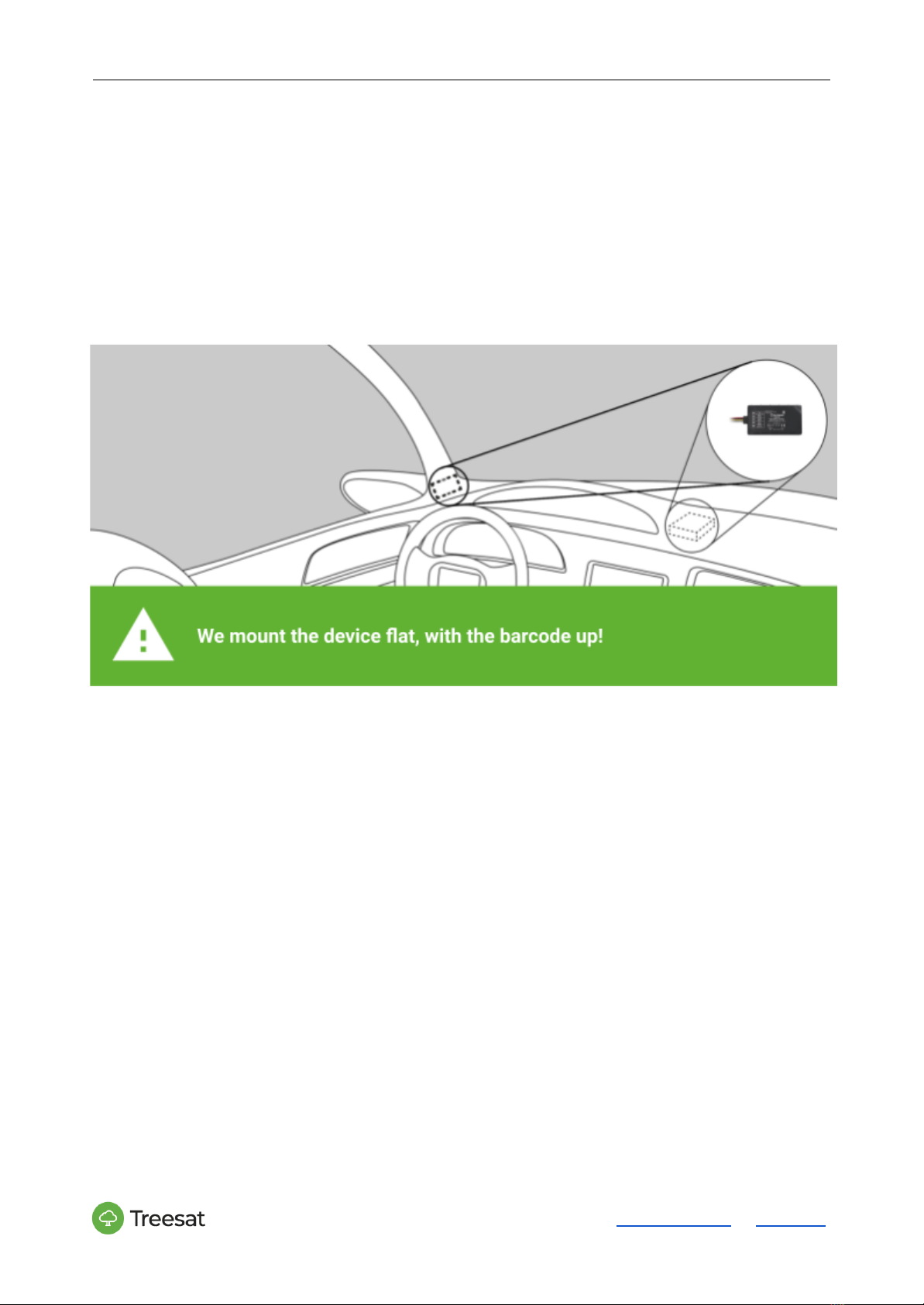
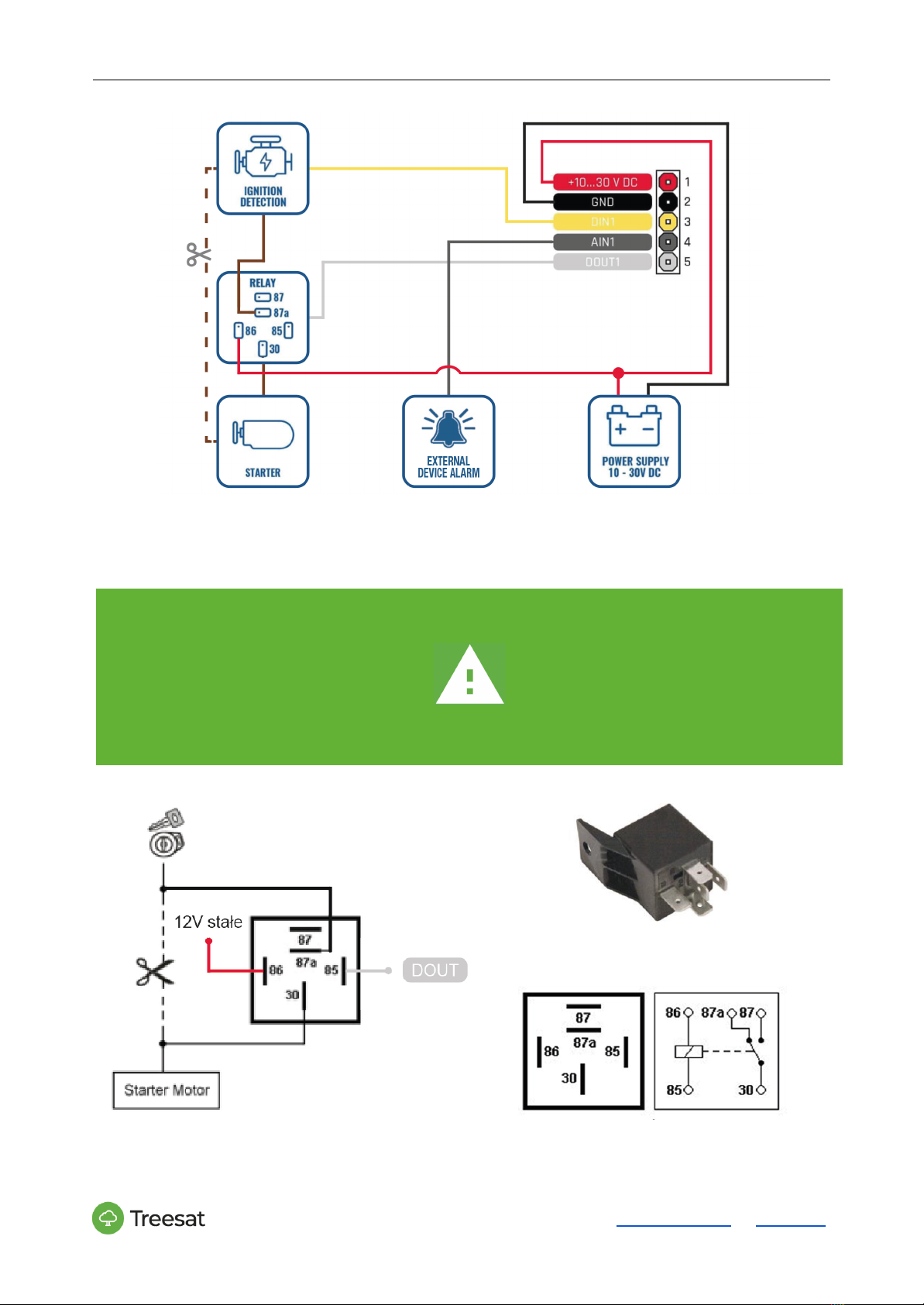
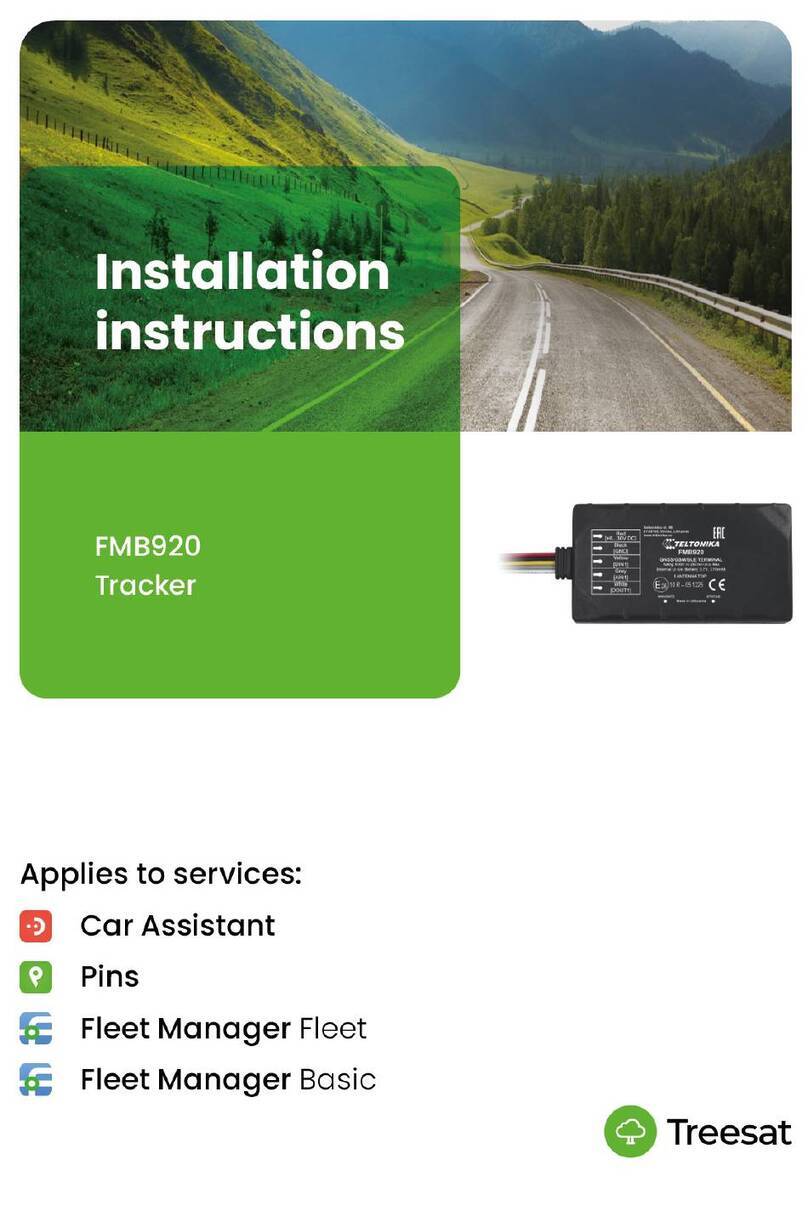
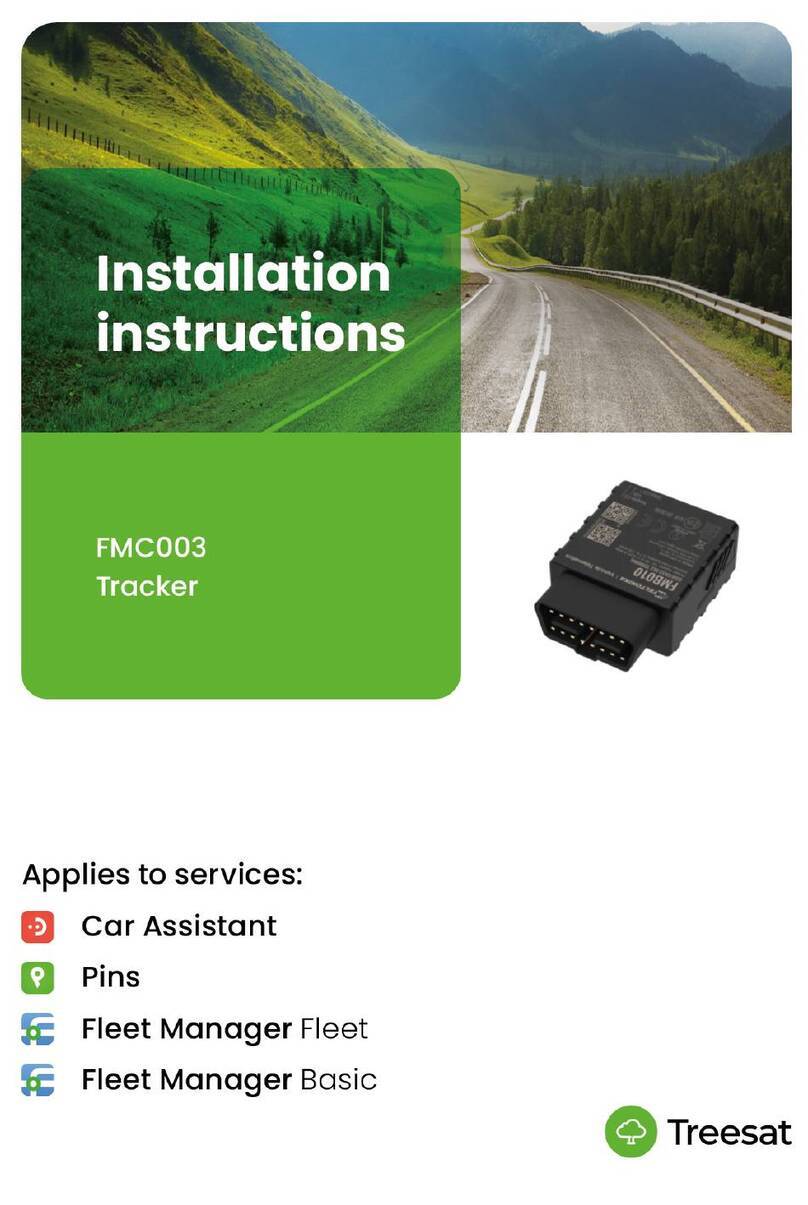
Installation manual FMC920 - version 23.07
START PINS
1. Download the application on your phone, create an account, then log in.
2. Add the car (device) to your account in the app. The serial number is located
on the device, below the barcode .
3. It may take up to 24 hours for your device to activate. Using the user manual,
install the device in the vehicle after receiving a notification in the application about
the activation of the SIM card.
STARTING CAR ASSISTANT
1. Download the application on your phone, create an account, then log in.
2. Add the car (device) to your account in the app. The serial number is located
on the device, below the barcode.
3. It may take up to 24 hours for your device to activate. Using the user manual,
install the device in the vehicle after receiving a notification in the application about
the activation of the SIM card.
4. Check the operation of the device by arming and triggering an alarm in the
application. The device is ready for operation.
5. If the functional test did not take place under the target account in the
application (fitter test account), then Delete the vehicle (device) from the test
account: go to Vehicle details > click on the Settings icon (gear in the upper right
corner) > click on Delete vehicle. All data will be erased. Then add the device to your
customer account again.
STARTING FLEET MANAGER
1. Using the manual, install the device in the vehicle. Your device is already
active.
2. Log in to the Web application – you will receive login details by e-mail.
3. The device has been added to your account by Treesat. Create a vehicle in
the system and assign the number of the mounted device. Your devices are in the
drop-down list.