manuals.online logo
Brands
  1. Home
  2. •
  3. Brands
  4. •
  5. Turboair
  6. •
  7. Refrigerator
  8. •
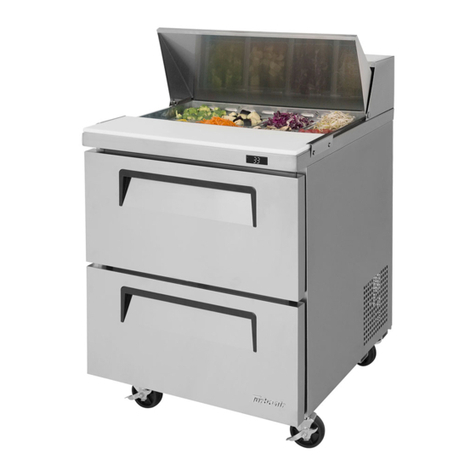
  9. Turboair TST-36SD-15 User manual

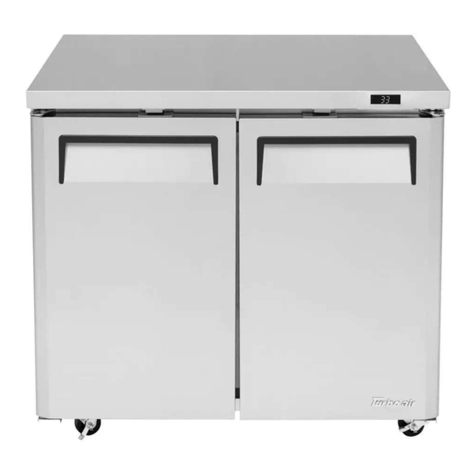
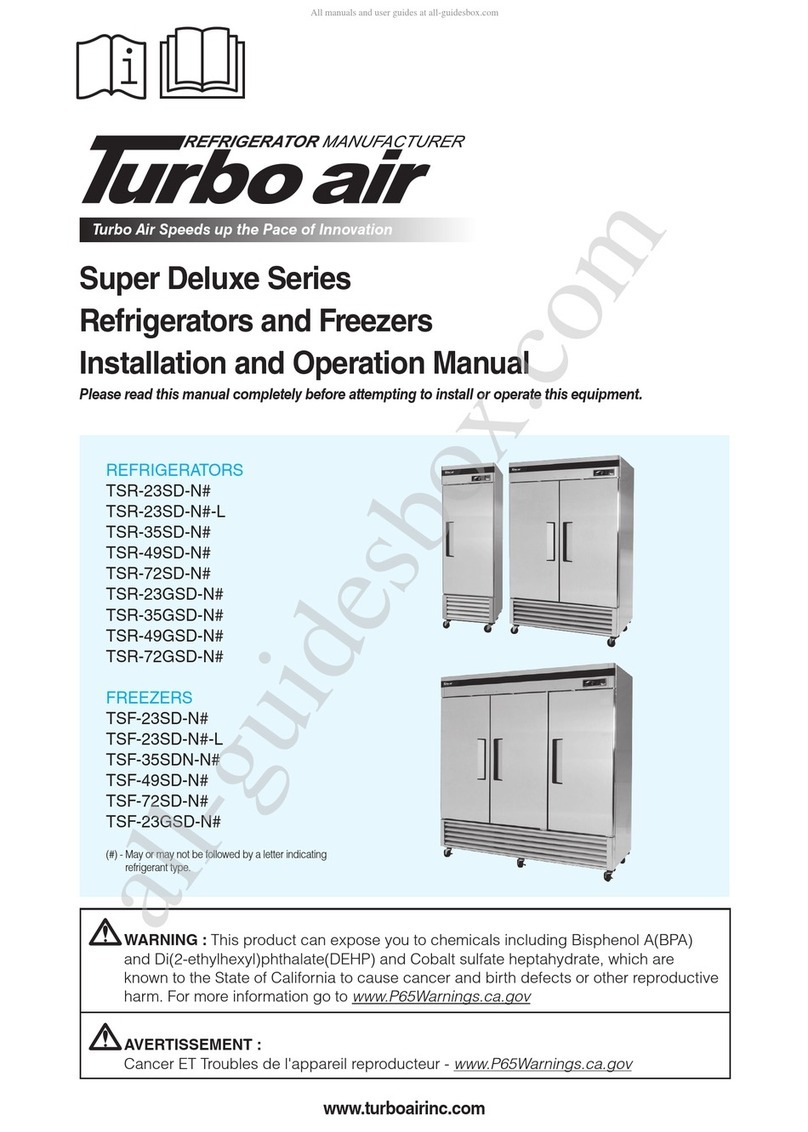
Turboair TST-36SD-15 User manual

This manual suits for next models

4

Other Turboair Refrigerator manuals

Turboair M3R19-1 User manual

Turboair

Turboair M3R19-1 User manual

Turboair M3R24-1-N User manual

Turboair

Turboair M3R24-1-N User manual

Turboair TSR-23SD User manual

Turboair

Turboair TSR-23SD User manual

Turboair JRF-45 User manual

Turboair

Turboair JRF-45 User manual

Turboair JRF-19 User manual

Turboair

Turboair JRF-19 User manual

Turboair MSR-23NM User manual

Turboair

Turboair MSR-23NM User manual

Turboair J series User manual

Turboair

Turboair J series User manual

Turboair TSR-23SD User manual

Turboair

Turboair TSR-23SD User manual

Turboair PRO-26R User manual

Turboair

Turboair PRO-26R User manual

Turboair TST-28SD-12 User manual

Turboair

Turboair TST-28SD-12 User manual

Turboair TGM-22R User manual

Turboair

Turboair TGM-22R User manual

Turboair PRCBE-36R-N User manual

Turboair

Turboair PRCBE-36R-N User manual

Turboair TGM-11WR User manual

Turboair

Turboair TGM-11WR User manual

Turboair TCBE-52SDR User manual

Turboair

Turboair TCBE-52SDR User manual

Turboair M3R19-1-N-L User manual

Turboair

Turboair M3R19-1-N-L User manual

Turboair JRF-19 User manual

Turboair

Turboair JRF-19 User manual

Turboair TBC-50SD/SB User manual

Turboair

Turboair TBC-50SD/SB User manual

Turboair TSR-23SD-N6 User manual

Turboair

Turboair TSR-23SD-N6 User manual

Turboair CM3R24-1 User manual

Turboair

Turboair CM3R24-1 User manual

Turboair TUR-28SD User manual

Turboair

Turboair TUR-28SD User manual

Turboair TGM-10SD User manual

Turboair

Turboair TGM-10SD User manual

Turboair TCBE-36SDR User manual

Turboair

Turboair TCBE-36SDR User manual

Turboair TD-4R User manual

Turboair

Turboair TD-4R User manual

Turboair TGM-14RV User manual

Turboair

Turboair TGM-14RV User manual

Popular Refrigerator manuals by other brands

Frigidaire FRS26TS7DW2 Use & care manual

Frigidaire

Frigidaire FRS26TS7DW2 Use & care manual

Fisher Scientific 10ECEEFSA manual

Fisher Scientific

Fisher Scientific 10ECEEFSA manual

Summit FF22BDRSS user manual

Summit

Summit FF22BDRSS user manual

Frigidaire FFRU17B2QWE use & care

Frigidaire

Frigidaire FFRU17B2QWE use & care

Hotpoint ENBGH 19xxx FW operating instructions

Hotpoint

Hotpoint ENBGH 19xxx FW operating instructions

Hitachi R-SG28KPH instruction manual

Hitachi

Hitachi R-SG28KPH instruction manual

Dometic RMH 7390 L operating instructions

Dometic

Dometic RMH 7390 L operating instructions

AEG S71700TSW0 user manual

AEG

AEG S71700TSW0 user manual

Electrolux ENB3669 Instruction book

Electrolux

Electrolux ENB3669 Instruction book

Electrolux ERN 2930 Instruction book

Electrolux

Electrolux ERN 2930 Instruction book

Beko GNE 60520 X user manual

Beko

Beko GNE 60520 X user manual

Jenn-Air JUR248LBES00 Use & care guide

Jenn-Air

Jenn-Air JUR248LBES00 Use & care guide

Dometic RGE 4000 Installation and operating manual

Dometic

Dometic RGE 4000 Installation and operating manual

Dometic L-0191B Brochure & specs

Dometic

Dometic L-0191B Brochure & specs

LG LRBP1031W - 10 Cu. Ft. Cabinet Depth Bottom Freezer... owner's guide

LG

LG LRBP1031W - 10 Cu. Ft. Cabinet Depth Bottom Freezer... owner's guide

Daewoo RN-33 Series user manual

Daewoo

Daewoo RN-33 Series user manual

Haier RF-8888-174 Service manual

Haier

Haier RF-8888-174 Service manual

Blaupunkt 5CK2 Series user manual

Blaupunkt

Blaupunkt 5CK2 Series user manual

manuals.online logo
manuals.online logoBrands
  • About & Mission
  • Contact us
  • Privacy Policy
  • Terms and Conditions

Copyright 2025 Manuals.Online. All Rights Reserved.

Turbo Air Speed up the Pace of Innovation
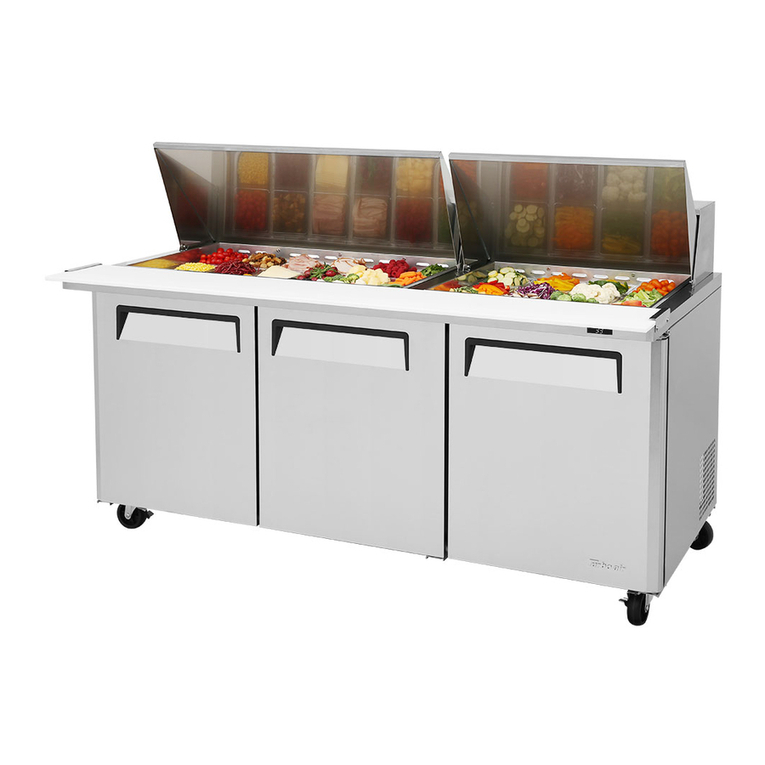
Mego Top Sandwich Salad Unit
Refrigerator
Installation and Operation Manual
CAUTION!
PLEASE KEEP POWER
SWITCH ON BEFORE
OPERATING THIS EQUIPMENT
Please read this manual completely before attempting to install or operate this equipment!
REFRIGERATOR
TST-28SD-12
TST-36SD-15
TST-48SD-18
TST-60SD-24
TST-72SD-30
www.turboairinc.com
Full Stainless Steel Visible Exterior
2
CONTENTS
SPECIFICATIONS
SERIAL NUMBER
SANDWICH / SALAD UNITS
PAGE
MODEL COMP H.P. V/Hz REFRIGERANT AMPS WEIGHT
TST-36SD-15 1/3 115V/60Hz R-134A 6.6A 242lbs
TST-48SD-18 1/3 115V/60Hz R-134A 6.5A 264lbs
TST-28SD-12 1/3 115V/60Hz R-134A 6.6A 220lbs
TST-72SD-30 1/2 115V/60Hz R-134A 9.9A 396lbs
TST-60SD-24 1/2 115V/60Hz R-134A 8.9A 352lbs
The serial number is located on the rating label which is on the left interior wall.
Please retain the unitʼs serial number for service purpose.
SPECIFICATION 2
SERIAL NUMBER 2
INSTALLATION OF CASTER 3
INSTALLATION OF DRAIN PAN 4
HOW TO CLEAN THE PAN SUPPORTER 5
INSTALLATION 6
CLEANING & CAUTION 7
BASIC OPERATION 8
BEFORE REQUESTIONG SERVICE 9
WARRANTY 12-14
STAINLESS STEEL EQUIPMENT CARE AND CLEANING 10-11
3
INSTALLATION OF CASTERS
1) Screw the caster (in rear side) and the caster brakes (in front side) by using
caster wrench.
2) Use the caster shims to level the cabinet, if necessary, by inserting them to
stems of the casters.
4
INSTALLATION OF DRAIN PAN
1) In damp season, when the drain water overflow the drain pan, remove the
drain pan and pour the water away. And then set the drain pan back up as
below drawing please. (Model : TST-28SD, TST-28SD-12, TUR-28SD)
2) When the drain pan install on the compressor mounted base, lift up the
vaporizing pipe a bit as below drawing.
(Model : TST-48SD, TST-60SD, TST-72SD, TST-48SD-18, TST-60SD-24,
TST-72SD-30, TUR-48SD, TUR-60SD, TUR-72SD)
5
HOW TO CLEAN THE PAN SUPPORTER
1) Remove the Guide Pans and Pans. Then pull out the Pan Supporter. Clean
the pan supporter and reinstall in place.
7
CLEANING
CAUTION
1. POWER CORD
- Be sure the power cord is connected to the proper voltage.
- A protected circuit of the correct voltage and amperage must be run for connection
of the line cord.
- Turn ʻoffʼ the power switch before disconnecting the power cord, whenever
performing maintenance functions or cleaning the refrigerated cabinet.
- Compressor warranties are void if compressor burns out due to low voltage.
2. RE-STARTING
- If disconnected, wait 5 minutes before re-starting.
Before cleaning, turn unit off at power switch.
1. CLEANING THE INTERIOR AND EXTERIOR
- The interior and exterior of the unit can be cleaned using warm water with soap.
- Do not use an abrasive cleaner because it will scratch the surface.
2. COMPRESSOR AND CONDENSER
- Be sure to keep the condenser coil must be free of dust because of cooling
effect higher.
3. CLEAN THE GASKET
- The door gasket should be cleaned frequently to maintain proper sealing.
4. CHECK AFTER CLEANING
- Plug unit back in and turn on power switch.
- Check that the unit is operating properly.
6
INSTALLATION
1. GOOD AIR CIRCULATION
- Be sure to avoid any object which may stop the air flow.
- Be sure that there is ample air space so that air can flow through the rear of the unit.
- Turbo Air recommends that the rear of the unit be no less than 5 inches from the wall.
2. PLACE ON STRONG GROUND
- Be sure the location chosen has a floor strong enough to support the total weight of
the cabinet and contents.
3. DO NOT PLACE NEAR HEAT
- Be sure to avoid hot corners and locations near stoves.
- High ambient temperature will make much lower cooling efficiency.
4. INDOOR USAGE ONLY
- Be sure to install this unit indoor, so it will not get wet from the rain.
5. STABILIZING
- Make sure the unit is installed in a stable condition with the front wheels locked
while in use.
6. LEVELING
- Be sure that the unit is level from front to back and side to side.
7. UNIT SHOULD BE ON DEDICATED OUTLET.
8
BASIC OPERATION
1. The controller(thermostat) is located at the right inside of the unit.
2. The factory setting for the control is ‘Normal’
3. Set toward ‘Cool’ for higher temperature and ‘Cold’ for lower temperature.
4. The thermostat controls compressor’s on/off by sensing inside temperature.
REFRIGERATORS
OFF
COOL
COLD
NORMAL
Temperature Controller
(Thermostat)
9
BEFORE REQUESTING SERVICE
SYMPTOMS CAUSES SOLUTIONS
Refrigerator(Freezer)
is freezing(melting)
food.
The unit does not
refrigerate at all.
The unit does not
refrigerate well.
There is a loud noise.
There are dew-drops
on the unit exterior.
There are dew-drops
on the unit interior.
The door does not
close tightly.
• The setting temperature is too
low(high) to maintain food
freshness.
• There is a power connection
failure problem.
• The unit is in sunlight or near a
heating device.
• The unit contains hot food or too
much food.
• The unit door is opened too
frequently or left open too long.
• The temp. dial is not on the
correct position.
• The condenser is clogged.
• The floor is too weak or the
leveling feet are set incorrectly.
• The backside of the unit is too
close to the wall.
• The tray is not in the correct
position.
• High-moisture air can produce
dewdrops during rainy seasons.
• The door is opened too
frequently or left open too long.
• Damp food is stored.
• The door is bent.
• The unit is not level.
• The door gasket has come out.
• Turn the temperature dial to a
warmer(colder) setting.
•
Check the power cord to make sure
the unit is pluged in it correctly
.
• Move out of sunlight or away
from heater.
• Check the condition of stored
food.
• Check the position of the temp
control dial.
• Check the installation and
adjust the tray position.
• Wipe with a dry cloth.
• Keep the door closed to
remove dewdrops.
• Level the unit again.
• Reposition the gasket.
The following points are not malfunctions:
• A water-flowing sound can be heard when the compressor stops.
This is the sound of REFRIGERANT flowing.
• The compressor does not run during the defrost cycle.
10
STAINLESS STEEL EQUIPMENT CARE AND CLEANING
CAUTION : Do not use any steel wool, abrasive or chlorine based products to
clean stainless steel surfaces.
Stainless Steel Opponents
There are three basic things which can break down your stainless steel’s passivity layer and allow
corrosion to rear its ugly head.
1) Scratches from wire brushes, scrapers, and steel pads are just a few examples of items that
can be abrasive to stainless steel’s surface.
2) Deposits left on your stainless steel can leave spots. You may have hard or soft water depend-
ing on what part of the country you live in. Hard water can leave spots. Hard water that is
heated can leave deposits if left to sit too long. These deposits can cause the passive layer to
break down and rust your stainless steel. All deposits left from food prep or service should be
removed as soon as possible.
3) Chlorides are present in table salt, food, and water. Household and industrial cleaners are the
worst type of chlorides to use.
8 step that can help prevent rust on stainless steel:
1. Using the correct cleaning tools
Use non-abrasive tools when cleaning your stainless steel products. The stainless steel’s
passive layer will not be harmed by soft cloths and plastic scouring pads. Step 2 tells you how
to find the polishing marks.
2. Cleaning along the polish lines
Polishing lines or “grain” are visible on some stainless steels. Always scrub parallel to visible
lines on some stainless steels. Use a plastic scouring pad or soft cloth when you cannot see
the grain.
3. Use alkaline, alkaline chlorinated or non-chloride containing cleaners
While many traditional cleaners are loaded with chlorides, the industry is providing an ever
increasing choice of non-chloride cleaners. If you are not sure of your cleaners chloride content
contact your cleaner supplier. If they tell you that your present cleaner contains chlorides, ask if
they have an alternative. Avoid cleaners containing quaternary salts as they can attack
stainless steel, causing pitting and rusting.