manuals.online logo
Brands
  1. Home
  2. •
  3. Brands
  4. •
  5. Ultrasound
  6. •
  7. Amplifier
  8. •
  9. Ultrasound 30 Series User manual

Ultrasound 30 Series User manual

Spec.’s for the AG-30 series:
 Input
Impedance: 1 Meg
Sensitivity: 150MV to 6V
 EQ: (Active)
Bass: +/- 12db @ 150HZ
Treble: +/- 12db @ 5kHZ
 Shape
+5db @ 3kHZ
-5db @ 1500HZ
+5db @ 100HZ
 Notch (Feedback Elimination)
Range: 100 to 350HZ
Attenuation: –18db
 Output
Power: 30W RMS
Total Harmonic Distortion: .1%
Signal to Noise Ratio: 98db
AG-30 series dimensions:
Weight: 20 pounds
Height: 11”
Length: 16”
Depth: 10 ½”
Serial number:
Model number:
Date of purchase:
Purchased from:
Please fill out and keep for your records.
ULTRASOUND AMPLIFIERS
5110 PARK AVE
DES MOINES, IA 50321
PHONE: 515-282-1650
FAX: 515-282-1680
www.UltraSoundAmps.com
E-MAIL: Info@UltraSoundAmps.com
CUSTOMER / TECHNICAL SUPPORT:
E-MAIL:
Support@UltraSoundAmps.com
TOLL FREE 1-888-993-5091
ULTRASOUND AMPLIFIERS
5110 PARK AVE.
DES MOINES, IA 50321
30 series Owners Guide
Also from UltraSound
AG-50 Series
Check out our other great amps!!
Pro Series
Front Panel
HEADPHONES: This jack provides a
stereo signal to drive headphones. The use
of this jack will disengage the amplifiers
internal speaker.
Input: Instrument input. Designed for
both active and passive pickups.
EFX SEND: This jack provides an
unbalanced output from the preamp, it
does not include effects or tone control
signal.
EFX RETURN: This jack provides a
signal pre-eq. It automatically disconnects
the preamp when used.
VOLUME: Adjusts the overall loudness
of the amplifier.
BASS: Adjusts the amount of cut or boost
in the low frequency range.
TREBLE: Adjusts the amount of cut or
boost in the high frequency range.
HZ – (NOTCH FILTER):Provides
selectable frequency shift of the 18db cut
NOTCH FILTER from 100Hz - 350Hz
to eliminate resonant feedback.
ON/OFF – (NOTCH FILTER): This
toggle switch enables or disables the notch
filter control.
SHAPE: ON/OFF This toggle switch
enables or disables the SHAPE control.
The shape control is a mid dip control. In
the on position the mid frequencies will be
cut and the high and low frequencies will
be boosted.
Front Panel continued…….
Power: This rocker switch turns the AC
power ON and Off. When ON the unit is
ready for play.
Back Panel
AC Input: Connect the female end of the
AC line cord here. Connect the male plug
to a suitable source of line voltage. Refer to
the voltage information on the back of the
amplifier for its voltage and current
requirements. This connector also acts as
the main fuse holder and includes a
compartment for a spare fuse.
LINE OUT: This jack provides an
unbalanced out put from the preamp that is
post EQ and post EFX. This send can be
used to feed a signal to a recording or
sound reinforcement mixer. Additionally
this output can be used to drive a slave amp
such as the ULTRASOUND AG-50E.
DIRECT OUT: This XLR jack provides a
balanced output signal used to feed
recording or sound reinforcement
equipment.
Protection
Short circuit and thermal overload
protection.

This manual suits for next models

1

Other Ultrasound Amplifier manuals

Ultrasound AG-15 User manual

Ultrasound

Ultrasound AG-15 User manual

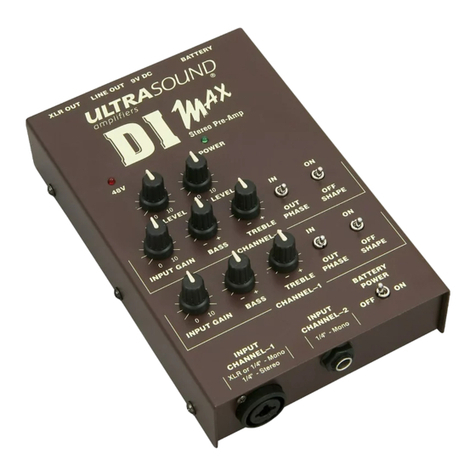
Ultrasound DI MAX User manual

Ultrasound

Ultrasound DI MAX User manual

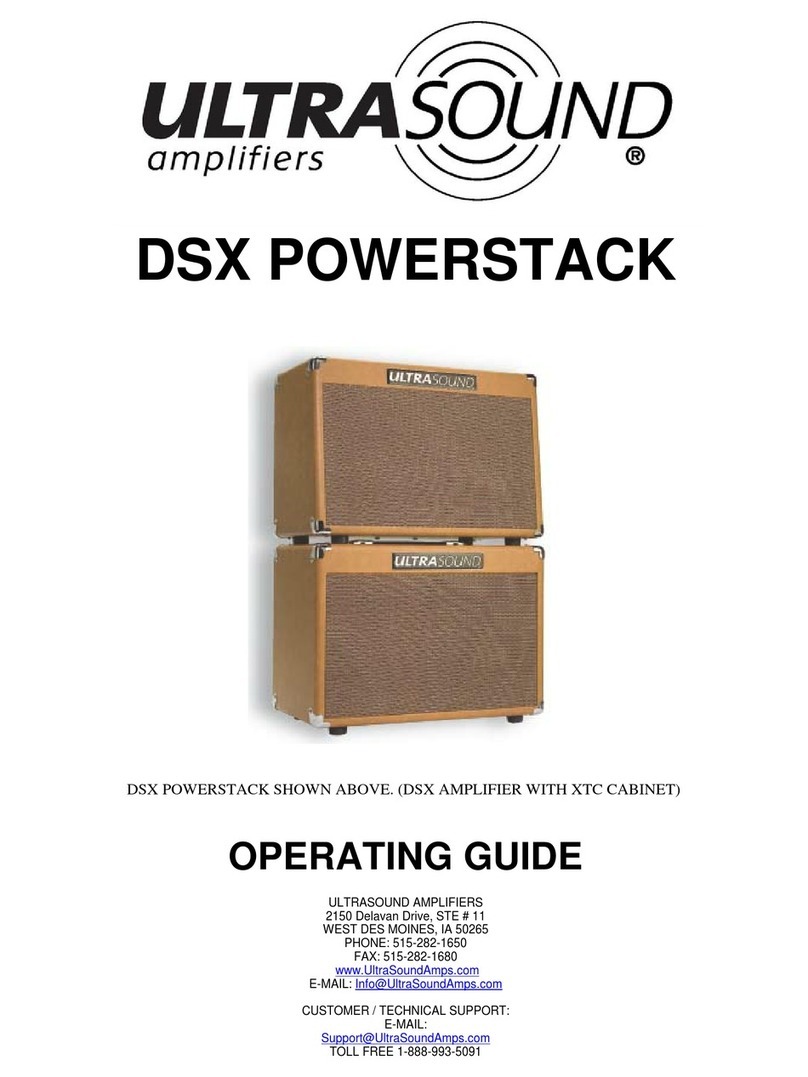
Ultrasound DSX POWERSTACK User manual

Ultrasound

Ultrasound DSX POWERSTACK User manual

Ultrasound AG-50DS2 User manual

Ultrasound

Ultrasound AG-50DS2 User manual

Ultrasound PRO-200 User manual

Ultrasound

Ultrasound PRO-200 User manual

Ultrasound AG-30 User manual

Ultrasound

Ultrasound AG-30 User manual

Popular Amplifier manuals by other brands

AUO AC UNISON installation guide

AUO

AUO AC UNISON installation guide

Antelope Isochrone DA owner's manual

Antelope

Antelope Isochrone DA owner's manual

Hertz SPL Show SP 4.900 user manual

Hertz

Hertz SPL Show SP 4.900 user manual

Opera Audio R880 Instruction

Opera Audio

Opera Audio R880 Instruction

Fracarro MBJ Series operating instructions

Fracarro

Fracarro MBJ Series operating instructions

WILSON PRO IoT 5-Band installation guide

WILSON PRO

WILSON PRO IoT 5-Band installation guide

Gisen Audio DSP Series Operation manual

Gisen Audio

Gisen Audio DSP Series Operation manual

Rational Acoustics Smaart I-O user manual

Rational Acoustics

Rational Acoustics Smaart I-O user manual

Lab.gruppen SS 1300 Service manual

Lab.gruppen

Lab.gruppen SS 1300 Service manual

Fender Frontman 60B operating instructions

Fender

Fender Frontman 60B operating instructions

SFaudio SFR-7000 user manual

SFaudio

SFaudio SFR-7000 user manual

Rolls RA53 owner's manual

Rolls

Rolls RA53 owner's manual

CYP QU-DV12 Operation manual

CYP

CYP QU-DV12 Operation manual

Hotone PULZE AP-30BK user manual

Hotone

Hotone PULZE AP-30BK user manual

Crown CDi 2000 brochure

Crown

Crown CDi 2000 brochure

Marshall Amplification 1959SLP owner's manual

Marshall Amplification

Marshall Amplification 1959SLP owner's manual

Atlona AT-SDI-16 user manual

Atlona

Atlona AT-SDI-16 user manual

RF-Lambda REMC18G26GG user manual

RF-Lambda

RF-Lambda REMC18G26GG user manual

manuals.online logo
manuals.online logoBrands
  • About & Mission
  • Contact us
  • Privacy Policy
  • Terms and Conditions

Copyright 2025 Manuals.Online. All Rights Reserved.