annoying low frequency sounds while leaving the higher frequency sounds (voices,
car horns, or telephones) relatively intact.
KEY FEATURES
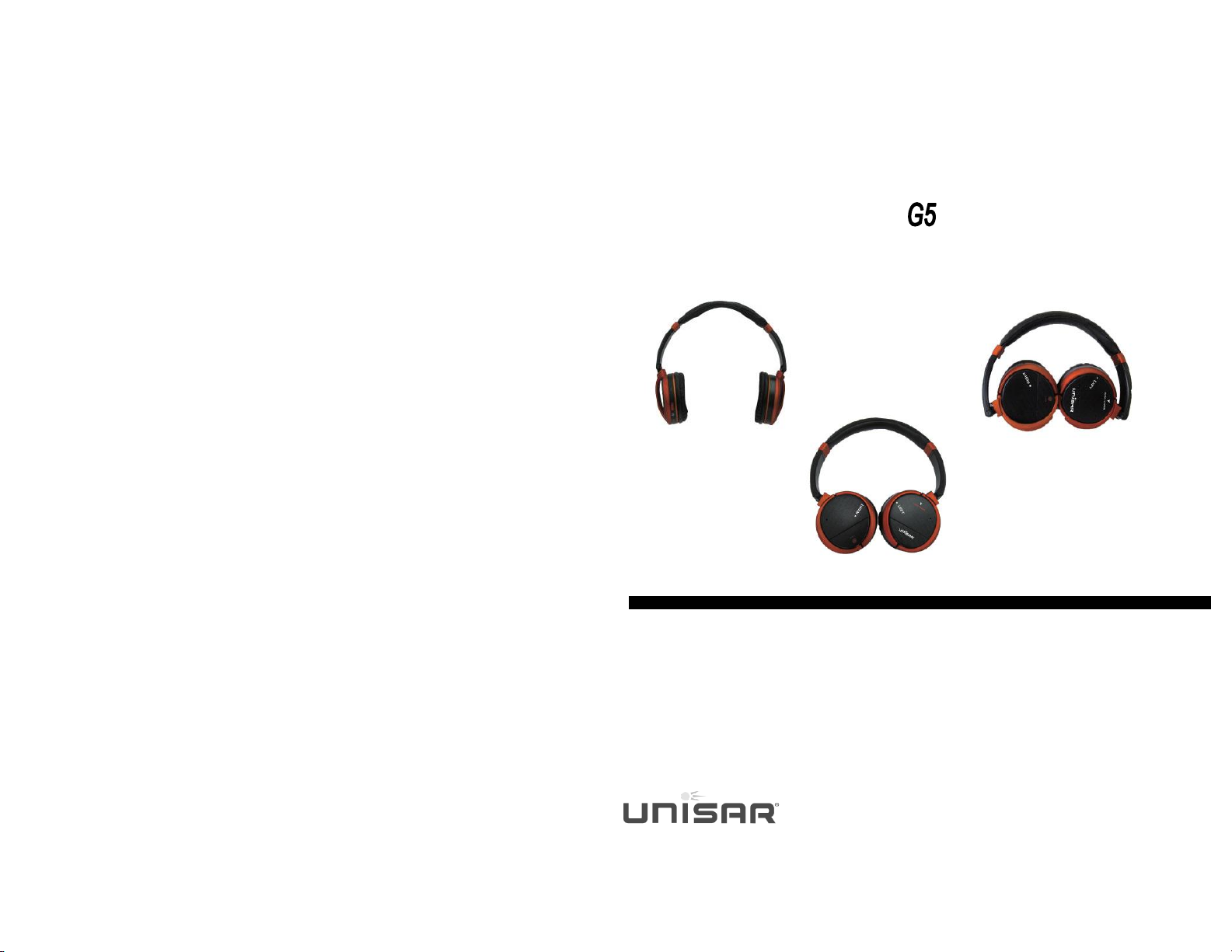
Compact, lightweight and comfortable
Up to 85% of unwanted background noise is eliminated
Folds flat for easy storage
Perfect for travelling and use on airplanes
High quality stereo sound from any audio source
Compact yet comfortable adjustable headset maximizes the fit
Soft, cushioned ear pieces swivel for maximum comfort
HAY button lets you “Hear Around You” so you don’t have to remove the
headphones when someone speaks to you
Battery life: up to 50 hours
Requires one AAA battery (Energizer® battery included)
CHANGING THE BATTERY
1) Slide cover down on left ear piece and lift off.
2) Insert one AAA battery matching positive (+) to positive and negative (-) to
negative.
3) Replace battery cover by sliding the prongs into the holes and then snapping the
cover into place.
TO USE
1) Connect the cord to the headphones and then to the audio output jack on your
audio source. If the audio source requires two prongs, use the adapter provided.
2) Turn the headset on by sliding the switch on the right earpiece so the red light
goes on.
3) Adjust the volume with the volume control dial on the right earpiece.
4) Adjust the band of the headset and the earpieces to maximize your listening
comfort.
INCLUYE
Un auricular
Una bolsa de almacenamiento
1 cable desmontable para la conexión a todo tipo de equipos de audio
Un adaptador de línea aérea
TECHNICAL SPECIFICATIONS
Impedance: 32 ohm
Sensitivity: 108 dB
Frequency Response: 20-20,000 Hz
Power Supply: 1 AAA Battery
Driver Unit: Dia. 40mm Cobalt Magnet
RoHS
INTRODUCCIÓN
Aviones, autobuses y trenes se caracterizan por ruidos de fondo molestosos. Los
Auriculares de cancelación de ruido de Unisar ayuda a eliminar ese ruido para poder
escuchar música o ver la televisión mucho más cómodamente. Nuestros auriculares
reducen esos sonidos fastidiosos de baja frecuencia, mientras deja los sonidos de
alta frecuencias (como voces, bocinas de automóviles, o teléfonos) relativamente
intactos.
CARACTERÍSTICAS PRINCIPALES
•Compacto, ligero y cómodo
•Elimina hasta el 85% de ruido de fondo.
•Se dobla para un almacenamiento fácil
•Perfecto para viajar y usar en aviones
•Produce una alta calidad de audio estéreo si se conecta a cualquier fuente
de sonido.
•Los auriculares son compactos, cómodos y ajustable
•Las orejas son suaves y giran para un conforte máximo
•El botón “HAY” le permite "Escucha a tu alrededor" así que no es necesario
quitarse los auriculares cuando alguien le habla
•Duración de la batería: más de 70 horas
•Requiere una batería AAA (Incluye una de marca Energizer®)
CAMBIO DE BATERÍAS
1) Deslice hacia abajo la cobertura de la parte izquierda y levante.
2) Inserte una batería AAA combinando la polaridad (+) positivo y negativo
3) Vuelva a colocar la cobertura, insertando las puntas en los agujeros y luego
deslice hacia arriba
COMO USAR
1) Conecte el cable a los auriculares y luego a la salida de audio de su equipo.
Si la fuente de audio requiere de dos dientes, utilice el adaptador proveído.
2) Encienda el auricular con el botón del lado derecho. Ahí se verá una luz roja
3) Ajuste el volumen en el lado derecho con el dial de control
4) Ajuste la banda de los auriculares para maximizar su conforte.
INCLUYE
1 Auricular
1 Bolsa de almacenamiento
1 cable desmontable para conectar a cualquier fuente de audio
1 Adaptador de aerolíneas
1 Batería Energizer®
ESPECIFICACIONES TECNICAS
Impedancia: 32 ohm
Sensibilidad: 108 dB
Respuesta de frecuencia: 20-20,000 Hz
Fuente de alimentación: 1 Batería AAA
Conductor de unidad: 40mm Dia. Magneto de Cobalto
RoHS