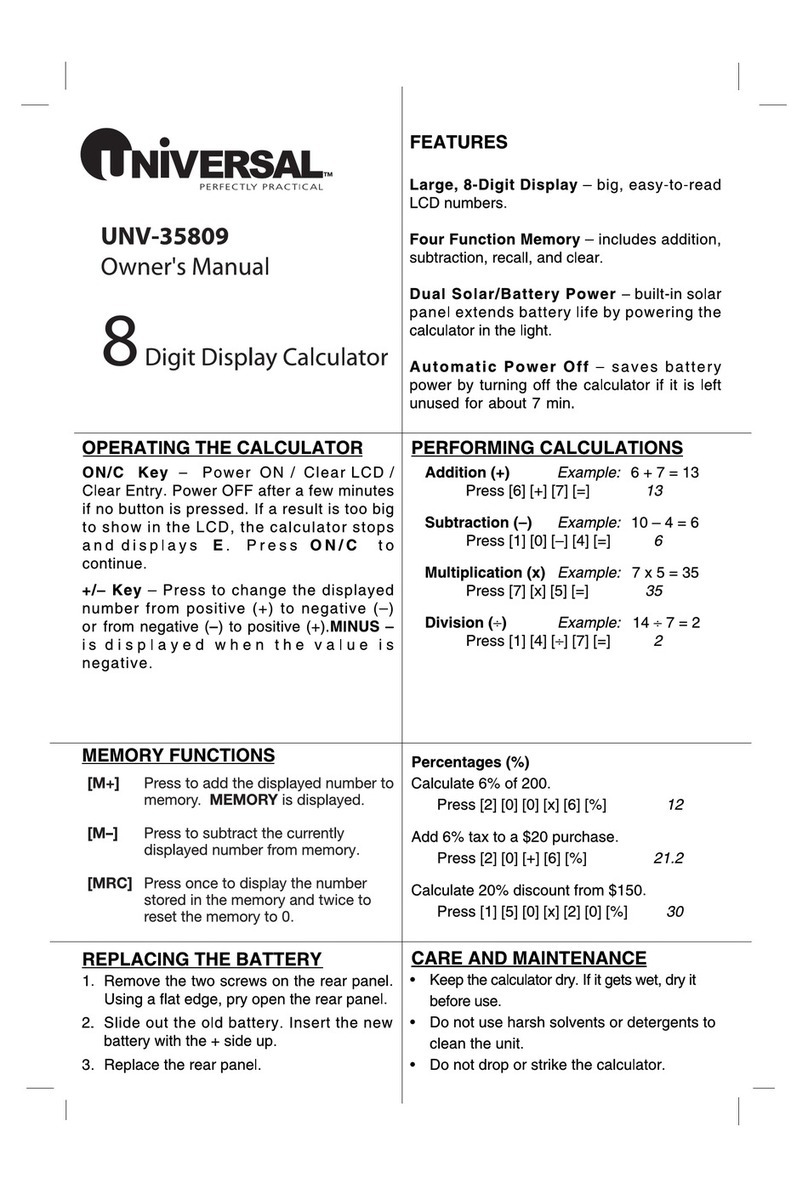
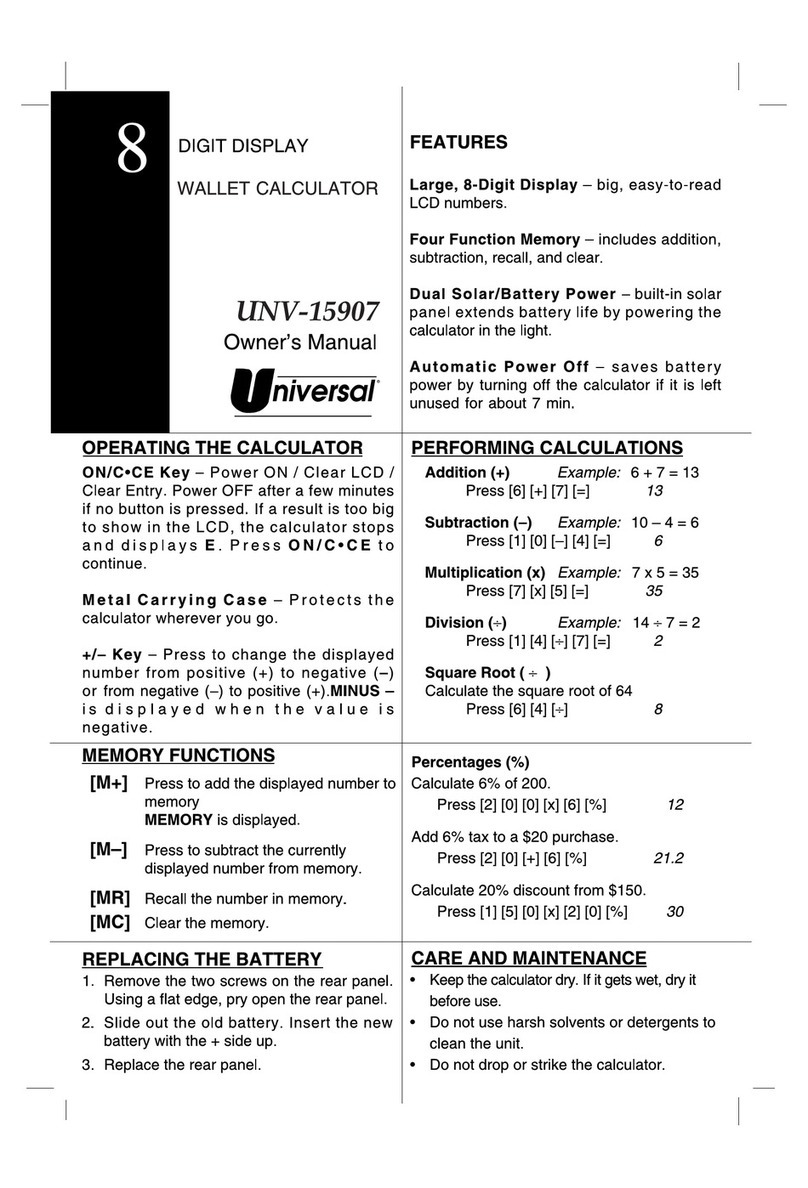
FEATURES
Profit Analyzer.
12 Digit Adjustable Display
Last Digit Correction
Dual Power: Solar power with Battery Back Up
The 15966 is a 12 digit desktop calculator with a special
Business feature that enpowers you to figure out
Cost, Sell & Gross Profit Margins quickly.
It also calculates tax, tip,sur-charge added values of a fixed %
with the TAX+ TAX- analysis.
Profit Analyzer
UNV-15966
COST
COST
SELL
SELL
MARGIN
SELL
COST
MARGIN
MARGIN
GROSS PROFIT % (MARGIN)
You bought an item for $10.00.
You sold it for 15.00
What is the Gross Profit Margin ?
10.00
15.00
You made 33.33 % profit.
SELLING PRICE (SELL)
You bought an item at
You would like to make 20% profit
This item should be sold for $ 15.00
BUYING PRICE (COST)
The item is sold at 90.00
The seller made 25% profit 25
How much was the cost for this item? $67.50
COST COST
SELL
SELL
MARGIN SELL COST
MARGIN MARGIN
Profit Analyzer Keys
12.00
20
Remove
Screws on
back and
lift cover
off
+
Lift either side of battery
holder
Slide battery to the side
using small
screw driver.
Then replace 389 button cell.
PERCENT CALCULATION
Percentages (%)
Press Displayed
Example:
Calculate 6% of 100. [1] [0] [0] x [6] %
6
Example:
Add 6% tax to $20. [2] [0] [+] [6] [%]
21.2
Example:
Calculate a
20% discount from $150. [1] [5] [0] [–] [2] [0] [%]
120
CONSTANT CALCULATIONS
Press = to repeat last function.
Example:
Calculate 5 x 5 x 5 x 5 + 2 + 2 = 629
Press [5] [x] [=] [=] [=] [+] [2] [=] [=]
629
PERFORMING CALCULATIONS
Press Displayed
Addition (+)
Example:
6 + 7 = 13. [6] [+] [7] [=]
13
Subtraction (–)
Example:
10 – 4 = 6. [1] [0] [–] [4] [=]
6
Multiplication (x)
Example:
7 x 5 = 35. [7] [x] [5] [=]
35
Division (∏)
Example:
14 ∏7 = 2. [1] [4] [÷] [7] [=]
2
(12 x –5)÷2 = –30 [1][2][x][5][+/–][÷][2] [=] –MINUS 30
152 + 38 = 190 [1][5][2][+][3][8][=] 190
78 – 22 = 56 [7][8][–][2][2][=] 56
22 x 12 = 264 [2][2][x][1][2][=] 264
312 ÷6 = 52 [3][1][2][÷][6][=] 52
SIMPLE EQUATIONS
Use backspace key to delete the error digit,
one at a time, without having to replace the entire
numbers.
LAST DIGIT CORRECTION
Every time the = key is pressed, the number in the
display is memorized and GRAND TOTAL appears in the
display. Press GT to display the sum of all memorized
numbers. Clear the grand total by pressing ON/AC.
Example:
Calculate
A + B + C
A = 6 x 7
B = 5 + 4
C = 22 – 5
GRAND TOTAL GT
Press ON/AC to turn on the calculator.
The calculator turns off automatically after
about 12 minutes if no keys are pressed.
If the calculator is on, press ON/AC to reset the display to 0.
TURNING CALCULATOR ON & OFF ON
AC
OPERATING CALCULATOR
Changes the displayed number from positive (+) to
negative (–) or from negative (–) to positive (+).
– appears when the displayed value is negative.
+/– KEY +/–
Press CE key to clear the last entering.
CE KEY
[6] [X] [7] [=] 42
[5] [+] [4] [=] 9
[2] [2] [–] [5] 17
68
GT
Press Displayed
Press Displayed
MEMORY CALCULATION
[M+] Add the displayed number into Memory.
M appears in the display.
[M–] Subtract the displayed number from Memory.
[MRC] Display the number stored in Memory. Press twice
to clear Memory. M disappears from the display.
BATTERY REPLACEMENT
CARE AND MAINTENANCE
USE ONE TYPE 389 BUTTON CELL BATTERY
• Keep the calculator dry. If it gets wet, dry it before use.
• Store the calculator at moderate temperatures.
• Do not drop or strike the calculator.
• Clean the calculator case only with a soft damp cloth.
Do not use harsh cleaning solvents to clean the unit.
• Keep the display and solar panel clean.
®
Limited Warranty/Garantia Limitada/garantie Limitee
Warranty valid for 1 year from date of purchase.
Return to place of purchase and product will be replaced or cost refunded.
La garantia es valida por 1 ano desde la fecha de compra. Regrese al lugar
donde compro el pruducto y se lo cambiaran o se le devolvera su dinero.
La garantie est en vinguer pour une periode d un a compter de la dante
d achat. En cas de probleme, rapporter le produit au vendeur por obtenir
un replacement gratuit ou le remboursement du prix d achat.
Manufactured for/Hecho para/ Fabrique pour United Stationers Supply
Co., Des plaines,IL 60016 USA. Made in/ Hecho en/Fabrigue en China
®
CE DUAL POWER SYSTEM
This unit is powered by solar cells under normal light condition.
The 389 cell is a back-up power source that will assist under
poor lighting.
In the case you need to replace the battery, please follow the
BATTERY REPLACEMENT steps in this manual.