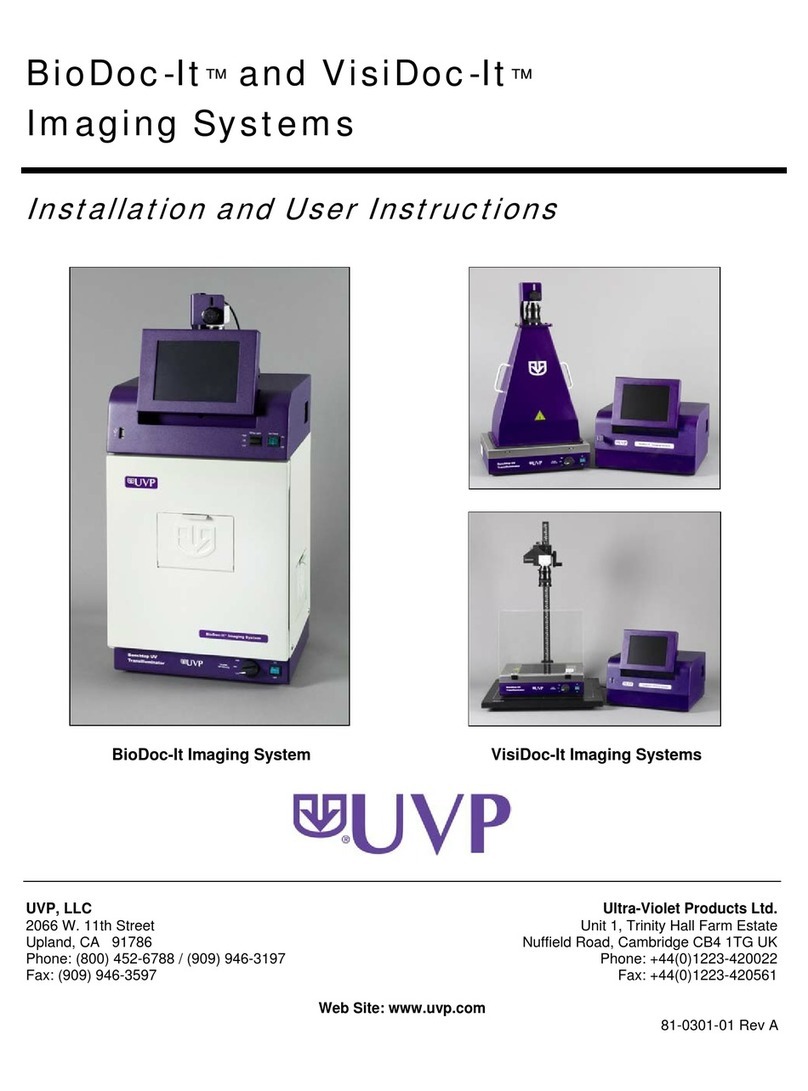
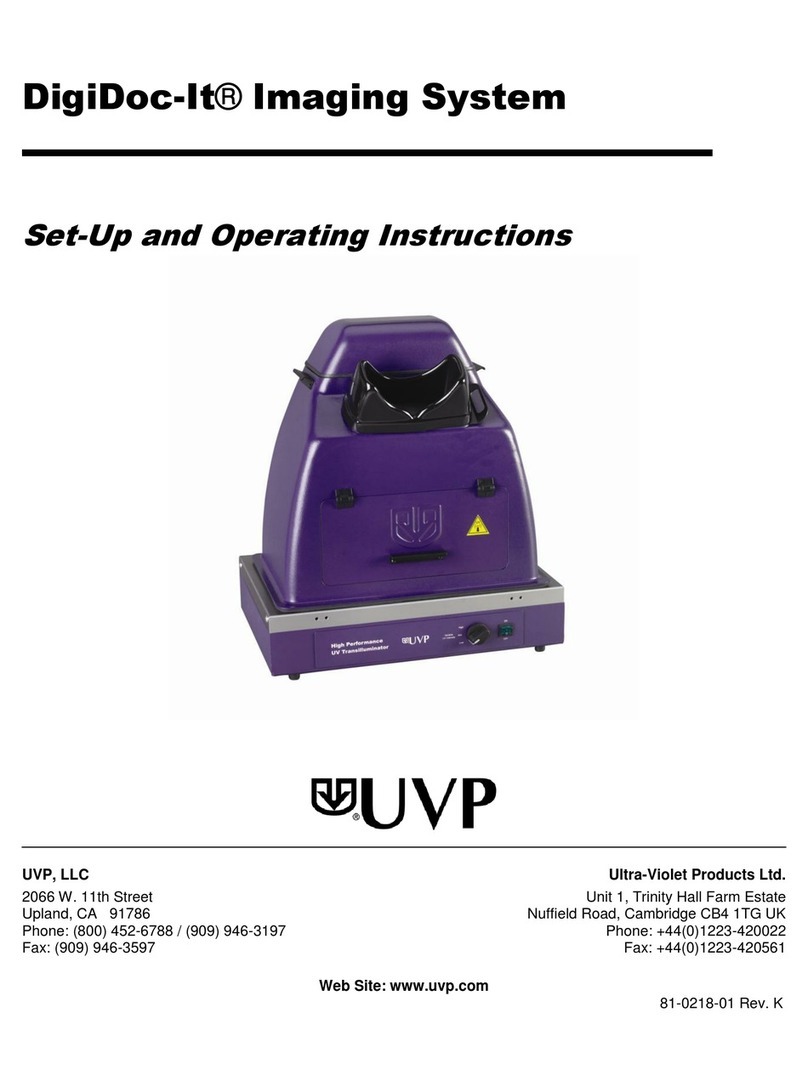
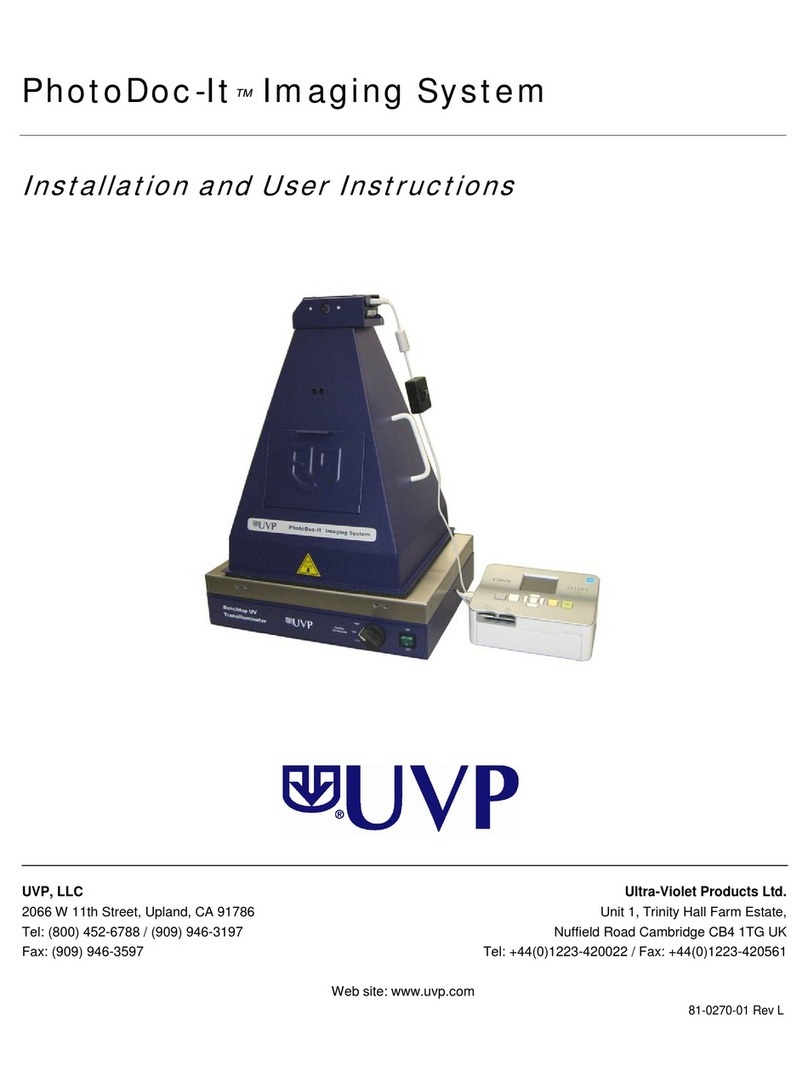
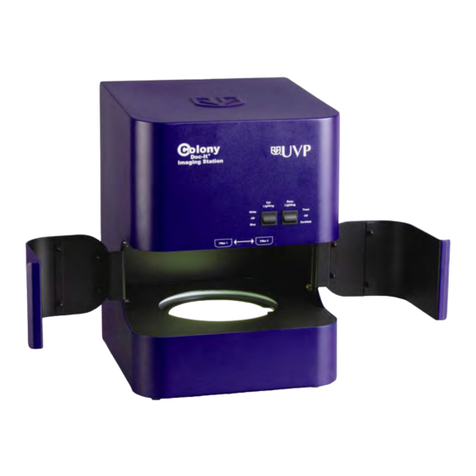
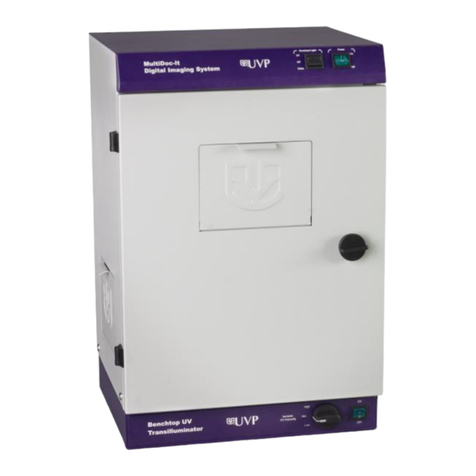
BioDoc-It2Imaging System 2
81-0358-01 Rev E
Table of Contents
Table of Contents................................................................................................................................................... 2
Introduction........................................................................................................................................................... 3
System Components .............................................................................................................................................. 4
Specifications ............................................................................................................................................................4
Built-In Touch Screen Computer................................................................................................................................5
Cameras and Lenses..................................................................................................................................................5
Ethidium Bromide (EtBr) Emission Filter ...................................................................................................................5
Darkroom ..................................................................................................................................................................5
Transilluminator........................................................................................................................................................6
LCD Touch Screen ......................................................................................................................................................6
VisionWorks touch Software.....................................................................................................................................6
Fluorescent Focus Target ..........................................................................................................................................6
USB Flash Drive .........................................................................................................................................................6
Optional Equipment ..................................................................................................................................................6
Setup Instructions.................................................................................................................................................. 7
Components ..............................................................................................................................................................7
Connecting the Power Cables ...................................................................................................................................7
Installing Emission Filters..........................................................................................................................................7
Camera Setup and Installation..................................................................................................................................7
The camera and zoom lens are assembled at the UVP factory.................................................................................7
Note: The zoom lens shipped may appear different than pictured...........................................................................7
Using the System ................................................................................................................................................... 8
Powering Up the Tablet ............................................................................................................................................9
Operating the VisionWorks touch Interface..............................................................................................................9
Using the Transilluminator .......................................................................................................................................9
Using the Epi (Overhead) White Light.....................................................................................................................10
Using the UV Gel Viewer Window...........................................................................................................................10
Image Focusing .......................................................................................................................................................10
Image Zooming .......................................................................................................................................................10
Touch Screen Interface ........................................................................................................................................ 11
Setting User Preferences .........................................................................................................................................11
Identifying the Touch Screen Buttons and Functions ..............................................................................................13
Using Templates .....................................................................................................................................................18
Connecting to a Network ........................................................................................................................................19
Installing Drivers or Additional Software ................................................................................................................19
Service Procedures .............................................................................................................................................. 20
Return Procedure ....................................................................................................................................................20
Replacement Parts and Accessories........................................................................................................................20
Troubleshooting ......................................................................................................................................................21
Replacing Transilluminator Bulbs ...........................................................................................................................21
Follow these steps to replace the UV tubes in the system’s transilluminator:........................................................21
Technical Support....................................................................................................................................................22