manuals.online logo
Brands
  1. Home
  2. •
  3. Brands
  4. •
  5. V-tech
  6. •
  7. Cordless Telephone
  8. •
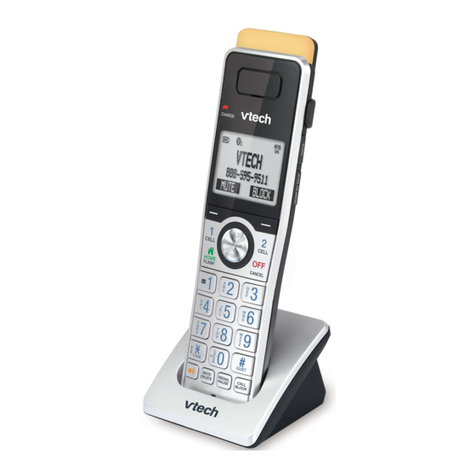
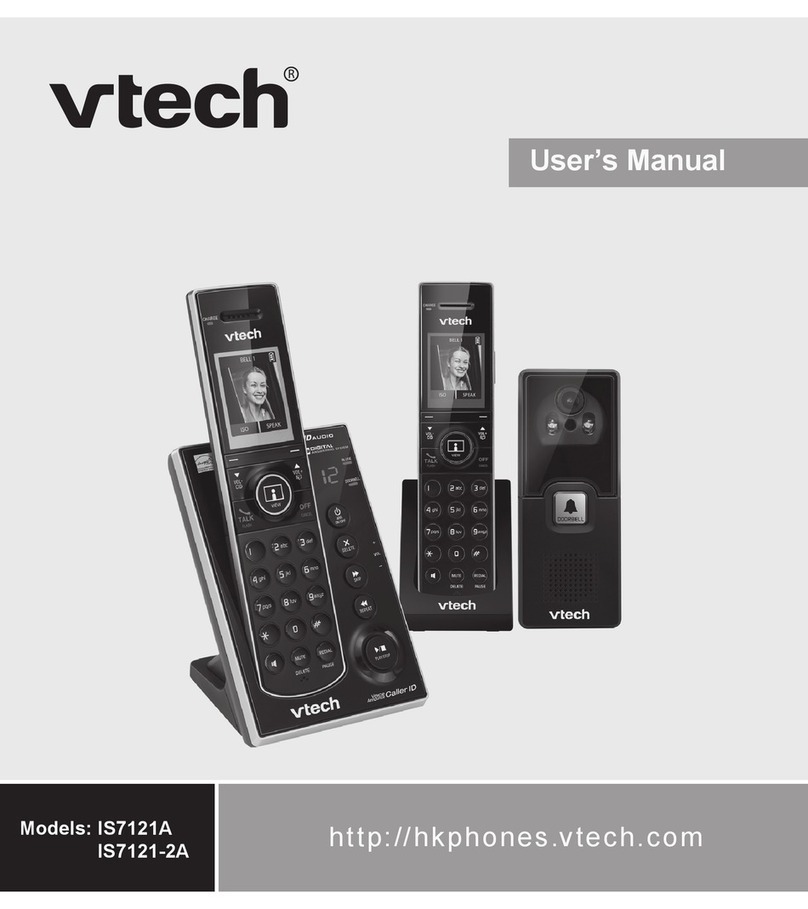
  9. V-tech DS6421-2 User manual

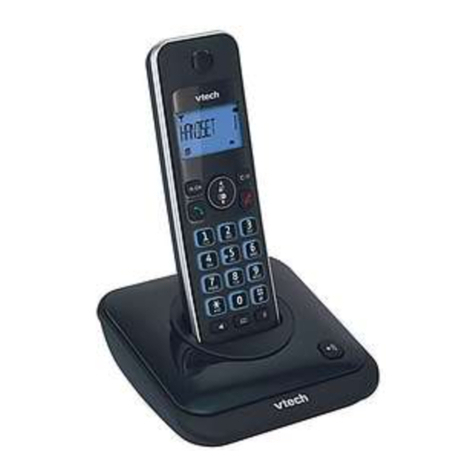
V-tech DS6421-2 User manual

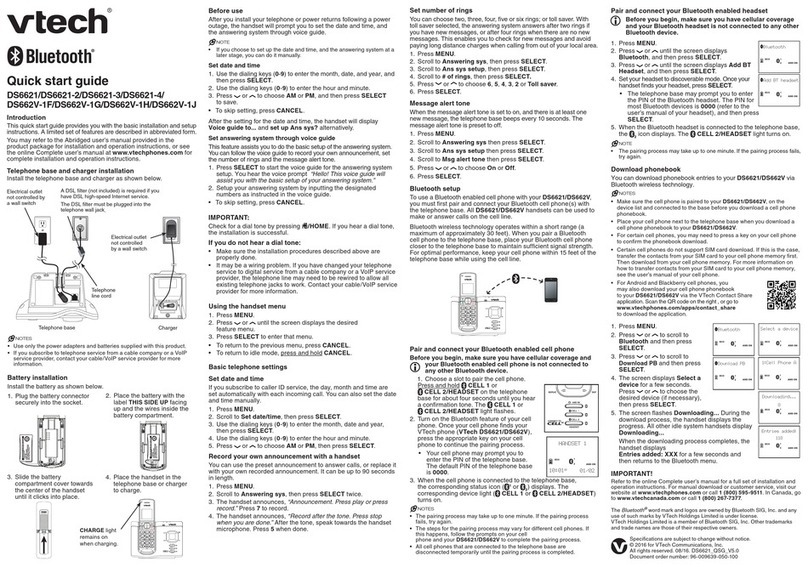
Other manuals for DS6421-2

2

This manual suits for next models

2

Other V-tech Cordless Telephone manuals

V-tech VT 1962 User manual

V-tech

V-tech VT 1962 User manual

V-tech CS6114 User manual

V-tech

V-tech CS6114 User manual

V-tech bs2652 User manual

V-tech

V-tech bs2652 User manual

V-tech 18450 User manual

V-tech

V-tech 18450 User manual

V-tech 9116 User manual

V-tech

V-tech 9116 User manual

V-tech bs20-2432 User manual

V-tech

V-tech bs20-2432 User manual

V-tech ia5847 User manual

V-tech

V-tech ia5847 User manual

V-tech CS6419-2 User manual

V-tech

V-tech CS6419-2 User manual

V-tech i 5867 User guide

V-tech

V-tech i 5867 User guide

V-tech LS6217 User manual

V-tech

V-tech LS6217 User manual

V-tech FS6220-2 User manual

V-tech

V-tech FS6220-2 User manual

V-tech mi 6861 User manual

V-tech

V-tech mi 6861 User manual

V-tech LS5105 - Cordless Extension Handset User manual

V-tech

V-tech LS5105 - Cordless Extension Handset User manual

V-tech CS5319 User manual

V-tech

V-tech CS5319 User manual

V-tech CS6120-2 User manual

V-tech

V-tech CS6120-2 User manual

V-tech LS6185-13 User manual

V-tech

V-tech LS6185-13 User manual

V-tech v 2651 User manual

V-tech

V-tech v 2651 User manual

V-tech IP 5825 User manual

V-tech

V-tech IP 5825 User manual

V-tech mi6820 - 5.8 GHz Handset User manual

V-tech

V-tech mi6820 - 5.8 GHz Handset User manual

V-tech gz2335 User manual

V-tech

V-tech gz2335 User manual

V-tech VT-9112 User manual

V-tech

V-tech VT-9112 User manual

V-tech TD43996974 - 5.8GHz Accessory Handset User manual

V-tech

V-tech TD43996974 - 5.8GHz Accessory Handset User manual

V-tech VTRZ6052 - 6052 User manual

V-tech

V-tech VTRZ6052 - 6052 User manual

V-tech CS6419 User manual

V-tech

V-tech CS6419 User manual

Popular Cordless Telephone manuals by other brands

3Com NBX Guide

3Com

3Com NBX Guide

Panasonic KX-TGK210HK operating instructions

Panasonic

Panasonic KX-TGK210HK operating instructions

Panasonic KX-TCA181EX installation manual

Panasonic

Panasonic KX-TCA181EX installation manual

BT FREESTYLE 3200 user guide

BT

BT FREESTYLE 3200 user guide

AT&T CL84102 user manual

AT&T

AT&T CL84102 user manual

BREZZICNI CL-3622 user manual

BREZZICNI

BREZZICNI CL-3622 user manual

Panasonic KX-TG1831NZ operating instructions

Panasonic

Panasonic KX-TG1831NZ operating instructions

Panasonic KX-TG7301E operating instructions

Panasonic

Panasonic KX-TG7301E operating instructions

Sanyo CLT-J70 instruction manual

Sanyo

Sanyo CLT-J70 instruction manual

Amplicomms BigTel 201 user manual

Amplicomms

Amplicomms BigTel 201 user manual

GE 26992 user guide

GE

GE 26992 user guide

AT&T E1812B user manual

AT&T

AT&T E1812B user manual

Sanyo CLT-670 instruction manual

Sanyo

Sanyo CLT-670 instruction manual

GE 15432970 user guide

GE

GE 15432970 user guide

Curtis TC595 owner's manual

Curtis

Curtis TC595 owner's manual

Gigaset Gigaset 3000 Micro operating instructions

Gigaset

Gigaset Gigaset 3000 Micro operating instructions

Poly VVX D230 Quick start user guide

Poly

Poly VVX D230 Quick start user guide

AT&T 7625 user manual

AT&T

AT&T 7625 user manual

manuals.online logo
manuals.online logoBrands
  • About & Mission
  • Contact us
  • Privacy Policy
  • Terms and Conditions

Copyright 2025 Manuals.Online. All Rights Reserved.

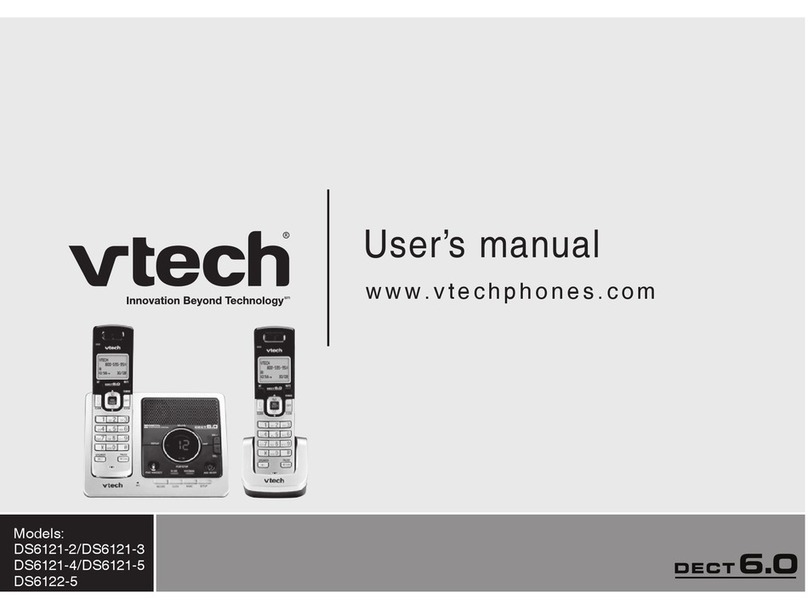
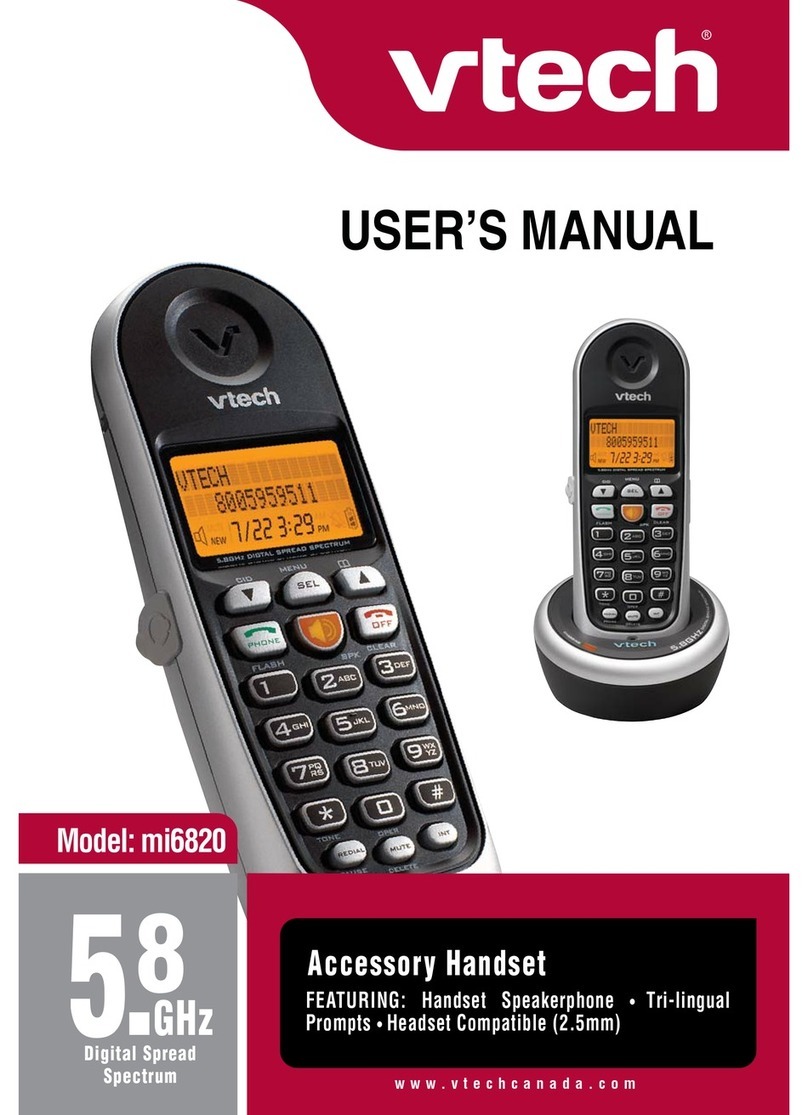
User’s manual
w w w.v t e c h p h o n e s .c o m
Models:
DS6421-2/DS6421-3/
DS6421-4
Congratulations
on purchasing your new VTech product. Before using this telephone, please
read the Important safety instructions on page 105 of this manual.
This manual has all the feature operations and troubleshooting necessary
to install and operate your new VTech telephone. Please review this manual
thoroughly to ensure proper installation and operation of this innovative and
feature rich VTech product. For support, shopping, and everything new at
VTech, visit our website at www.vtechphones.com. In Canada, please visit
www.vtechcanada.com.
The ENERGY STAR®program (www.energystar.gov)
recognizes and encourages the use of products that save
energy and help protect our environment. We are proud to
mark this product with the ENERGY STAR®label indicating it
meets the latest energy efciency guidelines.
The Bluetooth®word mark and logos are registered trademarks owned by
Bluetooth SIG, Inc. and any use of such marks by VTech Holdings Limited
is under license. VTech Holdings Limited is a member of Bluetooth SIG, Inc.
Other trademarks and trade names are those of their respective owners.
ii
Table of contents
i
Getting started .........................1
Parts checklist............................1
Installation ..................................2
Telephone base and charger
installation...............................3
Battery installation .....................4
Battery charging.........................5
Installation options .....................6
Tabletop to wall mount
installation ..............................6
Wall mount to tabletop
installation...............................7
Handset layout ...........................8
Telephone base layout ...............11
Handset main menu ...................13
BLUETOOTH®...........................15
Introducing Bluetooth .................15
Glossary of terms ......................16
Bluetooth setup ..........................17
Add a cell phone ........................17
Add a headset ............................19
Auto connection .........................20
Paired devices............................21
Rename a device .......................21
Remove a device........................22
Devices connection....................23
Review the device list.................23
Connect/Disconnect an active
device......................................23
Replace an active device ...........24
Bluetooth connection from
idle mode ................................24
Download directory ....................25
Interruption to directory
download.................................27
View the directory download
information ..............................27
Change PIN................................28
Telephone settings ..................29
Ringers (handset).......................29
Ringer volume (handset)............29
Ringer tone.................................30
Set date/time ..............................31
Settings ......................................32
LCD language ............................32
Display alerts..............................33
Use caller ID to automatically
set date and time ....................34
Rename handset........................35
Key tone .....................................35
Dial mode ...................................36
Voice announce caller ID ...........36
Website.......................................37
Home area code.........................37
Cell area code ............................38
Telephone operation................39
Make, answer or end a
home call ................................39
Call waiting on the home line .....41
Make, answer or end a cell call .41
Call waiting on the cell line.........41
Answer a cell call while on a
home call.................................42
Cell phone voicemail ..................42
Answer a home call while on a
cell call ....................................42
Conference home and cell calls.43
Using the home and cell lines
together...................................43
Handset speakerphone ..............44
Volume control ...........................44
Silence the ringer .......................44
Mute ...........................................44
Temporary tone dialing...............44
Hold ............................................45
Handset locator ..........................45
Equalizer.....................................45
Chain dialing...............................46
Redial list....................................47
Review the redial list ..................47
Dial a redial entry .......................47
Save a redial entry to the
directory ..................................48
Delete a redial entry ...................48
Intercom .....................................49

iii
Table of contents
To transfer an incoming call .......50
Answer an incoming call during an
intercom call............................50
Transfer an incoming call ...........51
Share an outside call..................51
Hold a call and intercom.............52
Telephone operation................53
Push-to-talk (PTT)......................53
PTT On/Off.................................53
PTT to a single handset .............54
PTT to all handsets ....................55
Answering a PTT........................56
Switch a one-to-one PTT
to intercom ..............................56
End PTT .....................................57
Answer an incoming call
during PTT ..............................57
Make an outgoing call
during PTT ..............................57
Directory.....................................58
Area code cross guard...............58
Create a new entry in the home
directory ..................................59

Character chart ..........................60
Review the directory...................61
3-character alphabetical search 61
Dial a directory entry ..................62
Edit a directory entry ..................62
Edit the type of a directory entry 63
Delete a directory entry..............63
Remove a downloaded
directory ..................................63
Speed dial ..................................64
Make a call using speed dial......64
Assign a speed dial slot .............64
Reassign a speed dial slot .........64
Unassign a speed dial slot .........64
About caller ID............................65
Caller ID history..........................66
Missed calls indicator ................66
Memory match ..........................67
Review the caller ID log ............67
Make a caller ID log entry
ready to dial ............................68
Dial a caller ID log entry ............68
Save a caller ID log entry to the
directory ..................................69
Delete from the caller ID log.......70
Caller ID log display screen
messages................................70
Answering system settings ....71
Answer ON/OFF.........................71
Announcement ...........................72
Play your announcement ...........72
Record your own
announcement ........................72
Delete your announcement ........73
Answering system setup ............74
Call screening ............................74
Number of rings..........................74
Remote access code .................75
Message alert tone.....................75
Recording time setting ...............76
Answering system operation..77
Answering system and
voicemail .................................77
Message capacity ......................77
New message indication ............78
Call intercept ..............................78
Telephone base ringer volume...78
Message playback .....................79
Delete all old messages .............80
Record and play memos ............80
Message window displays..........81
Remote access ..........................82
Appendix...................................83
Display screen messages ..........83
Handset and telephone base
indicators ................................88
Battery........................................90
Expand your telephone system..91
iv
Add and register a handset
(optional) .................................91
Replace a handset .....................92
Add and register a DECT
headset (optional) ...................92
Troubleshooting..........................93
Important safety instructions......103
Precautions for users of implanted
cardiac pacemakers................104
Operating range .........................104
Maintenance...............................104
About cordless telephones.........105
The RBRC®seal.........................105
Warranty.....................................106
FCC, ACTA and IC regulations ..108
Technical specications .............110
Index ..........................................111
1
Getting started
Parts checklist
Your telephone contains the following items. Save your sales receipt and
original packaging in the event warranty service is necessary.
To purchase a replacement battery or power adapter, visit our website at
www.vtechphones.com or call 1 (800) 595-9511. In Canada, go to
www.vtechcanada.com or dial 1 (800) 267-7377.
Getting started
Telephone
line cord
Handsets
(2 for DS6421-2,
3 for DS6421-3 and
4 for DS6421-4)
User’s manual
Batteries
(2 for DS6421-2,
3 for DS6421-3 and
4 for DS6421-4)
Quick start guide
Battery
compartment
covers
(2 for DS6421-2,
3 for DS6421-3 and
4 for DS6421-4)
Charger and
power adapter
(1 for DS6421-2,
2 for DS6421-3 and 3 for
DS6421-4)
Wall bracket
Telephone base
power adapter
Telephone base
2
Getting started
Installation
Install the telephone base close to a telephone jack and a power outlet not
connected to a wall switch. For optimum range and better reception, place
the telephone base in a central and open location.
When using a Bluetooth wireless technology enabled cell phone with this
telephone, make sure the cell phone is within 15 feet of the telephone base to
maintain a reliable connection between the cell phone and telephone base.
This product may be shipped with a protective sticker covering the handset
and/or telephone base display. Remove it before use.
Avoid placing the telephone base too close to:
Communication devices such as personal computers, computer routers,
television sets, VCRs, wireless routers (wireless broadband, Wi-Fi, or
802.11) or other cordless telephones.
Excessive heat sources.
Noise sources such as a window with trafc outside, motors, microwave
ovens, refrigerators, or uorescent lighting.
Excessive dust sources such as a workshop or garage.
Excessive moisture.
Extremely low temperature.
Mechanical vibration or shock such as on top of a washing machine or
work bench.
•
•
•
•
•
•
•
3
Getting started
Telephone base and charger installation
Install the telephone base and charger(s) as shown below.
Make sure that the electrical outlet is not controlled by a wall switch.
If you subscribe to digital subscriber line (DSL) high-speed Internet service
through your telephone line, you must install a DSL lter between the
telephone line cord and the telephone wall jack. The lter prevents noise and
caller ID problems caused by DSL interference. Contact your DSL service
provider for more information about DSL lters.
Use only the power adapters supplied with this product. To order a
replacement, visit our website at www.vtechphones.com or call
1 (800) 595-9511. In Canada, go to www.vtechcanada.com or dial
1 (800) 267-7377.
The power adapters are intended to be correctly oriented in a vertical or
oor mount position. The prongs are not designed to hold the plug in place
if it is plugged into a ceiling, under-the-table or cabinet outlet.
•
•
Telephone line cord
DSL filter (not
included) is
required if you
have DSL high
speed Internet
service
Telephone
base power
adapter
Electrical outlet
not controlled
by a wall switch
Telephone
wall jack
Telephone base
Power
adapter
Charger
4
Getting started
If the handset will not be used for a long time, disconnect and remove the
battery to prevent possible leakage.
To purchase a replacement battery, visit our website at
www.vtechphones.com or call 1 (800) 595-9511. In Canada, go to
www.vtechcanada.com or dial 1 (800) 267-7377.
•
•
Battery installation
Install the battery as shown below.
If the battery compartment cover is on the handset, press the indentation
and push the cover down to remove.
Plug the battery connector securely into the socket inside the handset
battery compartment, matching the color-coded label.
Place the battery with the label THIS SIDE UP facing up and the wires
inside the battery compartment.
Align the cover at against the battery compartment, then slide it towards
the center of the handset until it clicks into place.
Charge the handset by placing it in the telephone base or charger. The
CHARGE light is on when the handset charges.
1.
2.
3.
4.
5.
13
2
45
CHARGE light
BT183482/BT283482
BT183482/BT283482
BT183482/BT283482
2
5
Getting started
Battery charging
Once you have installed the battery, the screen indicates the battery status
(see the table below). If necessary, place the handset in the telephone base
or charger to charge the battery. For best performance, keep the handset in
the telephone base or charger when not in use. The battery is fully charged
after 16 hours of continuous charging. See the table on page 92 for battery
operating times.
If the screen is blank, you need to charge the handset without interruption for
at least 10 minutes to give the handset enough charge to use the telephone
for a short time. When the battery is low, the handset shows Low battery
and a ashing . If you are on a call in low battery mode, the handset beeps
every minute.
The following table summarizes the battery charge indicators and actions
to take.
Battery indicators Battery status Action
The screen is blank
or shows Place in
charger and ashes.
Battery has very little
or no charge and the
handset cannot be used.
Charge without interruption
until the screen shows
HANDSET X (at least
30 minutes).
The screen shows
Low battery and
ashes.
Battery has enough
charge to be used for a
short time.
Charge without interruption
until the screen shows
HANDSET X (at least
30 minutes).
The screen shows
HANDSET X.
Battery is charged. To keep the battery charged,
place it in the telephone base
or charger when not in use.
After you install your telephone or power returns following
a power outage, the handset will prompt you to set the date
and time. For instructions, see Set date/time on page 31 .
To skip setting the date and time, press OFF/CLEAR
or BACK.
SET DATE
09/30/09
MM/DD/YY
BACK
SET