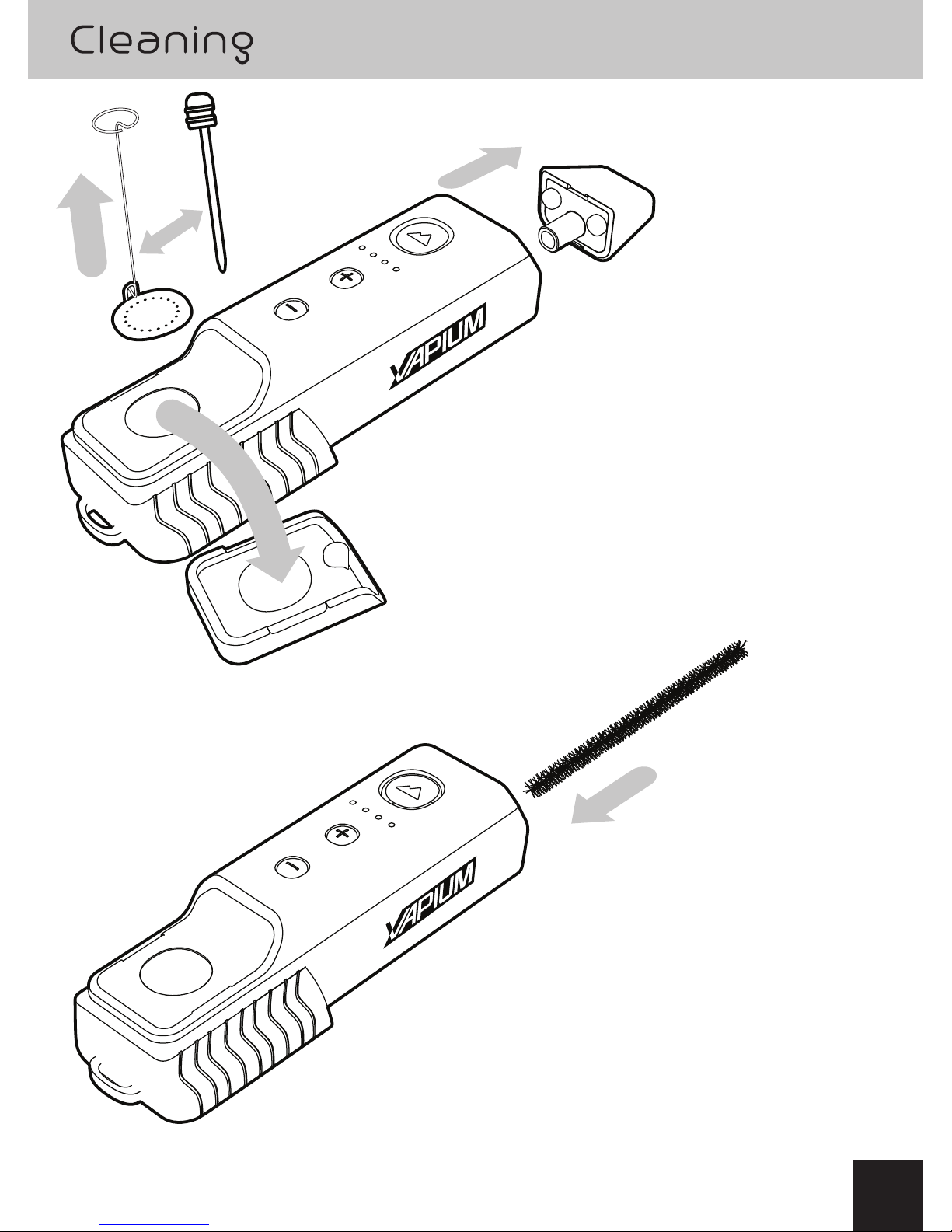
Top 3 reasons to use the Pick/Pack Tool
1) To secure and remove oven screen
2) To stir materials at any point before,
during or after a session
3) To easily remove materials in
preparation for a reload.
• Always keep the Pick/Pack tool clean before inserting back into the housing
• Use a key to assist removing the Pick/Pack tool from the
housing if its stuck 5
1
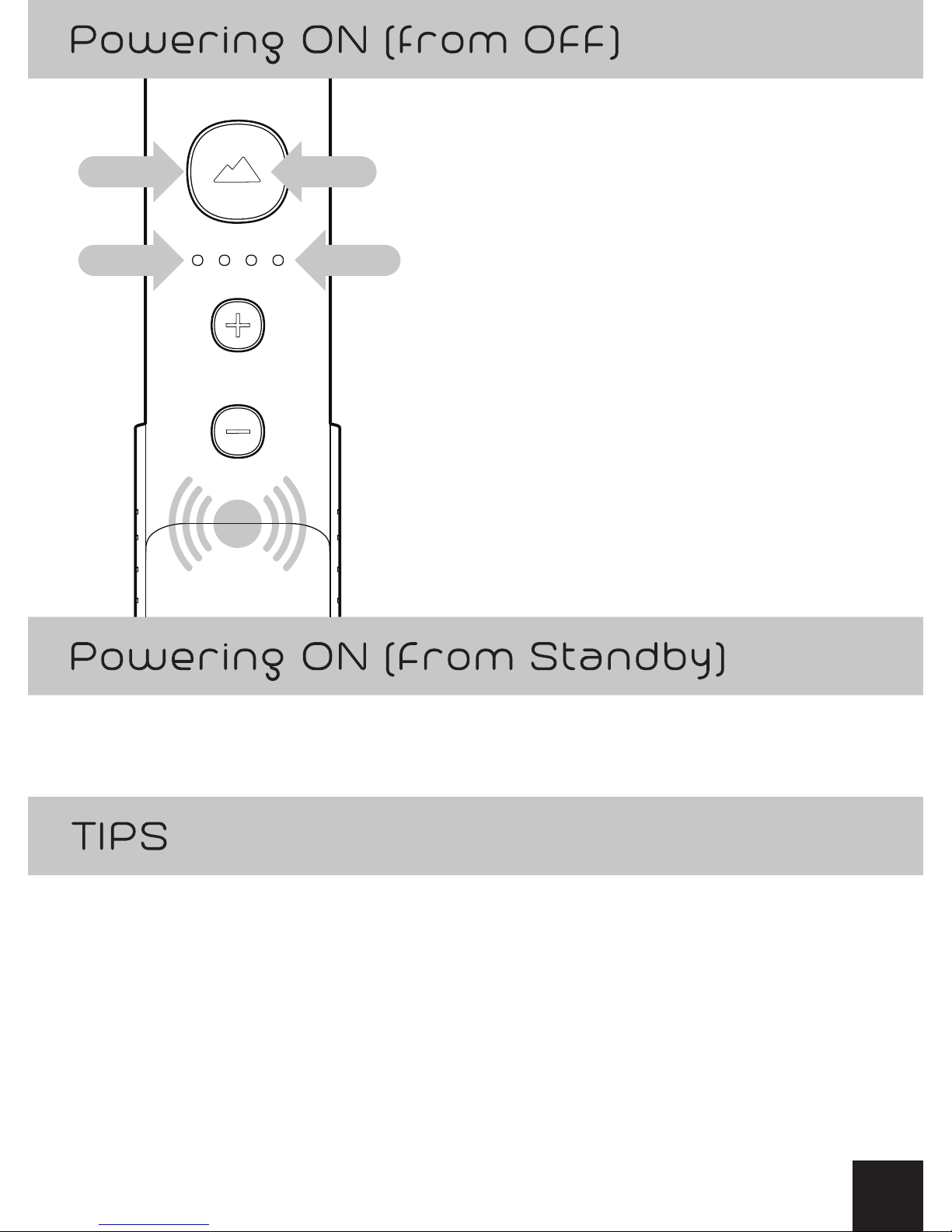
Ensure GO Button is lit up Green or Blue
1) Press and Hold both the (+) and (-)
buttons simultaneously
2) Individualy press the (+) or (-) buttons
to increase or decrease the Session Time
(30, 60, 90, 120 seconds)
3) White LED will indicate session time
• 4 White LEDs… 120 Seconds
• 3 White LEDs… 90 Seconds
• 2 White LEDs… 60 Seconds
• 1 White LED… 30 Seconds
2
2