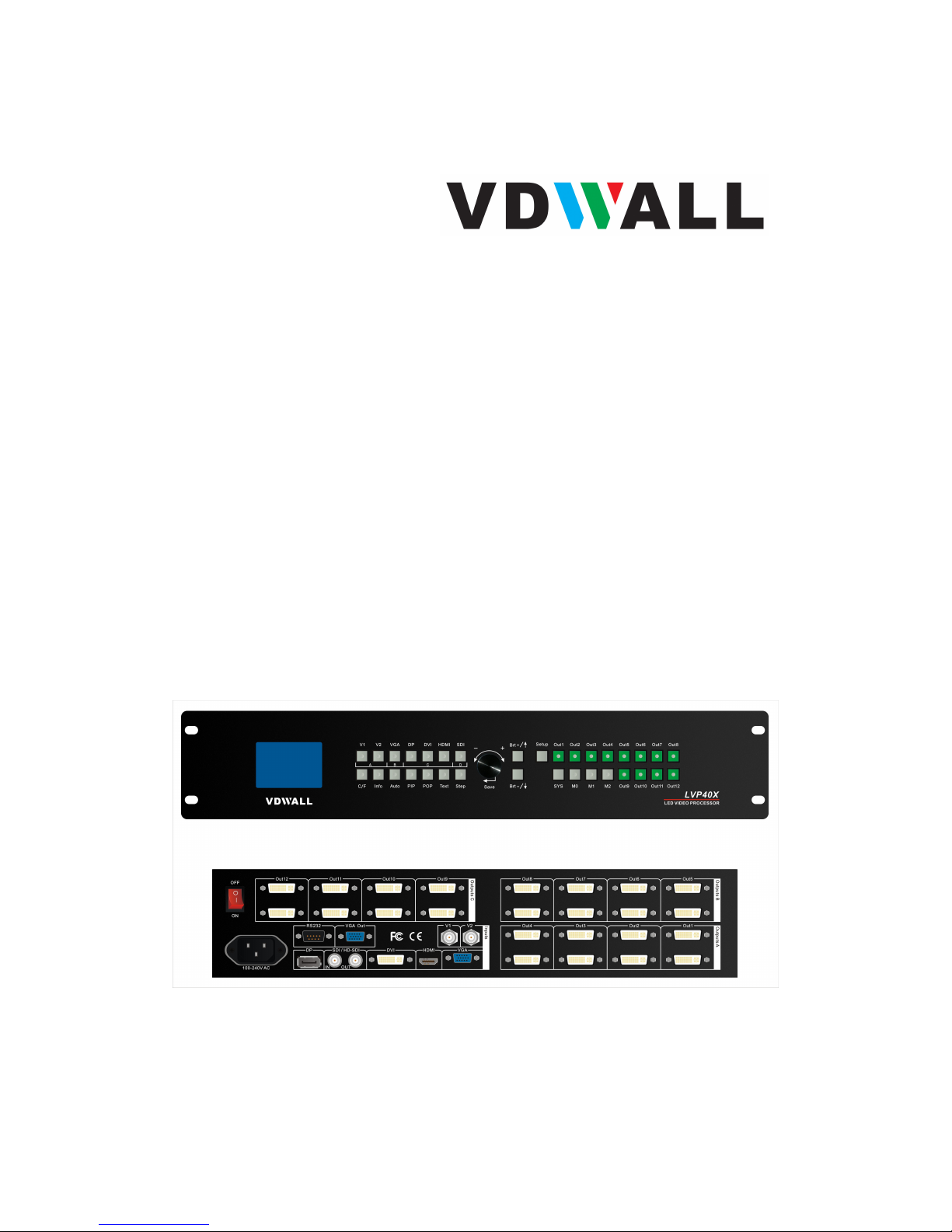
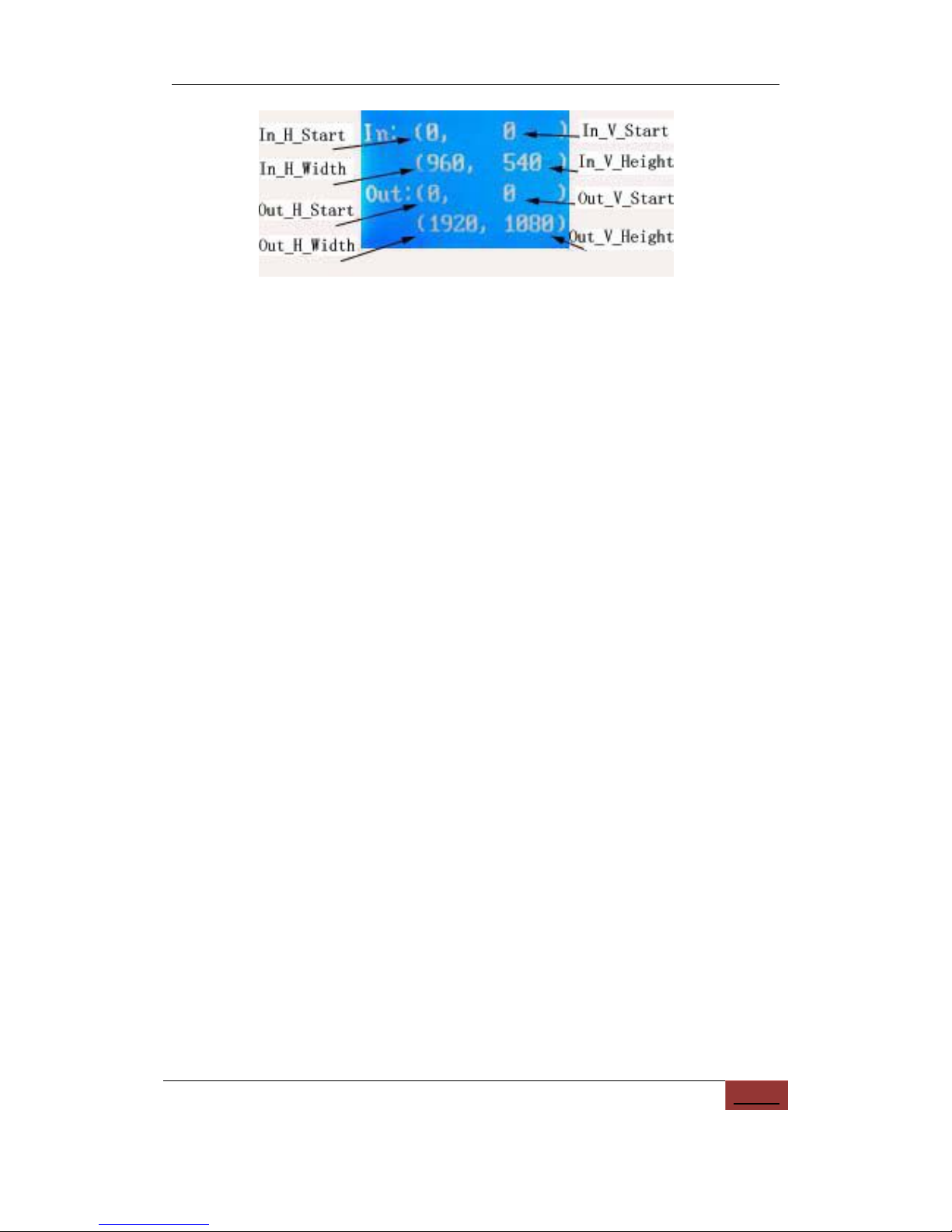
Figure 3-2
While in operation mode, press “Out1”, the input and output
parameters of current DVI Out1 will appear in LCD at the location
as shown in above figure.
Press “Out2”, the input and output parameters of current DVI Out2
will appear in LCD at the location as shown in above figure.
Press “Out3”, the input and output parameters of current DVI Out3
will appear in LCD at the location as shown in above figure.
Press “Out4”, the input and output parameters of current DVI Out4
will appear in LCD at the location as shown in above figure.
Press “Out5”, the input and output parameters of current DVI Out5
will appear in LCD at the location as shown in above figure.
Press “Out6”, the input and output parameters of current DVI Out6
will appear in LCD at the location as shown in above figure.
Press “Out7”, the input and output parameters of current DVI Out7
will appear in LCD at the location as shown in above figure.
Press “Out8”, the input and output parameters of current DVI Out8
will appear in LCD at the location as shown in above figure.
Press “Out9”, the input and output parameters of current DVI Out9
will appear in LCD at the location as shown in above figure.
Press “Out10”, the input and output parameters of current DVI
Out10 will appear in LCD at the location as shown in above figure.
Press “Out11”, the input and output parameters of current DVI
Out11 will appear in LCD at the location as shown in above figure.