Alarm ime
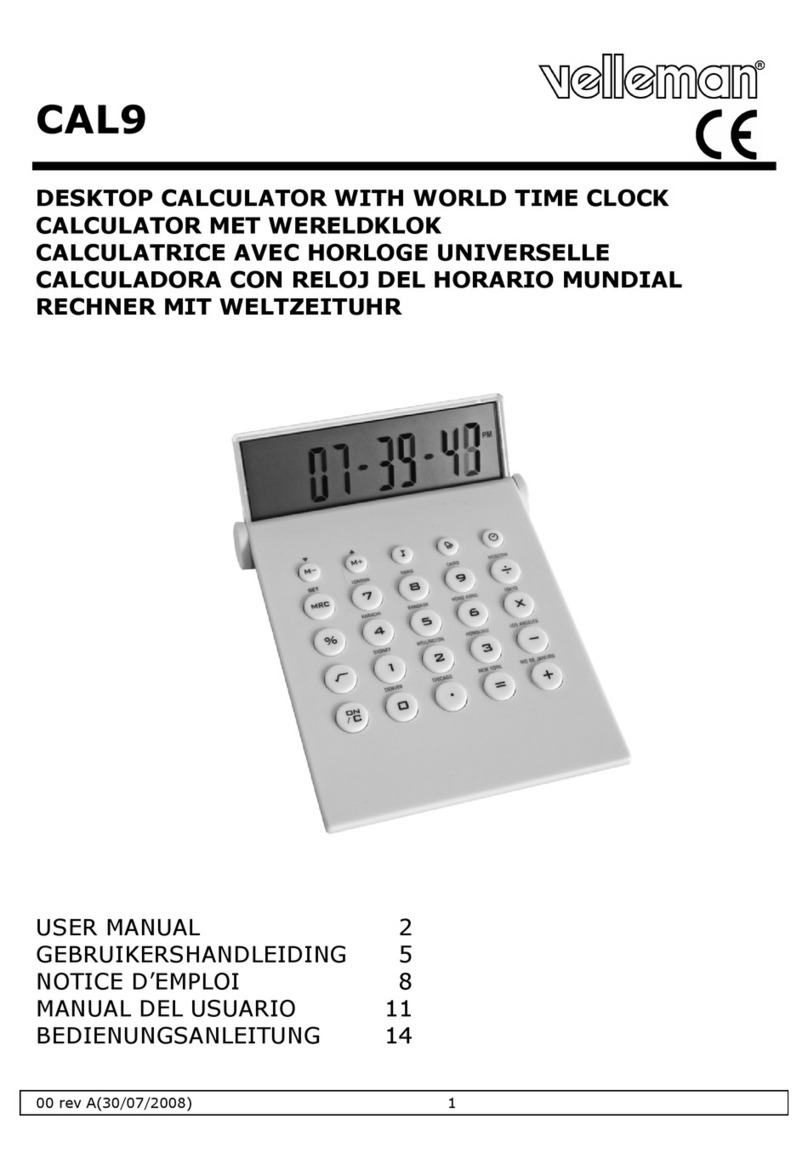
•Press the LCD (1), button [a] or button [f] to select alarm time mode. ALM icon is
shown in the display.
•Press button [b] (SET) to edit hour and use button [c] and [d] to adjust.
•Press button [b] (SET) to edit minutes and use button [c] and [d] to adjust.
•Press button [b] (SET) again to confirm and save the setting.
•Press button [c] or [d] to switch the alarm on or off. When on, an icon (֠
֠֠
֠) is shown
in the display.
•When the alarm sounds, press any button to turn it off. It will stop automatically after
two minutes when no key is pressed.
Calcula or
•Press the LCD (1), button [a] or button [ON/C] to select calculator mode.
•Press the button [ON/C] to change or cancel faulty inputs.
Key ones
•To switch the tone of the keys on or off, simply press button [e]. When on, an icon
(music no e) is shown on the display.
RESET
•In highly electrostatic environment, the device may automatically reset.
•When an error occurs, the device may be manually reset, by inserting a pointed object
into the opening on the back (4).
7. Ba ery
•Before first use, remove the battery protection tape.
•To replace the battery, remove the screw form the battery cover (3) and open the
cover.
•Replace the old battery with a new lithium battery type CR3032. Make sure to use
the correct polarity.
•Remove the battery when the device is not in use.
•Do not recharge batteries and do not throw in fire as they may explode.
WARNING: handle Li hium ba eries wi h care, observe warnings
on ba ery casing. Dispose of ba eries in accordance wi h local
regula ions.
Keep he ba ery away from children.
8. Technical Specifica ion
power supply 1 x CR2032C Lithium battery (incl.)
dimensions 115 x 155 x 70mm
weight 200g
Use his device wi h original accessories only. Velleman nv canno be held
responsible in he even of damage or injury resul ed from (incorrec ) use of
his device.
For more info concerning his produc , please visi our websi e
www.velleman.eu.
The informa ion in his manual is subjec o change wi hou prior no ice.